

Rendered sample video
SKILL.md contents
Premium subscribers can read, copy, and install this skill.
Unlock with Premium Sign in3 Common Mistakes
Description
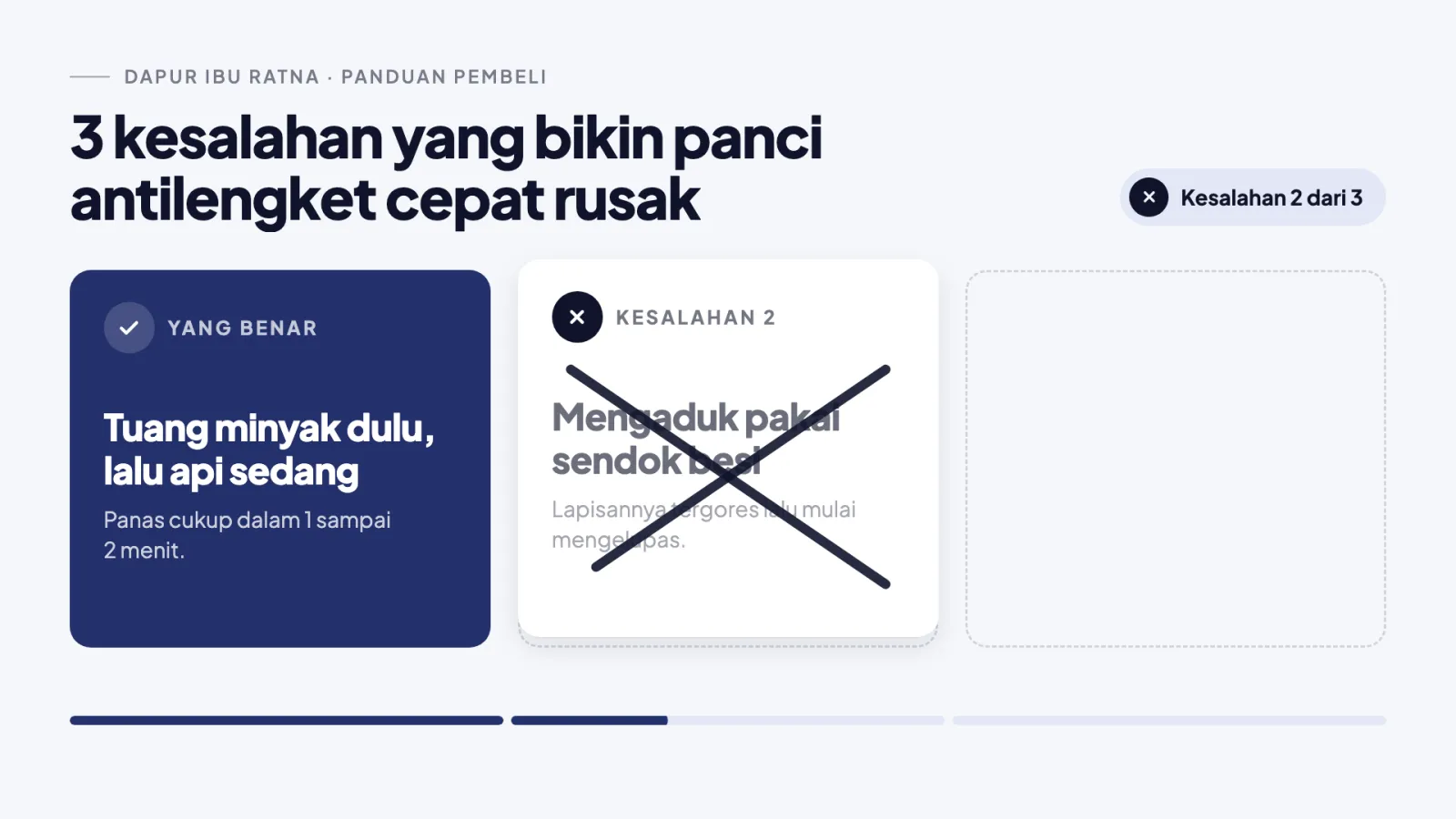
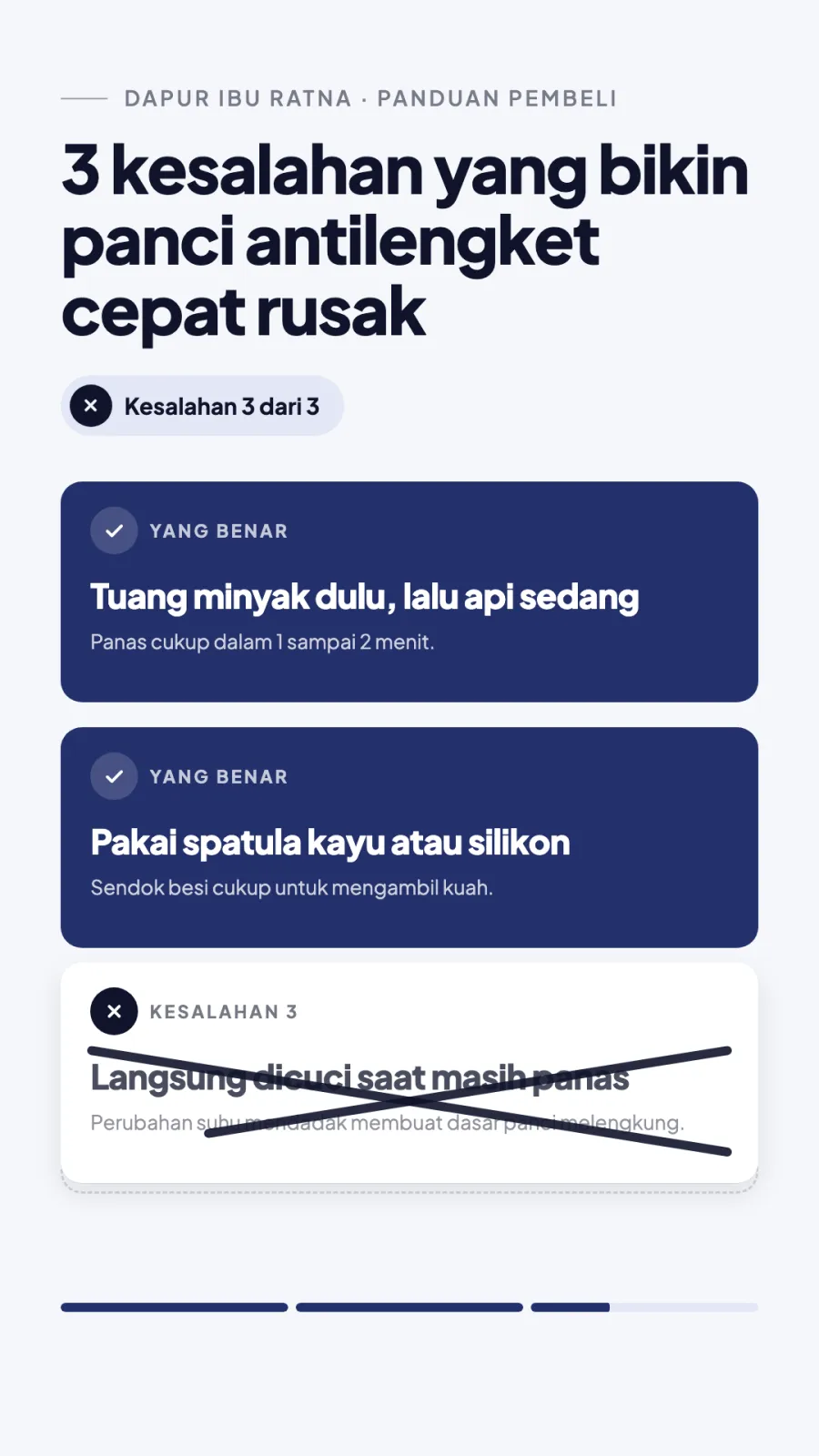
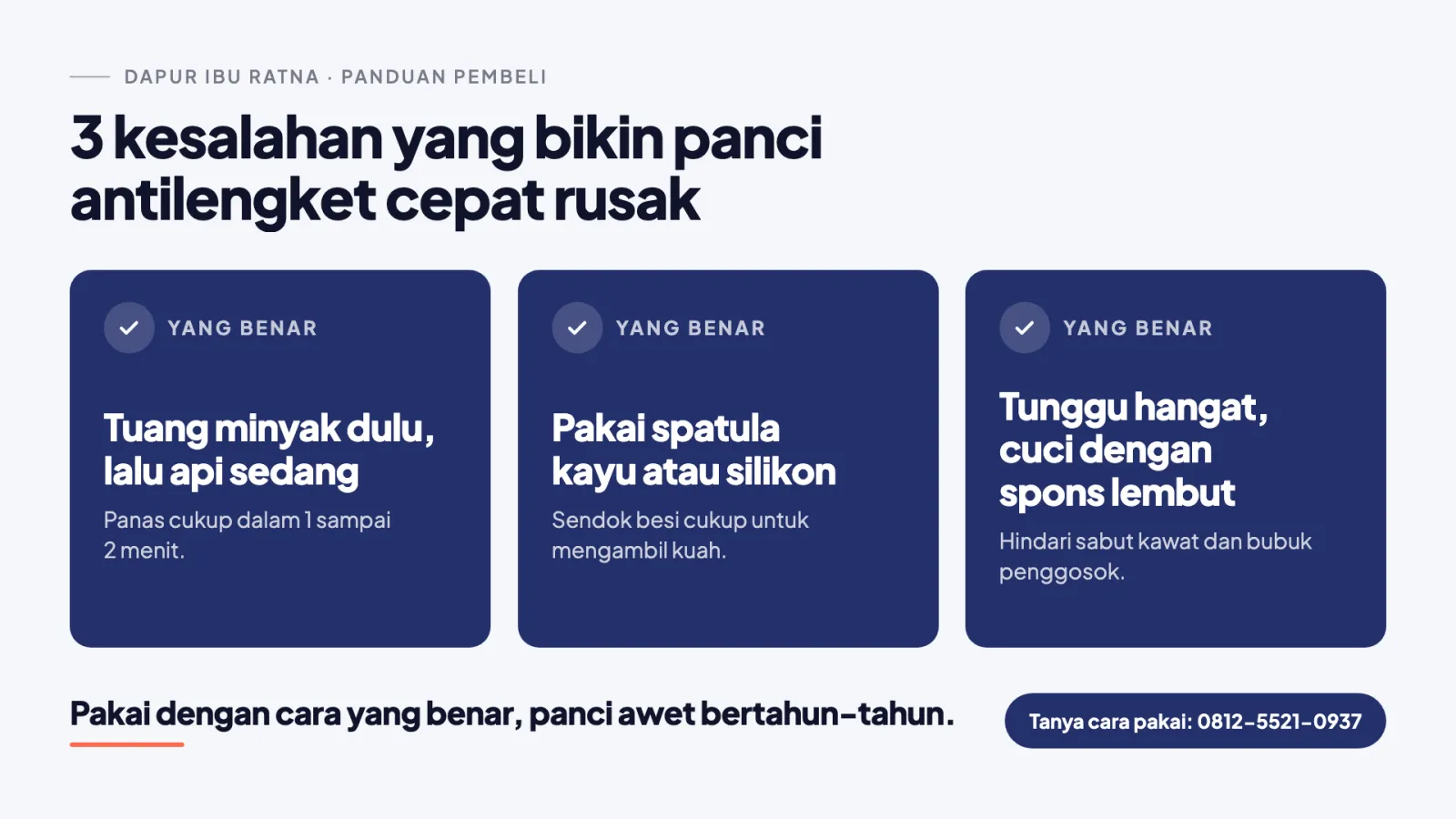
A short buyer education video: three mistake cards appear one at a time, each mistake is crossed out by a big self-drawing X, then the card flips over to show the right way on its dark side with a check mark. By the end all cards show the right way, closed by one line and a prompt to ask by chat. Good for how to use a product, care instructions, or common mistakes before buying. 2 to 4 mistakes, 16:9 and 9:16, 12 to 18 seconds worked out automatically, rendered to MP4 with one command.
Verified by SkillFlow
We checked every file in this skill automatically: no command that downloads and runs a program, no hidden code, no instruction telling your AI to ignore you.
- Loads from outside
- Fonts: Google Fonts
See the 5 files inside
skill.json8 KBSKILL.md7 KBprompt.md5 KBprompt.en.md5 KBfiles/scene.html20 KB
Checked 14 Nov 2026
Part of SkillFlow Pro
Pro opens every skill in every category: copy, ZIP, Send to AI, install, save, and request new skills.
Get Pro Already subscribed? Sign inWhat you get
- A script: title, 2-4 mistakes (mistake, effect, right way, note), closing line, call to action line
- An animated HTML scene driven by one config object
- MP4 1920x1080 (16:9) or 1080x1920 (9:16), 30 fps, 12-18 seconds
- 3 ready palettes, plus your own brand colours
Good fit
- Sellers who get complaints because buyers use or care for the product the wrong way
- Shops that want a short guide video to send once an order arrives
- Teachers and consultants who want short educational content without a presenter
- Admins who need a quick explainer whose text they can change themselves
Not for
- At most 4 mistakes; longer lists work better as a carousel
- Not for correcting false beliefs; use Myth vs Fact for that
- No product photos or footage; it is text on cards that flip
- It does not check the technical accuracy of the right way; that comes from your experience
About this skill
/tiga-kesalahan-umum Make a 3 mistakes video on using a non-stick pan for our kitchenware shop buyers, each with the right way, in 9:16 for Reels, ending with a chat number for usage questions
Show more
A short buyer education video: three mistake cards appear one at a time, each mistake is crossed out by a big self-drawing X, then the card flips over to show the right way on its dark side with a check mark. By the end all cards show the right way, closed by one line and a prompt to ask by chat. Good for how to use a product, care instructions, or common mistakes before buying. 2 to 4 mistakes, 16:9 and 9:16, 12 to 18 seconds worked out automatically, rendered to MP4 with one command.
User reviews
FAQ
How is this different from Myth vs Fact?
Myth vs Fact rebuts a wrong belief. This video fixes a wrong action, such as how a product is used or cared for, and always gives a right way people can do straight away on the back of the card.
How do I write mistakes that read well on a card?
Write the action as an everyday habit in 3 to 7 words, for example Stirring with a metal spoon. Keep the effect to one short sentence. Start the right way with a verb, also in 3 to 7 words.
I cannot run a terminal, what are my options?
You still get the HTML file, and you can screen record it in the browser at full screen as a fallback. The quality is not as good as a proper render.
Which AI can I use it with?
Copy the prompt into a chat AI (ChatGPT, Claude, Gemini, DeepSeek): you get an HTML file; open it in Chrome and press Download MP4 (silent video, a minute or two to render); or download the ZIP and install it in an AI agent (Claude Code, Codex, Antigravity, Hermes Agent, Cursor, GitHub Copilot, Gemini CLI, OpenCode, Kimi Code, Trae), which then builds the files for you.
What is in the ZIP?
One folder named tiga-kesalahan-umum with SKILL.md (the instructions an AI agent reads) and the prompt, 5 files in all. Extract it into your agent's skills folder, or install it with npx skillflow-ai add tiga-kesalahan-umum. Pro only.
Is there a per-use fee or credits?
Not from SkillFlow. The skill runs on the AI you already use, so any cost follows that plan.
Which plan includes it?
SkillFlow Pro. It opens every skill in every category.
Can I use my own colours and brand?
Yes. Pick a colour theme on this page, or fill in your brand profile once; both go into the prompt you copy and into the ZIP.
Can I share what I made?
Pro members can upload the result and get a page at share.skillflow.ai.id to send to anyone. The page carries a small "Made with SkillFlow AI" mark.
Is there a download limit?
Yes, per day: 50 skills on Pro, 10 on other plans. Downloading a skill again on the same day does not count.



