

Rendered sample video
SKILL.md contents
Premium subscribers can read, copy, and install this skill.
Unlock with Premium Sign inEbook Page-Flip Trailer
Description
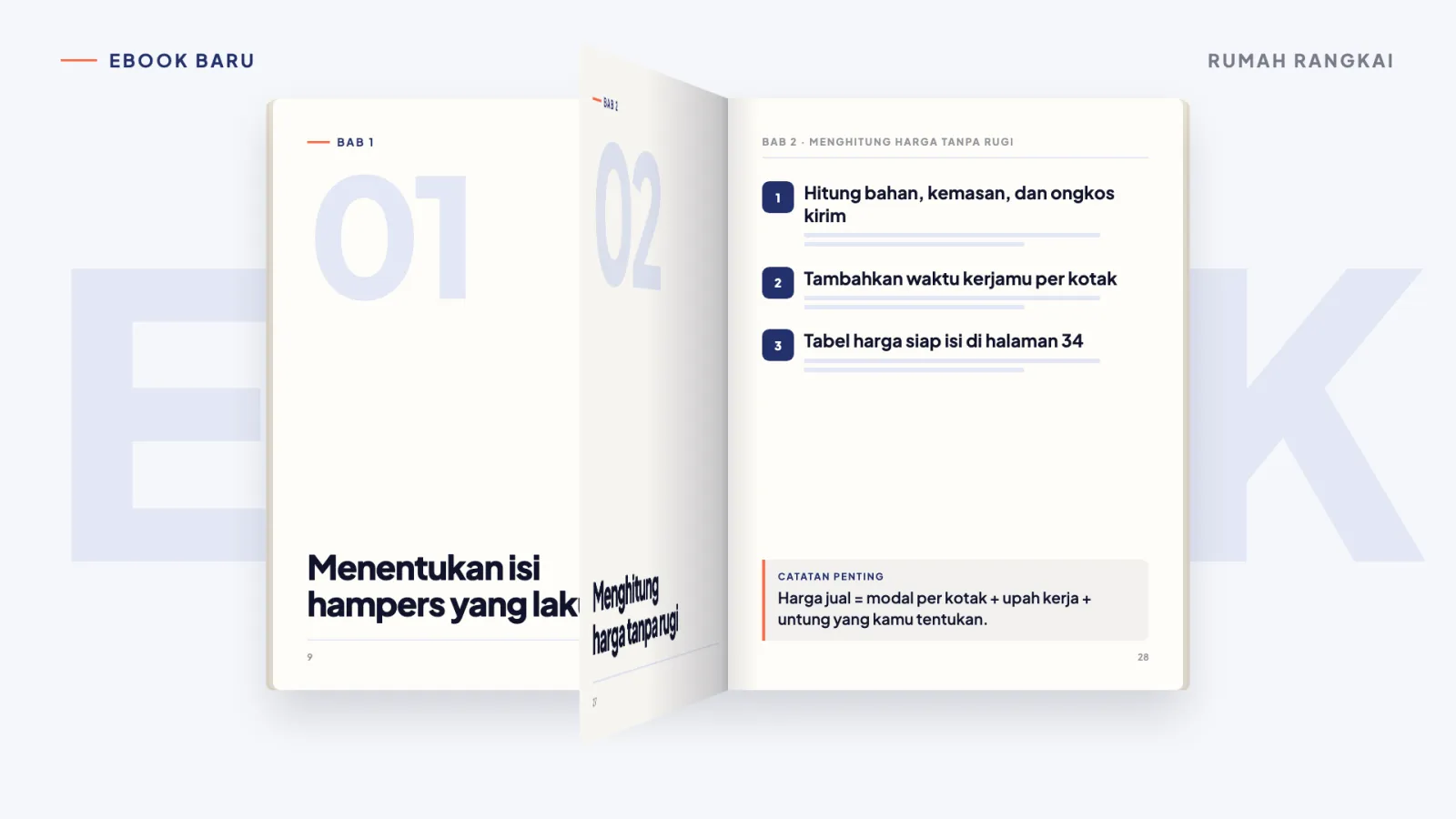
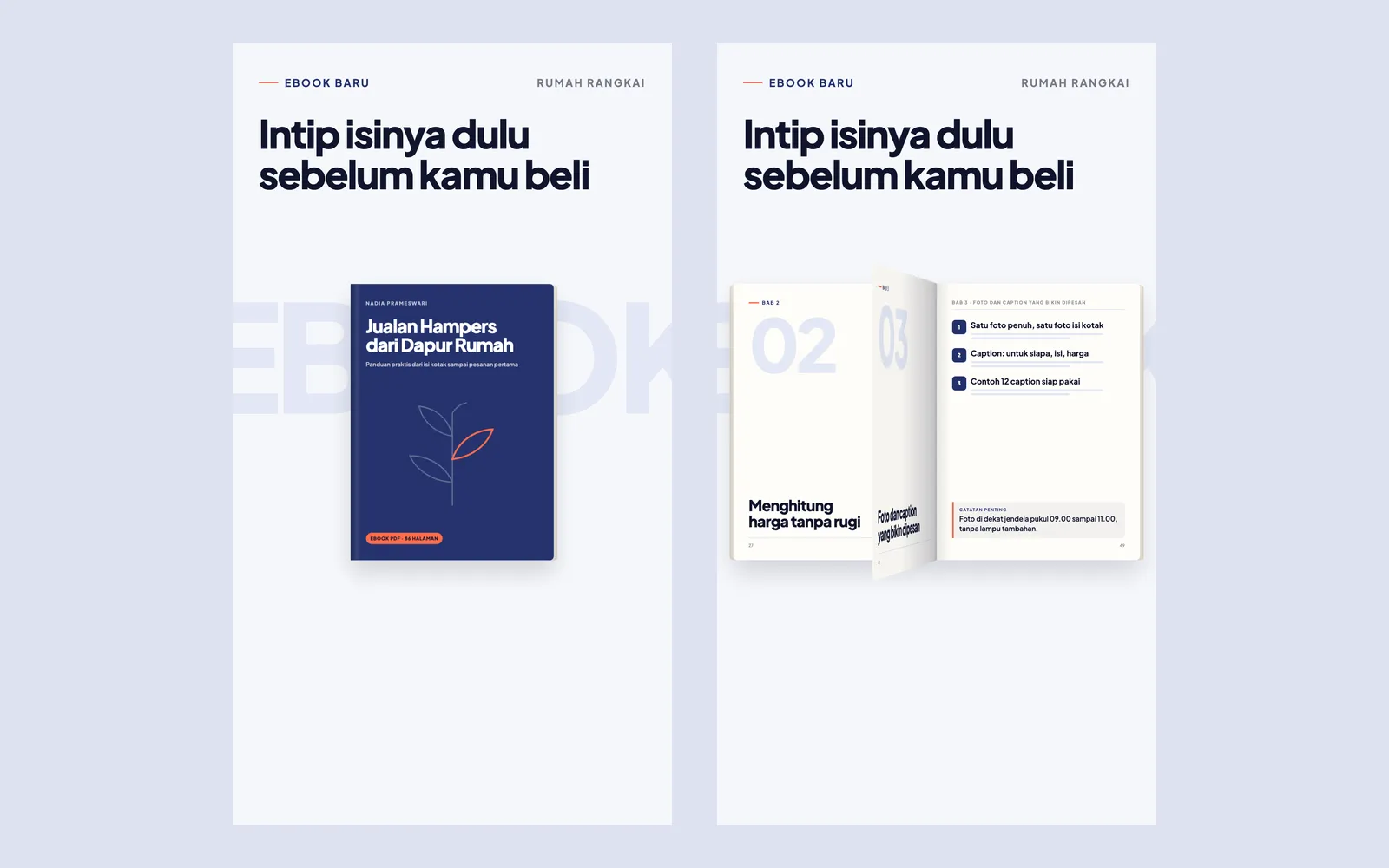
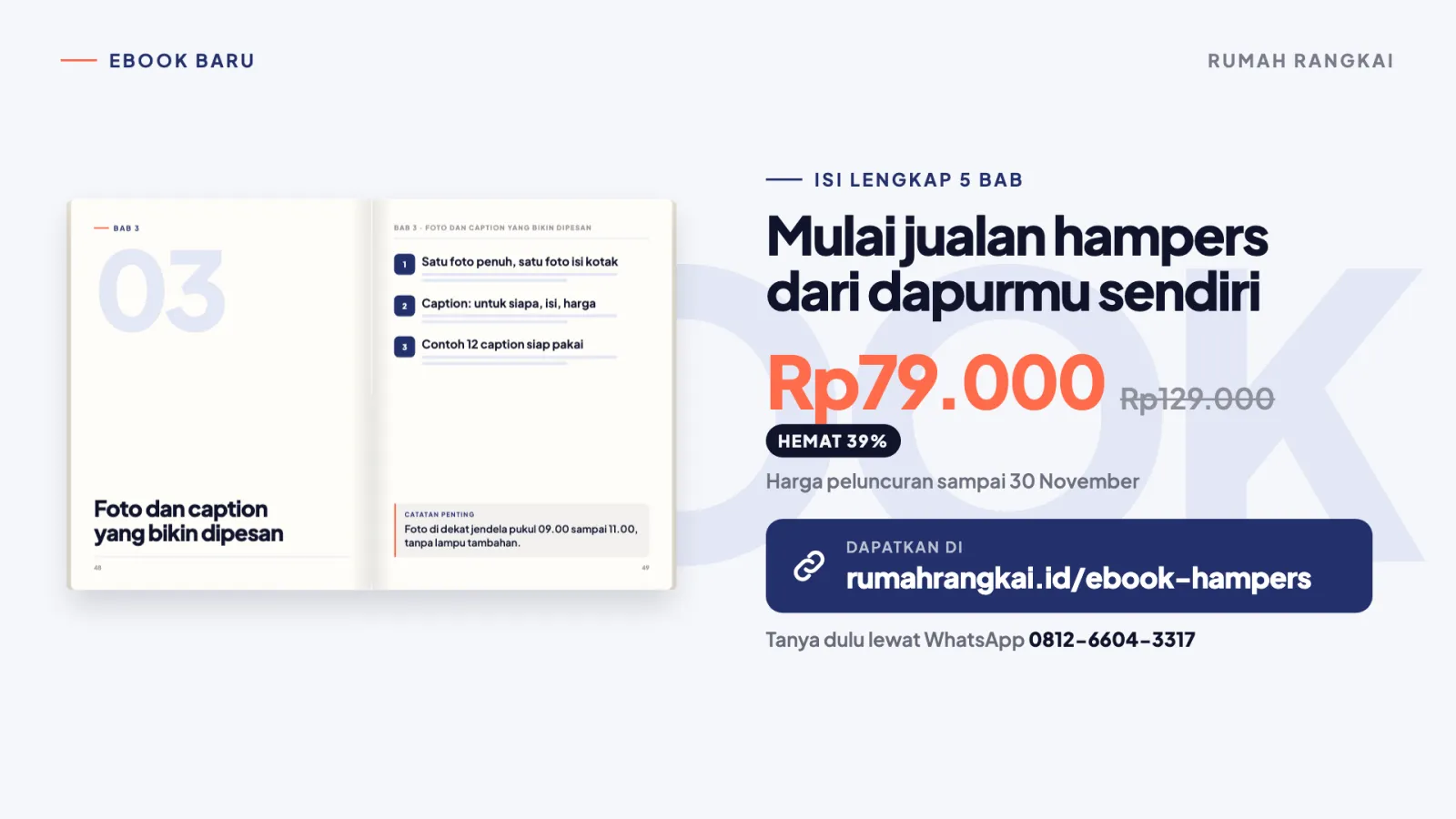
A calm editorial launch trailer for an ebook: an indigo cover rises to the centre, opens at the spine, then the pages turn one by one to show 2 to 4 chapters (a chapter opener with a giant number on the left, content points and a key note on the right) with a "Chapter 2 of 5" marker, then the book shrinks and the closing shows the price, the struck-through price and percent saved, the buy link, and a WhatsApp number. One config object, 16:9 or 9:16, 13-20 seconds, 3 palettes, rendered to MP4.
Verified by SkillFlow
We checked every file in this skill automatically: no command that downloads and runs a program, no hidden code, no instruction telling your AI to ignore you.
- Loads from outside
- Fonts: Google Fonts
See the 5 files inside
skill.json9 KBSKILL.md7 KBprompt.md4 KBprompt.en.md4 KBfiles/scene.html25 KB
Checked 14 Nov 2026
Part of SkillFlow Pro
Pro opens every skill in every category: copy, ZIP, Send to AI, install, save, and request new skills.
Get Pro Already subscribed? Sign inWhat you get
- A trailer script: cover text, 2-4 previewed chapters, and the closing offer
- An HTML scene with a book opening and page turns, driven by one config object
- MP4 at 1920x1080 (16:9) and 1080x1920 (9:16), 30 fps, 13-20 seconds
- A closing frame with price, automatic struck-through price and percent saved, link, and WhatsApp number
- 3 ready palettes, plus room for your own brand colours
- A short caption for the post
Good fit
- Authors and creators launching an ebook or PDF guide
- Digital product sellers who want to show what is inside before people buy
- Teachers selling workbooks, digital recipe books, or template collections
- Affiliates promoting an ebook with real proof of its content
Not for
- It does not write your ebook; chapter titles and points must come from the ebook itself
- Not a video of a printed book with real product photos
- It does not design an illustrated cover; the default cover uses a line motif, and your own cover can be dropped in as an image
- It does not include music or voice; you add audio yourself when rendering
About this skill
/trailer-ebook-buka-halaman Make a trailer video for my ebook on selling gift boxes from a home kitchen, 5 chapters and 86 pages, preview chapters 1 to 3, price 79,000 down from 129,000, link in bio
Show more
A calm editorial launch trailer for an ebook: an indigo cover rises to the centre, opens at the spine, then the pages turn one by one to show 2 to 4 chapters (a chapter opener with a giant number on the left, content points and a key note on the right) with a "Chapter 2 of 5" marker, then the book shrinks and the closing shows the price, the struck-through price and percent saved, the buy link, and a WhatsApp number. One config object, 16:9 or 9:16, 13-20 seconds, 3 palettes, rendered to MP4.
User reviews
FAQ
How many chapters should I show?
Three chapters works best and makes the trailer about 17 seconds. Two chapters for a faster video, four if the content is varied. Pick the most convincing chapters, such as ones with tables, examples, or templates, not always the first ones.
Can I use my own cover design?
Yes. Replace the cover in the template with your cover image (3:4 ratio). The opening and page-turn animation stays the same because the inner pages are built from the text in the config.
Are the pages shown the real pages of my ebook?
Not screenshots of the PDF, but condensed pages built from the chapter titles, points, and notes you give. That is deliberate: real pages are too small to read in a video, and it does not give the full content away.
Which AI can I use it with?
Copy the prompt into a chat AI (ChatGPT, Claude, Gemini, DeepSeek): you get an HTML file; open it in Chrome and press Download MP4 (silent video, a minute or two to render); or download the ZIP and install it in an AI agent (Claude Code, Codex, Antigravity, Hermes Agent, Cursor, GitHub Copilot, Gemini CLI, OpenCode, Kimi Code, Trae), which then builds the files for you.
What is in the ZIP?
One folder named trailer-ebook-buka-halaman with SKILL.md (the instructions an AI agent reads) and the prompt, 5 files in all. Extract it into your agent's skills folder, or install it with npx skillflow-ai add trailer-ebook-buka-halaman. Pro only.
Is there a per-use fee or credits?
Not from SkillFlow. The skill runs on the AI you already use, so any cost follows that plan.
Which plan includes it?
SkillFlow Pro. It opens every skill in every category.
Can I use my own colours and brand?
Yes. Pick a colour theme on this page, or fill in your brand profile once; both go into the prompt you copy and into the ZIP.
Can I share what I made?
Pro members can upload the result and get a page at share.skillflow.ai.id to send to anyone. The page carries a small "Made with SkillFlow AI" mark.
Is there a download limit?
Yes, per day: 50 skills on Pro, 10 on other plans. Downloading a skill again on the same day does not count.



