

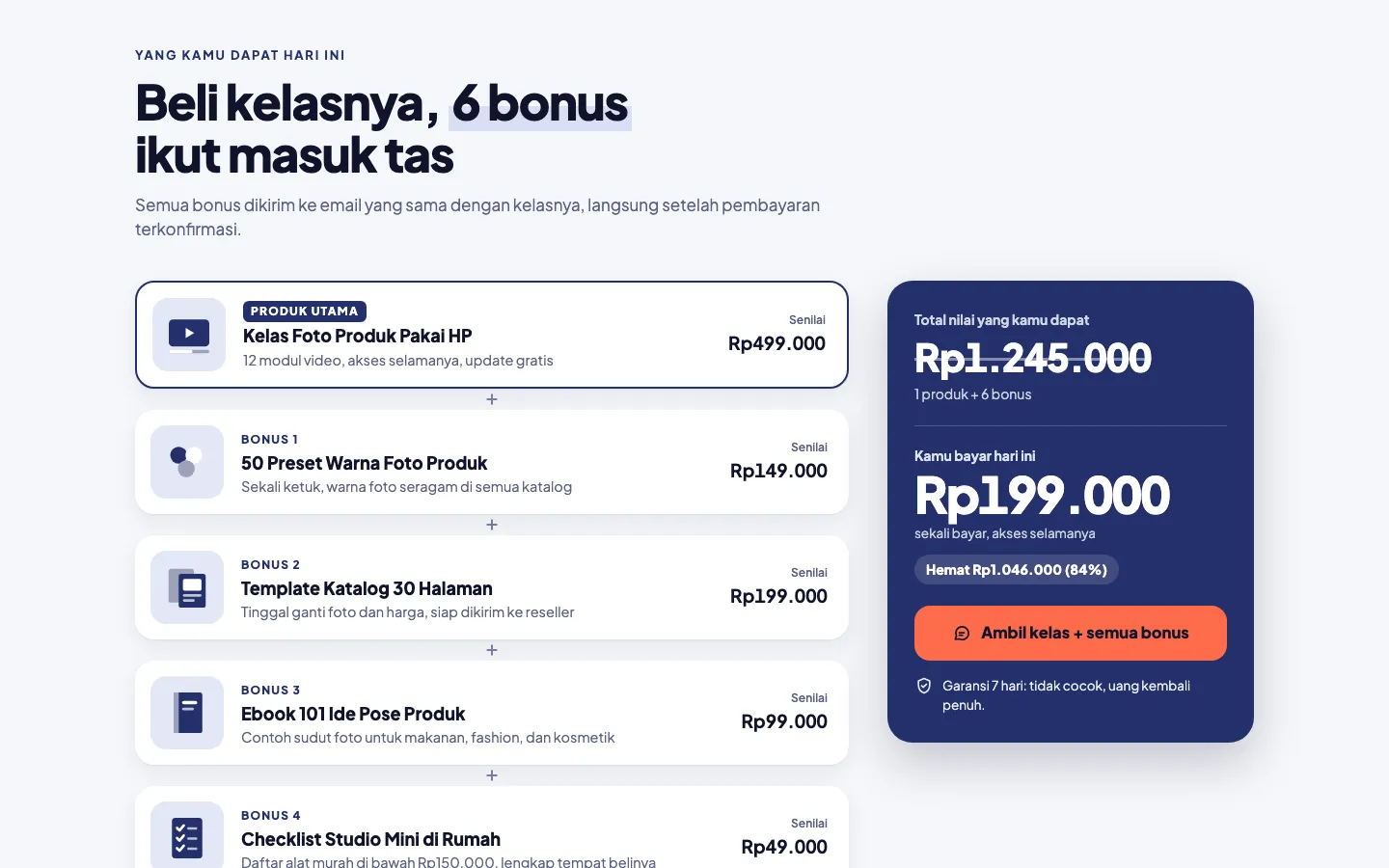
Stacked layout: the main course and 6 bonuses, a summary of total value, price, and savings
SKILL.md contents
Premium subscribers can read, copy, and install this skill.
Unlock with Premium Sign inBonus Stack (Section)
Description
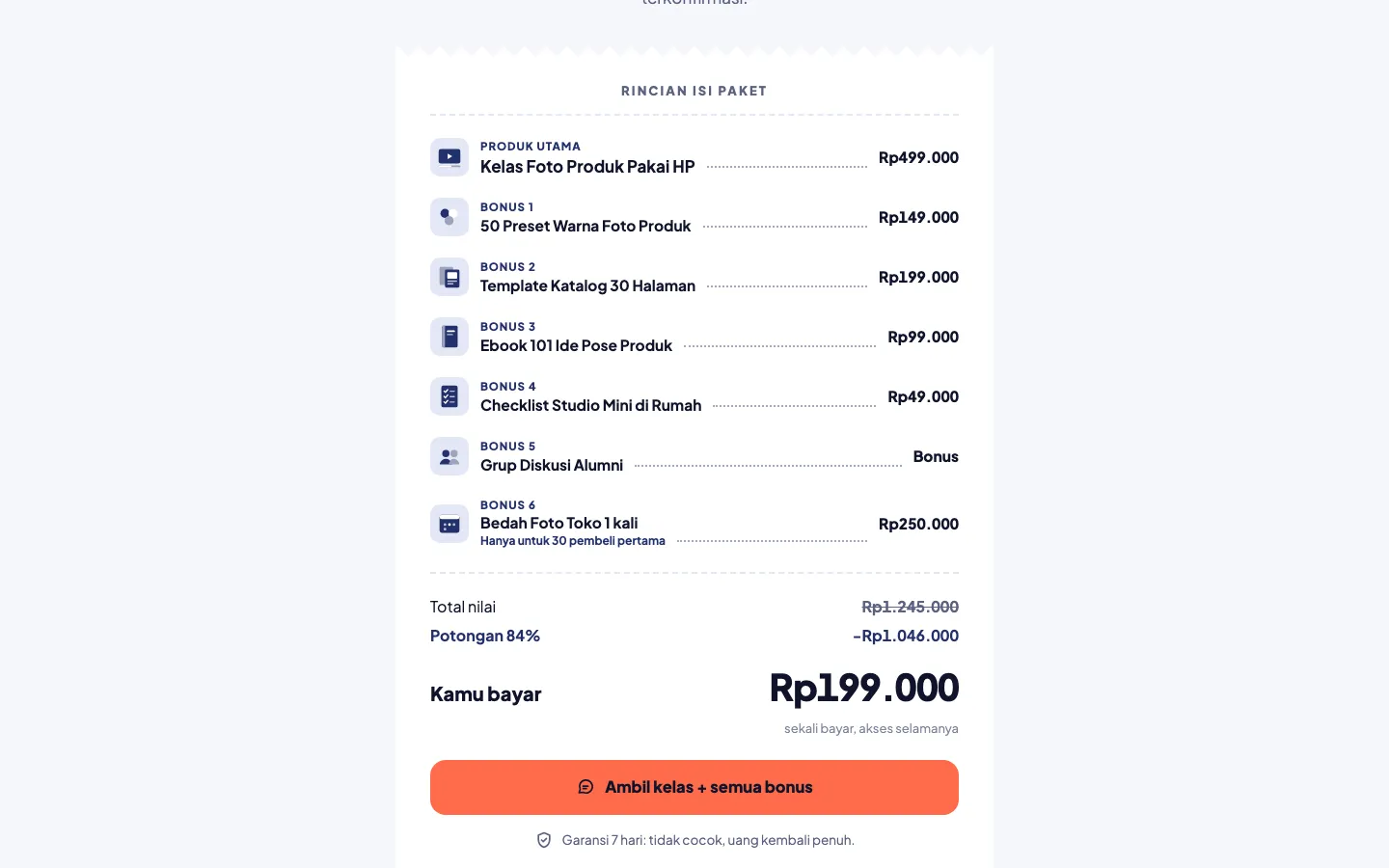
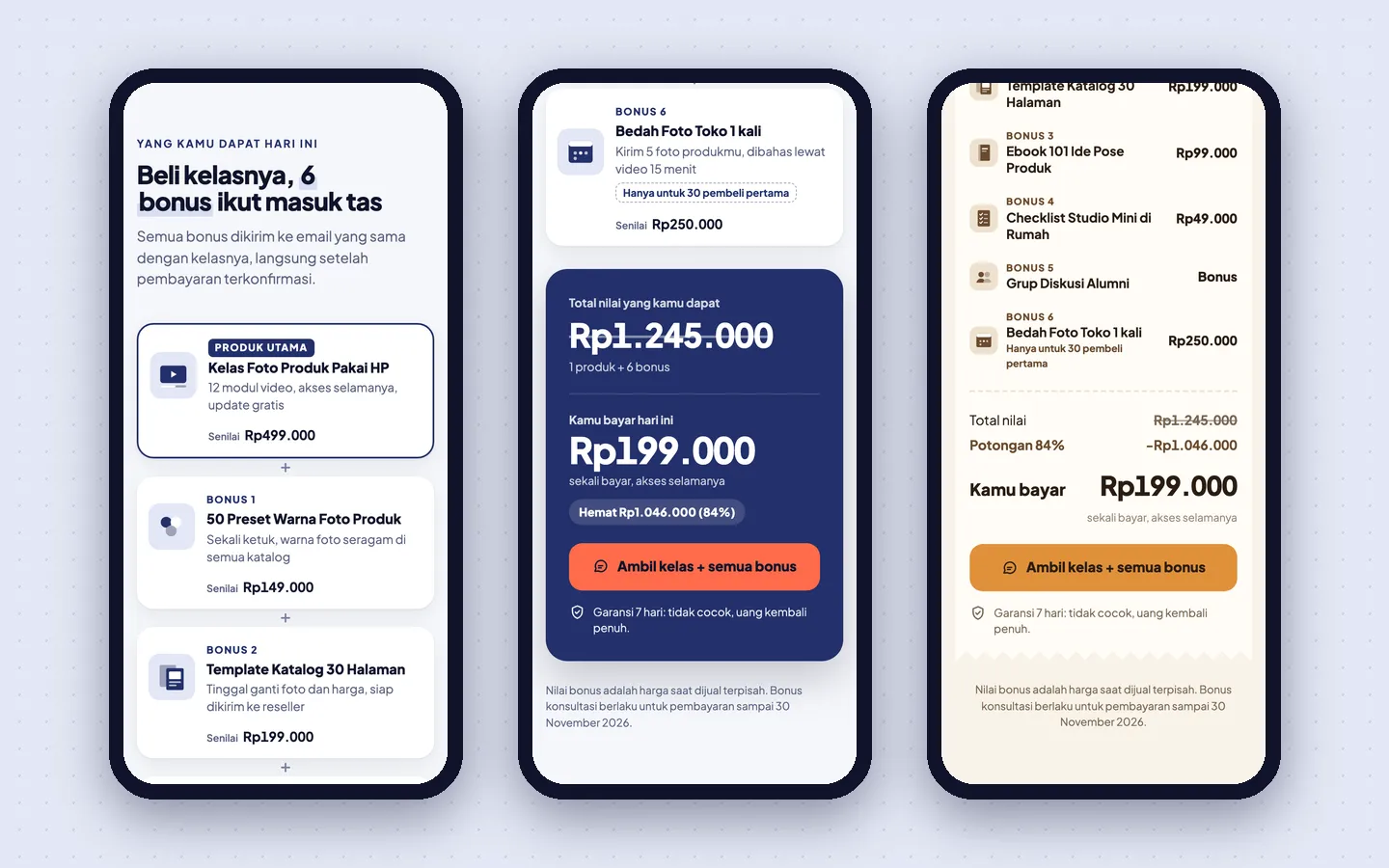
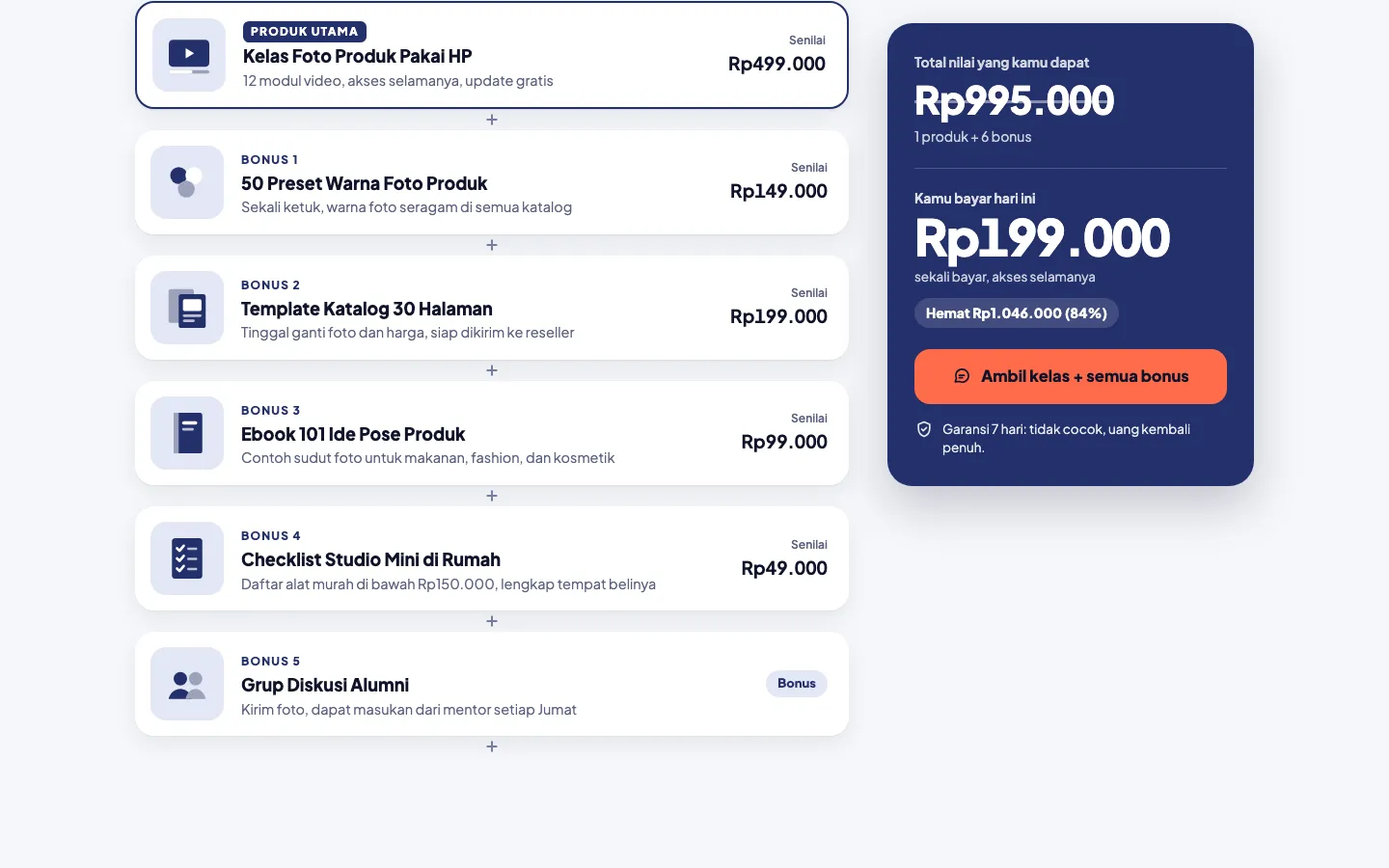
An offer-closing section for courses and digital products: the main product, then bonuses stacked one by one with a small illustration per type (ebook, template, video, checklist, group, consultation, preset, file), a value for each item, bonus quantity limits, then a summary with the struck-through total value, today's price, savings in money and percent worked out automatically, a WhatsApp or checkout button, and a guarantee. The total value counts up as bonuses appear on scroll. Two layouts (stacked cards with a sticky summary, or a shop receipt), three palettes, one paste-safe file.
Verified by SkillFlow
We checked every file in this skill automatically: no command that downloads and runs a program, no hidden code, no instruction telling your AI to ignore you.
- Loads from outside
- Fonts: Google Fonts
See the 5 files inside
skill.json10 KBSKILL.md6 KBprompt.md4 KBprompt.en.md4 KBfiles/tumpukan-bonus.html25 KB
Checked 14 Nov 2026
Part of SkillFlow Pro
Pro opens every skill in every category: copy, ZIP, Send to AI, install, save, and request new skills.
Get Pro Already subscribed? Sign inWhat you get
- A one-file HTML bonus section, scoped CSS so it is safe to paste into other pages
- The main product + 1 to 8 bonuses with an SVG illustration per type, a value, and quantity limits
- Total value, price to pay, savings in money and percent worked out automatically
- The total value counts up as bonuses appear on scroll (off for reduced motion)
- 2 layouts: stacked cards with a sticky summary, or a zigzag shop receipt
- A WhatsApp button with the price prefilled, or a checkout link, plus a guarantee line
- 3 palettes (indigo, night, sand), holds up down to 320 px wide
Good fit
- Sales pages for courses, ebooks, templates, memberships, or paid webinars with bonuses
- Affiliates offering their own personal bonus to buyers
- Digital product bundles of the buy one get all this kind
- The end of a sales page once buyers understand the product
Not for
- Not for physical products with many variants or a substitute for a multi plan pricing table
- It does not inflate bonus values; each value must be its standalone price
- Quota or date limits only if they are really enforced
- It does not process payments; buttons go to WhatsApp or a checkout link
About this skill
/tumpukan-bonus Build a bonus stack section for our content selling course, the main product plus 5 bonuses with their standalone values, a one time price of 299,000, a 7 day guarantee, a WhatsApp button, stacked style
Show more
An offer-closing section for courses and digital products: the main product, then bonuses stacked one by one with a small illustration per type (ebook, template, video, checklist, group, consultation, preset, file), a value for each item, bonus quantity limits, then a summary with the struck-through total value, today's price, savings in money and percent worked out automatically, a WhatsApp or checkout button, and a guarantee. The total value counts up as bonuses appear on scroll. Two layouts (stacked cards with a sticky summary, or a shop receipt), three palettes, one paste-safe file.
User reviews
FAQ
My bonus was never sold separately, what value do I use?
Set the value to 0. It still shows as Bonus without a number and is not counted in the total. Total value, price, savings in rupiah, and percent are calculated from the numbers entered.
What is the difference between stack and receipt styles?
Stack shows bonus cards piled with plus signs and a coloured summary that sticks while scrolling. Receipt shows a jagged receipt with dotted leaders to values, a struck total, the discount, and you pay.
How many bonuses should I show?
1 to 8, though more than 6 starts to feel excessive. Pick the ones buyers want most, with names of about 6 words and one concrete benefit sentence.
Which AI can I use it with?
Copy the prompt into a chat AI (ChatGPT, Claude, Gemini, DeepSeek); or download the ZIP and install it in an AI agent (Claude Code, Codex, Antigravity, Hermes Agent, Cursor, GitHub Copilot, Gemini CLI, OpenCode, Kimi Code, Trae), which then builds the files for you.
What is in the ZIP?
One folder named tumpukan-bonus with SKILL.md (the instructions an AI agent reads) and the prompt, 5 files in all. Extract it into your agent's skills folder, or install it with npx skillflow-ai add tumpukan-bonus. Pro only.
Is there a per-use fee or credits?
Not from SkillFlow. The skill runs on the AI you already use, so any cost follows that plan.
Which plan includes it?
SkillFlow Pro. It opens every skill in every category.
Can I use my own colours and brand?
Yes. Pick a colour theme on this page, or fill in your brand profile once; both go into the prompt you copy and into the ZIP.
Can I share what I made?
Pro members can upload the result and get a page at share.skillflow.ai.id to send to anyone. The page carries a small "Made with SkillFlow AI" mark.
Is there a download limit?
Yes, per day: 50 skills on Pro, 10 on other plans. Downloading a skill again on the same day does not count.



