

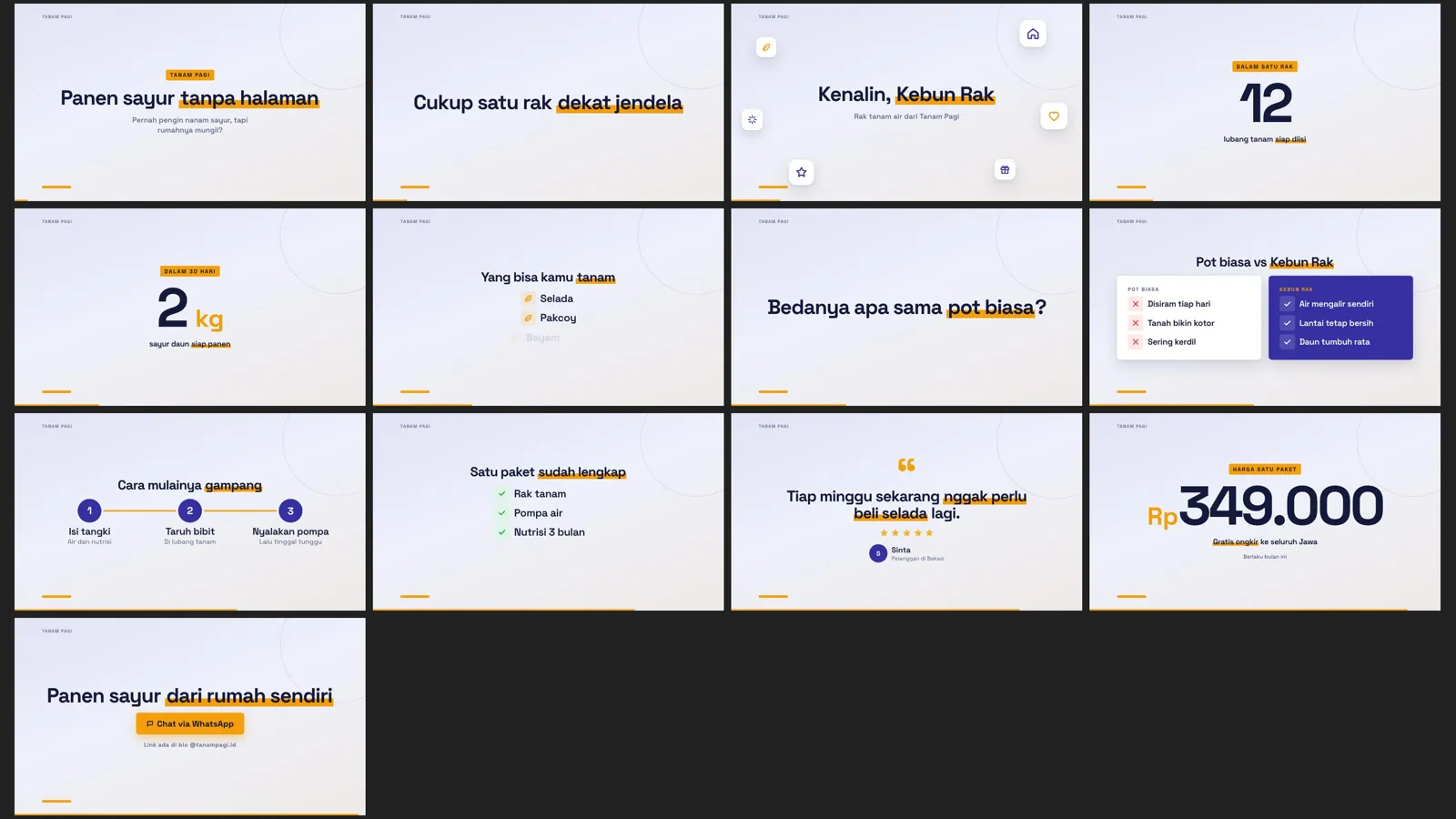
Rendered sample video
SKILL.md contents
Premium subscribers can read, copy, and install this skill.
Unlock with Premium Sign inVoice-Over Motion Video
Description
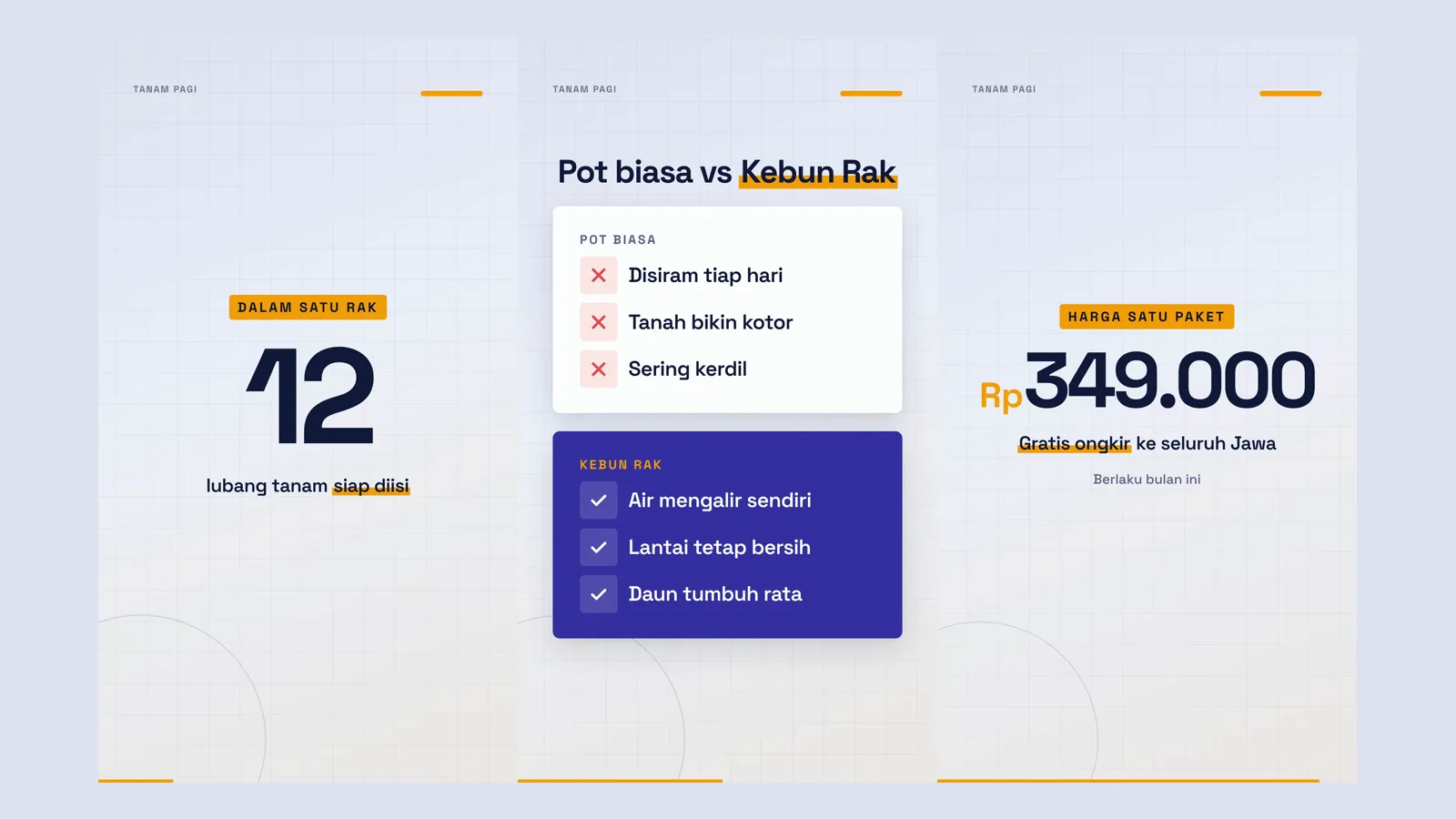
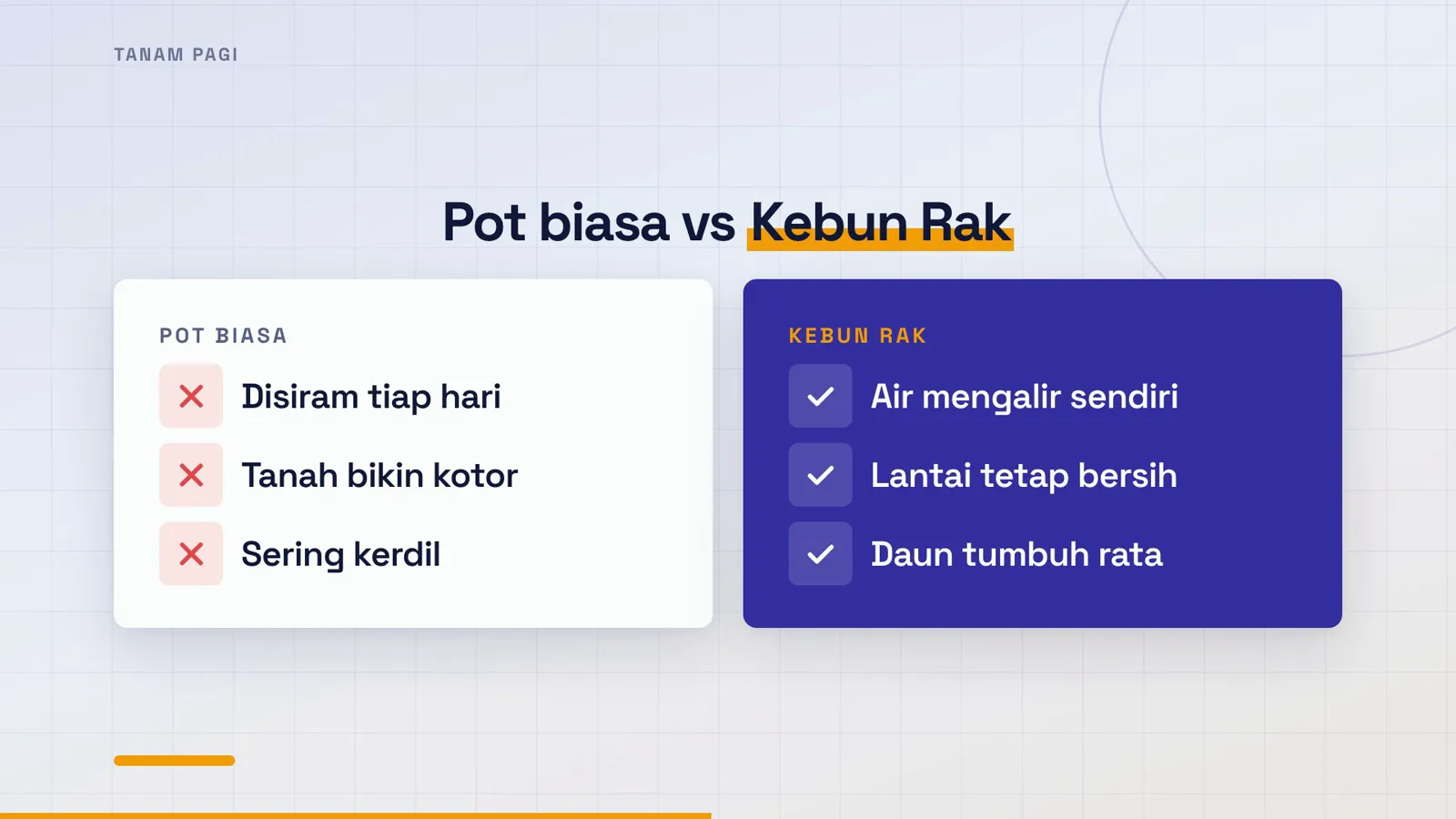
Give the agent on your computer a voice over (your own recording, an AI voice you pay for, or ask it to write the script first) and get a faceless 3 to 10 minute motion video that moves with the words: silences and filler words cut after you approve, titles, chapters, counting numbers, lists, comparisons, steps, charts, quotes and a closing call to action land exactly as they are spoken, music ducks under the voice, sound effects, loudness at -14 LUFS. 16:9 or 9:16, six themes.
Verified by SkillFlow
We checked every file in this skill automatically: no command that downloads and runs a program, no hidden code, no instruction telling your AI to ignore you.
Good to know: Starts programs on the computer (files/alat/motion-cut.mjs), Starts programs on the computer (files/alat/motion-mix.mjs), Starts programs on the computer (files/alat/motion-render.mjs), Starts programs on the computer (files/alat/motion-sfx.mjs), Starts programs on the computer (files/alat/motion-transcribe.mjs) . These are tools that run on your own computer when you ask your agent to use them.
- Loads from outside
- Fonts: Google Fonts
See the 14 files inside
skill.json9 KBSKILL.md14 KBprompt.md2 KBprompt.en.md2 KBfiles/alat/kit-lib.mjs7 KBfiles/alat/motion-check.mjs9 KBfiles/alat/motion-cut.mjs12 KBfiles/alat/motion-mix.mjs8 KBfiles/alat/motion-render.mjs9 KBfiles/alat/motion-sfx.mjs2 KBfiles/alat/motion-transcribe.mjs6 KBfiles/alat/package.json1 KBfiles/isi-waktu.mjs3 KBfiles/video.html121 KB
Checked 14 Nov 2026
Part of SkillFlow Pro
Pro opens every skill in every category: copy, ZIP, Send to AI, install, save, and request new skills.
Get Pro Already subscribed? Sign inWhat you get
- A spoken script ready to record if there is no voice over yet, with recording tips
- A proposed cut list (silences + filler words) to approve before anything is cut
- A scene plan table: time, anchor word, scene type, on-screen text
- 16:9 1920x1080 or 9:16 1080x1920 MP4, 30 fps, audio at -14 LUFS
- 11 motion scene types across 6 themes with swappable brand colours
- An HTML template + transcript + .srt file for re-editing and subtitles
Good fit
- Business owners who want a promo video without appearing on camera
- Teachers and education creators making explainers or lesson recaps
- Marketing teams who need a YouTube and a Reels version of one narration
- Anyone with a script or a voice recording who cannot edit video
Not for
- Videos showing a person talking on camera (use the talking-head editing skill)
- Videos built from stock photos or clips: scenes are drawn from text, numbers, icons and diagrams
- Videos longer than 10 minutes in a single run
- Web chat use: it needs an agent that can run programs on your computer
- Free AI voices: AI voices use your own account and its costs
About this skill
/video-motion-vo Here is a 4 minute voice over on starting a home bakery, please make a 16:9 motion video in the krem-kinetik theme, music from aset/music.mp3, and end with a WhatsApp call to action for @sunnykitchen.
Show more
Give the agent on your computer a voice over (your own recording, an AI voice you pay for, or ask it to write the script first) and get a faceless 3 to 10 minute motion video that moves with the words: silences and filler words cut after you approve, titles, chapters, counting numbers, lists, comparisons, steps, charts, quotes and a closing call to action land exactly as they are spoken, music ducks under the voice, sound effects, loudness at -14 LUFS. 16:9 or 9:16, six themes.
User reviews
FAQ
I do not have a voice over yet, does that work?
Yes. The agent writes a script that sounds natural when spoken, sized to your target length (about 150 words per minute), and gives you recording tips. A phone voice memo in a quiet room is enough. Once your recording is in, the process continues as usual.
How do the scenes line up with the voice?
The audio is transcribed word by word with whisper, each scene gets an anchor word, and its start time is filled in from the transcript automatically. The checker rejects scenes that start in the middle of a word and a length that does not match the audio, before rendering starts.
How long does a 10 minute video take to render?
On a fast computer about 4 to 7 minutes per format (a 79 second voice over takes about 35 seconds). A typical laptop can take 3 to 5 times longer. The agent tells you the estimate before it starts.
Where does the music come from?
From your own music file that you hold a licence for, or no music at all. The skill does not download music. Sound effects are generated by the skill tools, so they are licence free.
Which AI can I use it with?
Download the ZIP and install it in an AI agent (Claude Code, Codex, Antigravity, Hermes Agent, Cursor, GitHub Copilot, Gemini CLI, OpenCode, Kimi Code, Trae), which then builds the files for you.
What is in the ZIP?
One folder named video-motion-vo with SKILL.md (the instructions an AI agent reads) and the prompt, 14 files in all. Extract it into your agent's skills folder, or install it with npx skillflow-ai add video-motion-vo. Pro only.
Is there a per-use fee or credits?
Not from SkillFlow. The skill runs on the AI you already use (and, if you use an AI voice instead of your own recording, the voice service you pick), so any cost follows that plan.
Which plan includes it?
SkillFlow Pro. It opens every skill in every category.
Can I use my own colours and brand?
Yes. Pick a colour theme on this page, or fill in your brand profile once; both go into the prompt you copy and into the ZIP.
Can I share what I made?
Pro members can upload the result and get a page at share.skillflow.ai.id to send to anyone. The page carries a small "Made with SkillFlow AI" mark.
Is there a download limit?
Yes, per day: 50 skills on Pro, 10 on other plans. Downloading a skill again on the same day does not count.



