

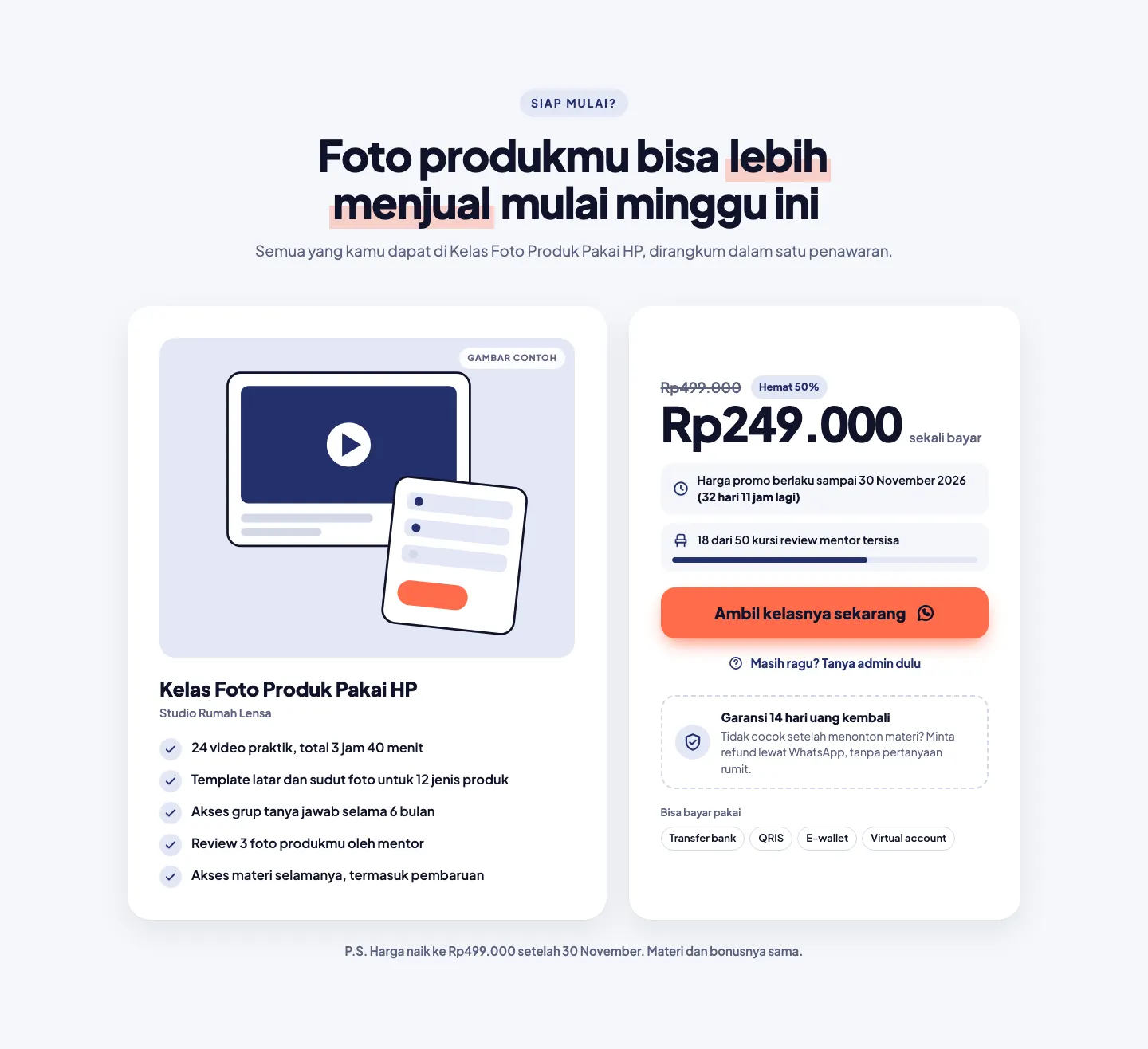
Two columns: product image and summary on the left, price, deadline, quantity, and button on the right
SKILL.md contents
Premium subscribers can read, copy, and install this skill.
Unlock with Premium Sign inClosing Call to Action (Section)
Description
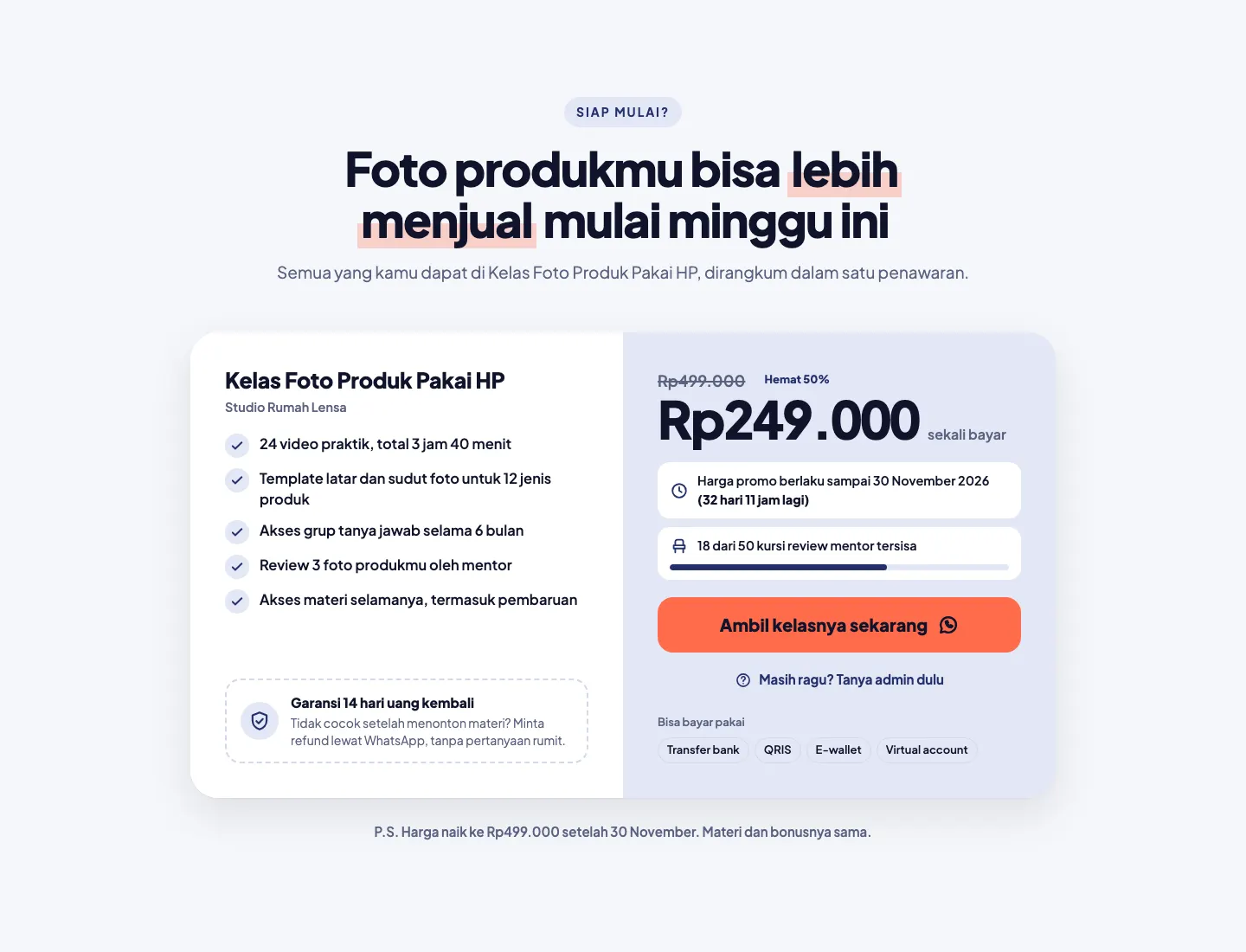
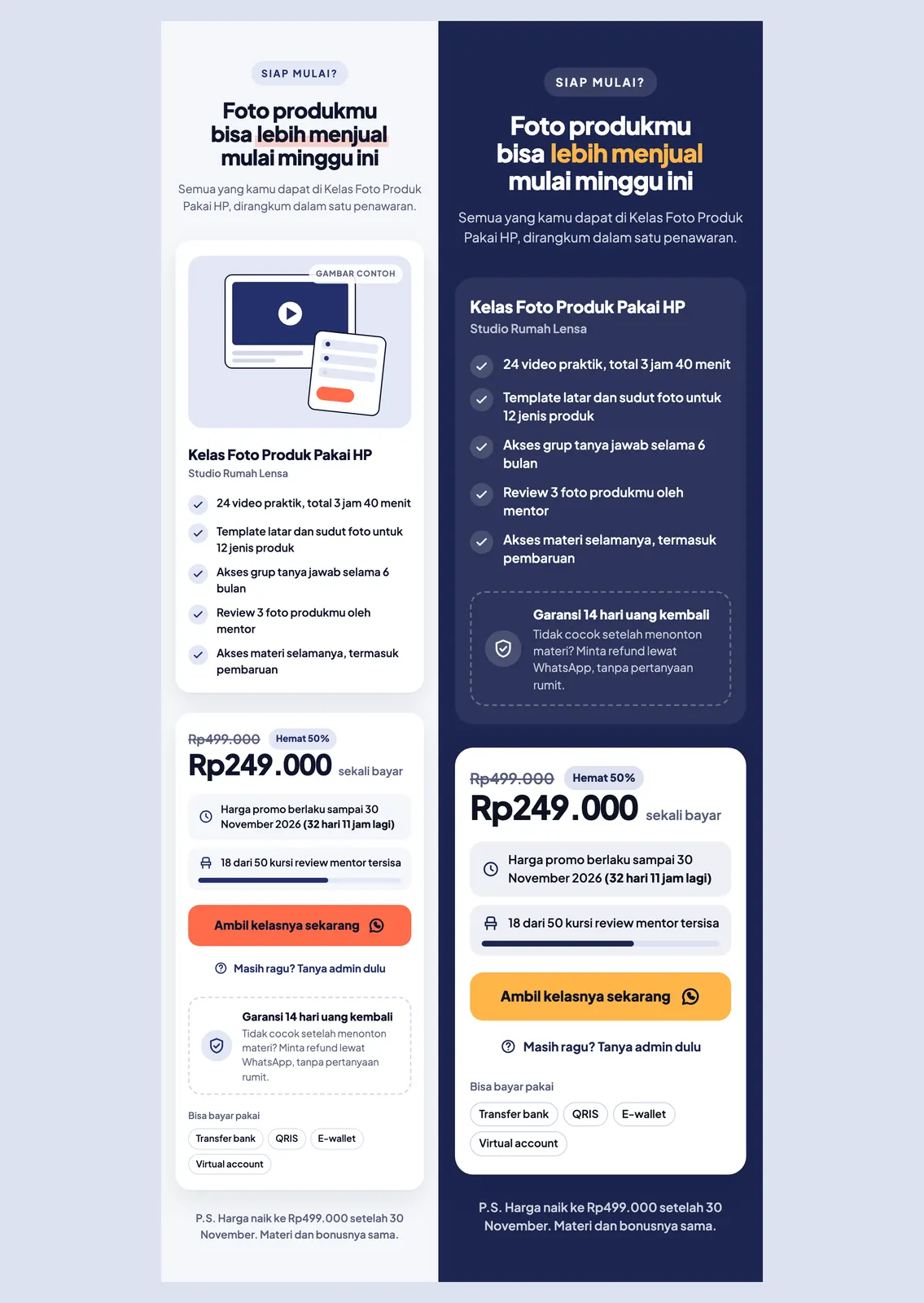
A closing section for the very bottom of a sales page: a 3-5 point offer summary, the price with a strike-through and a savings percent worked out automatically, a real deadline and quantity (a passed deadline restores the regular price by itself), a big button to WhatsApp with a prefilled message or to a checkout link, an ask-first button, a guarantee box, and payment methods. Three layouts (two columns with a product image, one big card, a dark band), three palettes, one paste-safe file that stays tidy down to 320 px.
Verified by SkillFlow
We checked every file in this skill automatically: no command that downloads and runs a program, no hidden code, no instruction telling your AI to ignore you.
- Loads from outside
- Fonts: Google Fonts
See the 5 files inside
skill.json9 KBSKILL.md6 KBprompt.md5 KBprompt.en.md5 KBfiles/penutup.html23 KB
Checked 14 Nov 2026
Part of SkillFlow Pro
Pro opens every skill in every category: copy, ZIP, Send to AI, install, save, and request new skills.
Get Pro Already subscribed? Sign inWhat you get
- A single-file HTML closing section, CSS scoped so it pastes safely at the bottom of another page
- A ticked 3-5 point offer summary and a product image or built-in illustration
- Automatic strike-through and savings percent, long prices shrink to fit on a phone
- A real deadline whose countdown removes itself once passed, a real quantity with a bar
- A big button to WhatsApp with the product and price in the message, or a checkout link, plus an ask-first button
- 3 layouts (two columns, card, dark band), 3 palettes, guarantee and payment methods
Good fit
- Sellers of online courses, ebooks, and templates needing a closing block before the footer
- Landing pages whose bottom is still a plain button with no offer summary
- Sales and pre-orders with a deadline or quantity that is actually real
Not for
- Not a full sales page, only its closing block
- It does not compare several plans; use a pricing table for that
- It does not count stock automatically and has no countdown that restarts on every visit
About this skill
/ajakan-penutup Make the closing section for my phone product photography course sales page: the sale price with the regular price struck through, a 14-day guarantee, an end-of-month deadline, and a WhatsApp button
Show more
A closing section for the very bottom of a sales page: a 3-5 point offer summary, the price with a strike-through and a savings percent worked out automatically, a real deadline and quantity (a passed deadline restores the regular price by itself), a big button to WhatsApp with a prefilled message or to a checkout link, an ask-first button, a guarantee box, and payment methods. Three layouts (two columns with a product image, one big card, a dark band), three palettes, one paste-safe file that stays tidy down to 320 px.

User reviews
FAQ
What happens when the deadline passes?
The deadline row removes itself and both the displayed price and the price in the WhatsApp message return to the regular price. You still need to update the P.S. yourself if it mentions the date.
Can I use it without a strike-through price?
Yes. Leave the regular price empty and the strike-through and savings chip disappear. Only use a strike-through price that really applied before.
Which AI can I use it with?
Copy the prompt into a chat AI (ChatGPT, Claude, Gemini, DeepSeek); or download the ZIP and install it in an AI agent (Claude Code, Codex, Antigravity, Hermes Agent, Cursor, GitHub Copilot, Gemini CLI, OpenCode, Kimi Code, Trae), which then builds the files for you.
What is in the ZIP?
One folder named ajakan-penutup with SKILL.md (the instructions an AI agent reads) and the prompt, 5 files in all. Extract it into your agent's skills folder, or install it with npx skillflow-ai add ajakan-penutup. Pro only.
Is there a per-use fee or credits?
Not from SkillFlow. The skill runs on the AI you already use, so any cost follows that plan.
Which plan includes it?
SkillFlow Pro. It opens every skill in every category.
Can I use my own colours and brand?
Yes. Pick a colour theme on this page, or fill in your brand profile once; both go into the prompt you copy and into the ZIP.
Can I share what I made?
Pro members can upload the result and get a page at share.skillflow.ai.id to send to anyone. The page carries a small "Made with SkillFlow AI" mark.
Is there a download limit?
Yes, per day: 50 skills on Pro, 10 on other plans. Downloading a skill again on the same day does not count.



