

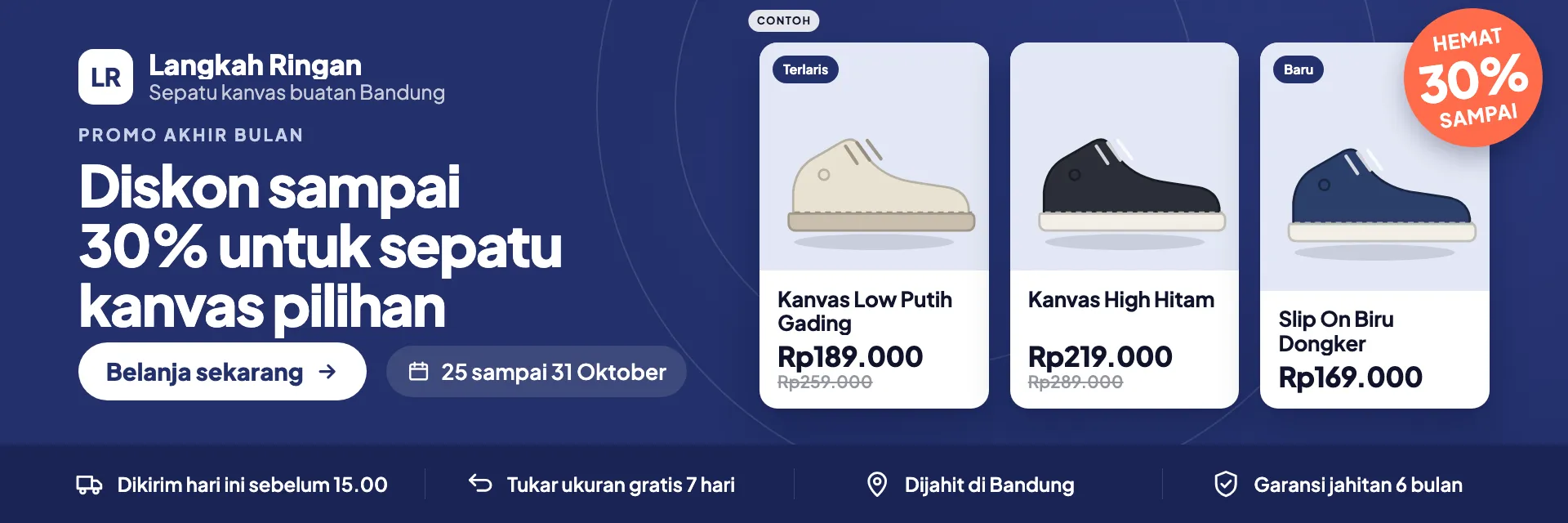
Wide 1920x640 banner: promo headline, 3 featured shoes, a Save 30% badge, strengths strip
SKILL.md contents
Register for free, then open this skill. Already registered? Sign in.
Get free access Sign inOnline Storefront Banner
Description
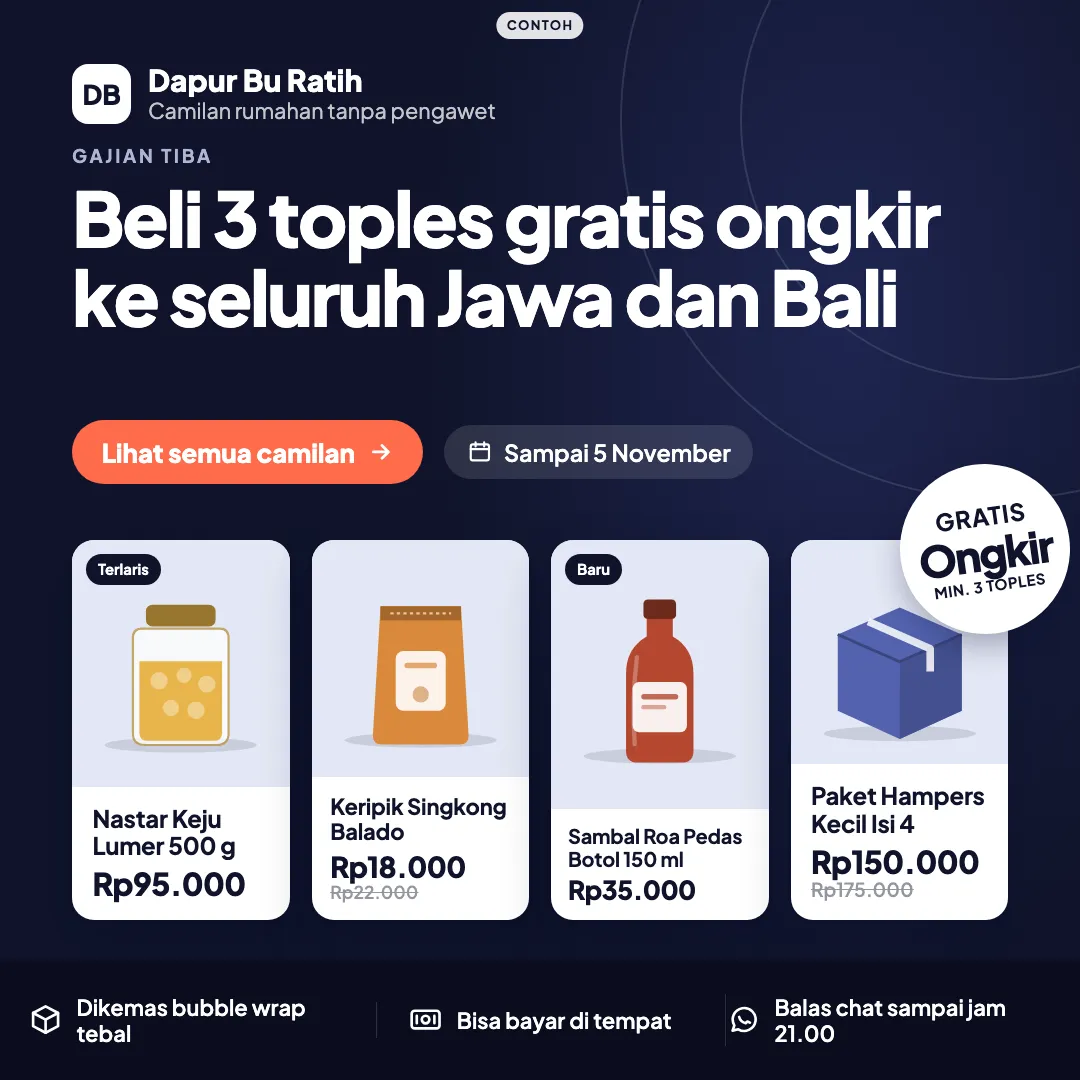
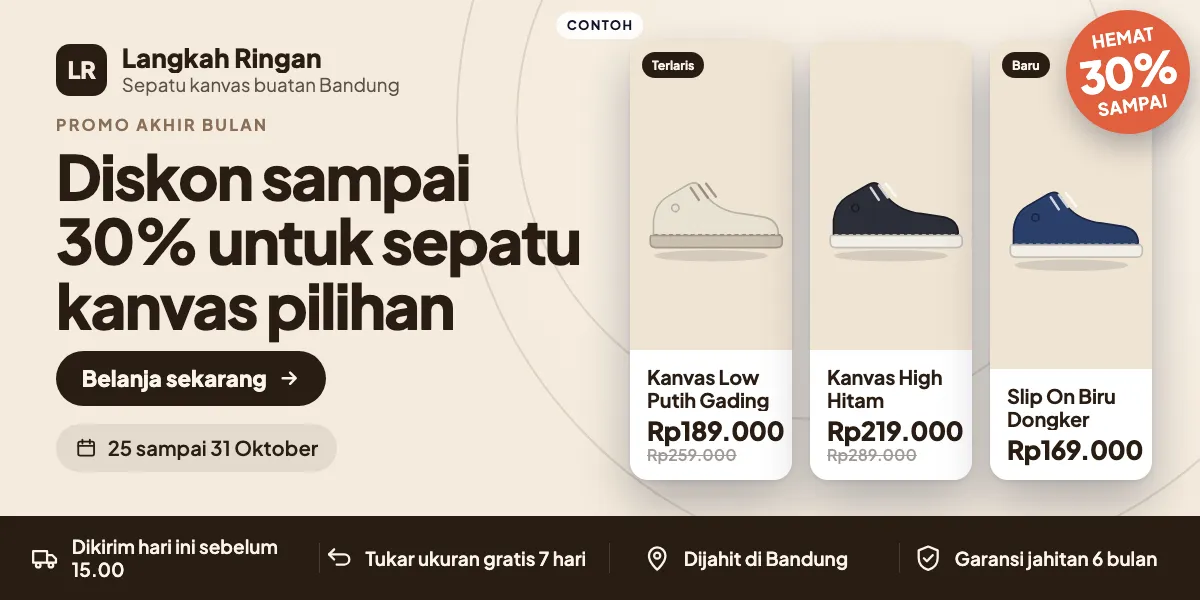
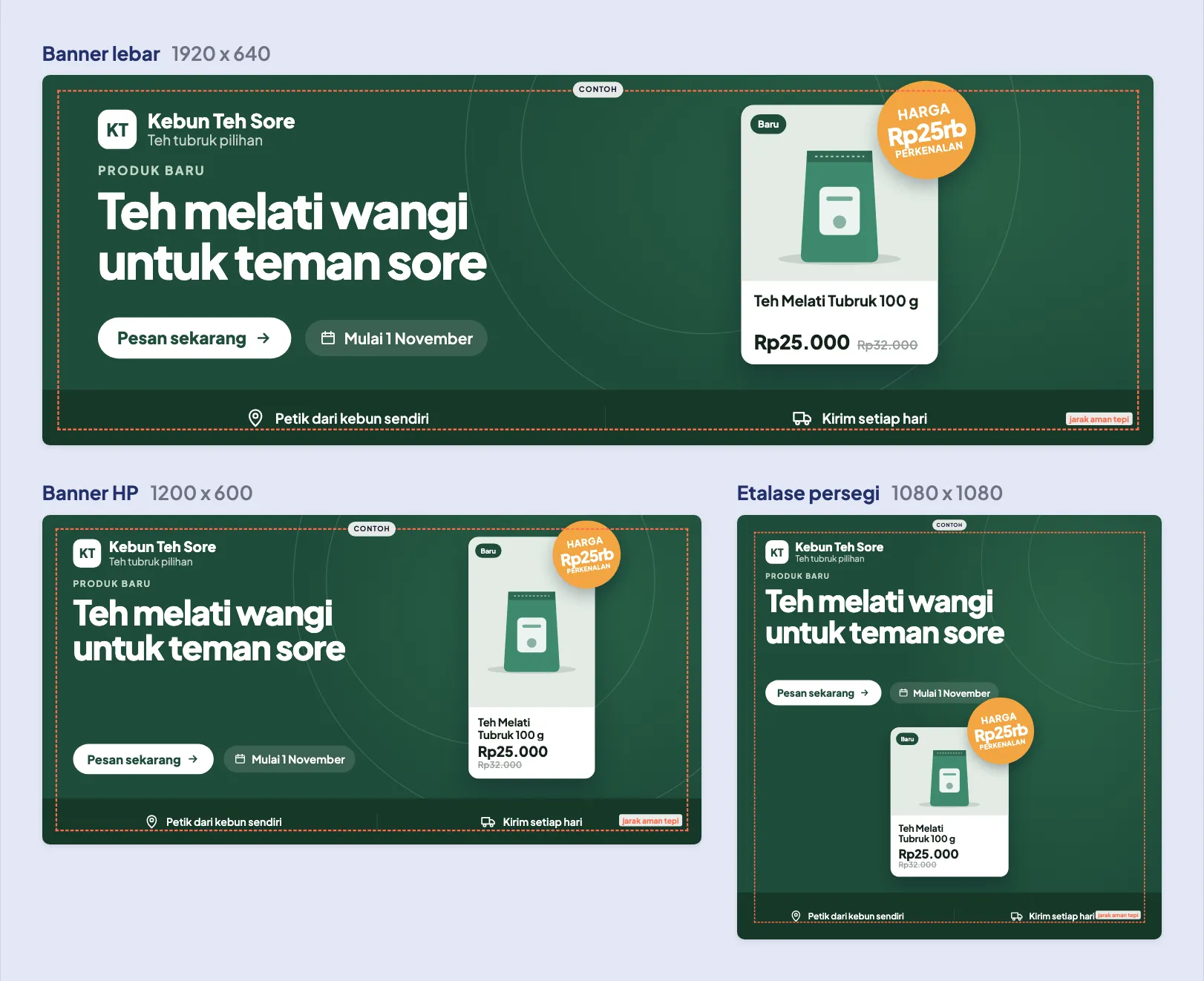
A storefront banner for an online shop page: shop name with a monogram or logo, a promo label, a big headline, dates, a button, 1 to 4 featured product cards with prices and crossed-out prices, a round badge such as Save 30%, and a strip of shop strengths at the bottom (ships today, size exchange, warranty, cash on delivery). One data object sets the copy, palette, and photos, and the HTML template exports a 1920x640 wide banner, a 1200x600 phone banner, and a 1080x1080 square, plus a check sheet with edge guides.
Verified by SkillFlow
We checked every file in this skill automatically: no command that downloads and runs a program, no hidden code, no instruction telling your AI to ignore you.
- Loads from outside
- Fonts: Google Fonts
See the 5 files inside
skill.json8 KBSKILL.md7 KBprompt.md5 KBprompt.en.md5 KBfiles/banner.html29 KB
Checked 14 Nov 2026
Get this skill for free
A free account opens every free skill. Premium unlocks everything.
Get free access I already have an accountWhat you get
- Banner copy: promo label, headline, dates, button, badge, 2 to 4 shop strengths
- Cards for 1 to 4 featured products with a label, price, and crossed-out price
- PNG 1920x640 (wide), 1200x600 (phone), 1080x1080 (square) from one data object
- A check sheet with all three sizes side by side + edge safety guides
- An AI image prompt for plain-background product photos if the shop photos are messy
- Automatic data checks: price format, crossed-out price higher, product count
- 4 palettes: city, cream, green, night
Good fit
- New marketplace or online stores whose shop page is still bare
- Sellers who rotate seasonal banners such as payday or new collections
- Shops needing wide, mobile, and square banners with the same content
Not for
- It does not photograph products; use your own photos or make them with the included AI image prompt
- It does not upload the banner to your store
- Crossed-out prices must be genuine regular prices
About this skill
/banner-etalase-toko Make a storefront banner for Ceria Kids Shoes, a 30 percent back-to-school promo, 3 featured products, same-day shipping and size exchanges
Show more
A storefront banner for an online shop page: shop name with a monogram or logo, a promo label, a big headline, dates, a button, 1 to 4 featured product cards with prices and crossed-out prices, a round badge such as Save 30%, and a strip of shop strengths at the bottom (ships today, size exchange, warranty, cash on delivery). One data object sets the copy, palette, and photos, and the HTML template exports a 1920x640 wide banner, a 1200x600 phone banner, and a 1080x1080 square, plus a check sheet with edge guides.
User reviews
FAQ
Which sizes are produced?
A wide 1920x640 banner, a 1200x600 mobile banner, and a 1080x1080 square, all from one data object. The check sheet shows all three side by side with safe-edge guides.
How many products can be shown?
One to four featured product cards, each with a label, price, and crossed-out price. The data check ensures the old price is higher than the selling price.
Which AI can I use it with?
Copy the prompt into a chat AI (ChatGPT, Claude, Gemini, DeepSeek); or download the ZIP and install it in an AI agent (Claude Code, Codex, Antigravity, Hermes Agent, Cursor, GitHub Copilot, Gemini CLI, OpenCode, Kimi Code, Trae), which then builds the files for you.
What is in the ZIP?
One folder named banner-etalase-toko with SKILL.md (the instructions an AI agent reads) and the prompt, 5 files in all. Extract it into your agent's skills folder, or install it with npx skillflow-ai add banner-etalase-toko.
Is there a per-use fee or credits?
Not from SkillFlow. The skill runs on the AI you already use (and, for image prompts, the image AI you pick), so any cost follows that plan.
Is this skill free?
Yes. Create a free account, then press Open access.
Can I use my own colours and brand?
Yes. Pick a colour theme on this page, or fill in your brand profile once; both go into the prompt you copy and into the ZIP.
Can I share what I made?
Pro members can upload the result and get a page at share.skillflow.ai.id to send to anyone. The page carries a small "Made with SkillFlow AI" mark.
Is there a download limit?
Yes, per day: 50 skills on Pro, 10 on other plans. Downloading a skill again on the same day does not count.



