

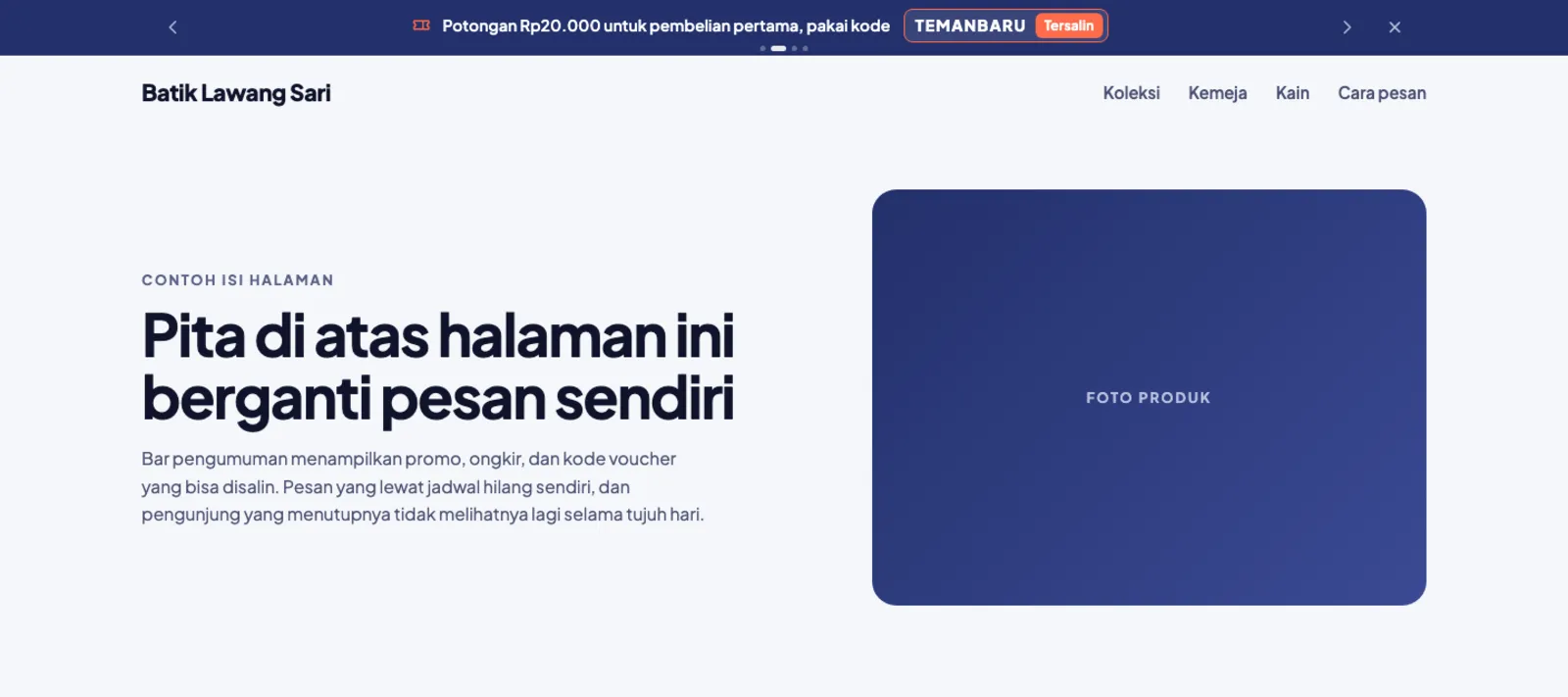
Desktop: an indigo bar above the page with a voucher code just copied
SKILL.md contents
Premium subscribers can read, copy, and install this skill.
Unlock with Premium Sign inAnnouncement Bar (Section)
Description
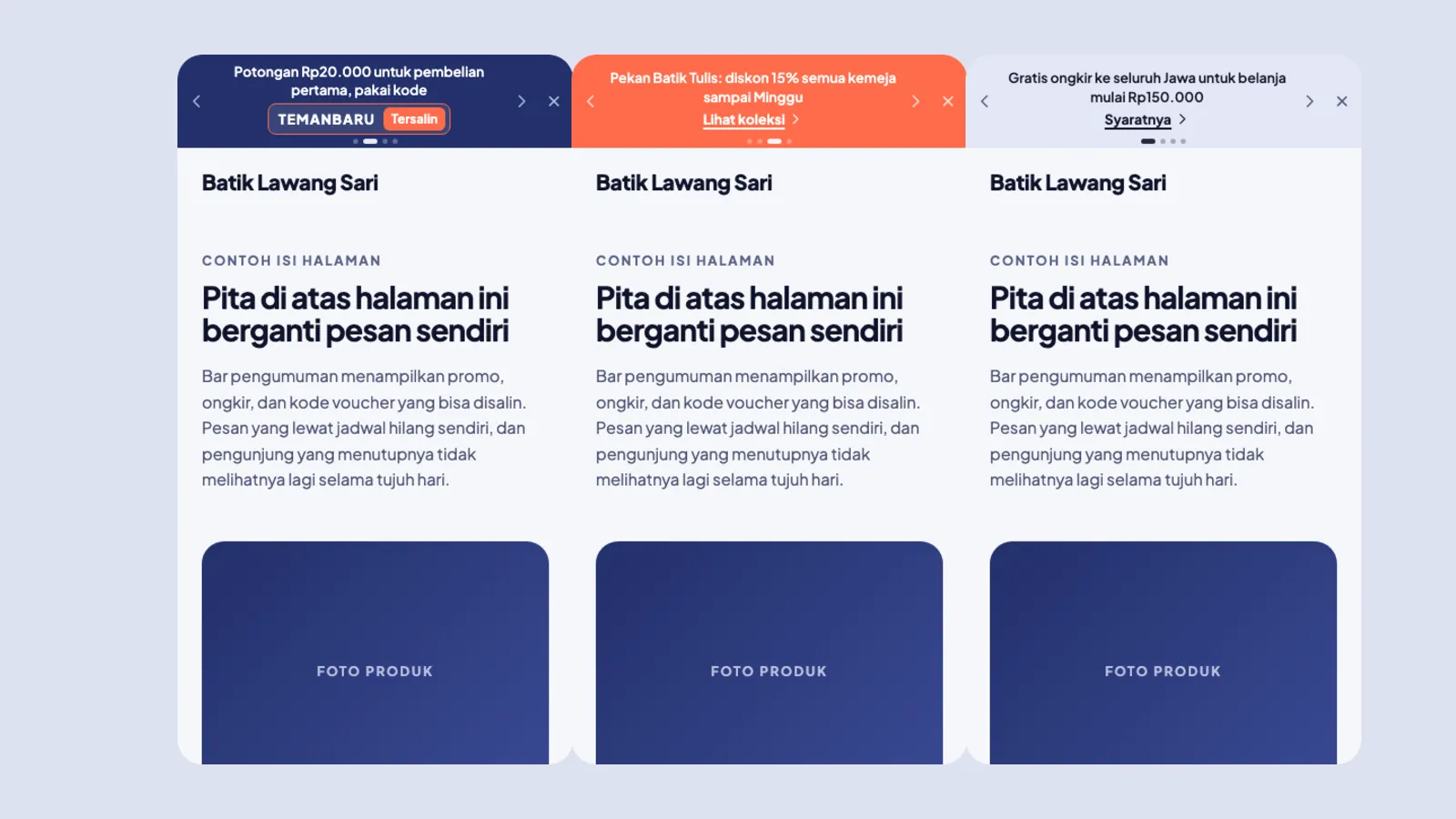
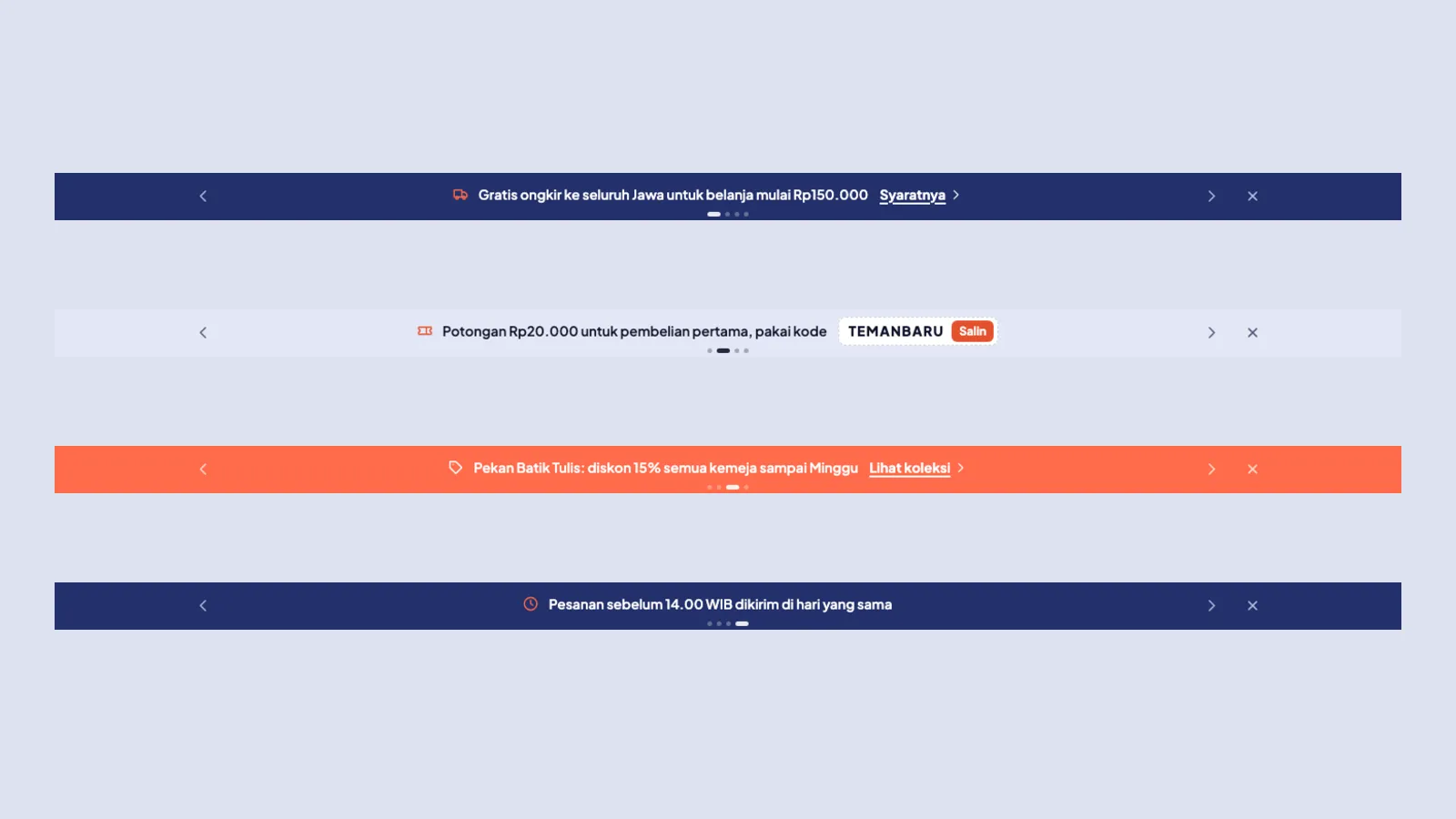
A slim strip at the very top of a shop page that rotates its own messages: promos, shipping, dispatch times, and voucher codes with a Copy button. Each message can have a start and end time in the shop's time zone, so a promo message disappears by itself when the promo ends. Visitors can step through messages with arrow buttons, the bar stops rotating while in use, and the close button is remembered in the browser for a few days without errors even when browser storage is blocked. One file, scoped CSS, 3 palettes.
Verified by SkillFlow
We checked every file in this skill automatically: no command that downloads and runs a program, no hidden code, no instruction telling your AI to ignore you.
- Loads from outside
- Fonts: Google Fonts
See the 5 files inside
skill.json8 KBSKILL.md6 KBprompt.md3 KBprompt.en.md3 KBfiles/bar.html16 KB
Checked 14 Nov 2026
Part of SkillFlow Pro
Pro opens every skill in every category: copy, ZIP, Send to AI, install, save, and request new skills.
Get Pro Already subscribed? Sign inWhat you get
- A one-file HTML announcement bar section with scoped CSS, driven by one config object
- 2 to 6 messages that rotate by themselves, with arrow buttons and position dots
- A voucher code with a Copy button and a Copied state, plus a link per message
- A start and end time per message, worked out in the shop's time zone
- A close button remembered for a few days, safe when browser storage is blocked
- A sticky bar that fits phones at 320 px and pauses while in use, 3 palettes
Good fit
- Online shops that want promos, shipping, and vouchers visible on every page
- Admins who want promo messages to disappear by themselves when the promo ends
- Landing page builders who need a paste-ready top strip without a framework
Not for
- No hours-and-minutes countdown; use Promo Countdown for that
- It does not check whether the voucher code actually works at your checkout
- It does not show purchase notifications or popups
About this skill
/bar-pengumuman Make an announcement bar for the top of our batik shop website: free shipping from a minimum spend, a TEMANBARU voucher code, and a 15% promo until 15 November
Show more
A slim strip at the very top of a shop page that rotates its own messages: promos, shipping, dispatch times, and voucher codes with a Copy button. Each message can have a start and end time in the shop's time zone, so a promo message disappears by itself when the promo ends. Visitors can step through messages with arrow buttons, the bar stops rotating while in use, and the close button is remembered in the browser for a few days without errors even when browser storage is blocked. One file, scoped CSS, 3 palettes.
User reviews
FAQ
When does the bar come back after a visitor closes it?
After the number of days in ingatTutup (7 by default). Change the bar id when the messages change completely and it shows again for everyone straight away.
What if the browser blocks storage?
The bar still shows and the close button still works on that page. Only the memory is not saved, with no errors on the page.
Whose clock does the message schedule use?
The shop's clock in the time zone you set (Asia/Jakarta by default), not the visitor's computer clock.
Which AI can I use it with?
Copy the prompt into a chat AI (ChatGPT, Claude, Gemini, DeepSeek); or download the ZIP and install it in an AI agent (Claude Code, Codex, Antigravity, Hermes Agent, Cursor, GitHub Copilot, Gemini CLI, OpenCode, Kimi Code, Trae), which then builds the files for you.
What is in the ZIP?
One folder named bar-pengumuman with SKILL.md (the instructions an AI agent reads) and the prompt, 5 files in all. Extract it into your agent's skills folder, or install it with npx skillflow-ai add bar-pengumuman. Pro only.
Is there a per-use fee or credits?
Not from SkillFlow. The skill runs on the AI you already use, so any cost follows that plan.
Which plan includes it?
SkillFlow Pro. It opens every skill in every category.
Can I use my own colours and brand?
Yes. Pick a colour theme on this page, or fill in your brand profile once; both go into the prompt you copy and into the ZIP.
Can I share what I made?
Pro members can upload the result and get a page at share.skillflow.ai.id to send to anyone. The page carries a small "Made with SkillFlow AI" mark.
Is there a download limit?
Yes, per day: 50 skills on Pro, 10 on other plans. Downloading a skill again on the same day does not count.



