

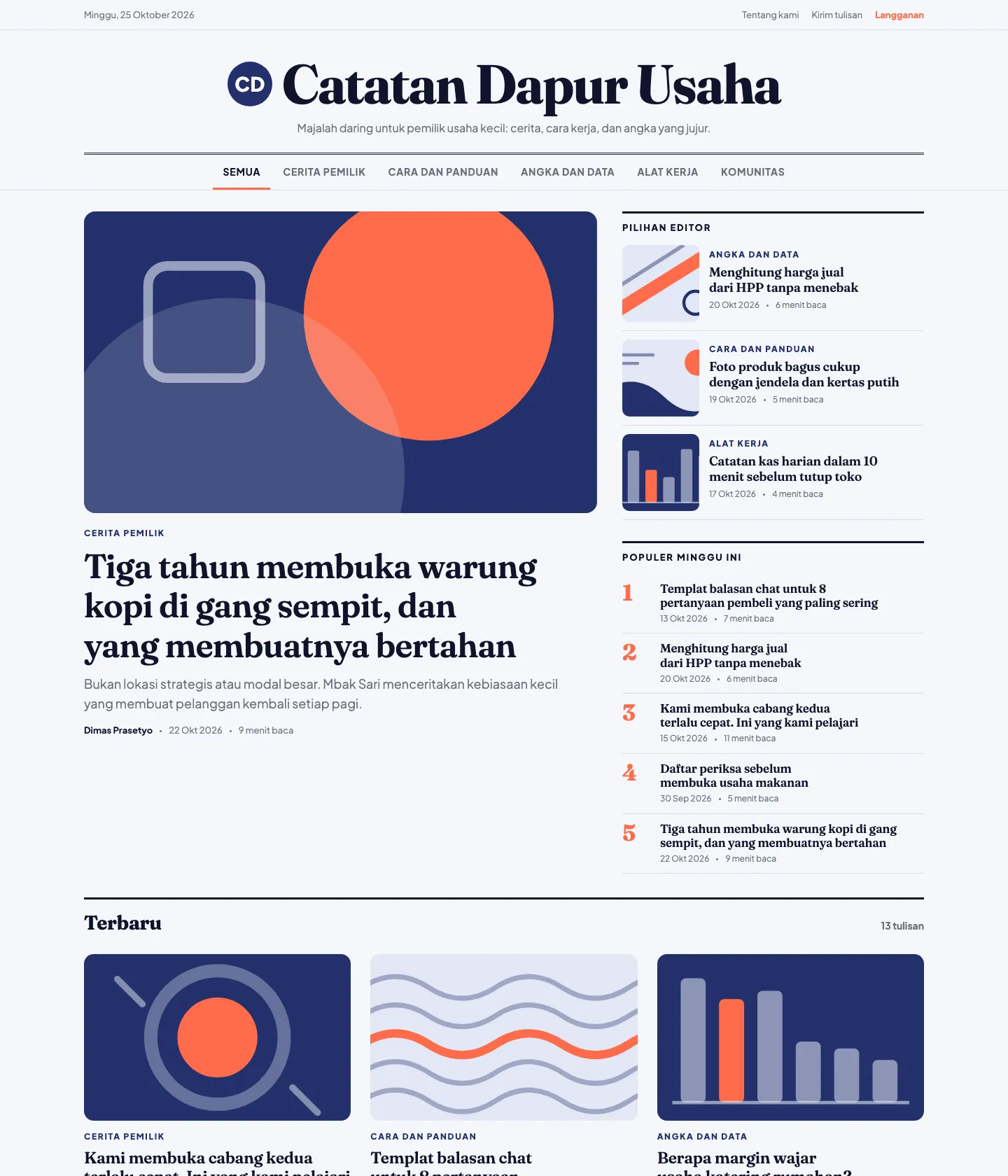
Wide screen: masthead, lead story, Editor's picks, Popular this week, and Latest cards
SKILL.md contents
Premium subscribers can read, copy, and install this skill.
Unlock with Premium Sign inMagazine Blog Home
Description
A magazine-style blog home for business blogs, community media, and writers: a big masthead with the edition date, a sticky category menu, a large lead story, an Editor's picks column, Popular this week ranked by reader count, Latest cards with a Load more button, an email signup box that checks the address then sends it to WhatsApp, a form, or email, and rows per category. Each category has its own address. One HTML file with no library, set from one config object.
Verified by SkillFlow
We checked every file in this skill automatically: no command that downloads and runs a program, no hidden code, no instruction telling your AI to ignore you.
- Loads from outside
- Fonts: Google Fonts
See the 5 files inside
skill.json12 KBSKILL.md6 KBprompt.md4 KBprompt.en.md4 KBfiles/blog.html31 KB
Checked 14 Nov 2026
Part of SkillFlow Pro
Pro opens every skill in every category: copy, ZIP, Send to AI, install, save, and request new skills.
Get Pro Already subscribed? Sign inWhat you get
- One HTML file, no library, set from one config object (categories, articles, signup, footer)
- A large lead story, Editor's picks (2-3), and Popular ranked automatically by reader count
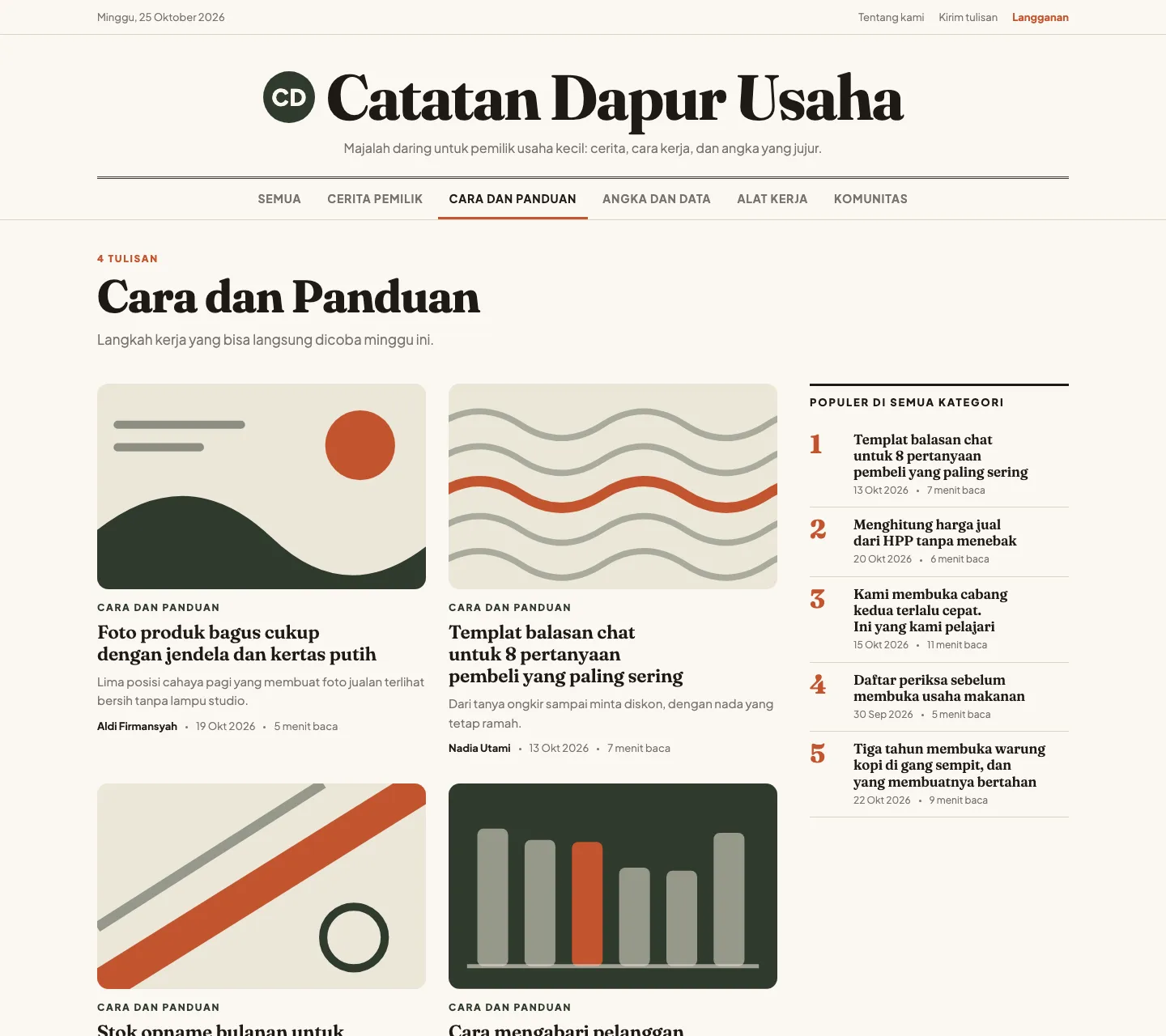
- Latest cards with Load more, rows per category, and category pages at #/kategori/id
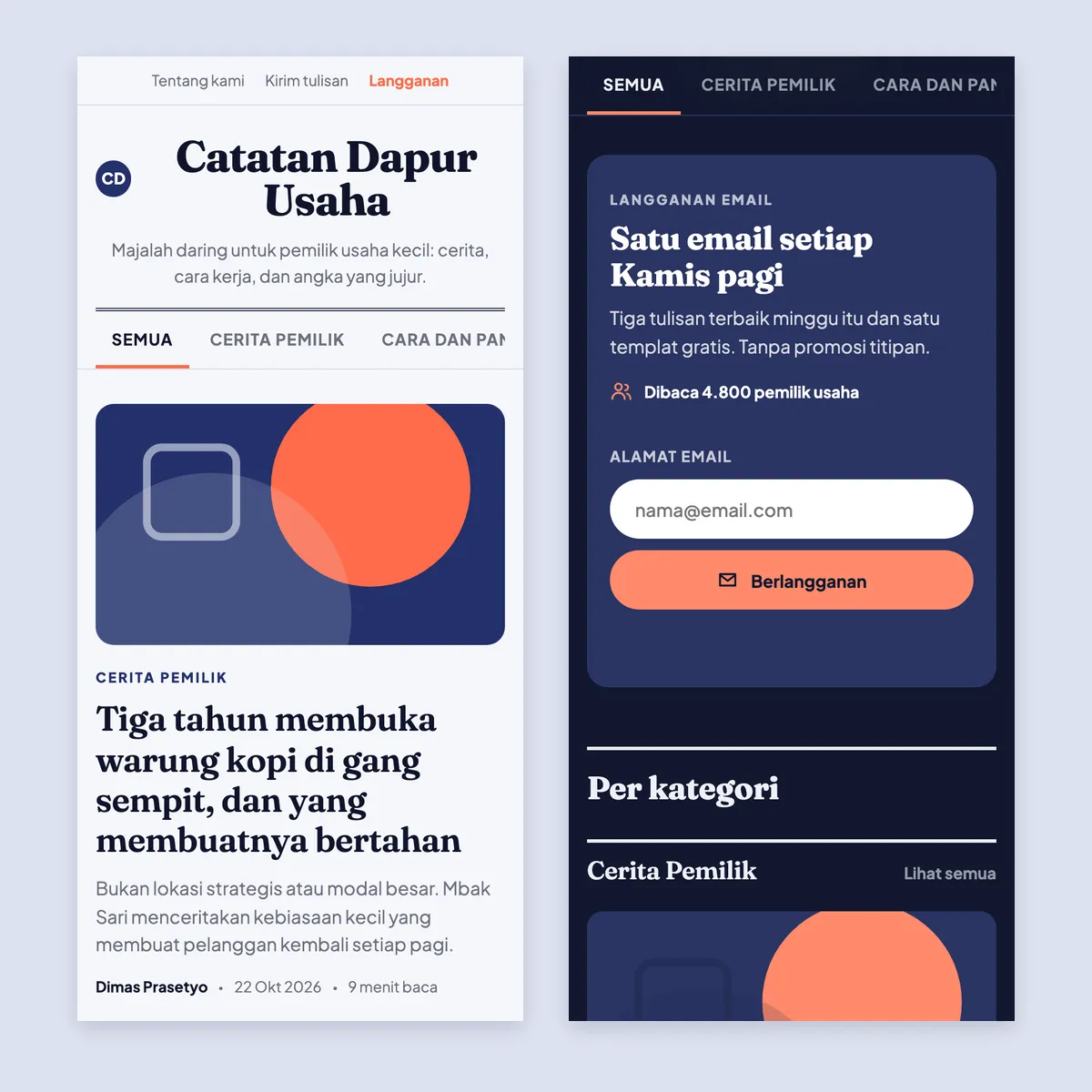
- An email signup box that checks the address, then sends it to your WhatsApp, your form, or email
- Patterned placeholder images in the palette colours until real photos are ready, serif or sans headlines
- Phone-ready: a swipeable category menu, compact card rows, no sideways scroll; 3 palettes (indigo, paper, night)
Good fit
- Business blogs, community media, or newsletters wanting a tidy magazine-like home
- Writers and education brands with many posts that need grouping by category
- Small teams wanting a static page without a blog system or database
Not for
- Not an article page; each card links to the article address you already have
- Not an email list system: addresses go to WhatsApp, a form, or email, and this page does not store them
- Reader counts for Popular are entered by you; the page does not track visits
- There is no article search; navigation is by category
About this skill
/beranda-blog-majalah Build a magazine-style blog home for our small business publication: 5 categories, 13 articles with one lead story, a popular list, and an email signup box that comes to our WhatsApp
Show more
A magazine-style blog home for business blogs, community media, and writers: a big masthead with the edition date, a sticky category menu, a large lead story, an Editor's picks column, Popular this week ranked by reader count, Latest cards with a Load more button, an email signup box that checks the address then sends it to WhatsApp, a form, or email, and rows per category. Each category has its own address. One HTML file with no library, set from one config object.
User reviews
FAQ
How are Popular articles chosen?
From the read count on each article, highest first. Enter the numbers from your site statistics and update them now and then; this page does not count visits itself.
Where do subscriber emails go?
Pick one: a chat to your WhatsApp containing the address, your own form endpoint, or email. The address is checked before sending so typos are caught.
Can it work without photos?
Yes. Each article without an image gets a geometric pattern in the palette colours, different per article. Add your own photo address any time.
Which AI can I use it with?
Copy the prompt into a chat AI (ChatGPT, Claude, Gemini, DeepSeek); or download the ZIP and install it in an AI agent (Claude Code, Codex, Antigravity, Hermes Agent, Cursor, GitHub Copilot, Gemini CLI, OpenCode, Kimi Code, Trae), which then builds the files for you.
What is in the ZIP?
One folder named beranda-blog-majalah with SKILL.md (the instructions an AI agent reads) and the prompt, 5 files in all. Extract it into your agent's skills folder, or install it with npx skillflow-ai add beranda-blog-majalah. Pro only.
Is there a per-use fee or credits?
Not from SkillFlow. The skill runs on the AI you already use, so any cost follows that plan.
Which plan includes it?
SkillFlow Pro. It opens every skill in every category.
Can I use my own colours and brand?
Yes. Pick a colour theme on this page, or fill in your brand profile once; both go into the prompt you copy and into the ZIP.
Can I share what I made?
Pro members can upload the result and get a page at share.skillflow.ai.id to send to anyone. The page carries a small "Made with SkillFlow AI" mark.
Is there a download limit?
Yes, per day: 50 skills on Pro, 10 on other plans. Downloading a skill again on the same day does not count.



