

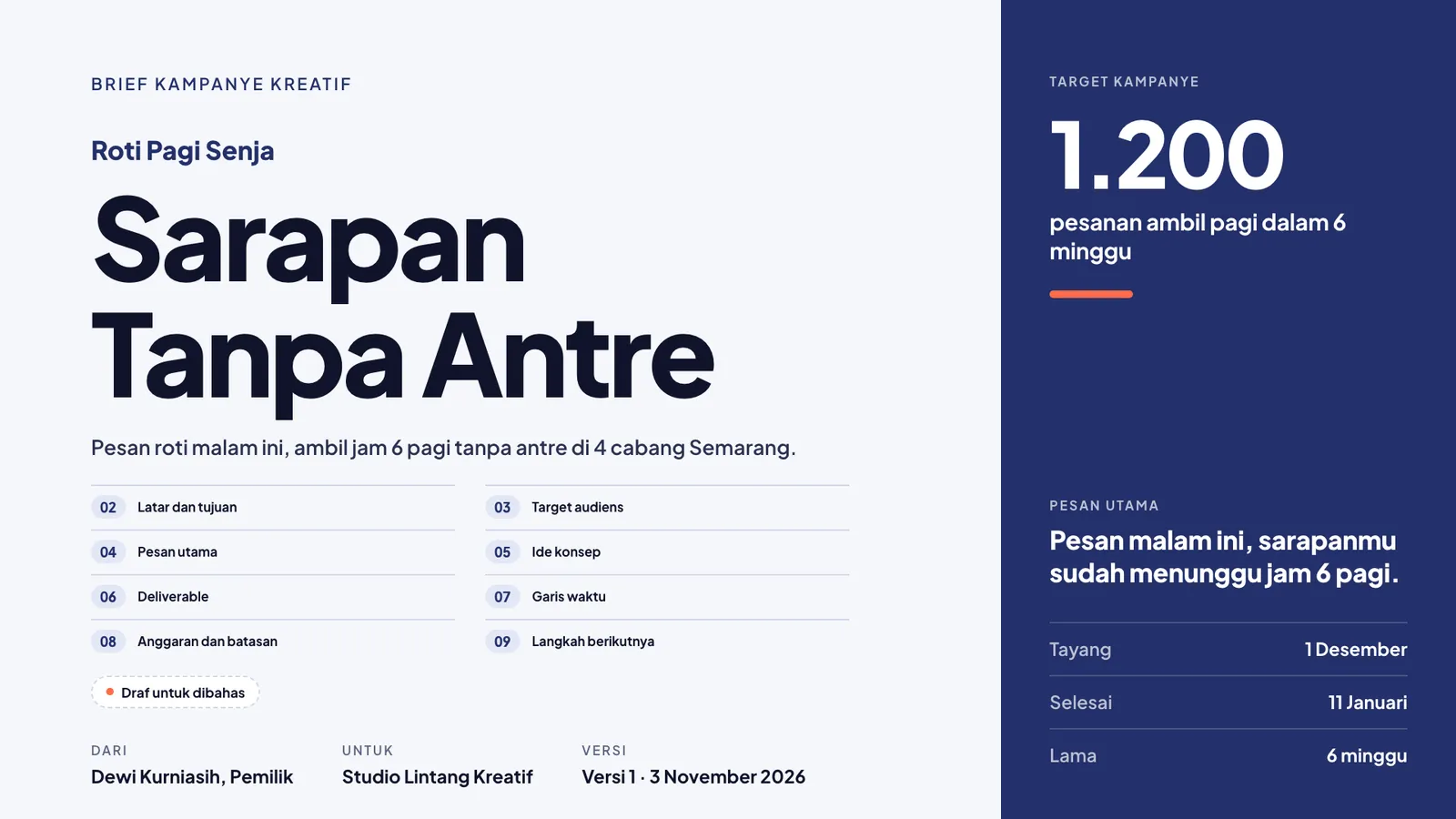
Cover: campaign name, contents, owner and recipient, a target panel, key message, and launch date
SKILL.md contents
Premium subscribers can read, copy, and install this skill.
Unlock with Premium Sign inCreative Campaign Brief for Teams and Agencies
Description
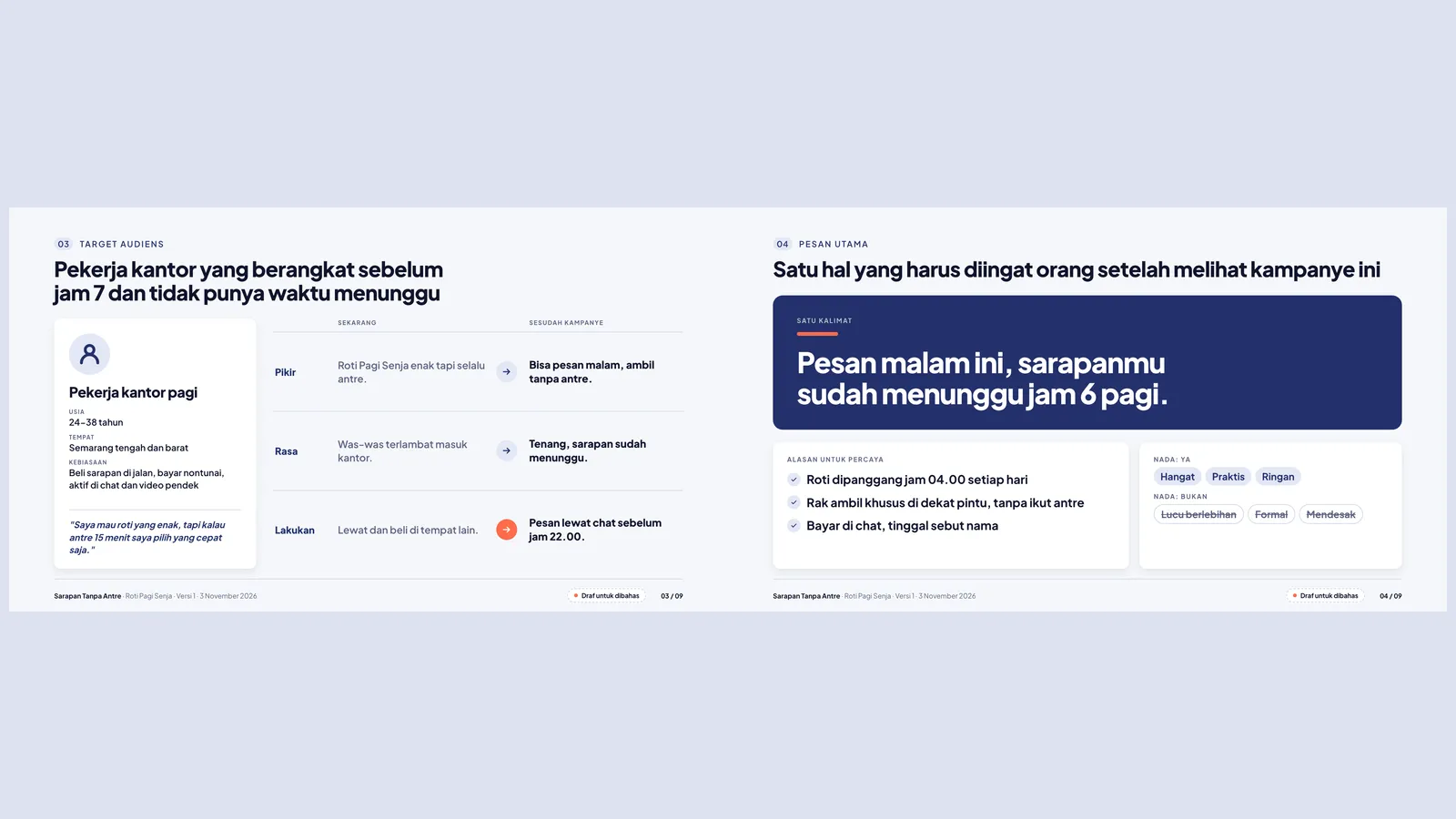
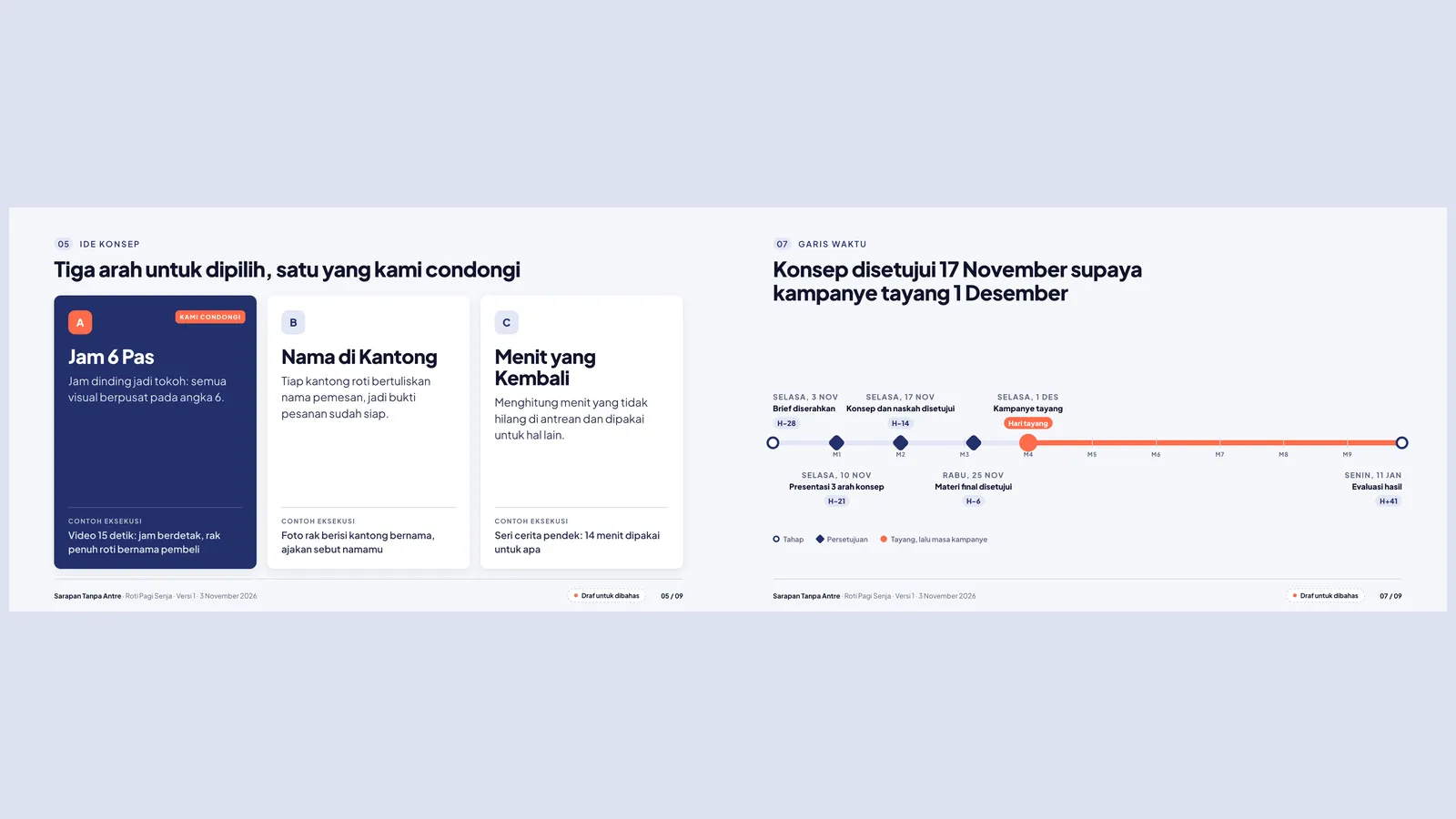
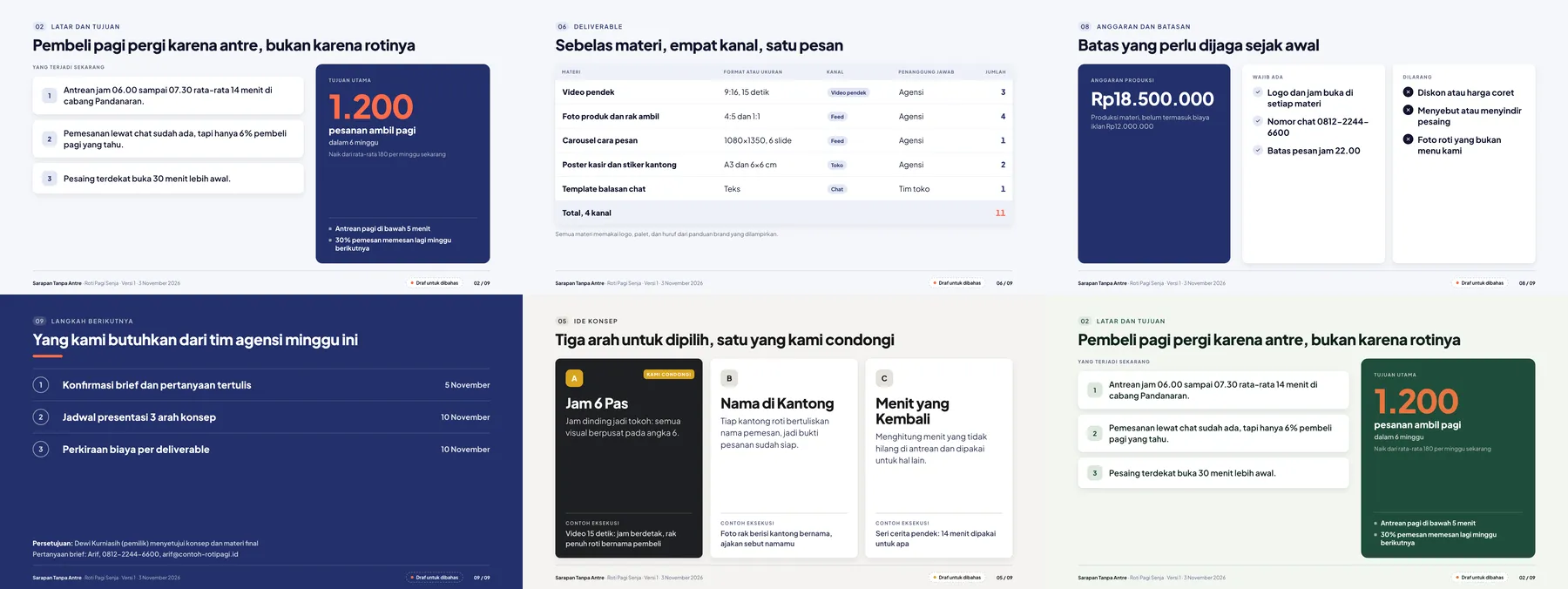
A consultant-style 16:9 brief deck that gets the owner, team, and agency aligned before anything is made: a cover with the target and key message, context and one numeric goal, the audience's Think, Feel, Do shift, one key message with reasons to believe and tone, 2-3 concept directions, a deliverables table with automatic totals, a dated timeline with approval points and D-minus counts, the budget with must-haves and no-gos, then next steps. 9 slides from one data object, straight to PDF.
Verified by SkillFlow
We checked every file in this skill automatically: no command that downloads and runs a program, no hidden code, no instruction telling your AI to ignore you.
- Loads from outside
- Fonts: Google Fonts
See the 5 files inside
skill.json13 KBSKILL.md7 KBprompt.md5 KBprompt.en.md5 KBfiles/deck.html39 KB
Checked 14 Nov 2026
Included in Basic and Pro
Basic copies the prompt. Pro also downloads the ZIP, sends to AI, installs into agents, and opens every category.
Get Pro Get Basic Already subscribed? Sign inWhat you get
- A 9-slide 16:9 deck: cover, context and goal, audience, key message, concepts, deliverables, timeline, guardrails, next steps
- An HTML template driven by one data object, exported to PDF one slide per page
- Deliverable totals, channel count, weekdays, week numbers, and D-minus counts worked out automatically
- Three ready palettes and a one-paragraph summary to send with the PDF
Good fit
- Business owners about to hire an agency, designer, or videographer for one campaign
- In-house marketing teams starting a product launch or seasonal campaign
- Agencies tidying a client's brief so it is approved before work starts
- Freelancers who want clients to sign off on goals and deliverables up front
Not for
- Not a weekly content plan or posting calendar
- It does not make the campaign materials; this deck is only the brief
- Not an agency price proposal or a campaign results report
- It does not invent situation figures, targets, or budgets you do not have yet
About this skill
/brief-kampanye-kreatif Write a campaign brief for our agency: our bakery wants 1,200 morning pickup orders in 6 weeks through a No-Queue Breakfast campaign, launching 1 December, with a fixed production budget
Show more
A consultant-style 16:9 brief deck that gets the owner, team, and agency aligned before anything is made: a cover with the target and key message, context and one numeric goal, the audience's Think, Feel, Do shift, one key message with reasons to believe and tone, 2-3 concept directions, a deliverables table with automatic totals, a dated timeline with approval points and D-minus counts, the budget with must-haves and no-gos, then next steps. 9 slides from one data object, straight to PDF.
User reviews
FAQ
Why only one goal and one message?
A campaign with three goals and five messages usually produces material that says nothing clearly. One number tells everyone when the campaign has worked, and one sentence makes every piece checkable: does it say that sentence.
What are the D-minus counts on the timeline for?
Each milestone shows how many days before launch it falls, so everyone sees at once that a concept approval three days late pushes back all of production. You write each date once; the weekday, week, and D-minus are worked out by the template.
What if concept directions are left to the agency?
Leave the preferred flag off every direction, or fill in one direction as an example only. The concepts slide still shows the space you expect without locking the agency into one idea.
Which AI can I use it with?
Copy the prompt into a chat AI (ChatGPT, Claude, Gemini, DeepSeek); or download the ZIP and install it in an AI agent (Claude Code, Codex, Antigravity, Hermes Agent, Cursor, GitHub Copilot, Gemini CLI, OpenCode, Kimi Code, Trae), which then builds the files for you.
What is in the ZIP?
One folder named brief-kampanye-kreatif with SKILL.md (the instructions an AI agent reads) and the prompt, 5 files in all. Extract it into your agent's skills folder, or install it with npx skillflow-ai add brief-kampanye-kreatif. Pro only.
Is there a per-use fee or credits?
Not from SkillFlow. The skill runs on the AI you already use, so any cost follows that plan.
Which plan includes it?
Basic and Pro. Basic copies the prompt; Pro also downloads the ZIP, sends to AI, installs into agents and shares results by link.
Can I use my own colours and brand?
Yes. Pick a colour theme on this page, or fill in your brand profile once; both go into the prompt you copy and into the ZIP.
Can I share what I made?
Pro members can upload the result and get a page at share.skillflow.ai.id to send to anyone. The page carries a small "Made with SkillFlow AI" mark.
Is there a download limit?
Yes, per day: 50 skills on Pro, 10 on other plans. Downloading a skill again on the same day does not count.



