

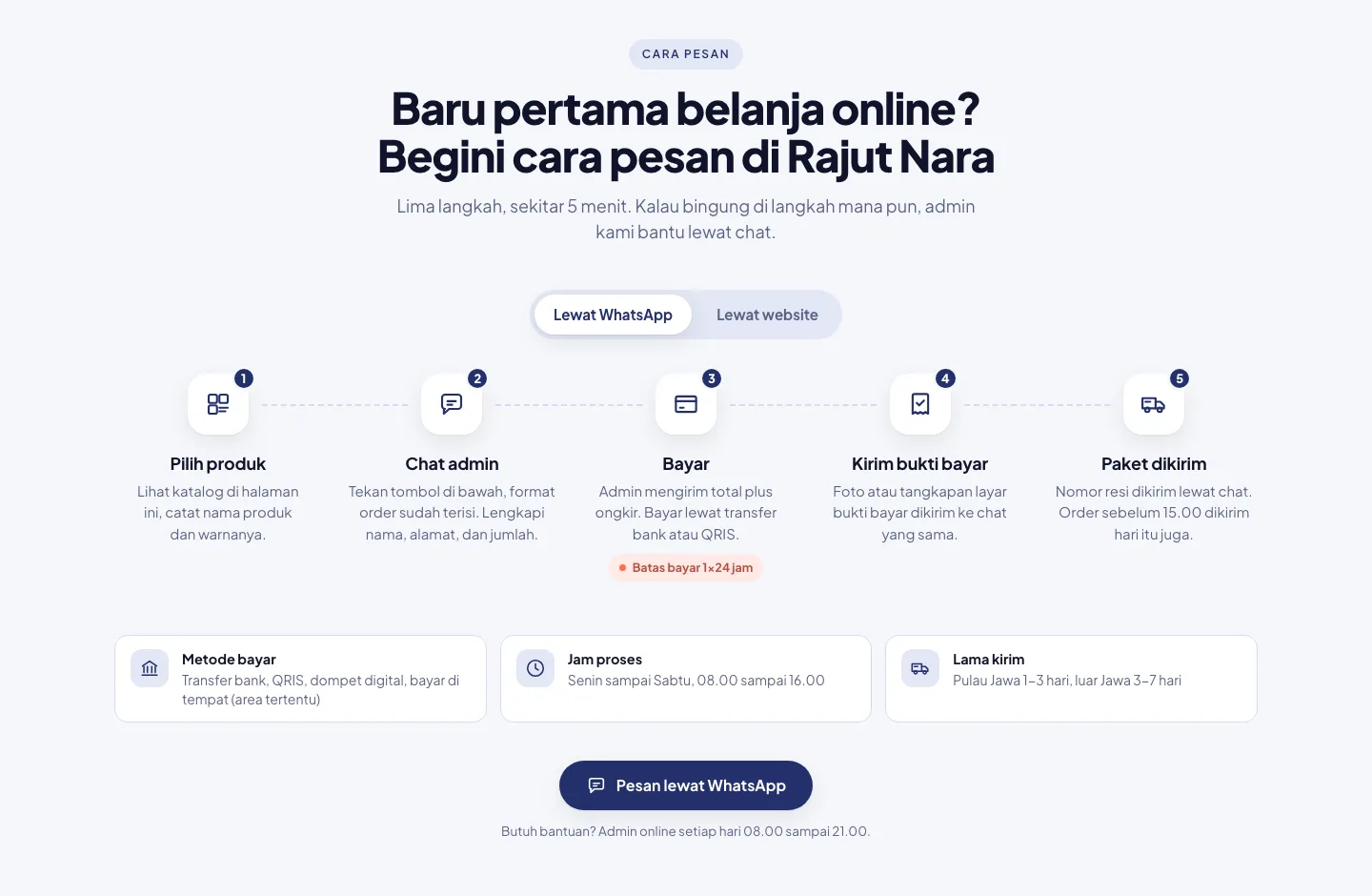
Row layout: 5 steps to order on WhatsApp, the payment deadline marked in the accent
SKILL.md contents
Premium subscribers can read, copy, and install this skill.
Unlock with Premium Sign inHow to Order (Section)
Description
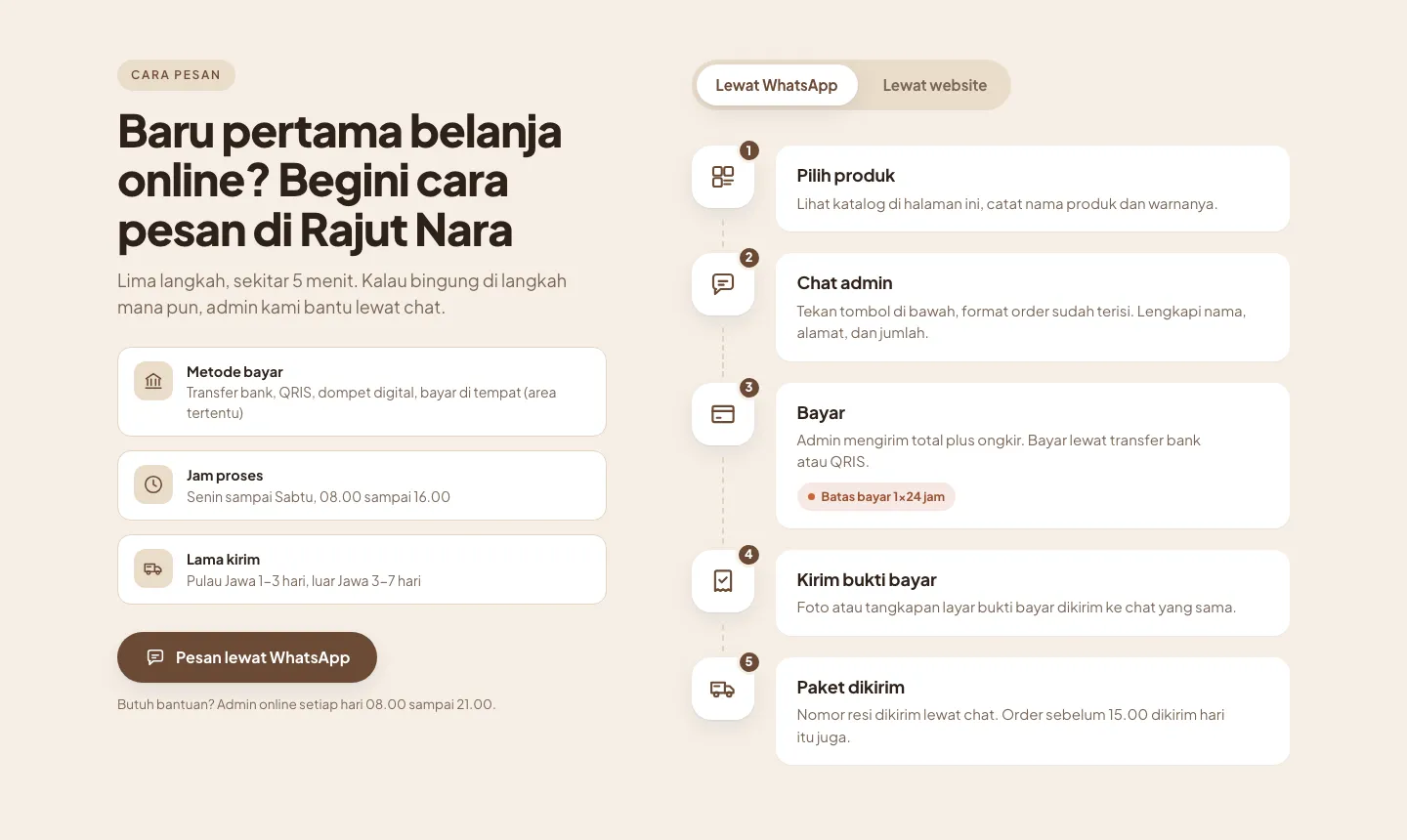
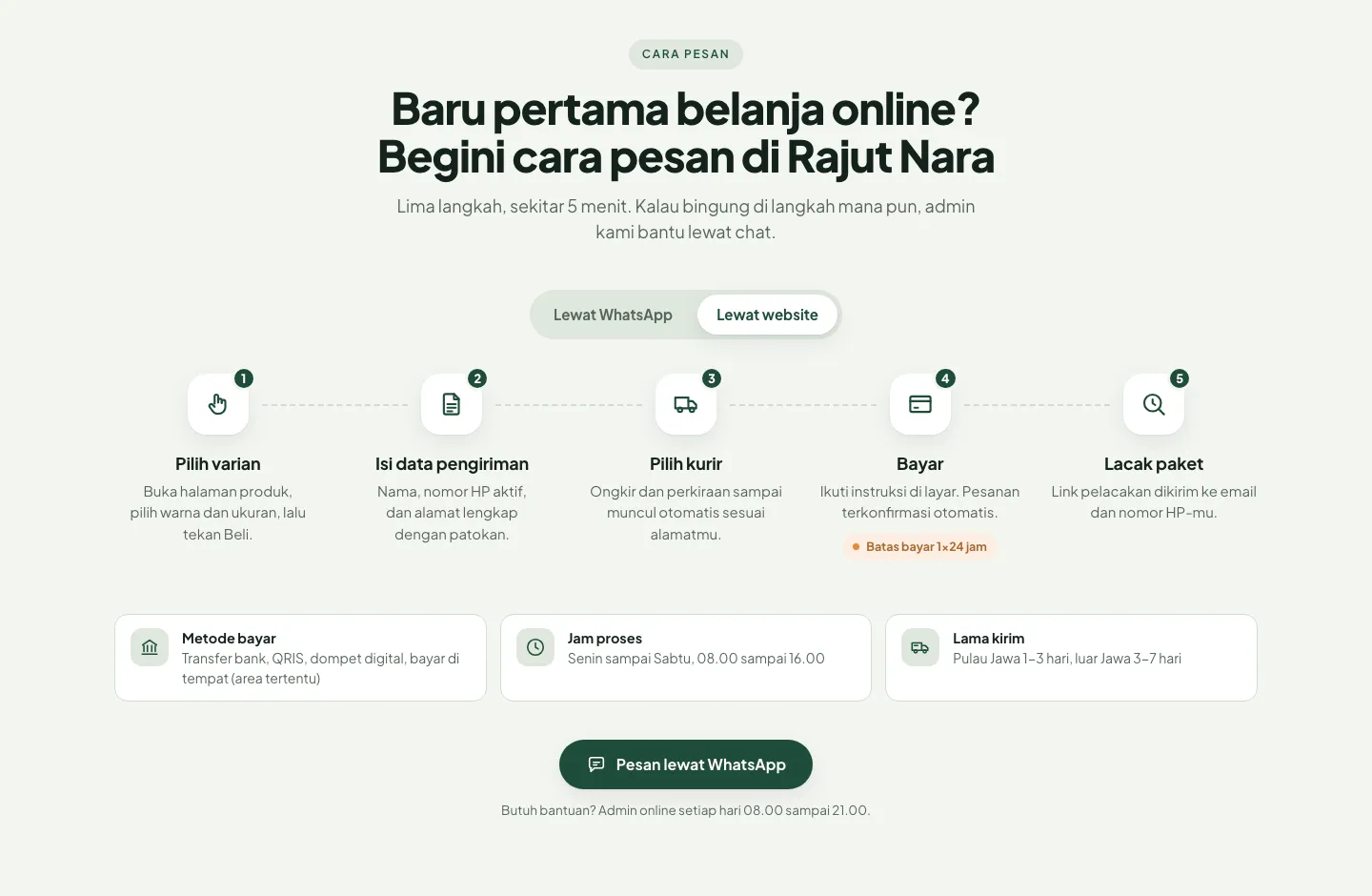
A how-to-order section for people buying online for the first time: 3 to 5 steps with numbered line icons and a connecting line, one key label (such as the payment deadline) marked in the accent colour, tabs when there is more than one way to order (WhatsApp, website, in person), info cards for payment methods, processing hours, and delivery time, and a WhatsApp button whose message already holds the order format. Two layouts (row or timeline), three palettes, one HTML file that is safe to paste.
Verified by SkillFlow
We checked every file in this skill automatically: no command that downloads and runs a program, no hidden code, no instruction telling your AI to ignore you.
- Loads from outside
- Fonts: Google Fonts
See the 5 files inside
skill.json9 KBSKILL.md5 KBprompt.md3 KBprompt.en.md3 KBfiles/cara-pemesanan.html19 KB
Checked 14 Nov 2026
Part of SkillFlow Pro
Pro opens every skill in every category: copy, ZIP, Send to AI, install, save, and request new skills.
Get Pro Already subscribed? Sign inWhat you get
- A one-file HTML section, scoped CSS so it is safe to paste into any landing page
- 3 to 5 steps per path, built-in line icons (19 icons) and step numbers
- Tabs for ordering paths (1 to 3), usable with the keyboard
- Info cards: payment methods, processing hours, delivery time
- A WhatsApp button with the order format already filled in
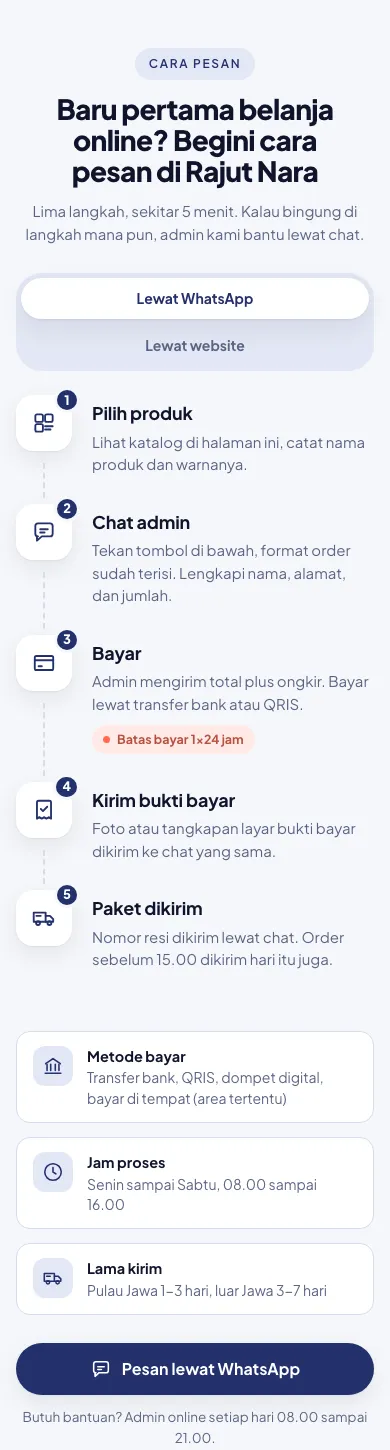
- 2 layouts (row, timeline) and 3 palettes; stacks vertically on phones
Good fit
- Online shops whose buyers drop off because the order steps are unclear
- Sellers with several order routes such as WhatsApp, a website, or walk in
- Landing pages that need to explain where to pay and when items ship
- Shops wanting a WhatsApp button with the order format prefilled
Not for
- Not an FAQ; unordered questions belong in an FAQ section
- Not a full page or a video; just a static HTML section to paste in
- It does not process orders or payments
- No logos of banks, e-wallets, couriers, or chat apps
About this skill
/cara-pemesanan Build a how to order section for our home bakery, 2 routes via WhatsApp and website, 4 steps each, a 2 hour payment deadline marked important, plus payment and shipping info
Show more
A how-to-order section for people buying online for the first time: 3 to 5 steps with numbered line icons and a connecting line, one key label (such as the payment deadline) marked in the accent colour, tabs when there is more than one way to order (WhatsApp, website, in person), info cards for payment methods, processing hours, and delivery time, and a WhatsApp button whose message already holds the order format. Two layouts (row or timeline), three palettes, one HTML file that is safe to paste.
User reviews
FAQ
Which layout should I pick?
Row suits a full width section with short steps. Timeline puts the title, info, and button on the left with steps running down the right, which suits longer step text.
How do I set the order format on the WhatsApp button?
Enter the number in international format without the plus sign, like 6281234567890, and write a message with the order format buyers just fill in. Use a new line for each field.
Can there be more than one important label?
Keep it to one per route, usually the payment deadline, because it is the only accent colour in the section. Other labels show as plain chips.
Which AI can I use it with?
Copy the prompt into a chat AI (ChatGPT, Claude, Gemini, DeepSeek); or download the ZIP and install it in an AI agent (Claude Code, Codex, Antigravity, Hermes Agent, Cursor, GitHub Copilot, Gemini CLI, OpenCode, Kimi Code, Trae), which then builds the files for you.
What is in the ZIP?
One folder named cara-pemesanan with SKILL.md (the instructions an AI agent reads) and the prompt, 5 files in all. Extract it into your agent's skills folder, or install it with npx skillflow-ai add cara-pemesanan. Pro only.
Is there a per-use fee or credits?
Not from SkillFlow. The skill runs on the AI you already use, so any cost follows that plan.
Which plan includes it?
SkillFlow Pro. It opens every skill in every category.
Can I use my own colours and brand?
Yes. Pick a colour theme on this page, or fill in your brand profile once; both go into the prompt you copy and into the ZIP.
Can I share what I made?
Pro members can upload the result and get a page at share.skillflow.ai.id to send to anyone. The page carries a small "Made with SkillFlow AI" mark.
Is there a download limit?
Yes, per day: 50 skills on Pro, 10 on other plans. Downloading a skill again on the same day does not count.



