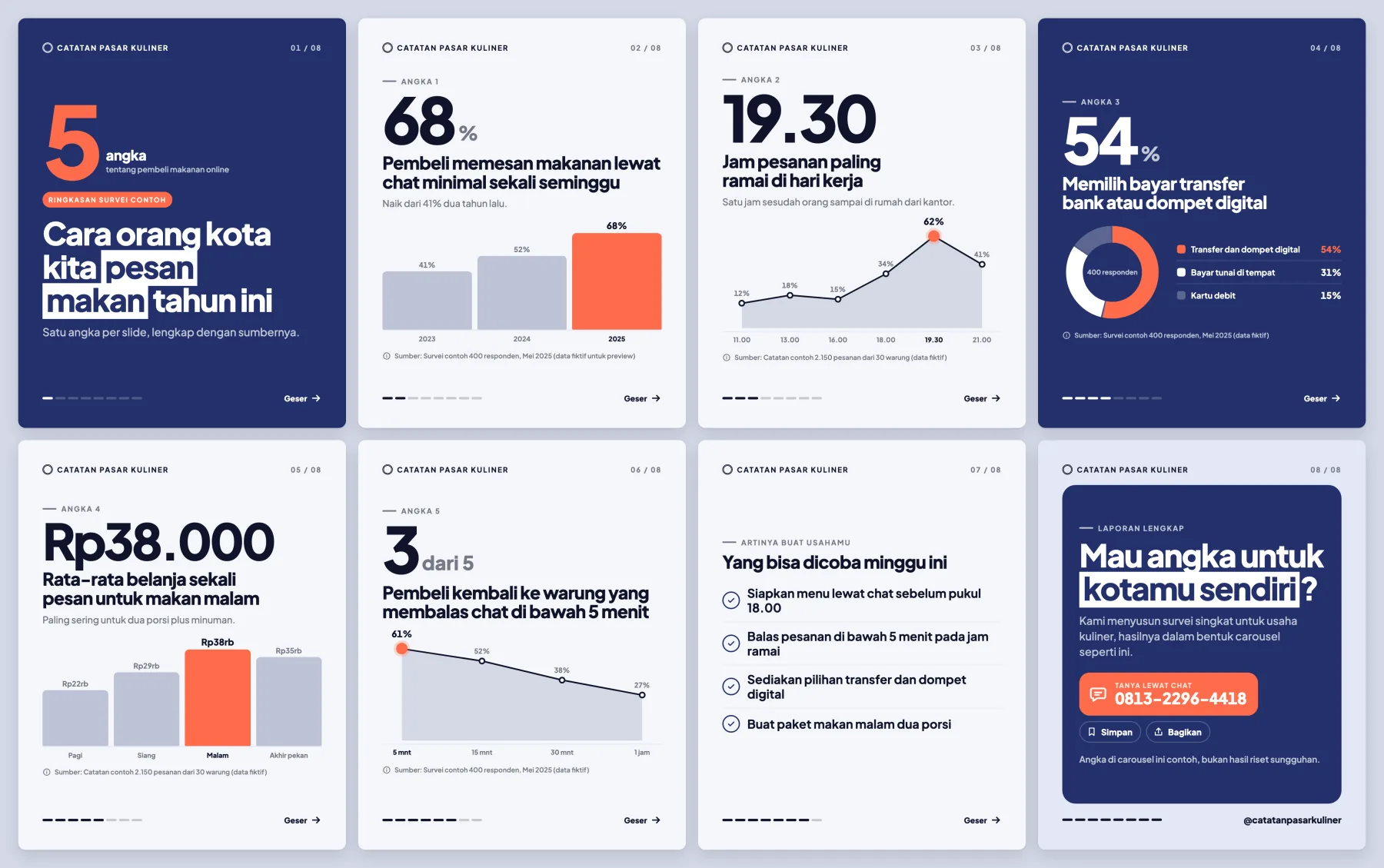
Eight slides: a cover, 5 numbers each with a small chart and source, what it means, and the closing slide
SKILL.md contents
Premium subscribers can read, copy, and install this skill.
Unlock with Premium Sign inStats in Numbers
Description
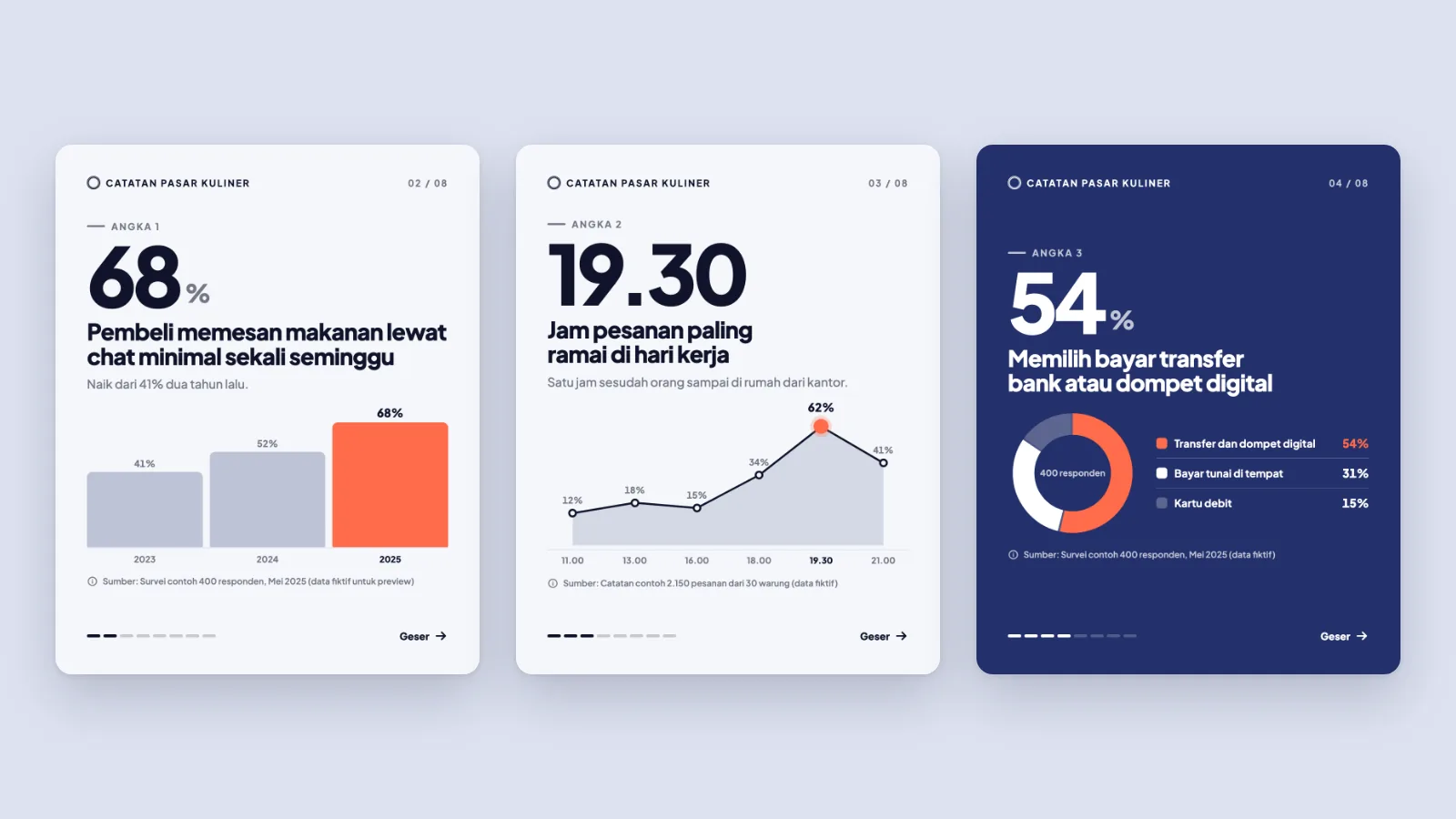
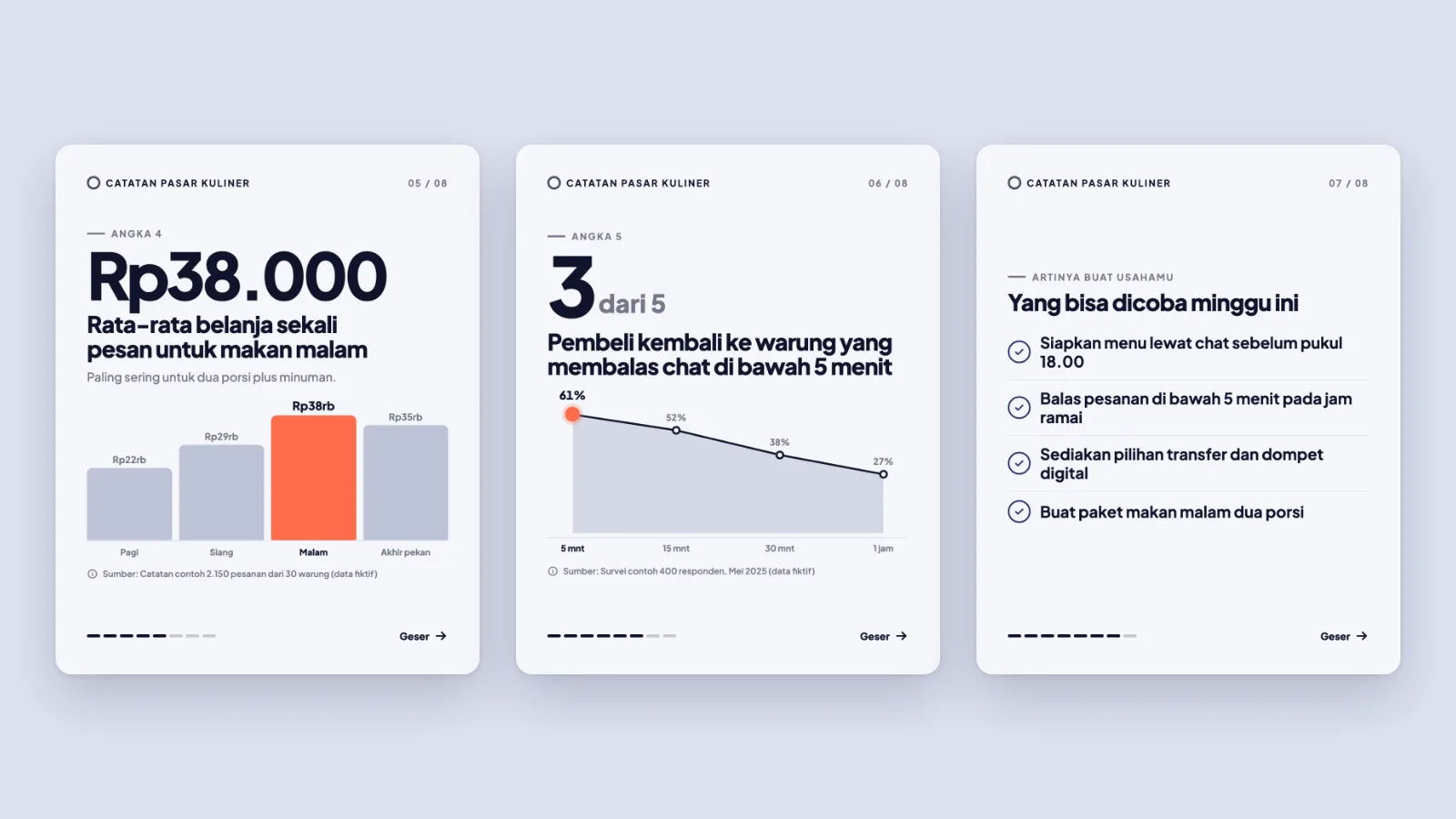
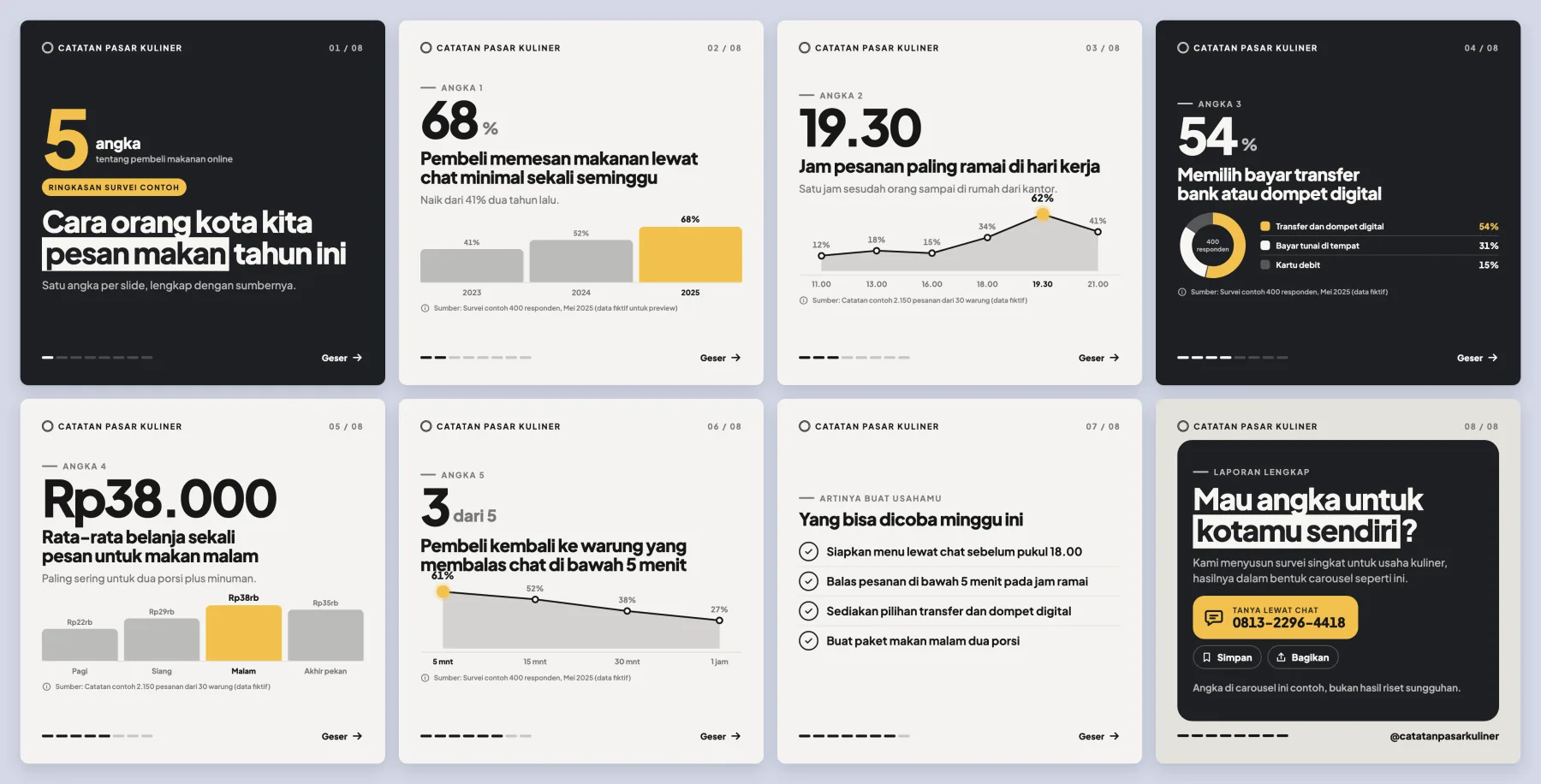
A data carousel for consultants, small research teams, agencies, and creators summing up an industry report or survey: one big number per slide, one sentence on what it means, a small chart that highlights the point that matters (bars, line, or donut), and the data source underneath. A big-number cover, alternating light and dark slides, a what-it-means list for the reader, and a closing slide to request the full report in chat. Long figures such as prices shrink automatically. 3 to 7 numbers, 1080x1350 or 1080x1080.
Verified by SkillFlow
We checked every file in this skill automatically: no command that downloads and runs a program, no hidden code, no instruction telling your AI to ignore you.
- Loads from outside
- Fonts: Google Fonts
See the 5 files inside
skill.json8 KBSKILL.md7 KBprompt.md4 KBprompt.en.md4 KBfiles/carousel.html383 KB
Checked 14 Nov 2026
Part of SkillFlow Pro
Pro opens every skill in every category: copy, ZIP, Send to AI, install, save, and request new skills.
Get Pro Already subscribed? Sign inWhat you get
- A script: cover, 3-7 number slides (the number, its meaning, context, chart data, source), what it means for the reader, closing
- A one-config HTML template with three small charts: bars, line, and a donut with a legend
- Automatic highlighting of the bar or point being discussed, with value and axis labels
- One PNG per slide at 1080x1350 (4:5) or 1080x1080 (1:1), plus a combined sheet of all slides
- 4 ready palettes (indigo, charcoal, forest, plum)
- A caption that names the data source and asks a question for comments
Good fit
- Consultants, agencies, and small research groups summarising reports or surveys
- Creators sharing industry data findings with clear sources
- Businesses that want to share results from their own customer survey
Not for
- It does not find or invent data; you supply the numbers and sources
- The charts are small and highlight one point, not a full analytics dashboard
- Not a long research report; each slide carries a single figure
About this skill
/carousel-data-dalam-angka Make a carousel of 5 figures from this year's customer survey by Arunika Retail Consulting, each with a small chart and source, closing with an invite to request the full report by chat
Show more
A data carousel for consultants, small research teams, agencies, and creators summing up an industry report or survey: one big number per slide, one sentence on what it means, a small chart that highlights the point that matters (bars, line, or donut), and the data source underneath. A big-number cover, alternating light and dark slides, a what-it-means list for the reader, and a closing slide to request the full report in chat. Long figures such as prices shrink automatically. 3 to 7 numbers, 1080x1350 or 1080x1080.
User reviews
FAQ
Which charts are available?
Bars for comparisons, lines for trends, and donuts for composition. The bar or point being discussed is highlighted in the accent colour automatically.
My figure is long, like Rp38,000,000. Will it fit?
Long figures shrink automatically to stay on one line. If it still feels crowded, write Rp38 million instead.
Do I have to fill in the data source?
You should. Each slide has a source line at the bottom and the caption mentions it too, so readers trust your numbers.
Which AI can I use it with?
Copy the prompt into a chat AI (ChatGPT, Claude, Gemini, DeepSeek); or download the ZIP and install it in an AI agent (Claude Code, Codex, Antigravity, Hermes Agent, Cursor, GitHub Copilot, Gemini CLI, OpenCode, Kimi Code, Trae), which then builds the files for you.
What is in the ZIP?
One folder named carousel-data-dalam-angka with SKILL.md (the instructions an AI agent reads) and the prompt, 5 files in all. Extract it into your agent's skills folder, or install it with npx skillflow-ai add carousel-data-dalam-angka. Pro only.
Is there a per-use fee or credits?
Not from SkillFlow. The skill runs on the AI you already use, so any cost follows that plan.
Which plan includes it?
SkillFlow Pro. It opens every skill in every category.
Can I use my own colours and brand?
Yes. Pick a colour theme on this page, or fill in your brand profile once; both go into the prompt you copy and into the ZIP.
Can I share what I made?
Pro members can upload the result and get a page at share.skillflow.ai.id to send to anyone. The page carries a small "Made with SkillFlow AI" mark.
Is there a download limit?
Yes, per day: 50 skills on Pro, 10 on other plans. Downloading a skill again on the same day does not count.