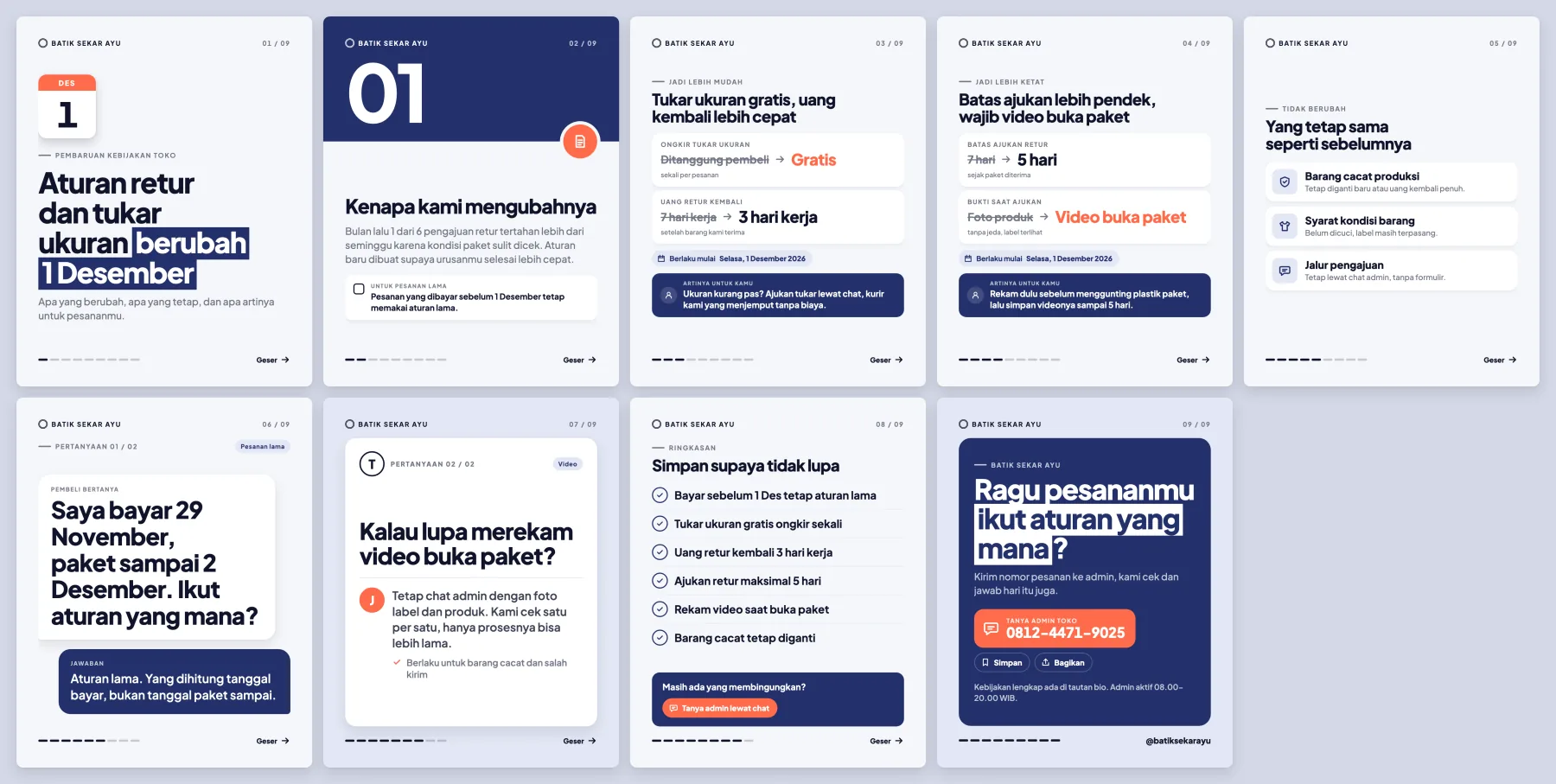
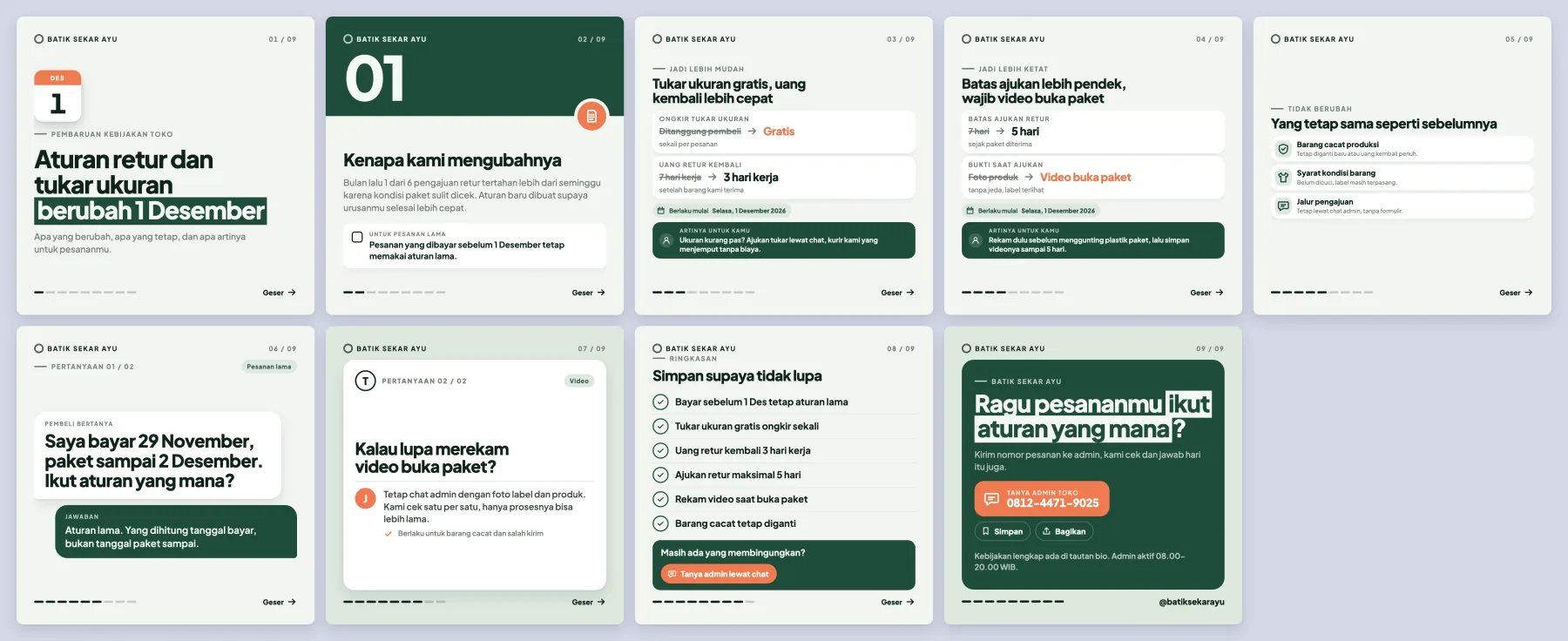
Nine slides: effective date, reason, easier, stricter, unchanged, two questions, summary, and closing
SKILL.md contents
Premium subscribers can read, copy, and install this skill.
Unlock with Premium Sign inStore Policy Update
Description
A calm, honest carousel announcing a store rule change: a cover with the effective date, the reason, old-to-new rules split into what got easier and what got stricter, what stays the same, a "What this means for you" box on each update, questions about orders caught in the transition, a summary, and a closing slide with a chat number. Fits return, warranty, payment, shipping, or membership rules. 1080x1350 or 1080x1080.
Verified by SkillFlow
We checked every file in this skill automatically: no command that downloads and runs a program, no hidden code, no instruction telling your AI to ignore you.
- Loads from outside
- Fonts: Google Fonts
See the 5 files inside
skill.json10 KBSKILL.md8 KBprompt.md5 KBprompt.en.md5 KBfiles/carousel.html384 KB
Checked 14 Nov 2026
Part of SkillFlow Pro
Pro opens every skill in every category: copy, ZIP, Send to AI, install, save, and request new skills.
Get Pro Already subscribed? Sign inWhat you get
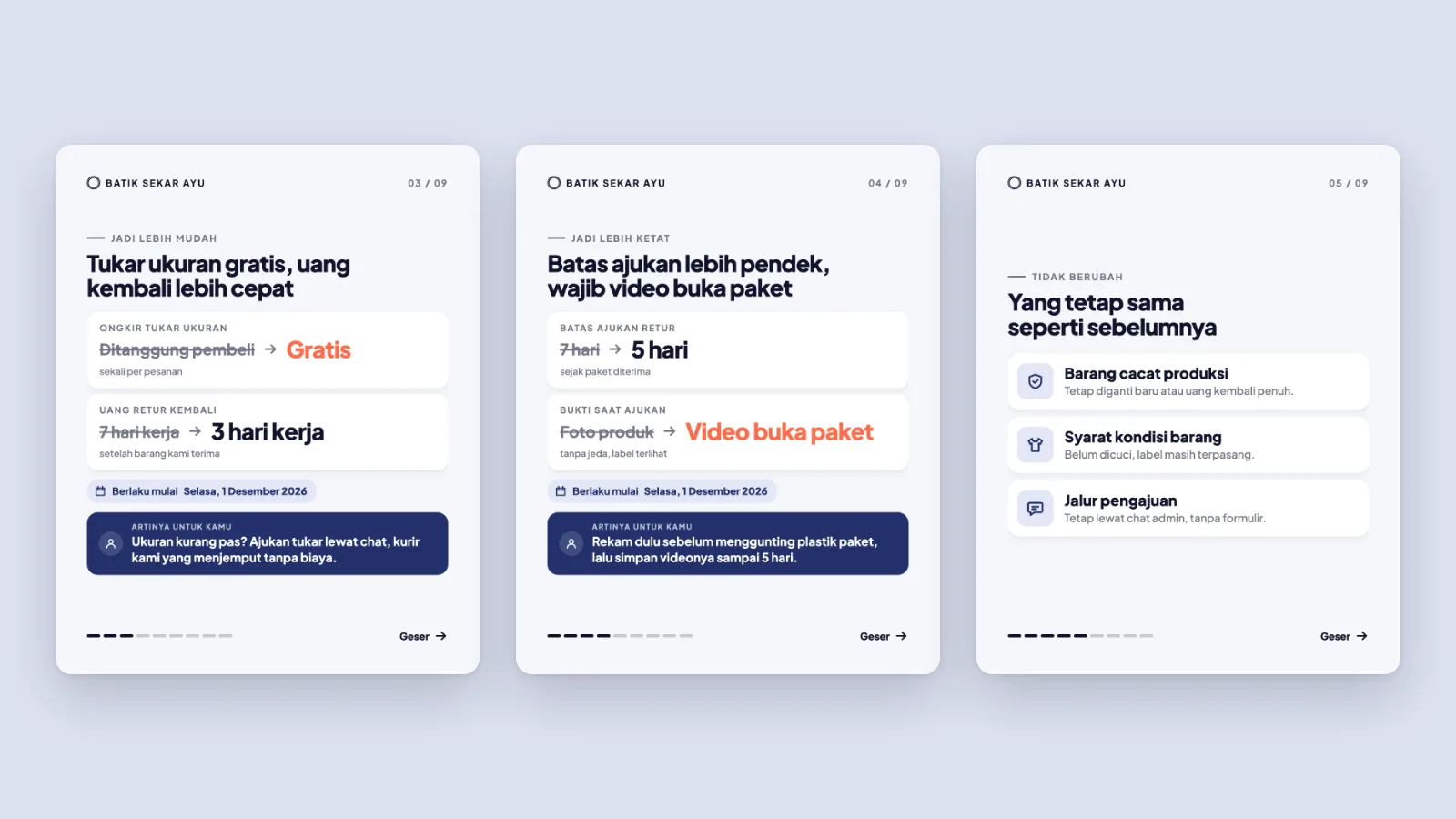
- A script: effective-date cover, reason, what got easier, what got stricter, what stays, questions, summary, closing
- A one-config HTML template with old-to-new rule cards and a "What this means for you" box
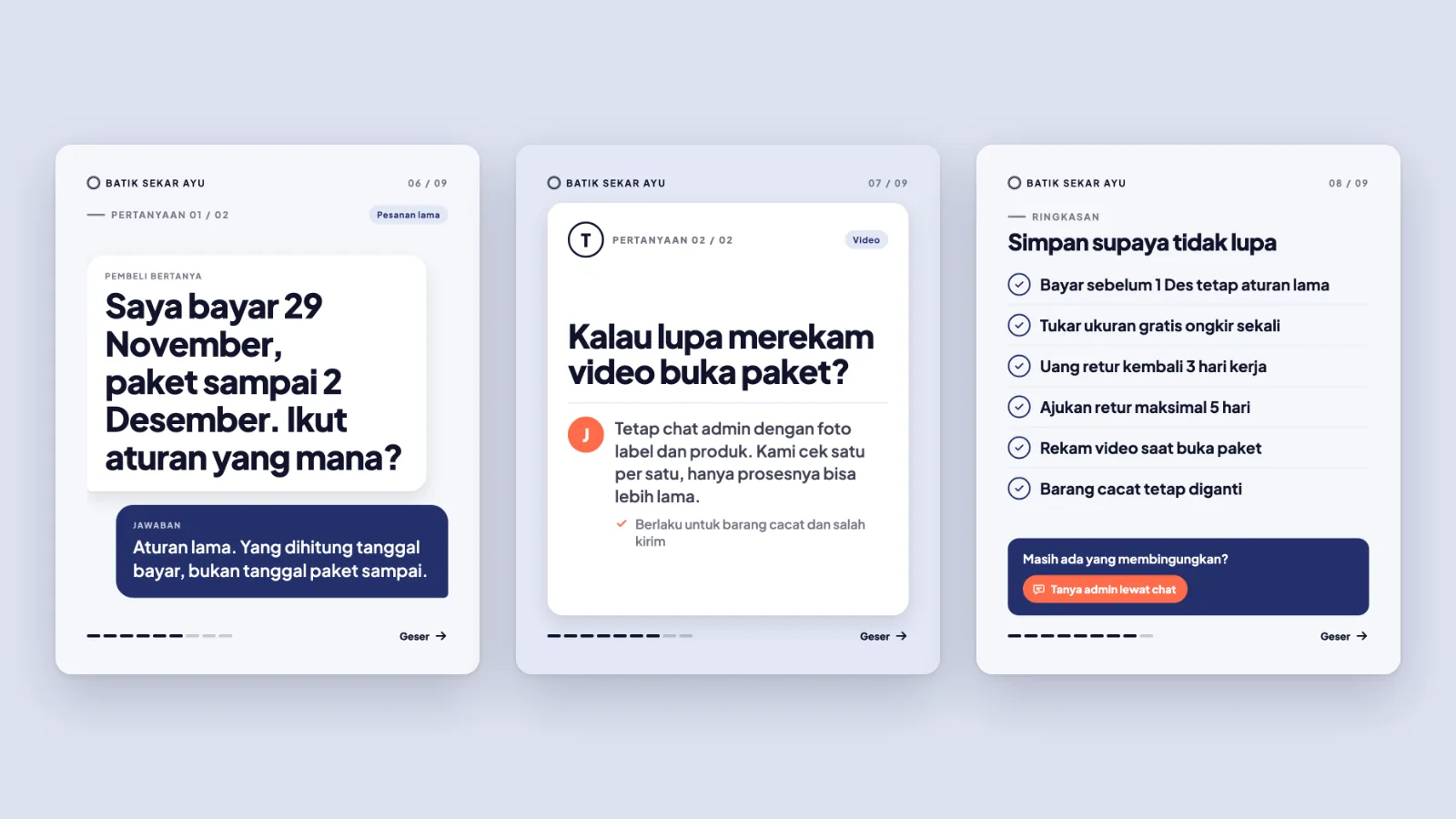
- Buyer question slides about orders caught in the transition
- One PNG per slide at 1080x1350 (4:5) or 1080x1080 (1:1), plus a combined sheet of all slides
- 4 ready palettes (indigo, charcoal, forest, plum)
- A caption stating what changes, from when, and what happens to existing orders
Good fit
- Online shops changing return, size exchange, warranty, or refund rules
- Service businesses and classes changing rescheduling, cancellation, or deposit rules
- Shops that want to announce new conditions without sparking complaints in the comments
Not for
- It is not a full policy document; the carousel is a summary and the official text still needs to live elsewhere
- For holidays, shipping rate changes, or a new address, use a store announcement format
- It does not check whether your new rules comply with consumer protection law
About this skill
/carousel-perubahan-kebijakan Make a carousel announcing our new return and size exchange rules from December 1 for my batik shop, covering what gets easier, what gets stricter, and what happens to orders already paid
Show more
A calm, honest carousel announcing a store rule change: a cover with the effective date, the reason, old-to-new rules split into what got easier and what got stricter, what stays the same, a "What this means for you" box on each update, questions about orders caught in the transition, a summary, and a closing slide with a chat number. Fits return, warranty, payment, shipping, or membership rules. 1080x1350 or 1080x1080.
User reviews
FAQ
Why do the stricter rules get their own slide?
So they never look hidden. Buyers who find a new condition in small print tend to complain in the comments; those who see it clearly from the start rarely do.
What about orders already in progress?
Pick one cut-off rule, such as the payment date, state it on the reason slide, and answer it again on a question slide with a concrete date example.
What if nothing gets stricter?
Delete that slide. The carousel still works with the easier changes, what stays the same, the questions, and the summary.
Which AI can I use it with?
Copy the prompt into a chat AI (ChatGPT, Claude, Gemini, DeepSeek); or download the ZIP and install it in an AI agent (Claude Code, Codex, Antigravity, Hermes Agent, Cursor, GitHub Copilot, Gemini CLI, OpenCode, Kimi Code, Trae), which then builds the files for you.
What is in the ZIP?
One folder named carousel-perubahan-kebijakan with SKILL.md (the instructions an AI agent reads) and the prompt, 5 files in all. Extract it into your agent's skills folder, or install it with npx skillflow-ai add carousel-perubahan-kebijakan. Pro only.
Is there a per-use fee or credits?
Not from SkillFlow. The skill runs on the AI you already use, so any cost follows that plan.
Which plan includes it?
SkillFlow Pro. It opens every skill in every category.
Can I use my own colours and brand?
Yes. Pick a colour theme on this page, or fill in your brand profile once; both go into the prompt you copy and into the ZIP.
Can I share what I made?
Pro members can upload the result and get a page at share.skillflow.ai.id to send to anyone. The page carries a small "Made with SkillFlow AI" mark.
Is there a download limit?
Yes, per day: 50 skills on Pro, 10 on other plans. Downloading a skill again on the same day does not count.