

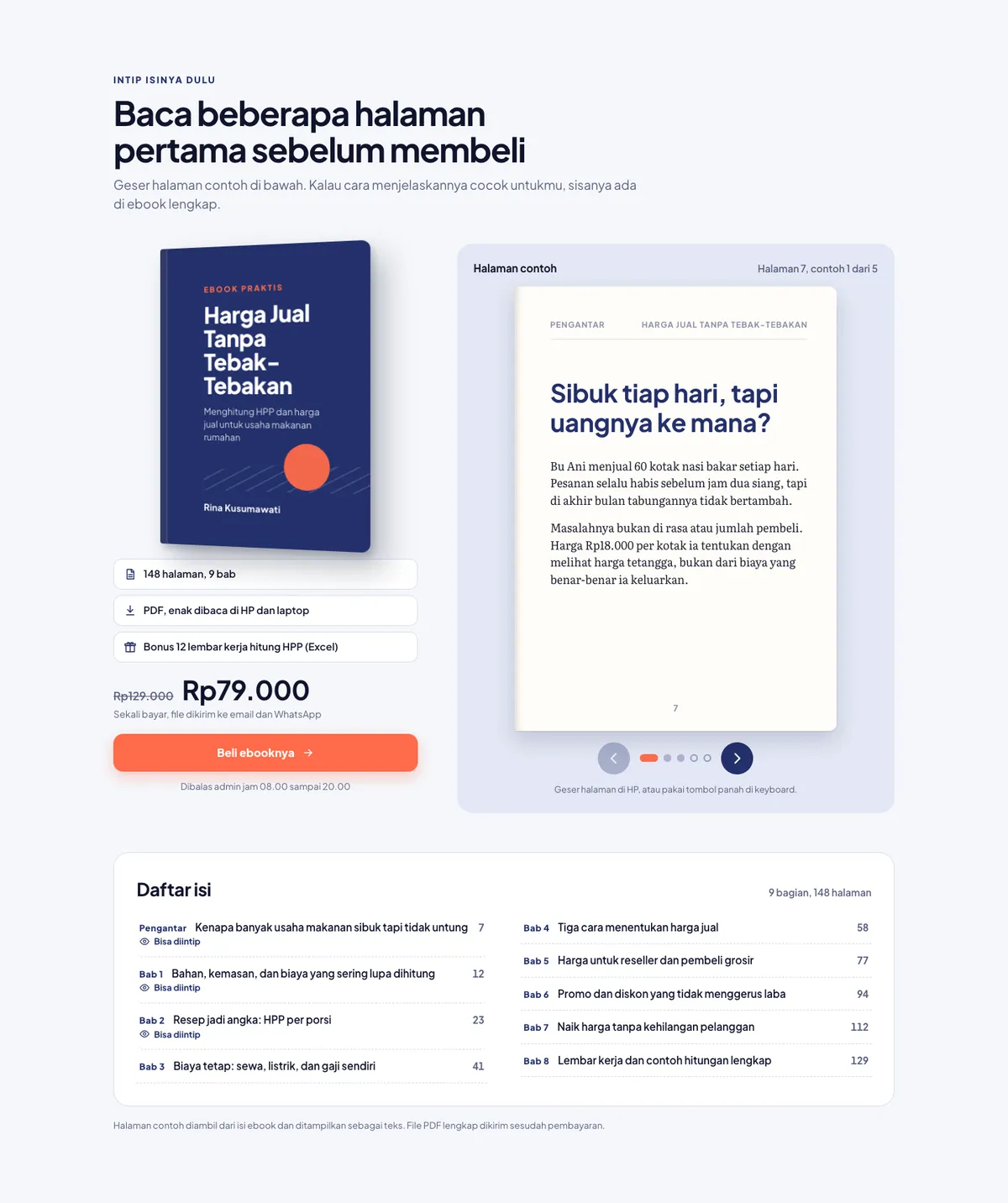
A pricing ebook: cover, info, price, the sample page reader, and a 9-chapter table of contents
SKILL.md contents
Register for free, then open this skill. Already registered? Sign in.
Get free access Sign inEbook Sneak Peek (Section)
Description
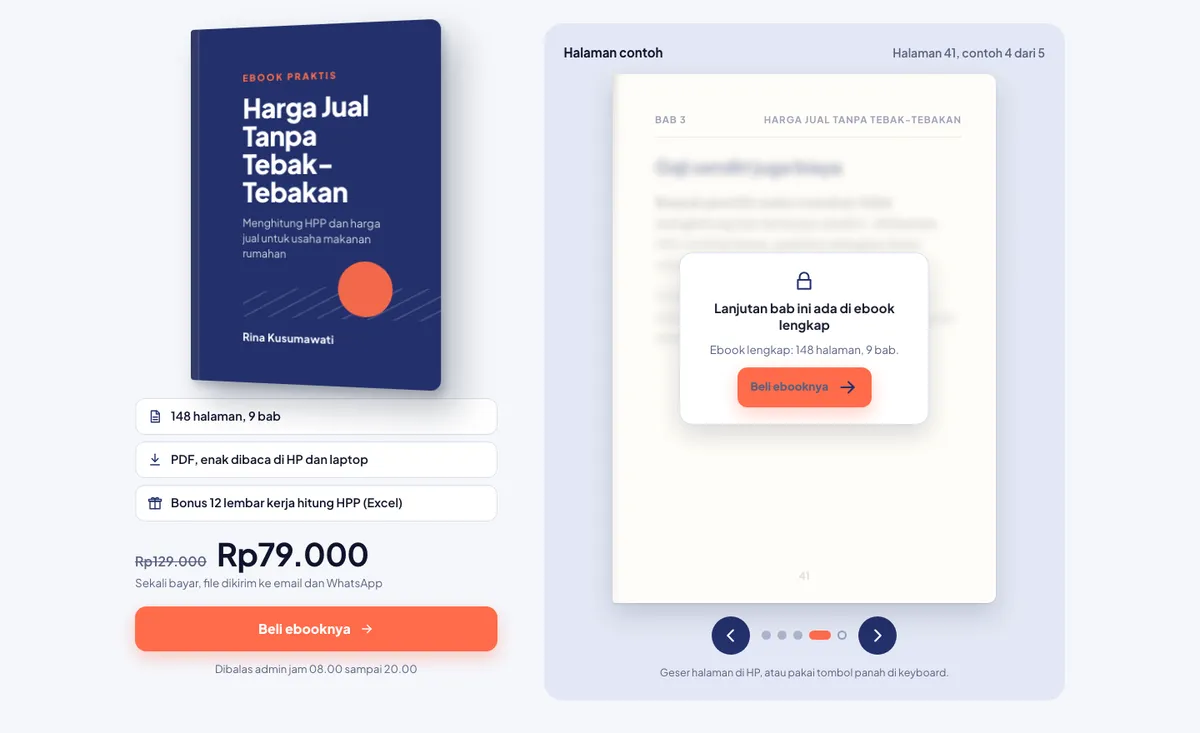
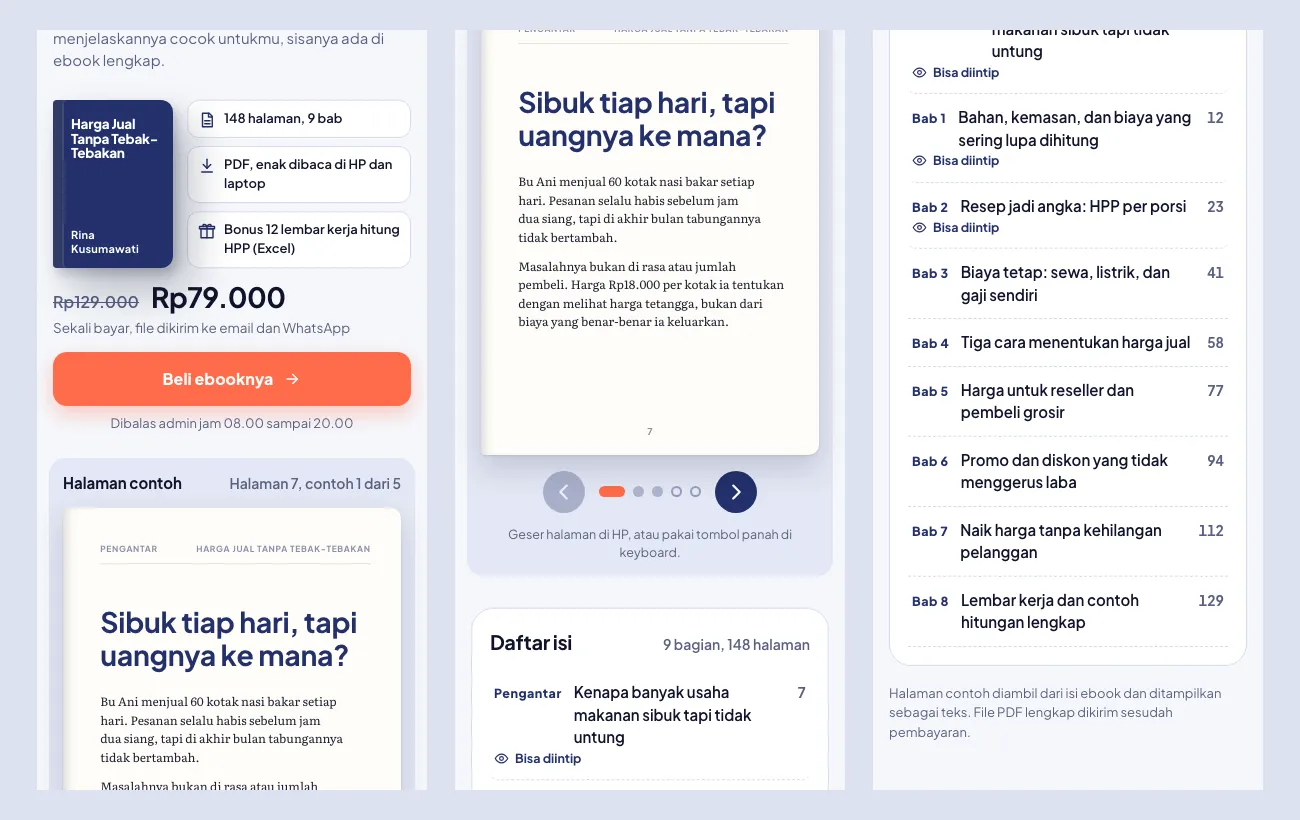
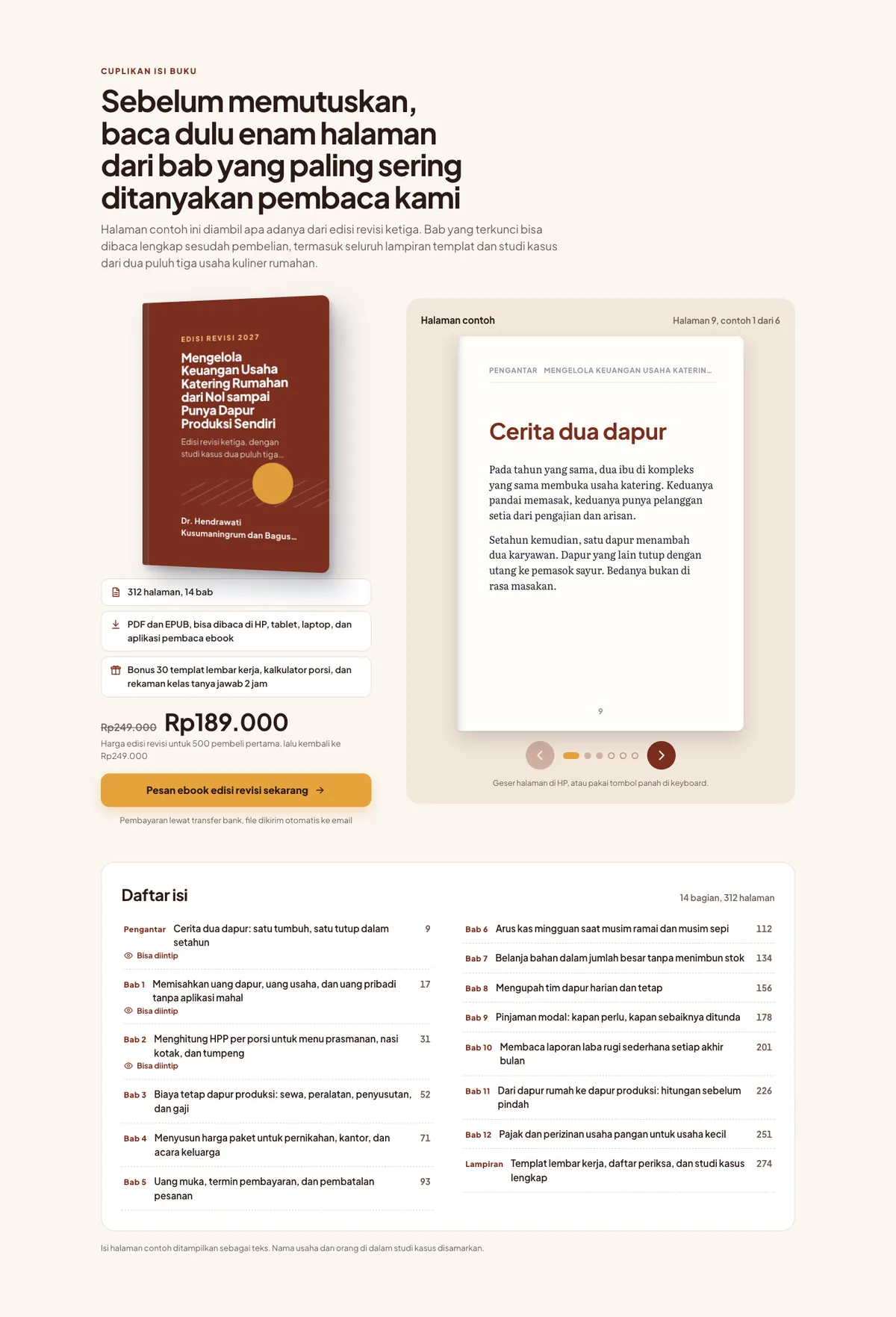
A section for an ebook sales page that lets buyers read first: a cover made from text or a photo, page count, chapters, format and bonus, a price with the normal price struck through, a buy button via a link or WhatsApp, a reader with 3 to 6 sample pages you flip with buttons, a swipe on phones, or the arrow keys, locked pages shown blurred with a call to buy, and a table of contents per chapter with page numbers. One HTML file, safe to paste into another page.
Verified by SkillFlow
We checked every file in this skill automatically: no command that downloads and runs a program, no hidden code, no instruction telling your AI to ignore you.
- Loads from outside
- Fonts: Google Fonts
See the 6 files inside
skill.json11 KBSKILL.md7 KBprompt.md5 KBprompt.en.md5 KBfiles/contoh/ebook-katering-312-halaman-senja.html32 KBfiles/ebook.html31 KB
Checked 14 Nov 2026
Get this skill for free
A free account opens every free skill. Premium unlocks everything.
Get free access I already have an accountWhat you get
- A one-file HTML section with scoped CSS and container queries, safe to paste into any sales page
- A reader with 3 to 6 sample pages: buttons, phone swipe, arrow keys, a light page-turn effect, page numbers
- Locked pages shown blurred with a buy card
- A table of contents per chapter with page numbers, sample chapters clickable to peek straight away
- A cover from text (or a photo), page count, chapters, format, bonus, struck-through price, a link or WhatsApp button
- One EBOOK object, 3 palettes, responsive from 320 to 1440 px
Good fit
- Authors and creators selling ebooks, guides, or digital workbooks
- Ebook sellers whose buyers keep asking what is inside before buying
- Existing book landing pages that need one proof-of-content section
- Affiliates promoting an ebook who are allowed to show an excerpt
Not for
- Not a PDF reader; sample pages are typed as text, not taken from the file
- It does not protect the ebook file and does not deliver files after payment
- Not a lead magnet page for a free ebook traded for an email address
- Not a full sales page; it is one section to paste into an existing page
About this skill
/cuplikan-isi-ebook Make a look-inside section for my ebook on pricing a home food business: 148 pages, 9 chapters, three readable sample pages, two locked pages, and a buy button to WhatsApp
Show more
A section for an ebook sales page that lets buyers read first: a cover made from text or a photo, page count, chapters, format and bonus, a price with the normal price struck through, a buy button via a link or WhatsApp, a reader with 3 to 6 sample pages you flip with buttons, a swipe on phones, or the arrow keys, locked pages shown blurred with a call to buy, and a table of contents per chapter with page numbers. One HTML file, safe to paste into another page.
User reviews
FAQ
Why are the sample pages typed rather than taken from the PDF?
So the section stays light, sharp on every screen, and the real file is never exposed on the sales page. Copy the text of a few pages from your manuscript; the section lays it out as book-sized pages with their real page numbers.
How many pages should be open?
Three to four open pages are usually enough: a gripping opening, one page that shows how you explain, and one worked example. Add one or two locked pages so readers know there is more.
Can I use my own cover photo?
Yes. Put the image link in buku.gambar and the text cover is replaced by that photo. Without a photo, the cover is made from the title, subtitle, and author name in the palette colours.
Which AI can I use it with?
Copy the prompt into a chat AI (ChatGPT, Claude, Gemini, DeepSeek); or download the ZIP and install it in an AI agent (Claude Code, Codex, Antigravity, Hermes Agent, Cursor, GitHub Copilot, Gemini CLI, OpenCode, Kimi Code, Trae), which then builds the files for you.
What is in the ZIP?
One folder named cuplikan-isi-ebook with SKILL.md (the instructions an AI agent reads) and the prompt, 6 files in all. Extract it into your agent's skills folder, or install it with npx skillflow-ai add cuplikan-isi-ebook.
Is there a per-use fee or credits?
Not from SkillFlow. The skill runs on the AI you already use, so any cost follows that plan.
Is this skill free?
Yes. Create a free account, then press Open access.
Can I use my own colours and brand?
Yes. Pick a colour theme on this page, or fill in your brand profile once; both go into the prompt you copy and into the ZIP.
Can I share what I made?
Pro members can upload the result and get a page at share.skillflow.ai.id to send to anyone. The page carries a small "Made with SkillFlow AI" mark.
Is there a download limit?
Yes, per day: 50 skills on Pro, 10 on other plans. Downloading a skill again on the same day does not count.



