

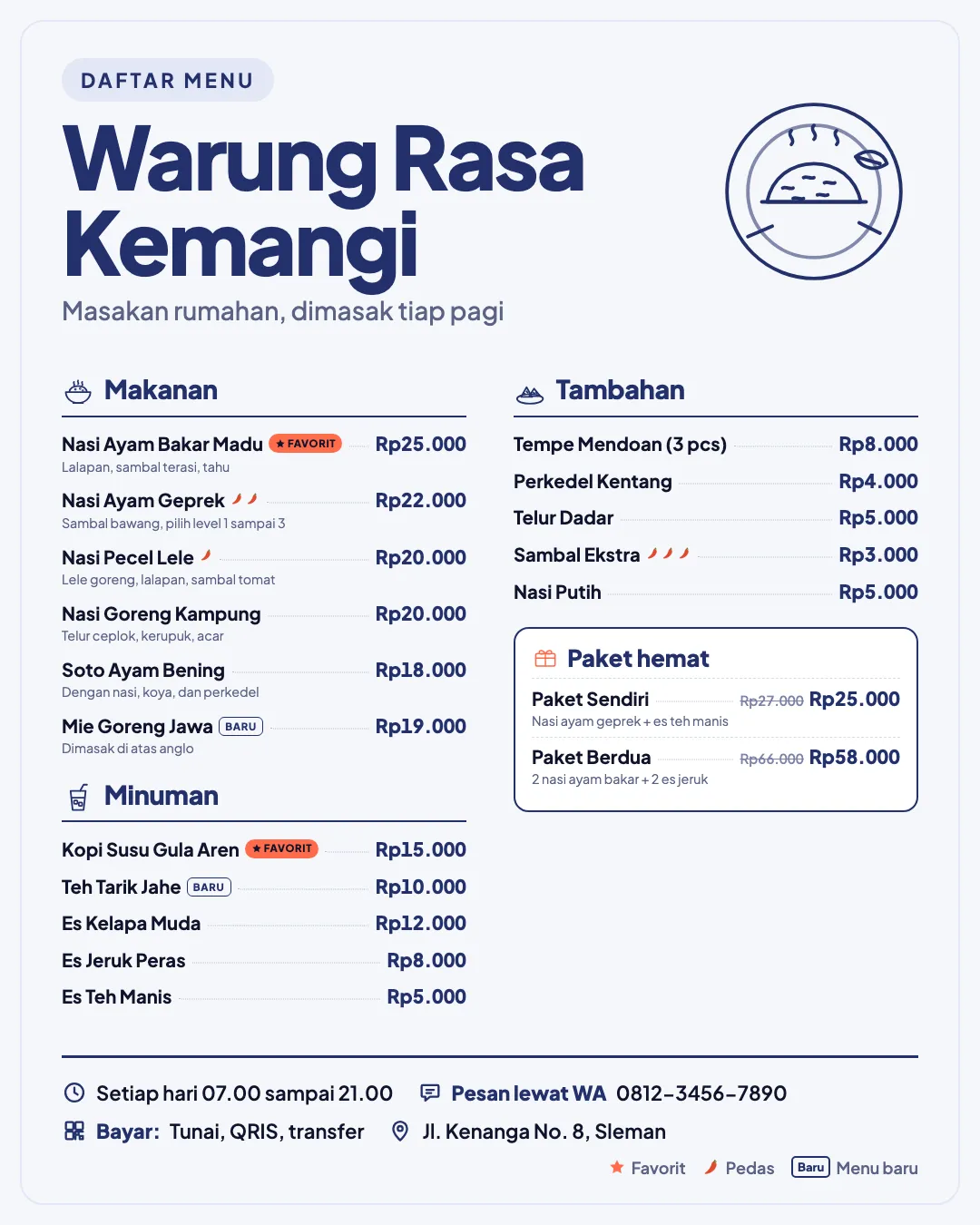
Feed 4:5, paper style: 3 categories, value bundles, and order info via WhatsApp
SKILL.md contents
Premium subscribers can read, copy, and install this skill.
Unlock with Premium Sign inFood Stall Menu Board
Description
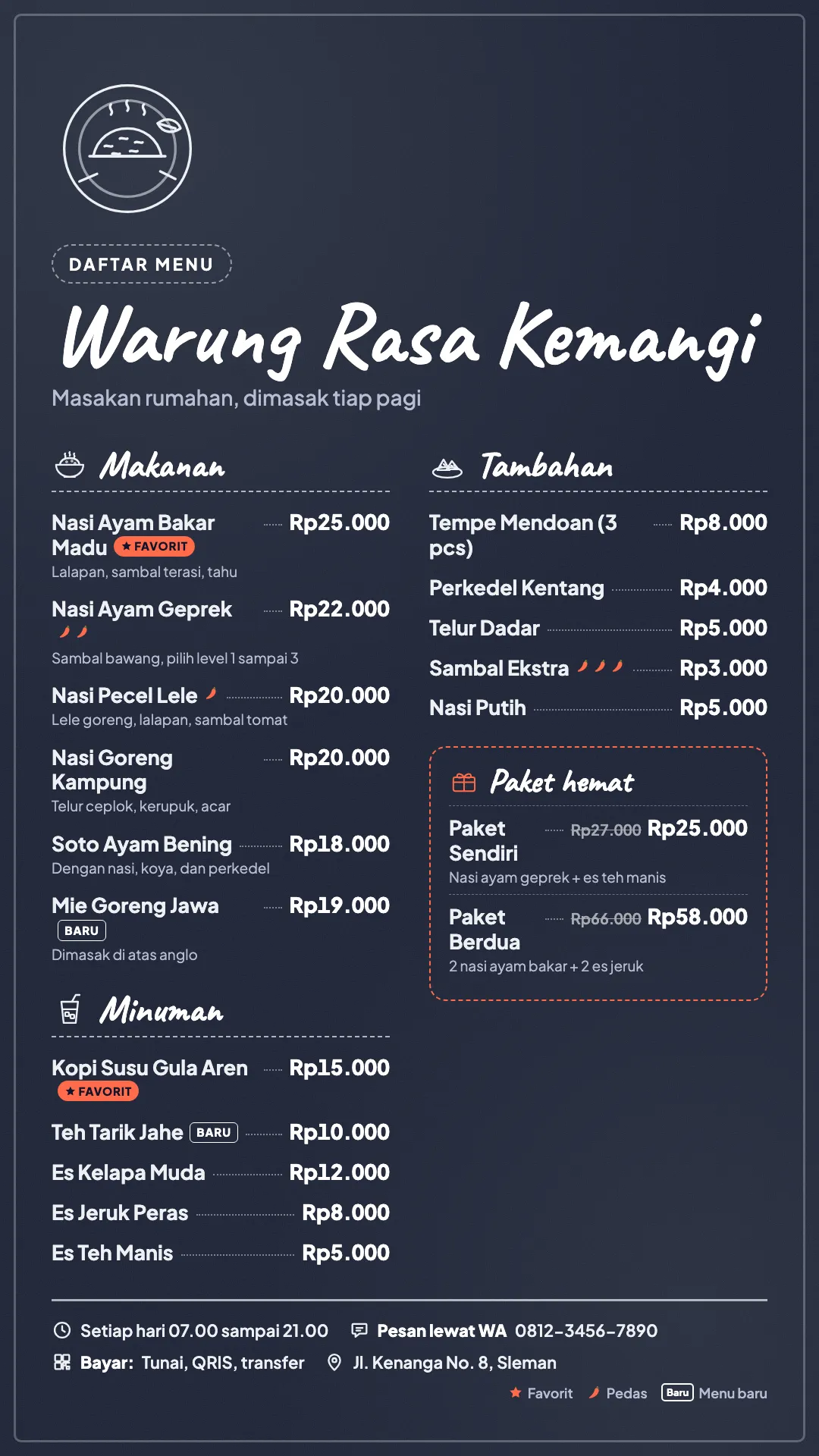
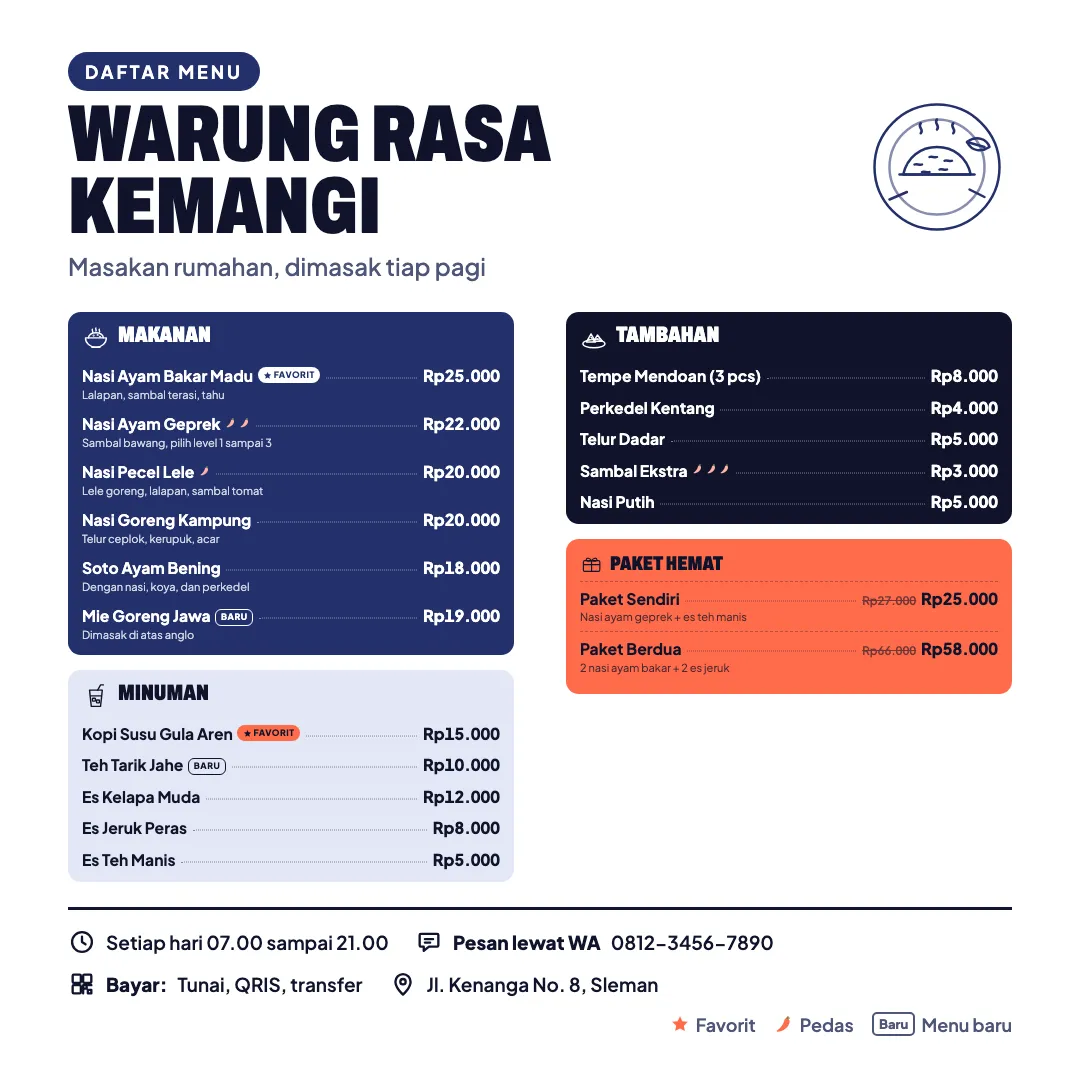
A food stall, small eatery, or catering menu in one easy-to-read image: categories with line icons, dish names and prices joined by dot leaders, favourite, spicy, new, and sold-out marks, a value-bundle box with a strike-through price, then opening hours, WhatsApp number, payment options, and address at the bottom. Type size and column count are worked out automatically so the whole menu fits as large as possible, and no category is ever cut off without its heading. One set of content gives a printable A4/A3 version and square, feed, or status versions to send in chats.
Verified by SkillFlow
We checked every file in this skill automatically: no command that downloads and runs a program, no hidden code, no instruction telling your AI to ignore you.
- Loads from outside
- Fonts: Google Fonts
See the 5 files inside
skill.json9 KBSKILL.md7 KBprompt.md5 KBprompt.en.md5 KBfiles/menu.html33 KB
Checked 14 Nov 2026
Included in Basic and Pro
Basic copies the prompt. Pro also downloads the ZIP, sends to AI, installs into agents, and opens every category.
Get Pro Get Basic Already subscribed? Sign inWhat you get
- A ready menu from one content object: categories, items, short descriptions, prices, and value bundles
- Print sizes A4 and A3 (PDF via Ctrl+P) plus square 1:1, feed 4:5, status 9:16, and a 16:9 TV screen
- Type and columns set automatically as large as possible; categories move whole or continue under a repeated heading
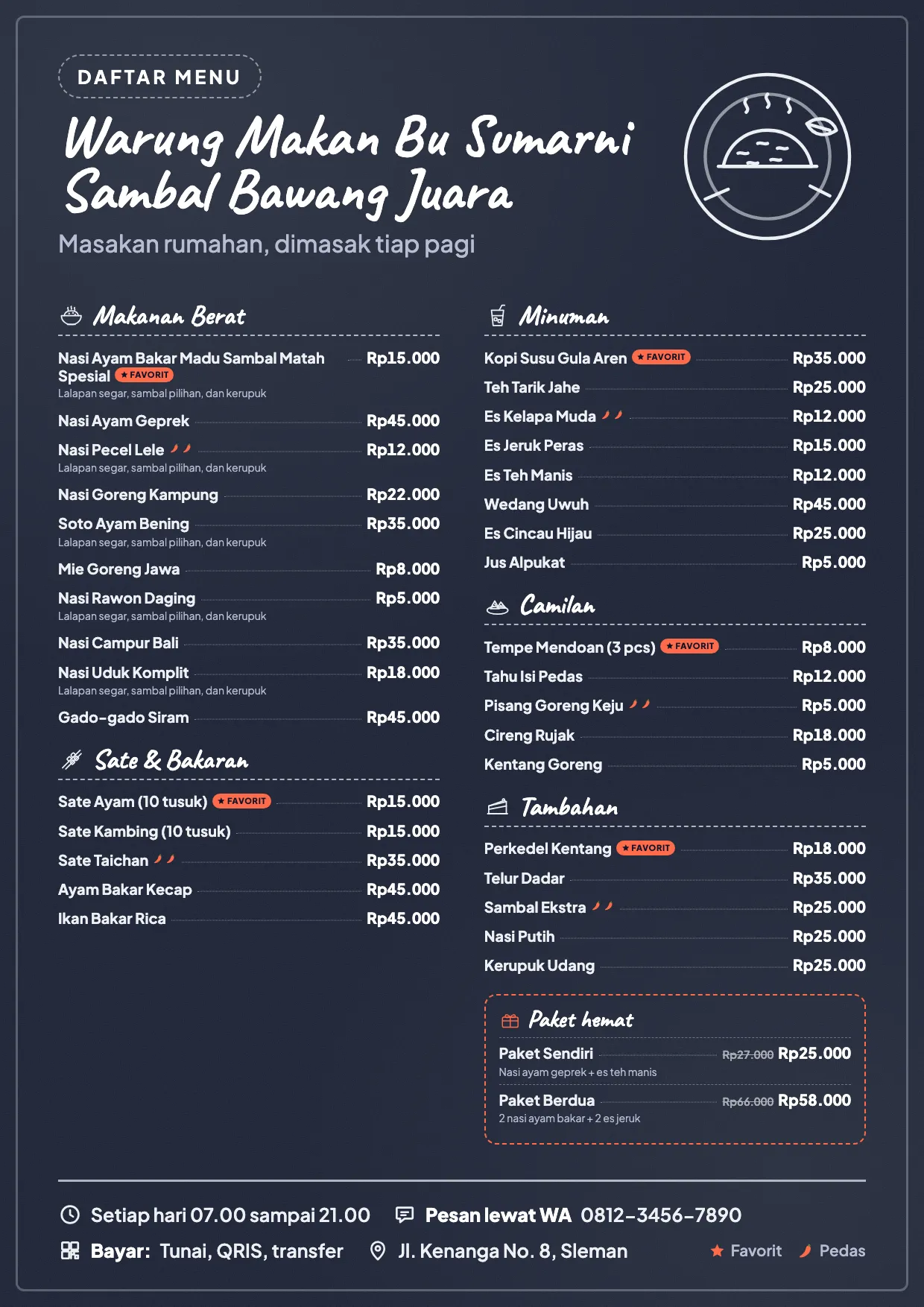
- Long menus of 30+ items can be split automatically into two images for chats (1/2 and 2/2)
- Favourite, spicy level 1 to 3, new, and sold-out marks, with a symbol key
- 3 styles (light paper, chalkboard, colour blocks), swappable brand colours, and 3 price formats
Good fit
- Food stalls, coffee shops, small cafes, caterers, and snack carts
- Businesses needing a printed wall menu and an image to send customers
- Service sellers whose price list is a name, description, and price
Not for
- It does not use food photos; the look is text and line icons
- Not a digital menu for ordering from the table
- It does not print; A4 and A3 versions are saved as PDF through the browser's print dialog
About this skill
/daftar-menu-warung Make a menu for Bu Inah's Rice Stall: 4 categories, 22 dishes with prices, the smashed chicken marked as a favourite, a Rp25,000 value set, opening hours, and WhatsApp 0812...
Show more
A food stall, small eatery, or catering menu in one easy-to-read image: categories with line icons, dish names and prices joined by dot leaders, favourite, spicy, new, and sold-out marks, a value-bundle box with a strike-through price, then opening hours, WhatsApp number, payment options, and address at the bottom. Type size and column count are worked out automatically so the whole menu fits as large as possible, and no category is ever cut off without its heading. One set of content gives a printable A4/A3 version and square, feed, or status versions to send in chats.
User reviews
FAQ
My menu has over 30 items, will it fit?
The template finds the largest font that fits in 1 to 4 columns. For long menus, the chat version can be split automatically into two images, 1/2 and 2/2.
How do I mark a sold-out dish?
Set the sold-out flag on that item and it stays on the menu with a special mark, so you don't have to delete and rearrange anything.
Which AI can I use it with?
Copy the prompt into a chat AI (ChatGPT, Claude, Gemini, DeepSeek); or download the ZIP and install it in an AI agent (Claude Code, Codex, Antigravity, Hermes Agent, Cursor, GitHub Copilot, Gemini CLI, OpenCode, Kimi Code, Trae), which then builds the files for you.
What is in the ZIP?
One folder named daftar-menu-warung with SKILL.md (the instructions an AI agent reads) and the prompt, 5 files in all. Extract it into your agent's skills folder, or install it with npx skillflow-ai add daftar-menu-warung. Pro only.
Is there a per-use fee or credits?
Not from SkillFlow. The skill runs on the AI you already use (and, for image prompts, the image AI you pick), so any cost follows that plan.
Which plan includes it?
Basic and Pro. Basic copies the prompt; Pro also downloads the ZIP, sends to AI, installs into agents and shares results by link.
Can I use my own colours and brand?
Yes. Pick a colour theme on this page, or fill in your brand profile once; both go into the prompt you copy and into the ZIP.
Can I share what I made?
Pro members can upload the result and get a page at share.skillflow.ai.id to send to anyone. The page carries a small "Made with SkillFlow AI" mark.
Is there a download limit?
Yes, per day: 50 skills on Pro, 10 on other plans. Downloading a skill again on the same day does not count.



