

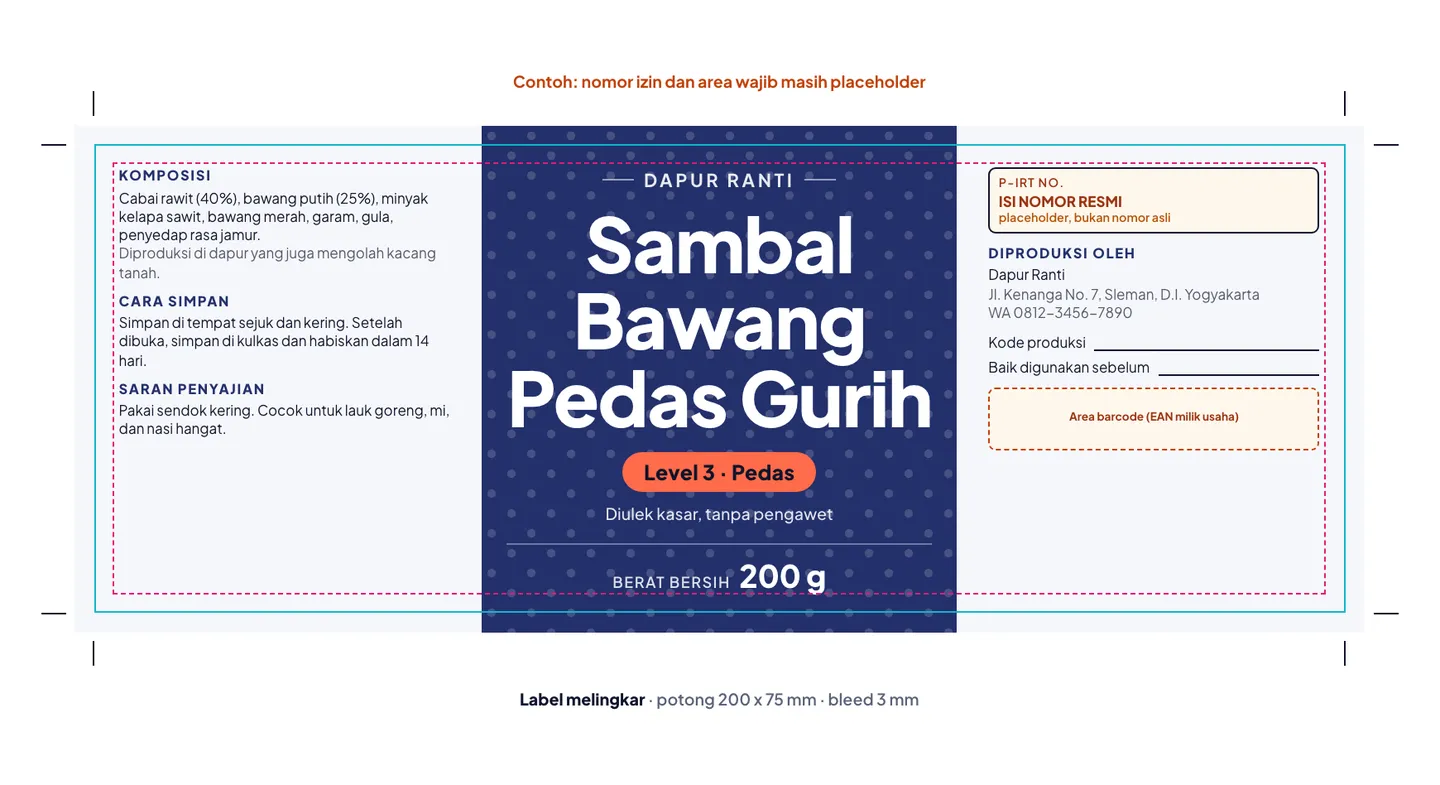
200 x 75 mm wrap label: info, front, legal; bleed, trim line, safe area
SKILL.md contents
Premium subscribers can read, copy, and install this skill.
Unlock with Premium Sign inPackaging Label Design
Description
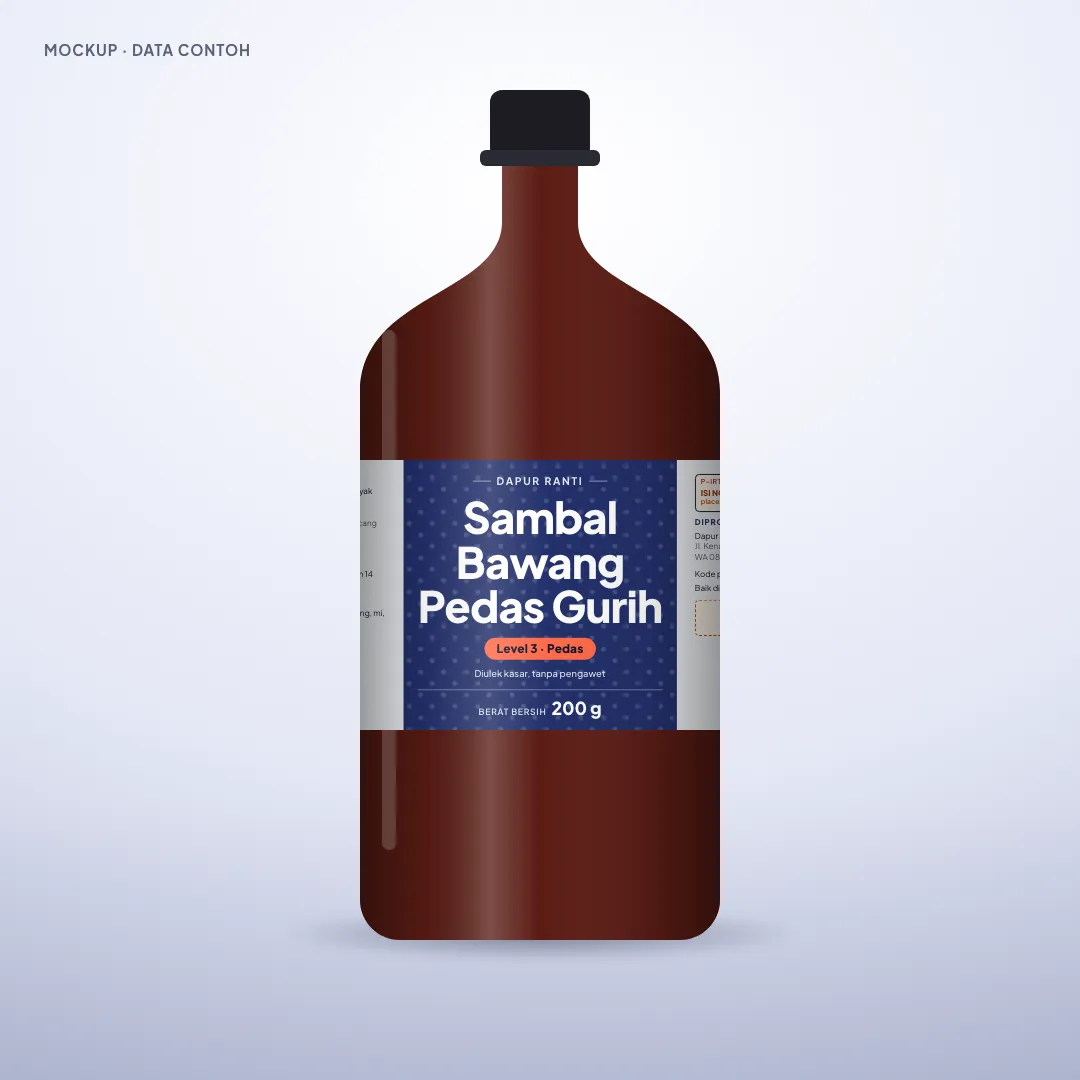
Print-ready labels for bottles, jars, or pouches for small food and goods brands: a coloured front panel with the product name, variant, and net weight, then an info panel with ingredients, allergens, a nutrition facts table (when you have the data), storage, the producer, lines for the batch code and expiry date to be stamped, a barcode area, and a licence box that shows plainly as a placeholder until the official number is filled in. Sized in mm with a 3 mm bleed and crop marks, exported as 300 dpi PNG or PDF, plus a 1080x1080 mockup on the container for catalogues.
Verified by SkillFlow
We checked every file in this skill automatically: no command that downloads and runs a program, no hidden code, no instruction telling your AI to ignore you.
- Loads from outside
- Fonts: Google Fonts
See the 5 files inside
skill.json9 KBSKILL.md8 KBprompt.md5 KBprompt.en.md5 KBfiles/label-kemasan.html31 KB
Checked 14 Nov 2026
Included in Basic and Pro
Basic copies the prompt. Pro also downloads the ZIP, sends to AI, installs into agents, and opens every category.
Get Pro Get Basic Already subscribed? Sign inWhat you get
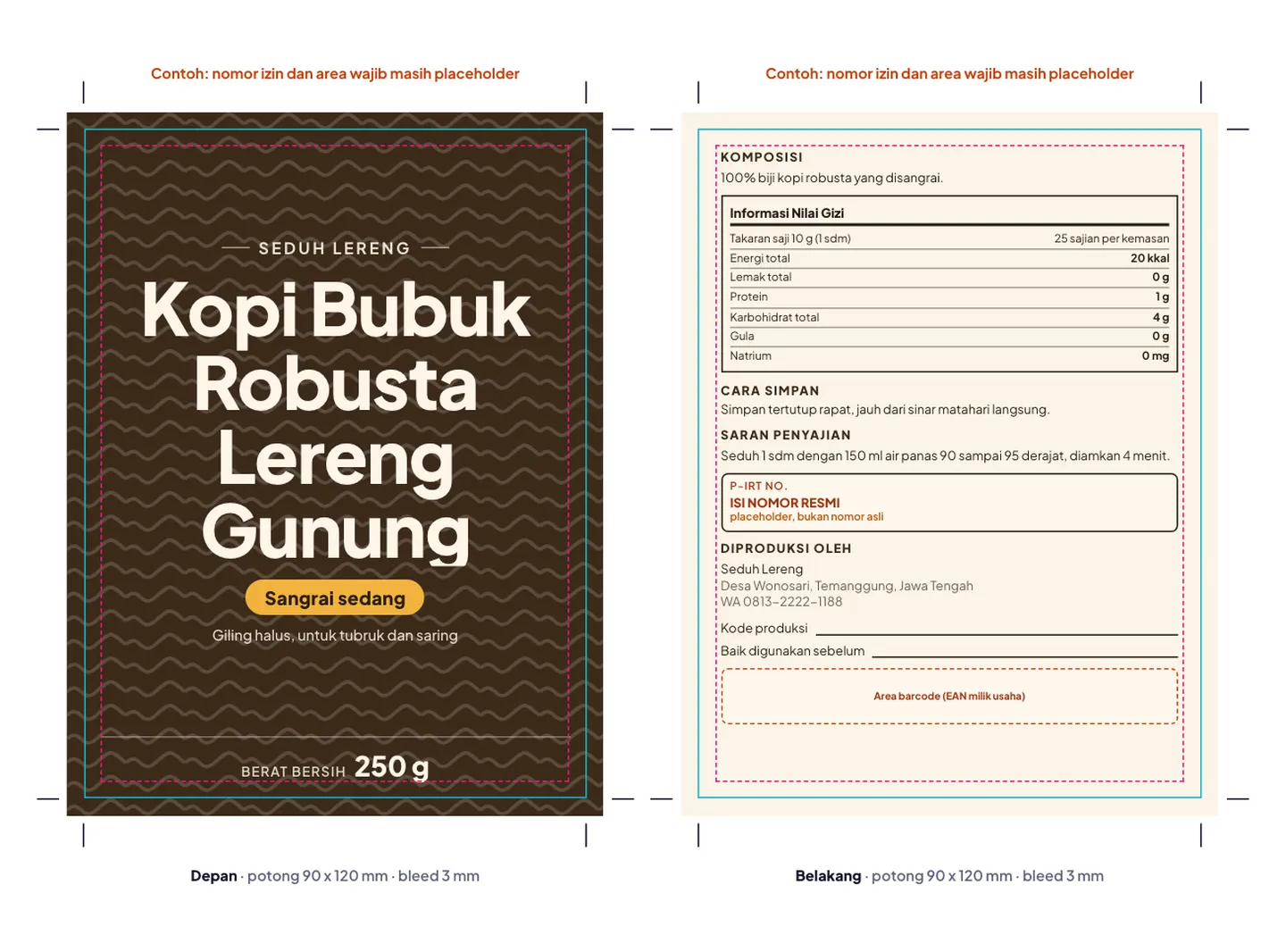
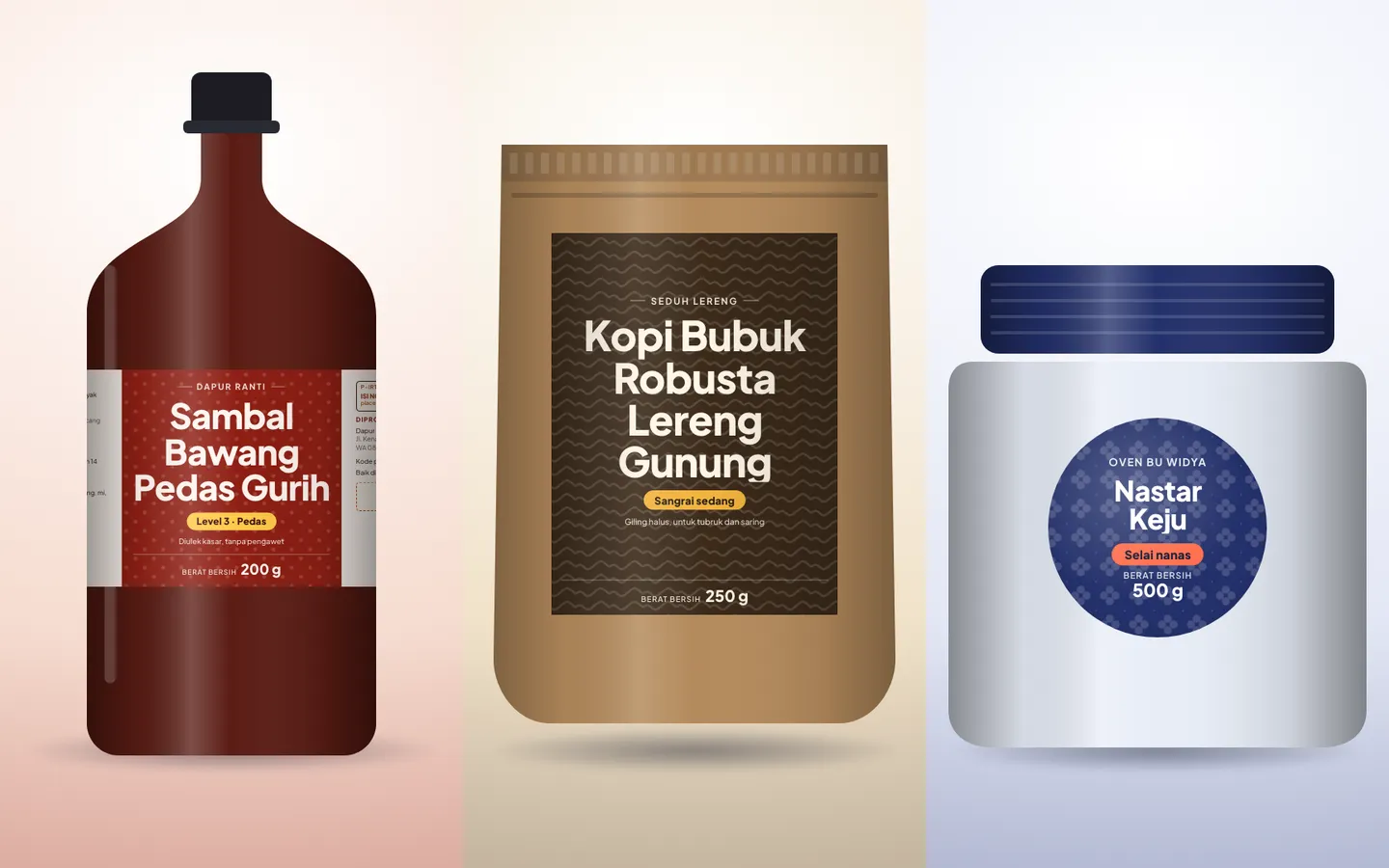
- 3 shapes from one data object: a 3-panel wrap label, front + back, a round sticker + back label
- Trim size in mm, 3 mm bleed, crop marks, a safe area guide that can be switched off
- 300 dpi PNG for the print shop and PDF through the browser's Print with an automatic page size
- A 1080x1080 mockup on a bottle, pouch, or jar for catalogues and marketplaces
- Required food label parts: ingredients, net weight, producer, batch code, expiry
- Licence number and halal logo as dashed placeholders until official data is filled in
- The product name shrinks automatically, with a warning when info text gets too small to print
- 4 palettes (indigo, turmeric, leaf, chilli) and 4 original background patterns
Good fit
- Home food, drink, and cosmetics producers preparing printed labels
- Small businesses needing a neat label in mm with bleed and cut marks
- Sellers who want a product mockup in its container for catalogues and marketplaces
Not for
- It does not obtain or create permit numbers or halal certification; both show as placeholders until official data is added
- It does not generate barcodes; there is an empty area for your own
- Nutrition facts are shown only if you have the data; they are not calculated
About this skill
/desain-label-kemasan Make a 250 ml bottle label for Oma Lin's Roa Sambal, medium spicy, net weight 200 g, with ingredients and storage, permit number to follow
Show more
Print-ready labels for bottles, jars, or pouches for small food and goods brands: a coloured front panel with the product name, variant, and net weight, then an info panel with ingredients, allergens, a nutrition facts table (when you have the data), storage, the producer, lines for the batch code and expiry date to be stamped, a barcode area, and a licence box that shows plainly as a placeholder until the official number is filled in. Sized in mm with a 3 mm bleed and crop marks, exported as 300 dpi PNG or PDF, plus a 1080x1080 mockup on the container for catalogues.
User reviews
FAQ
Which label shapes are available?
A three-panel wraparound for bottles and jars, separate front and back labels for pouches or boxes, and a round sticker for jar lids or seals.
What does the text too small warning mean?
The info text on the back panel has shrunk below a safe printed reading size. Shorten the content or enlarge the label.
Which AI can I use it with?
Copy the prompt into a chat AI (ChatGPT, Claude, Gemini, DeepSeek); or download the ZIP and install it in an AI agent (Claude Code, Codex, Antigravity, Hermes Agent, Cursor, GitHub Copilot, Gemini CLI, OpenCode, Kimi Code, Trae), which then builds the files for you.
What is in the ZIP?
One folder named desain-label-kemasan with SKILL.md (the instructions an AI agent reads) and the prompt, 5 files in all. Extract it into your agent's skills folder, or install it with npx skillflow-ai add desain-label-kemasan. Pro only.
Is there a per-use fee or credits?
Not from SkillFlow. The skill runs on the AI you already use (and, for image prompts, the image AI you pick), so any cost follows that plan.
Which plan includes it?
Basic and Pro. Basic copies the prompt; Pro also downloads the ZIP, sends to AI, installs into agents and shares results by link.
Can I use my own colours and brand?
Yes. Pick a colour theme on this page, or fill in your brand profile once; both go into the prompt you copy and into the ZIP.
Can I share what I made?
Pro members can upload the result and get a page at share.skillflow.ai.id to send to anyone. The page carries a small "Made with SkillFlow AI" mark.
Is there a download limit?
Yes, per day: 50 skills on Pro, 10 on other plans. Downloading a skill again on the same day does not count.



