

Rendered sample video
SKILL.md contents
Premium subscribers can read, copy, and install this skill.
Unlock with Premium Sign inBehind the Scenes Production
Description
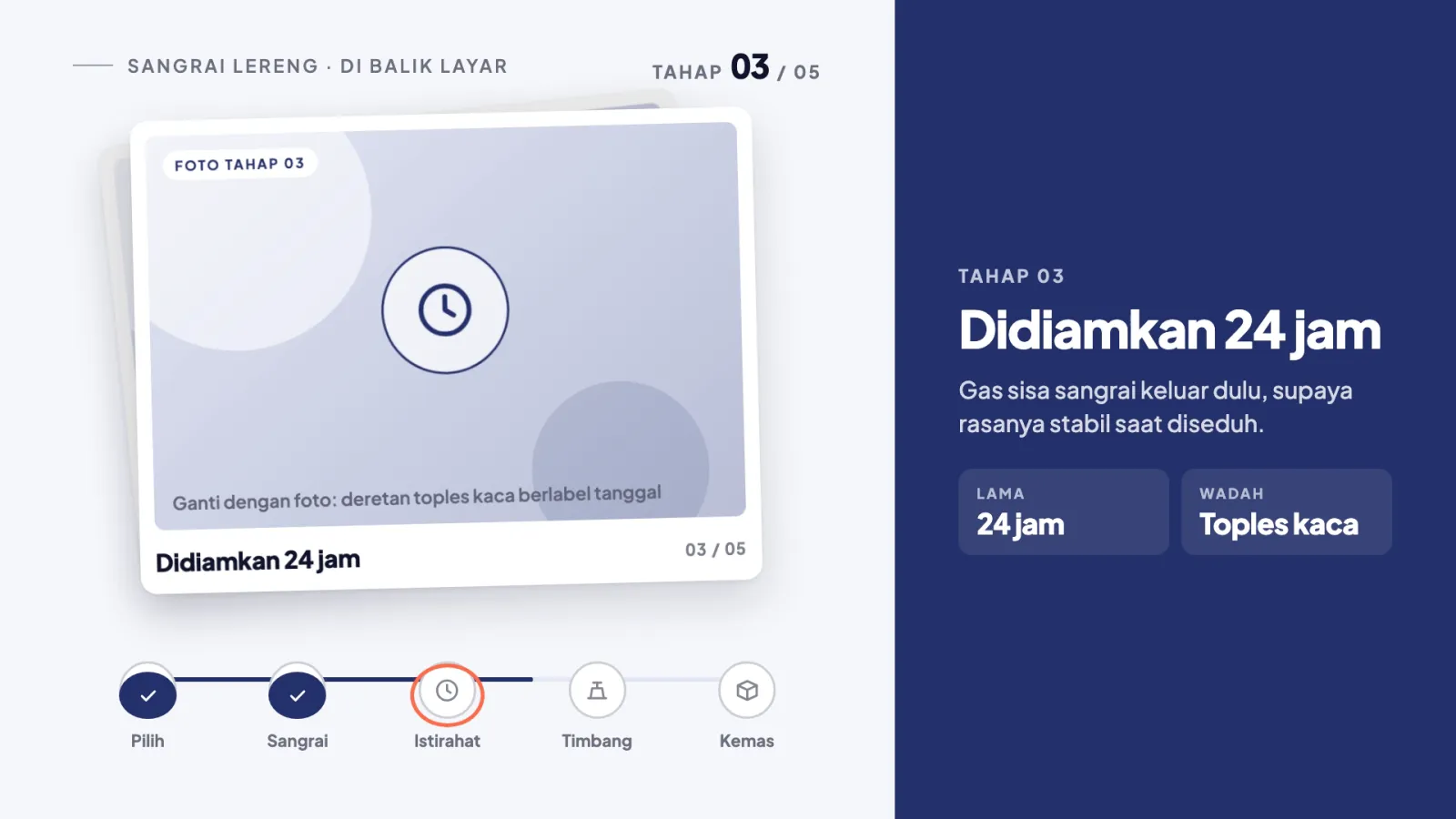
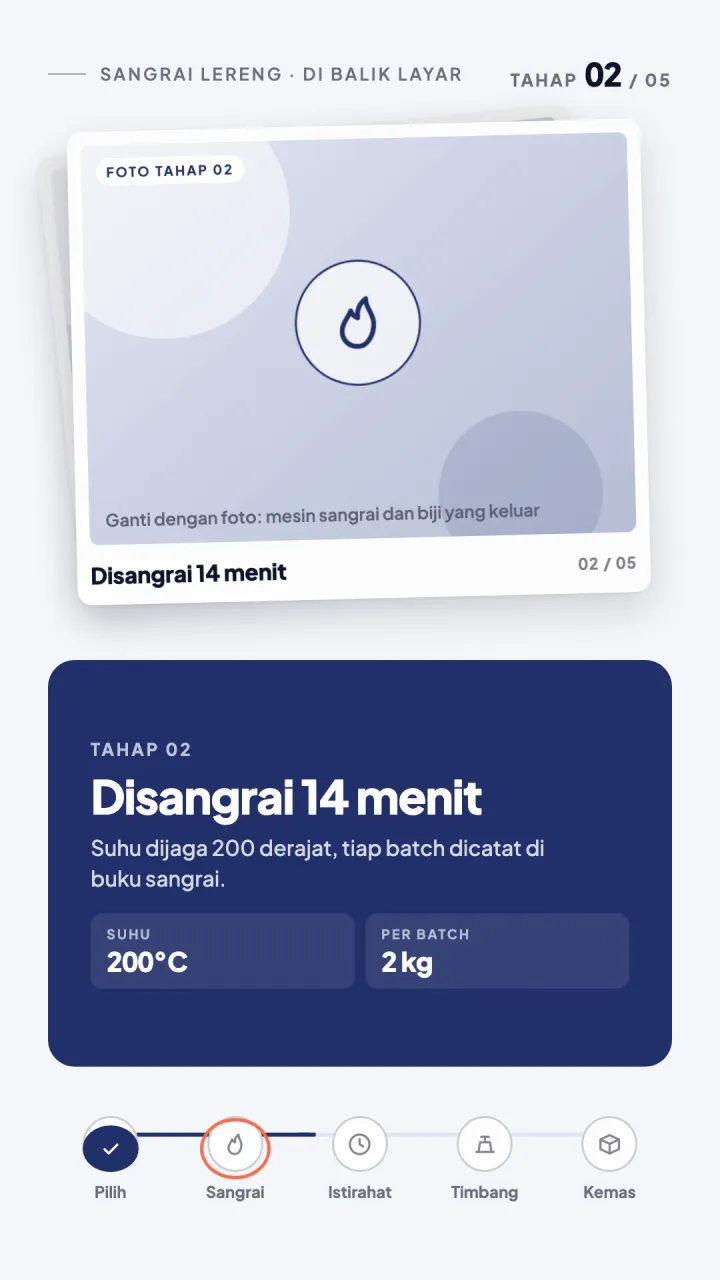
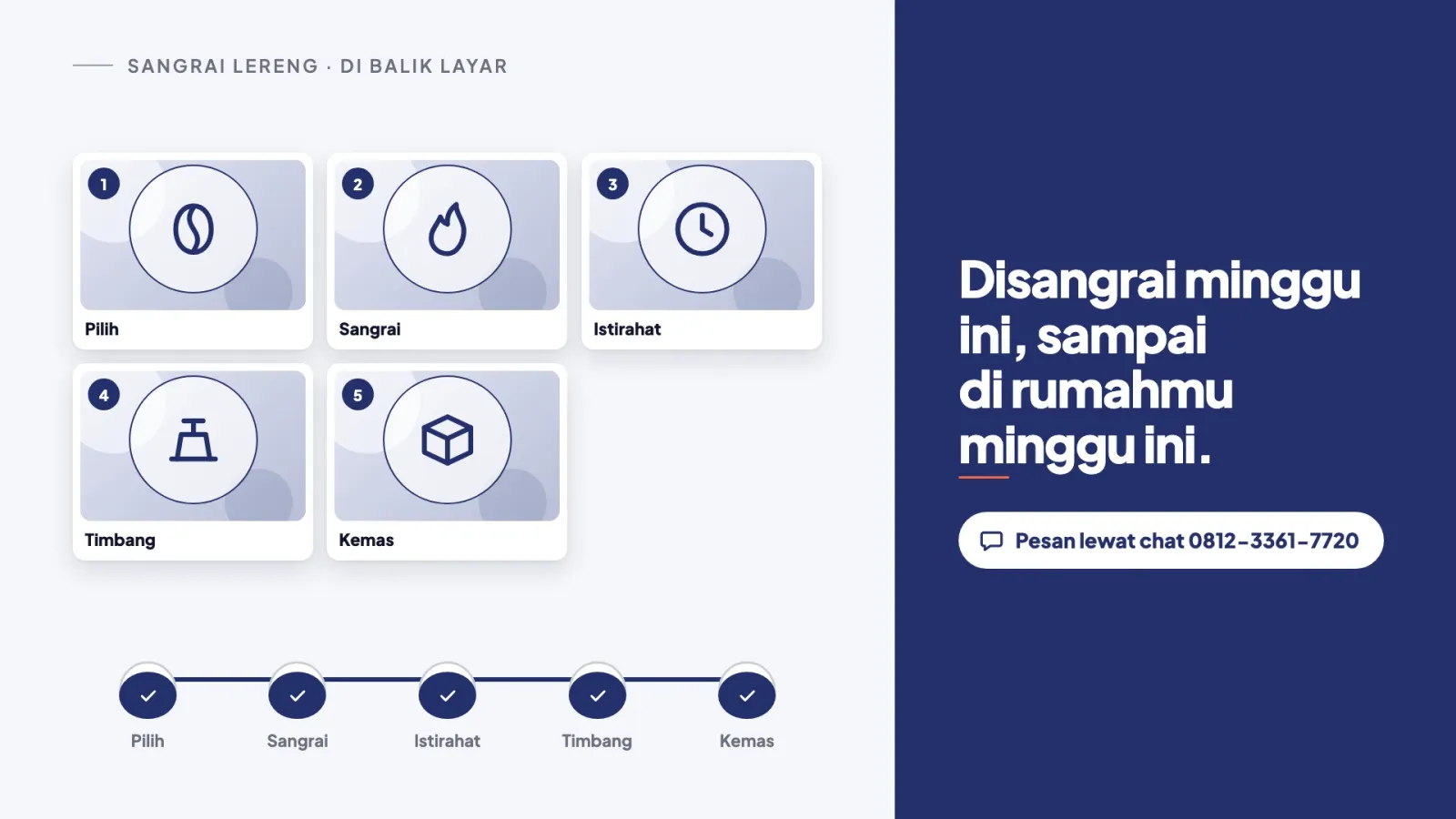
A behind-the-scenes clip showing how your product is made, from raw materials to packing: each stage appears as a stacking photo card, with the stage title, one explaining sentence, and two checkable facts (time, temperature, weight, quantity) on a side panel. A production line along the bottom shows which stage is running and which are done, and the ending shows every stage photo in one grid, a closing line, and a chat button. Use your own photos, or icon placeholders first, 3 to 6 stages, 12 to 20 seconds, 16:9 or 9:16, rendered to MP4 with one command.
Verified by SkillFlow
We checked every file in this skill automatically: no command that downloads and runs a program, no hidden code, no instruction telling your AI to ignore you.
- Loads from outside
- Fonts: Google Fonts
See the 5 files inside
skill.json9 KBSKILL.md8 KBprompt.md6 KBprompt.en.md6 KBfiles/scene.html25 KB
Checked 14 Nov 2026
Part of SkillFlow Pro
Pro opens every skill in every category: copy, ZIP, Send to AI, install, save, and request new skills.
Get Pro Already subscribed? Sign inWhat you get
- A stage script: title, 3-6 stages (short name, title, explanation, 2 facts), closing line, chat call to action
- An animated HTML scene driven by one config object, with your own photos or icon placeholders
- MP4 1920x1080 (16:9) or 1080x1920 (9:16), 30 fps, 12-20 seconds
- A list of photos to take for each stage, plus 3 ready palettes
Good fit
- Home producers of coffee, cakes, sauces, soap, candles, or crafts who want to show their process
- Services whose work customers rarely see, such as laundry, printing, tailoring, or shoe care
- Sellers who need to answer "why does it cost more?" with proof of careful work
- Trust building content ahead of a big promo
Not for
- It does not make production photos; you shoot each stage yourself, and placeholders show until you do
- It does not invent numbers like temperature, time, or certificates; every fact must come from you
- Not a tutorial for viewers to follow and not a video with a talking presenter
- At most 6 stages per video
About this skill
/di-balik-layar-produksi Make a behind the scenes video of how we roast our coffee, 5 stages from sorting the beans to packing, using my own photos, in 9:16 for Reels
Show more
A behind-the-scenes clip showing how your product is made, from raw materials to packing: each stage appears as a stacking photo card, with the stage title, one explaining sentence, and two checkable facts (time, temperature, weight, quantity) on a side panel. A production line along the bottom shows which stage is running and which are done, and the ending shows every stage photo in one grid, a closing line, and a chat button. Use your own photos, or icon placeholders first, 3 to 6 stages, 12 to 20 seconds, 16:9 or 9:16, rendered to MP4 with one command.
User reviews
FAQ
What kind of photo works best for each stage?
One landscape photo per stage showing hands and tools at work, lit by a window. Avoid faces of people who have not given permission. The 9:16 version crops photos taller, so keep the main subject in the centre.
I do not have the photos yet, can I make it anyway?
Yes. Leave the photo empty and fill in the photo hint, and an icon placeholder will say which photo to take. Once the photos are ready, set the file names and render again.
What facts suit the two fact boxes?
Numbers you really use that prove careful work: start time, temperature, process time, weighed amounts, or daily output. Use a 1 to 2 word label and a short value, such as Temperature 200°C or Time 14 min.
Which AI can I use it with?
Copy the prompt into a chat AI (ChatGPT, Claude, Gemini, DeepSeek): you get an HTML file; open it in Chrome and press Download MP4 (silent video, a minute or two to render); or download the ZIP and install it in an AI agent (Claude Code, Codex, Antigravity, Hermes Agent, Cursor, GitHub Copilot, Gemini CLI, OpenCode, Kimi Code, Trae), which then builds the files for you.
What is in the ZIP?
One folder named di-balik-layar-produksi with SKILL.md (the instructions an AI agent reads) and the prompt, 5 files in all. Extract it into your agent's skills folder, or install it with npx skillflow-ai add di-balik-layar-produksi. Pro only.
Is there a per-use fee or credits?
Not from SkillFlow. The skill runs on the AI you already use, so any cost follows that plan.
Which plan includes it?
SkillFlow Pro. It opens every skill in every category.
Can I use my own colours and brand?
Yes. Pick a colour theme on this page, or fill in your brand profile once; both go into the prompt you copy and into the ZIP.
Can I share what I made?
Pro members can upload the result and get a page at share.skillflow.ai.id to send to anyone. The page carries a small "Made with SkillFlow AI" mark.
Is there a download limit?
Yes, per day: 50 skills on Pro, 10 on other plans. Downloading a skill again on the same day does not count.



