

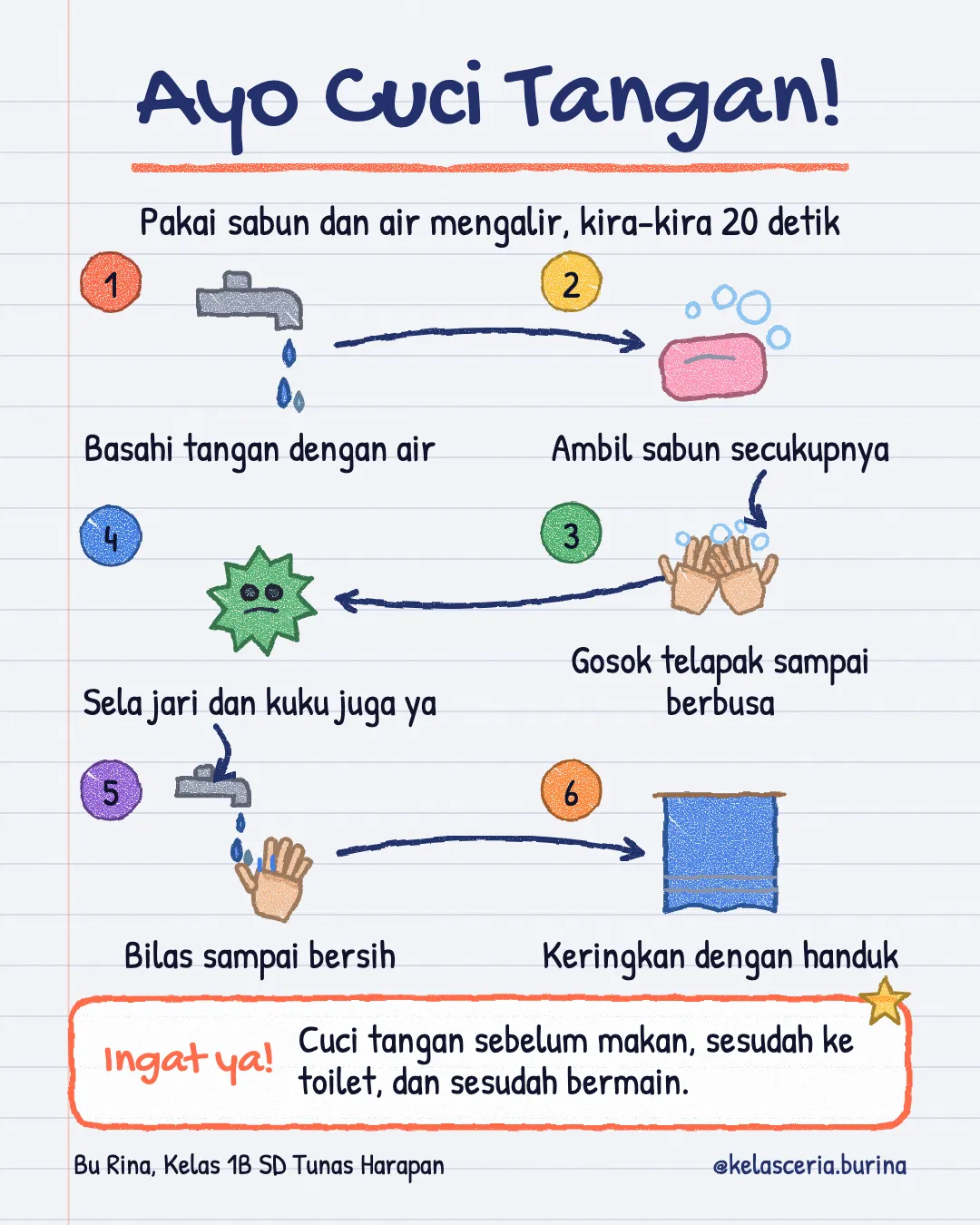
Steps mode, 4:5 feed, lined paper: hand washing in 6 steps
SKILL.md contents
Premium subscribers can read, copy, and install this skill.
Unlock with Premium Sign inCrayon Doodle Explainer
Description
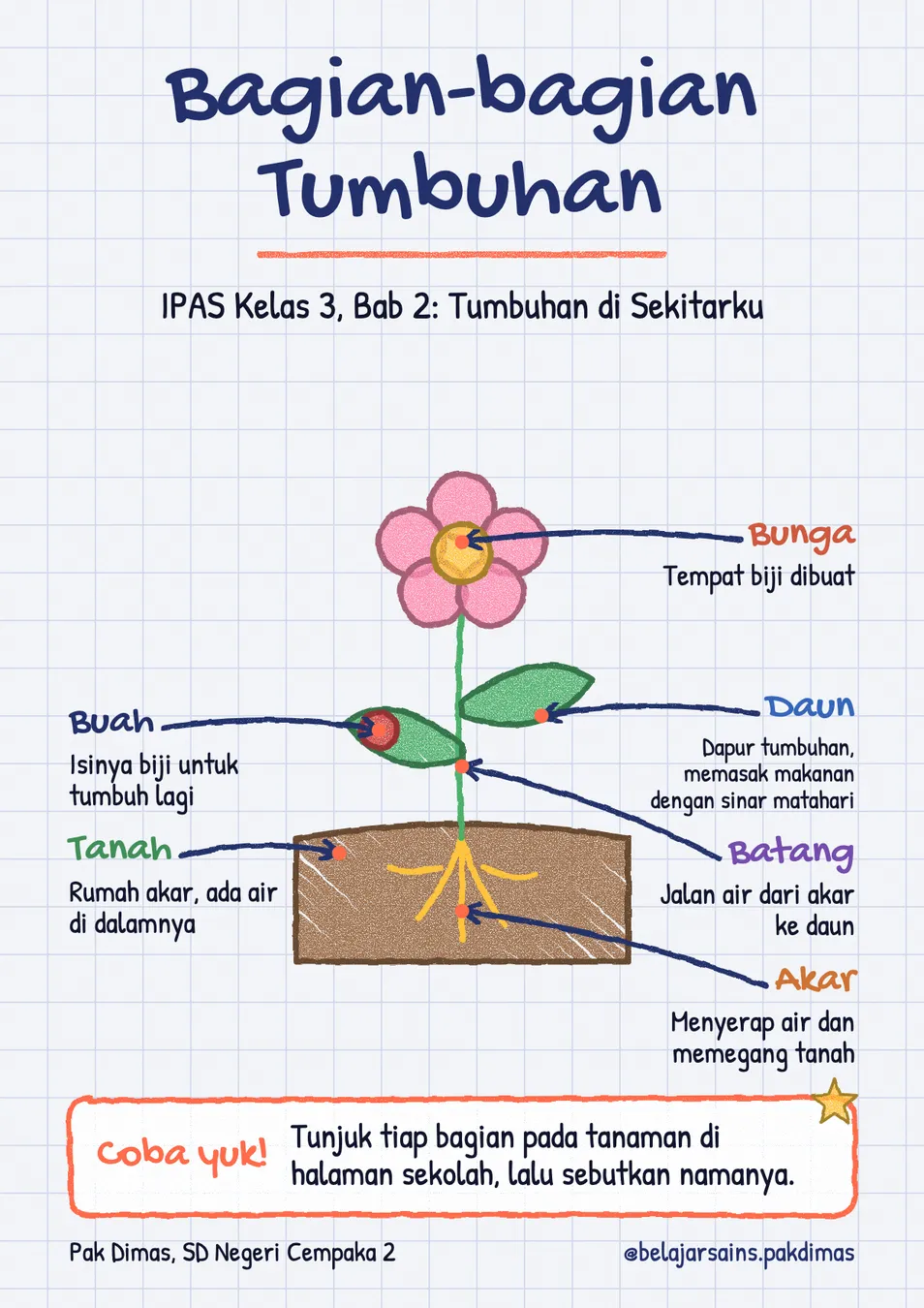
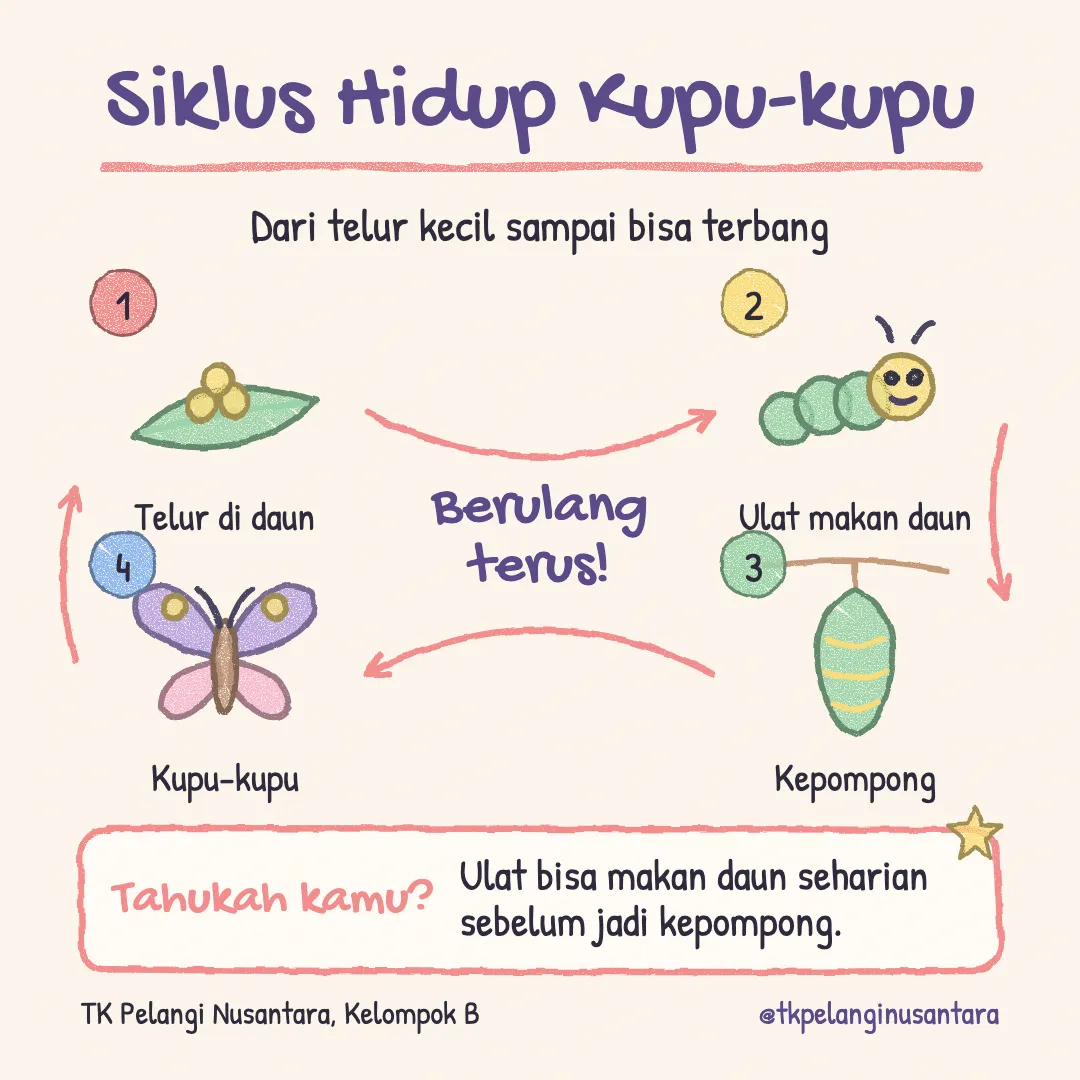
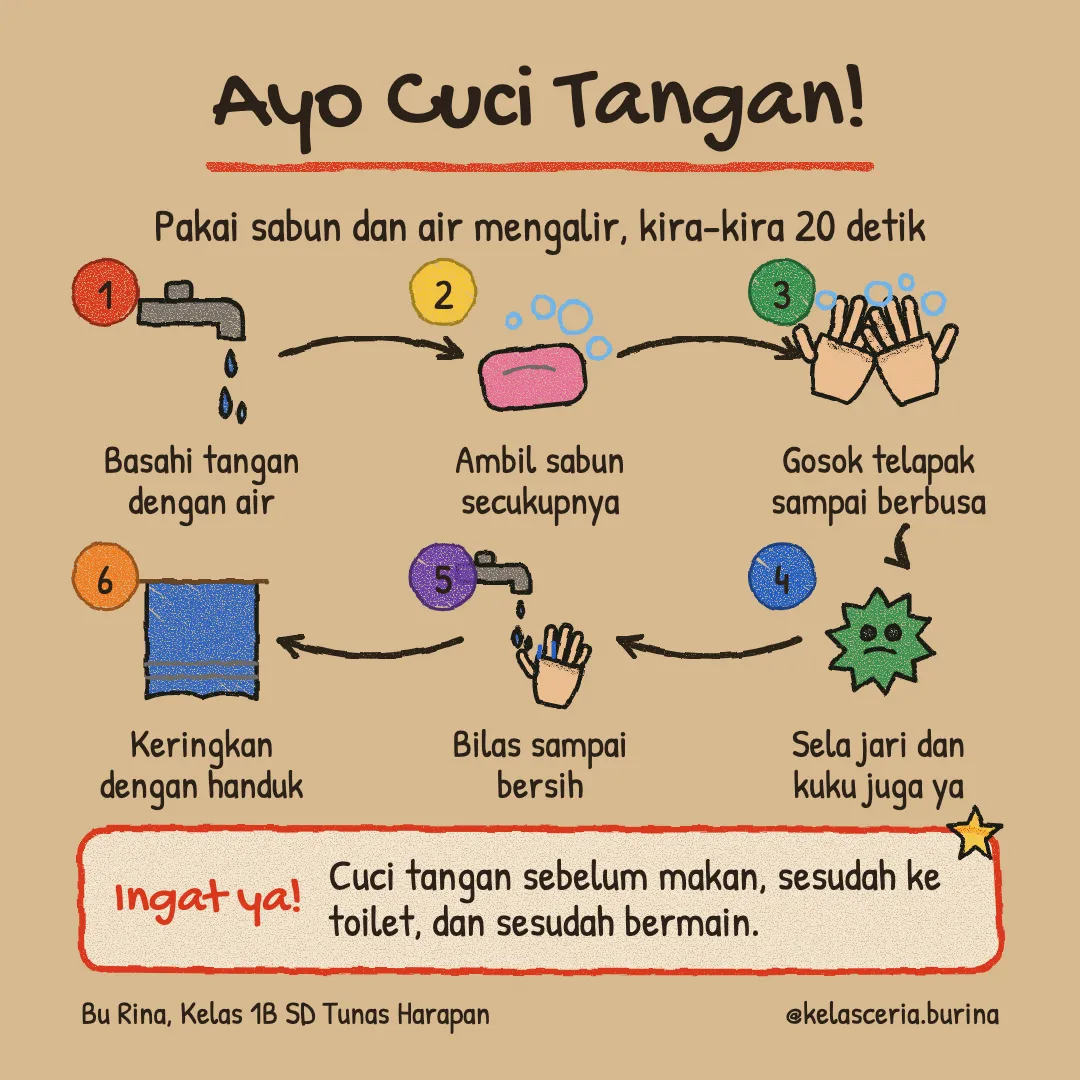
One explainer picture in a child's crayon doodle style for one simple concept: steps in order (how to wash your hands), a cycle that loops (a butterfly's life cycle), or the parts of one thing (parts of a plant). Crayon-shaded drawings, handwritten labels, crayon arrows, and a Remember box at the bottom. For primary and preschool teachers, parents, and kids' education creators, exported as a feed, square, or A4 print PNG.
Verified by SkillFlow
We checked every file in this skill automatically: no command that downloads and runs a program, no hidden code, no instruction telling your AI to ignore you.
- Loads from outside
- Fonts: Google Fonts
See the 7 files inside
skill.json7 KBSKILL.md6 KBprompt.md4 KBprompt.en.md4 KBfiles/contoh/bagian-tumbuhan-a4.html32 KBfiles/contoh/siklus-kupu-kupu-persegi.html32 KBfiles/doodle.html33 KB
Checked 14 Nov 2026
Included in Basic and Pro
Basic copies the prompt. Pro also downloads the ZIP, sends to AI, installs into agents, and opens every category.
Get Pro Get Basic Already subscribed? Sign inWhat you get
- A short script: title, 3-6 steps or labels, and one message to remember
- A PNG in steps, cycle, or parts mode as a 4:5 feed, 1:1 square, or A4 print
- 29 ready crayon doodles + 3 large labelled drawings (plant, butterfly, face)
- 3 palettes (crayon, pastel, kraft paper) and 3 papers (plain, lined, grid)
Good fit
- Primary and preschool teachers who need an explainer to pin up in class or send to the parents' group
- Kids' education creators who want one concept to look cheerful and easy to grasp
- Daily habits (hand washing, brushing teeth, throwing rubbish away) explained step by step
- Basic science: cycles, parts of the body or a plant, the order of events
Not for
- Not a story book with characters; for illustrated story pages use the children's picture book skill
- One picture for one concept, up to 6 steps or labels; long material fits a sketchnote better
- The built-in doodles cover 29 objects; anything else is drawn by the AI as a simple SVG and may look stiffer
- Not a photo or a realistic illustration
About this skill
/doodle-krayon-edukasi Make a crayon picture of brushing teeth in 5 steps for kindergarten kids, with a Remember box, feed size
Show more
One explainer picture in a child's crayon doodle style for one simple concept: steps in order (how to wash your hands), a cycle that loops (a butterfly's life cycle), or the parts of one thing (parts of a plant). Crayon-shaded drawings, handwritten labels, crayon arrows, and a Remember box at the bottom. For primary and preschool teachers, parents, and kids' education creators, exported as a feed, square, or A4 print PNG.
User reviews
FAQ
Which mode should I pick?
Steps for a sequence that ends (washing hands), cycle for one that returns to the start (water, butterflies, recycling), and parts for naming the parts of one thing (a plant, a face, a butterfly).
Can I print it for the classroom wall?
Yes. Choose A4 (1240x1754 px), then print the PNG on A4 paper without enlarging it. Grid and lined paper print faintly.
Why is there so little text?
The picture is for children who are just learning to read, so the drawings tell the story. Each step has at most 6 words, plus one message at the bottom.
Which AI can I use it with?
Copy the prompt into a chat AI (ChatGPT, Claude, Gemini, DeepSeek); or download the ZIP and install it in an AI agent (Claude Code, Codex, Antigravity, Hermes Agent, Cursor, GitHub Copilot, Gemini CLI, OpenCode, Kimi Code, Trae), which then builds the files for you.
What is in the ZIP?
One folder named doodle-krayon-edukasi with SKILL.md (the instructions an AI agent reads) and the prompt, 7 files in all. Extract it into your agent's skills folder, or install it with npx skillflow-ai add doodle-krayon-edukasi. Pro only.
Is there a per-use fee or credits?
Not from SkillFlow. The skill runs on the AI you already use (and, for image prompts, the image AI you pick), so any cost follows that plan.
Which plan includes it?
Basic and Pro. Basic copies the prompt; Pro also downloads the ZIP, sends to AI, installs into agents and shares results by link.
Can I use my own colours and brand?
Yes. Pick a colour theme on this page, or fill in your brand profile once; both go into the prompt you copy and into the ZIP.
Can I share what I made?
Pro members can upload the result and get a page at share.skillflow.ai.id to send to anyone. The page carries a small "Made with SkillFlow AI" mark.
Is there a download limit?
Yes, per day: 50 skills on Pro, 10 on other plans. Downloading a skill again on the same day does not count.



