

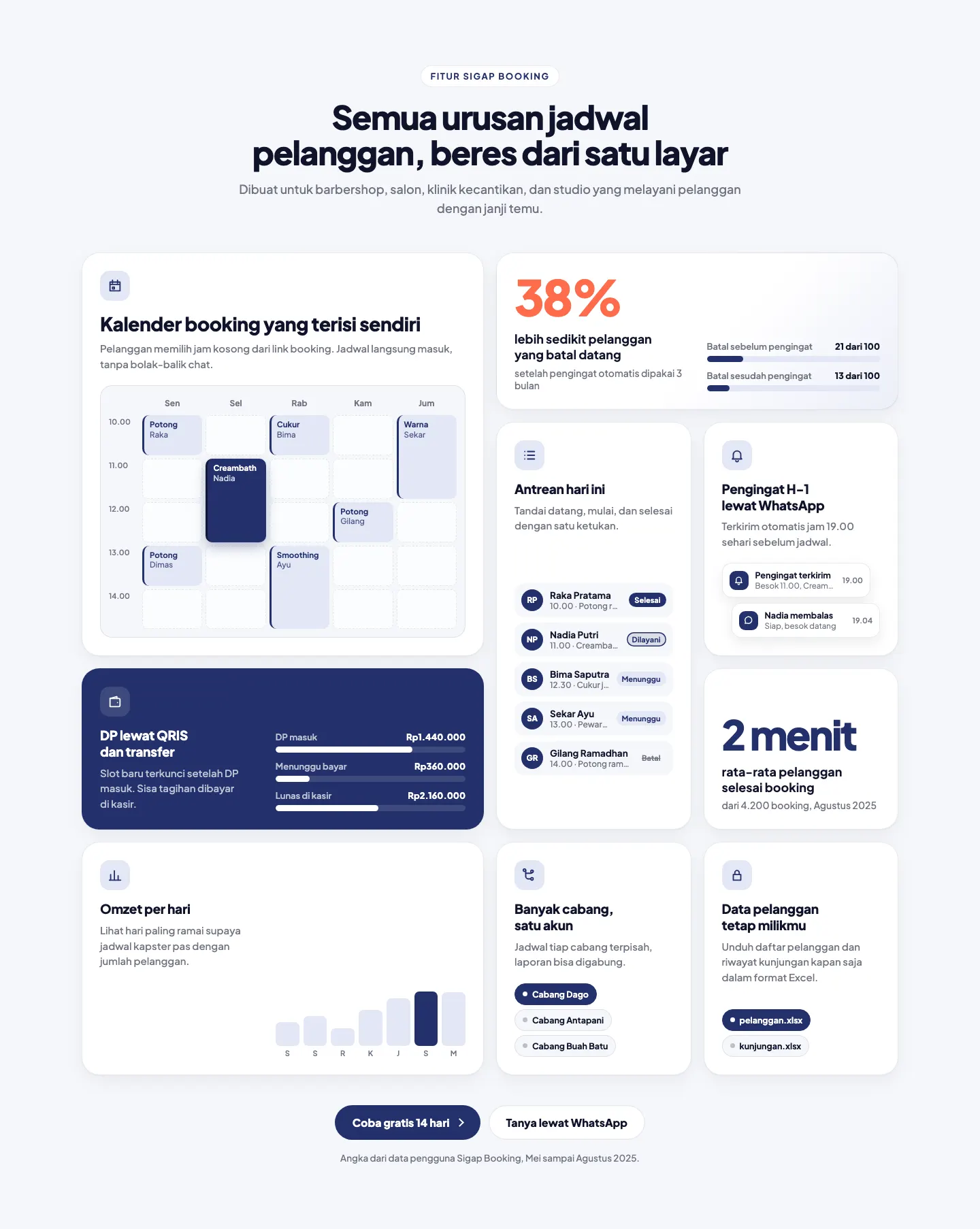
4 column bento grid: a large booking calendar, a 38% number, queue, notifications, chart, and chips
SKILL.md contents
Premium subscribers can read, copy, and install this skill.
Unlock with Premium Sign inBento Features (Section)
Description
A bento style features section for app, SaaS, or digital service landing pages: tiles of different sizes (small, wide, tall, large) in a dense 4 column grid with no gaps, holding features with line icons, big numbers with their source, and UI snippets built from data rather than screenshots: a booking calendar, a status queue, stacked notifications, a bar chart, progress bars, chat bubbles, and chips. One dark tile and one accent for emphasis, three palettes, two call to action buttons, and a gentle reveal on scroll. One HTML file that is safe to paste into any page.
Verified by SkillFlow
We checked every file in this skill automatically: no command that downloads and runs a program, no hidden code, no instruction telling your AI to ignore you.
- Loads from outside
- Fonts: Google Fonts
See the 5 files inside
skill.json10 KBSKILL.md6 KBprompt.md4 KBprompt.en.md4 KBfiles/fitur-bento.html27 KB
Checked 14 Nov 2026
Part of SkillFlow Pro
Pro opens every skill in every category: copy, ZIP, Send to AI, install, save, and request new skills.
Get Pro Already subscribed? Sign inWhat you get
- A one-file HTML bento features section, scoped CSS so it is safe to paste into other pages
- 4 tile sizes (small, wide, tall, large) in a densely packed 4 column grid
- 7 UI snippet types built from data: calendar, status list, notifications, chart, progress, chat, chips
- Big number tiles that resize themselves, plus a note on where the numbers come from
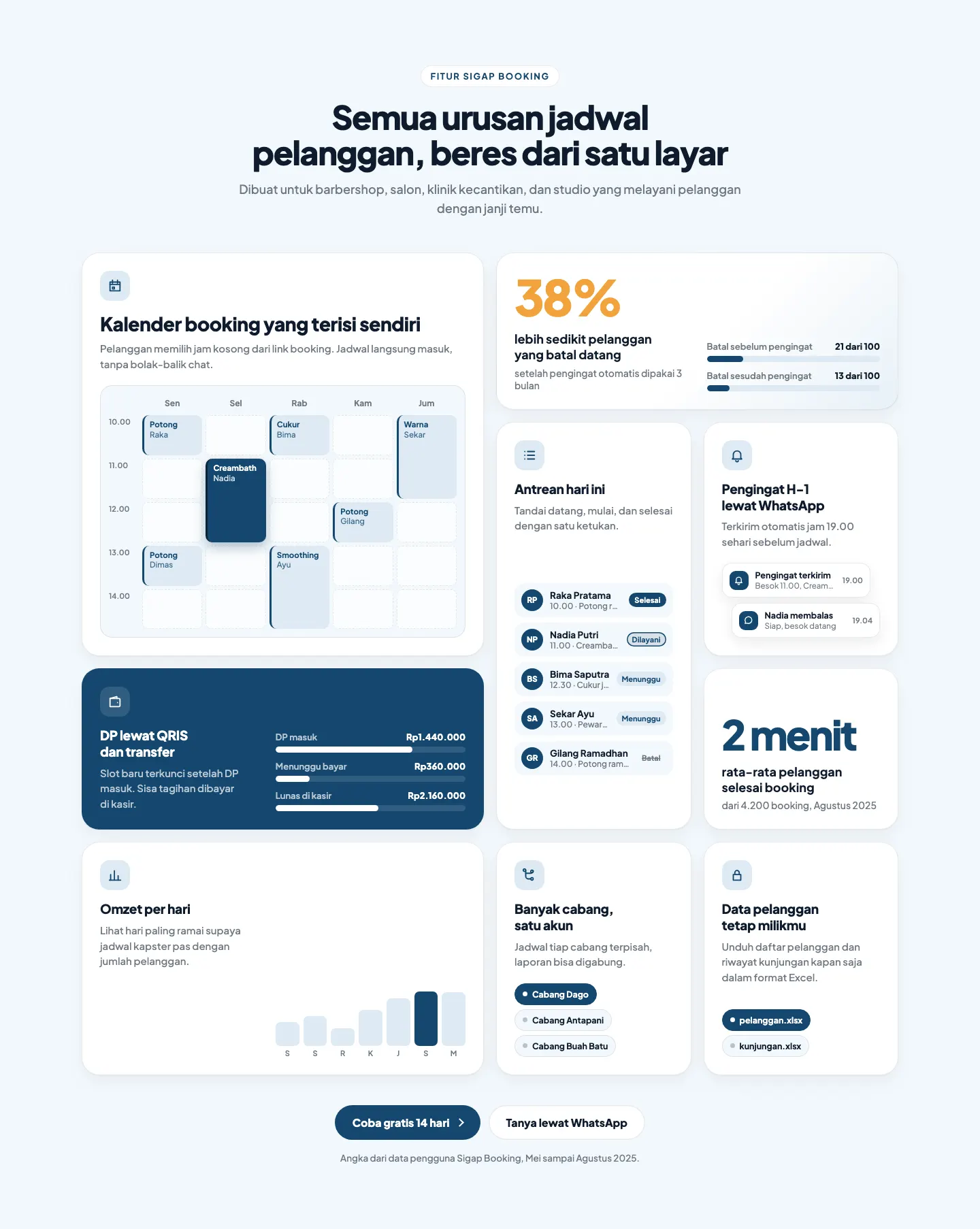
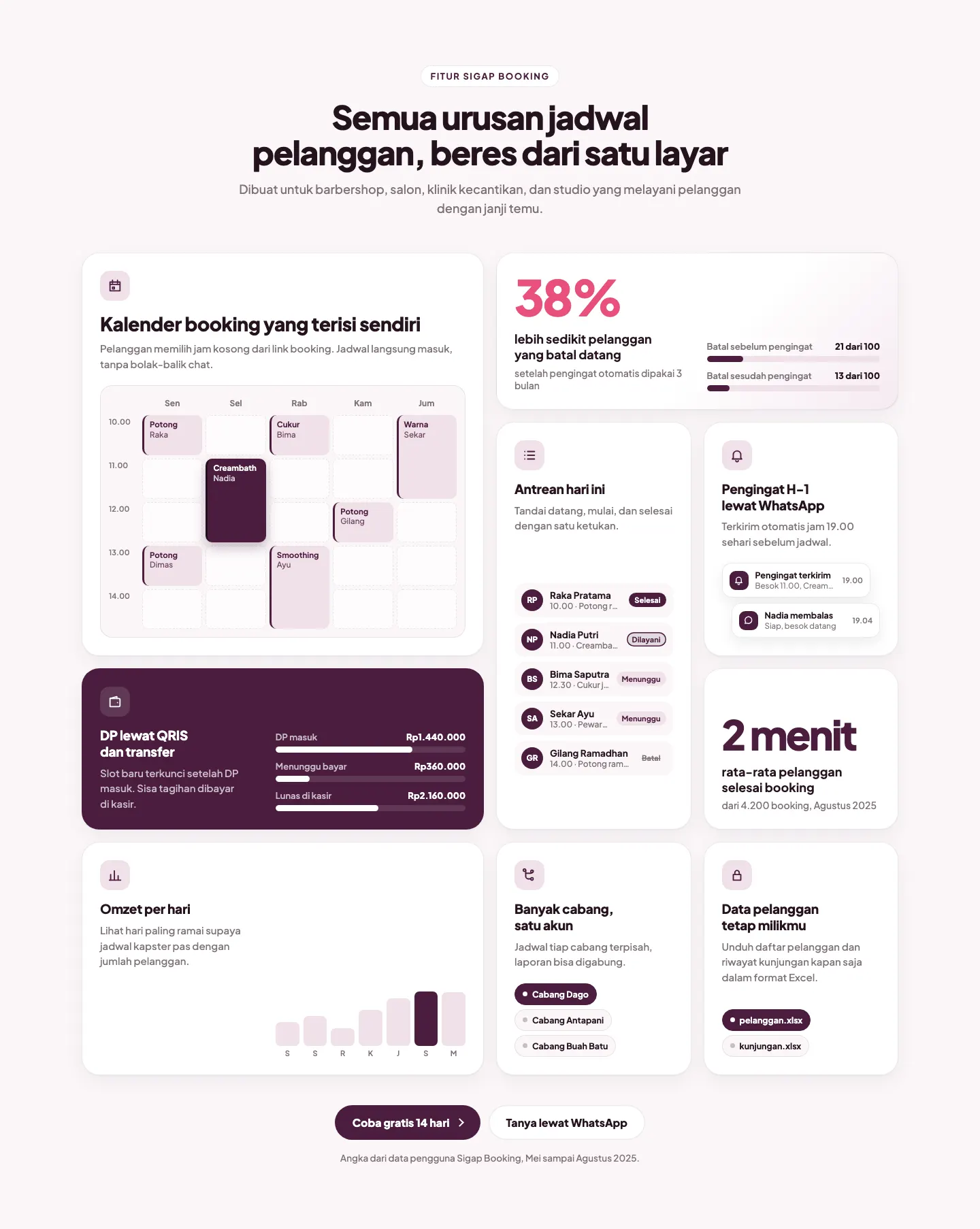
- One dark tile and one accent, 3 palettes (indigo city, sky, petal), centred or left aligned header
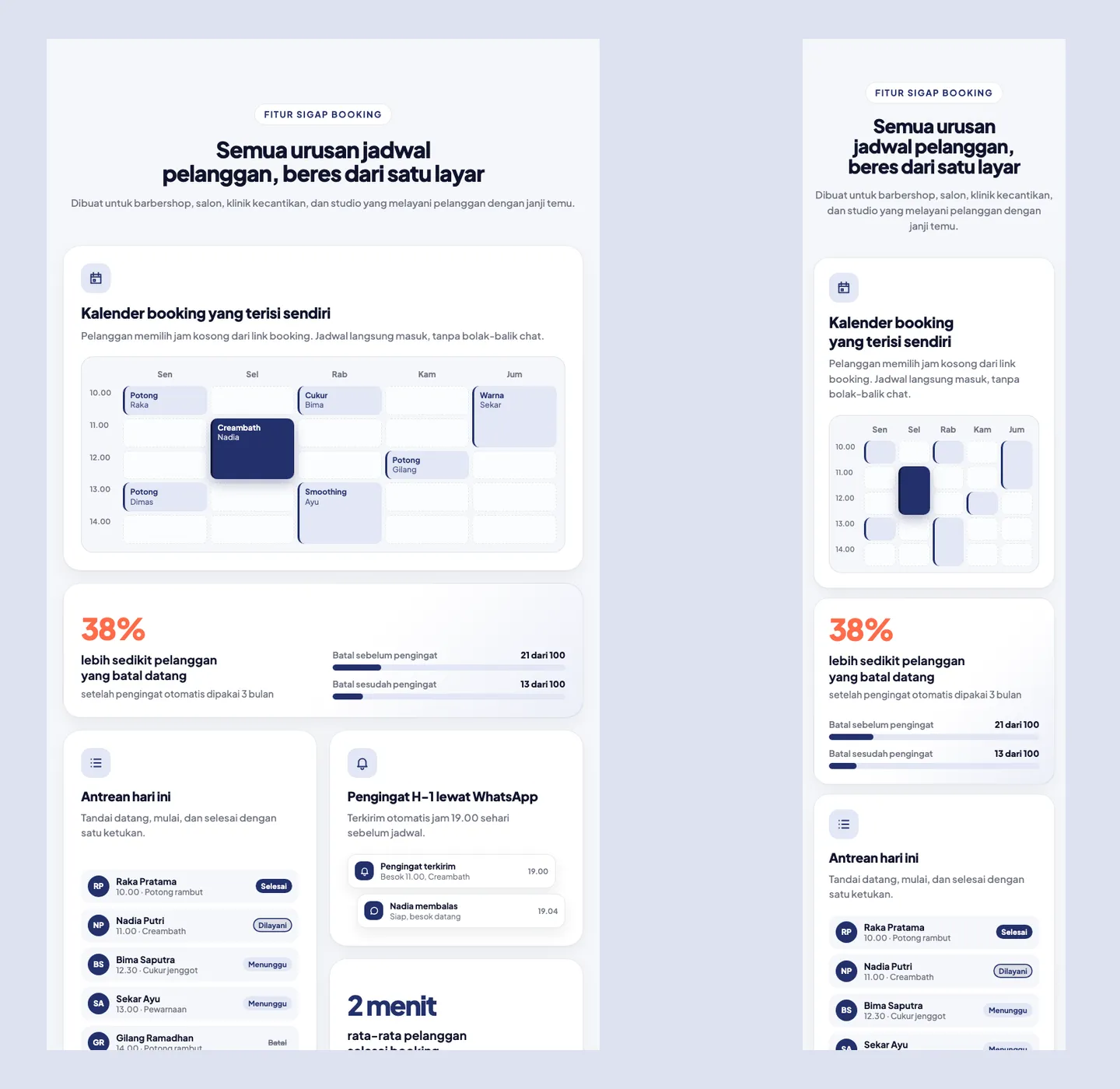
- Responsive 4, 2, then 1 column, two call to action buttons, and a reveal that respects reduced motion
Good fit
- App, SaaS, or online tool landing pages showing many features on one screen
- Products without polished screenshots that need UI snippets that look real
- Digital services or online courses mixing features with result numbers
- New feature launch pages needing a compact, modern section
Not for
- UI snippets are illustrations from sample data, not a working app
- It does not invent result numbers; numbers in tiles must be real with a source
- Not a full page; hero, pricing, and testimonials come from other sections
- It does not use product screenshots; for real screen images use a hero or mockup section
About this skill
/fitur-bento Build a bento features section for our salon booking app: a large booking calendar, today's queue, a WhatsApp reminder the day before, deposits by QR payment, a revenue report, and a real figure of 38% fewer no shows, with a 14 day free trial button
Show more
A bento style features section for app, SaaS, or digital service landing pages: tiles of different sizes (small, wide, tall, large) in a dense 4 column grid with no gaps, holding features with line icons, big numbers with their source, and UI snippets built from data rather than screenshots: a booking calendar, a status queue, stacked notifications, a bar chart, progress bars, chat bubbles, and chips. One dark tile and one accent for emphasis, three palettes, two call to action buttons, and a gentle reveal on scroll. One HTML file that is safe to paste into any page.
User reviews
FAQ
How do I keep the grid free of gaps?
Count the tile area: small 1, wide and tall 2, large 4. Make the total a multiple of 4, such as 1 large, 3 wide, 1 tall, and 4 small for 16. The template warns in the console when it is not a multiple of 4, and the grid packs tiles densely.
Are the UI snippets taken from my app?
No. Each snippet is built from data in the config object, such as calendar slots or names in a queue. Fill them with examples close to real use, and use made up customer names, not real customer data.
How many tiles is ideal?
Six to nine. One large tile for the main feature, one or two number tiles, one dark tile for emphasis, and the rest supporting features. Beyond that, split it into two sections.
Which AI can I use it with?
Copy the prompt into a chat AI (ChatGPT, Claude, Gemini, DeepSeek); or download the ZIP and install it in an AI agent (Claude Code, Codex, Antigravity, Hermes Agent, Cursor, GitHub Copilot, Gemini CLI, OpenCode, Kimi Code, Trae), which then builds the files for you.
What is in the ZIP?
One folder named fitur-bento with SKILL.md (the instructions an AI agent reads) and the prompt, 5 files in all. Extract it into your agent's skills folder, or install it with npx skillflow-ai add fitur-bento. Pro only.
Is there a per-use fee or credits?
Not from SkillFlow. The skill runs on the AI you already use, so any cost follows that plan.
Which plan includes it?
SkillFlow Pro. It opens every skill in every category.
Can I use my own colours and brand?
Yes. Pick a colour theme on this page, or fill in your brand profile once; both go into the prompt you copy and into the ZIP.
Can I share what I made?
Pro members can upload the result and get a page at share.skillflow.ai.id to send to anyone. The page carries a small "Made with SkillFlow AI" mark.
Is there a download limit?
Yes, per day: 50 skills on Pro, 10 on other plans. Downloading a skill again on the same day does not count.



