

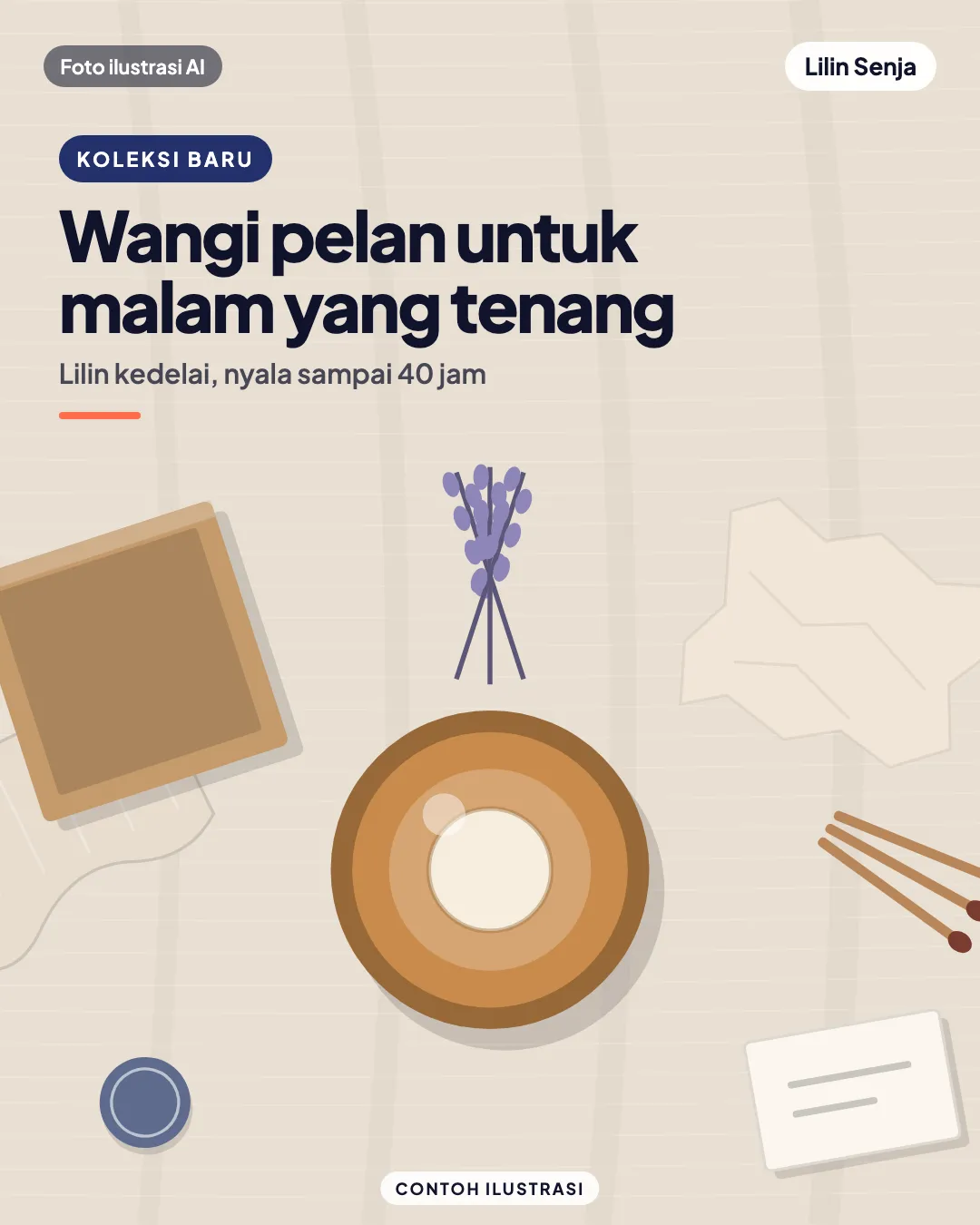
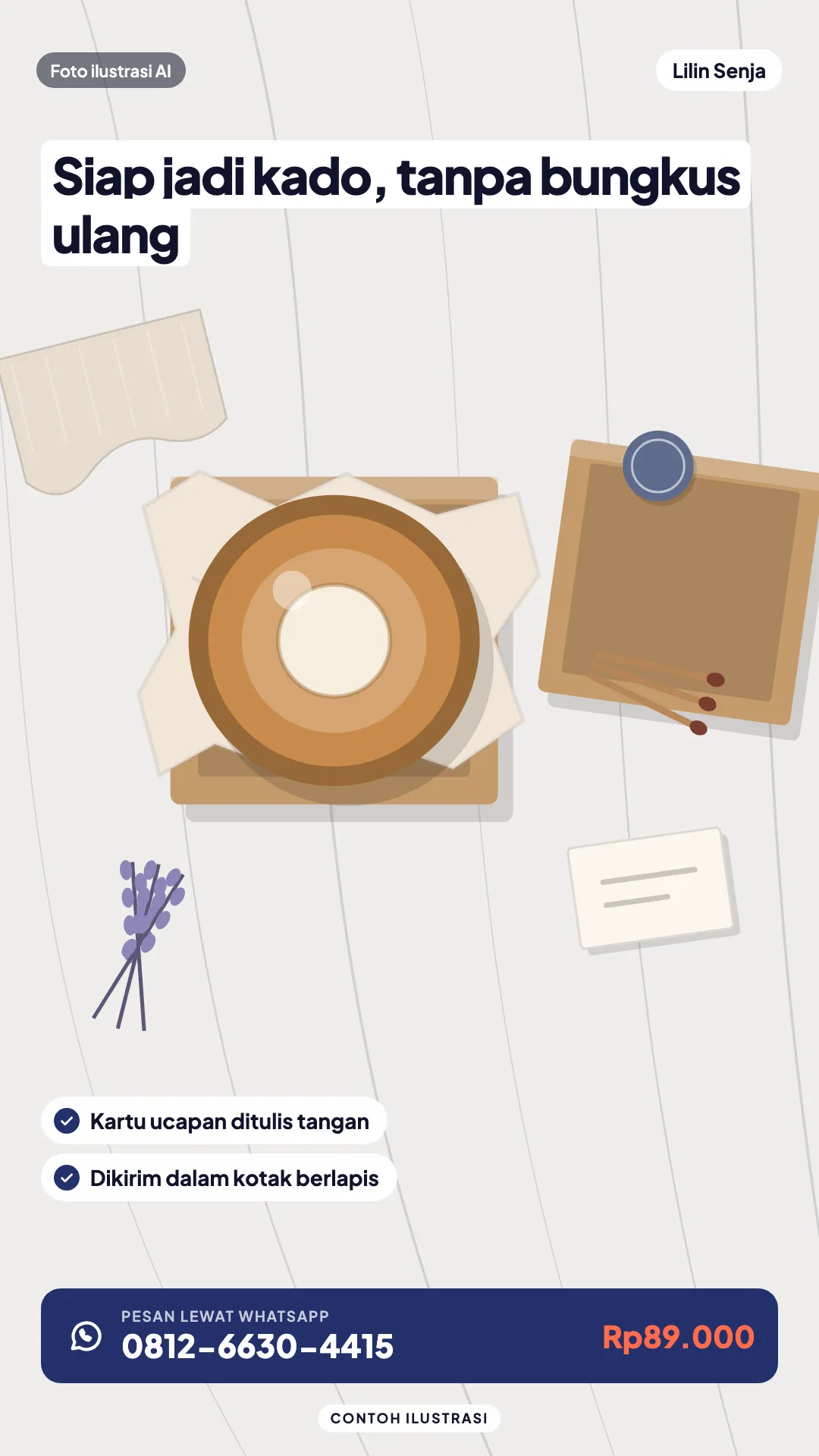
4:5 feed tile: product in the centre, headline in the empty top space
SKILL.md contents
Premium subscribers can read, copy, and install this skill.
Unlock with Premium Sign inPackaging Flat-Lay
Description
AI image prompt recipes for top-down flat-lay photos: one product with its packaging (box, tissue paper, thank-you card, seal sticker) and two to four matching props, on linen, wood, marble, paper, or a plain colour. Product, packaging, props, surface, light, and colour story locks repeat word for word across five layouts: product in the centre, a neat grid, a diagonal flow, a circle, and an unboxing moment. The photos then get text in an HTML template: a feed tile with a headline, a numbered packaging contents tile, a priced shop tile, and a WhatsApp promo tile.
Verified by SkillFlow
We checked every file in this skill automatically: no command that downloads and runs a program, no hidden code, no instruction telling your AI to ignore you.
- Loads from outside
- Fonts: Google Fonts
See the 5 files inside
skill.json9 KBSKILL.md8 KBprompt.md4 KBprompt.en.md4 KBfiles/flatlay.html39 KB
Checked 14 Nov 2026
Included in Basic and Pro
Basic copies the prompt. Pro also downloads the ZIP, sends to AI, installs into agents, and opens every category.
Get Pro Get Basic Already subscribed? Sign inWhat you get
- Product, packaging, props, surface, light, and colour story locks repeated word for word
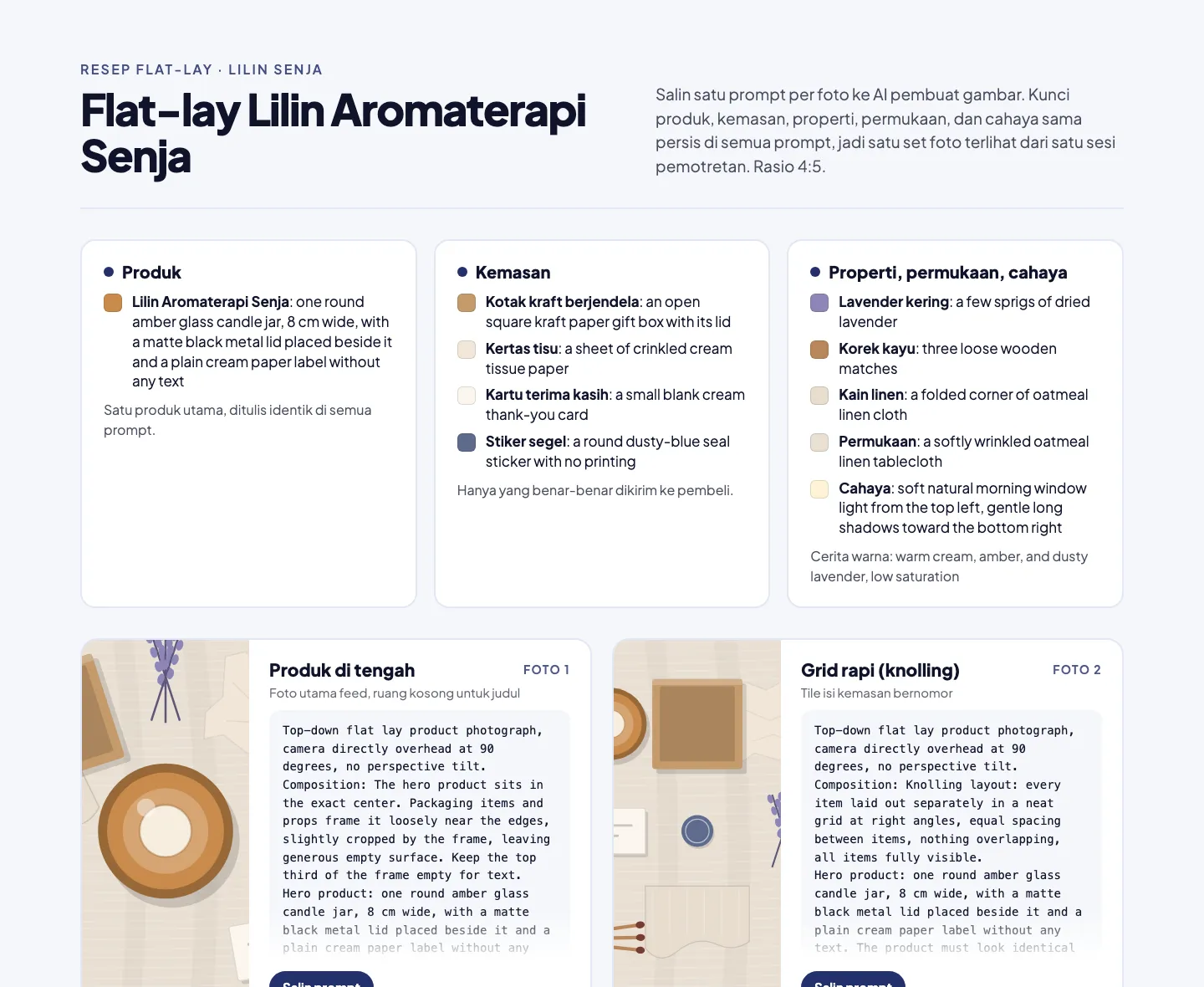
- 5 copy-ready flat-lay layout prompts built from one data object (a recipe sheet with Copy buttons)
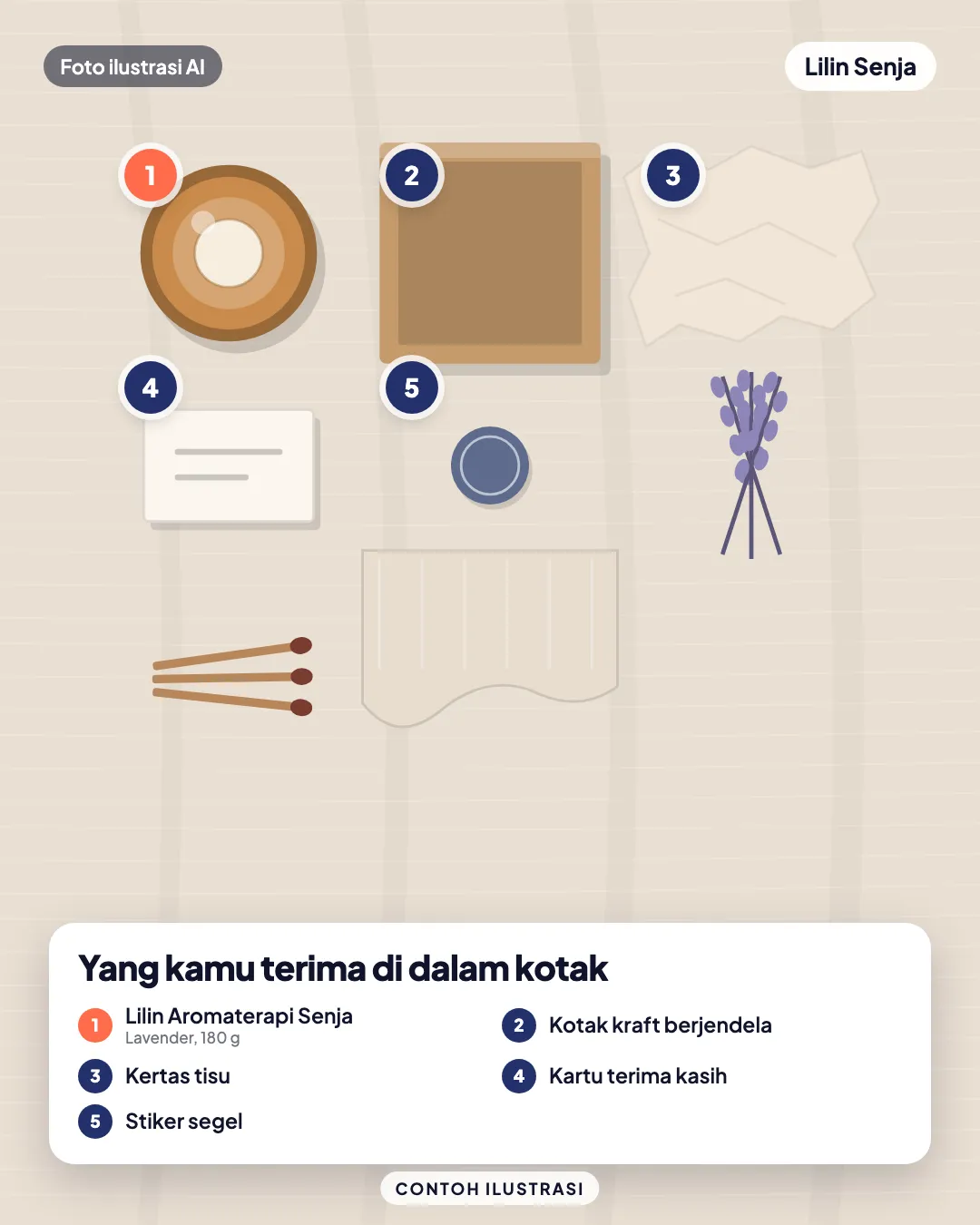
- A feed tile with a headline in the empty space, a numbered packaging contents tile with a legend
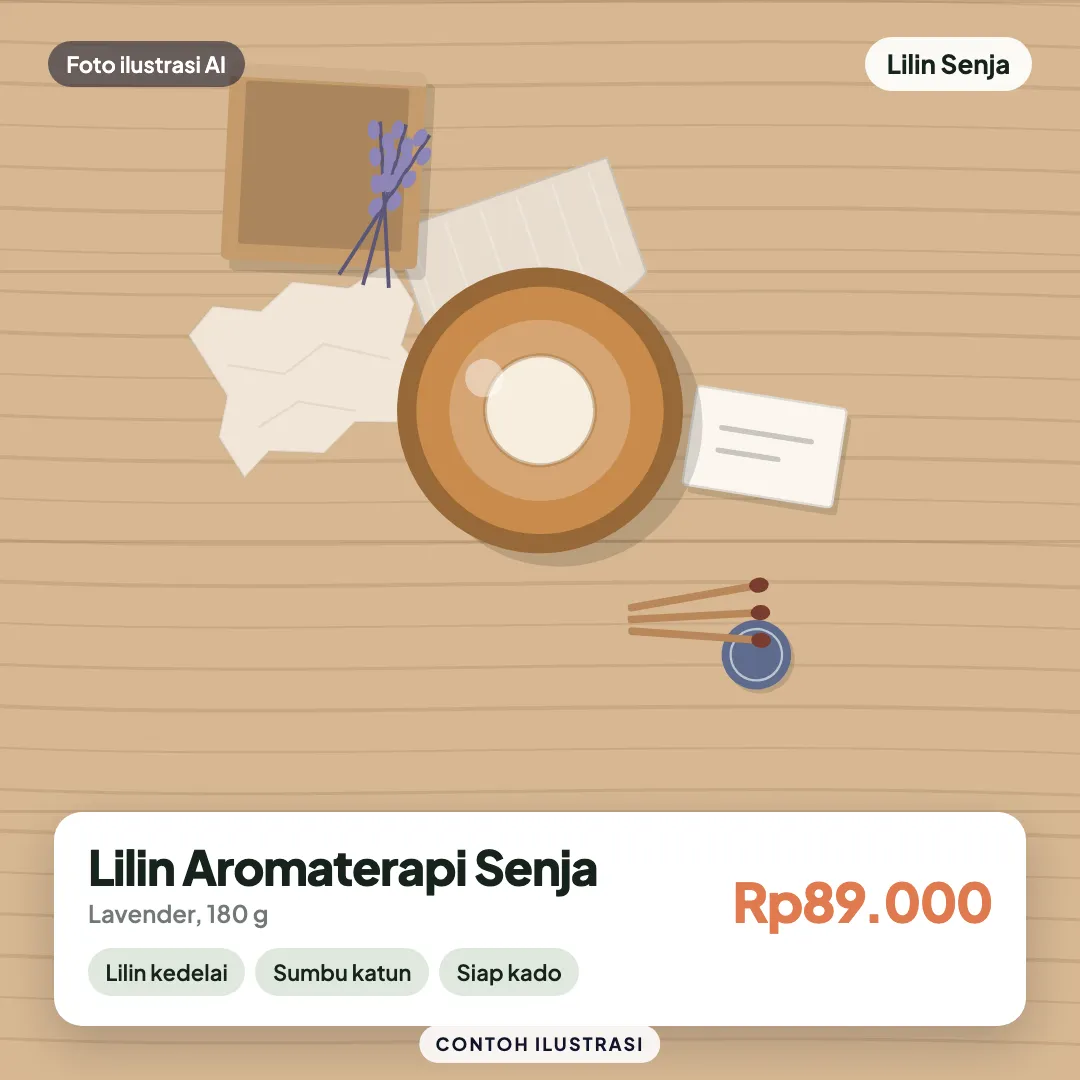
- A shop tile with name, variant, price, and feature chips; a promo tile with WhatsApp
- 4:5, 1:1, 9:16 formats, an AI illustration label, and a checklist for AI results
- 5 surfaces, 3 overlay palettes (city, cream, sage), and home-made placeholder illustrations
Good fit
- Sellers of small goods (candles, soap, skincare, coffee, cookies) whose packaging is part of the appeal
- Brands that want a tidy feed with the same photo style in every post
- Shops selling gift sets that want to show what is in the box clearly
- Designers preparing product photos for small business clients before a real shoot
Not for
- It does not generate images itself; it gives prompts for an image AI and a template for the text
- An image AI cannot guarantee your product looks exactly the same; attach a real photo and check every result
- Not for packages with many items that must be counted exactly; use Hamper Product Shot for that
- It does not write labels or logos on the packaging; text is added in the template, not by the AI
About this skill
/flat-lay-kemasan Write flat-lay photo prompts for my aromatherapy candle with its kraft box, tissue paper, and thank-you card, then lay them out as a feed photo and a shop photo
Show more
AI image prompt recipes for top-down flat-lay photos: one product with its packaging (box, tissue paper, thank-you card, seal sticker) and two to four matching props, on linen, wood, marble, paper, or a plain colour. Product, packaging, props, surface, light, and colour story locks repeat word for word across five layouts: product in the centre, a neat grid, a diagonal flow, a circle, and an unboxing moment. The photos then get text in an HTML template: a feed tile with a headline, a numbered packaging contents tile, a priced shop tile, and a WhatsApp promo tile.
User reviews
FAQ
Why are props limited to four?
A crowded flat-lay buries the product, and image AIs tend to add objects of their own. Two to four props that match the colour story are enough for mood without stealing attention.
Can it be used for real product photos, not AI ones?
Yes. Use the recipe sheet as a layout guide while shooting, then put your photo paths in the template and turn off the AI illustration label. Numbers on the contents tile are placed by hand to match where items sit in your photo.
Which AI can I use it with?
Copy the prompt into a chat AI (ChatGPT, Claude, Gemini, DeepSeek); or download the ZIP and install it in an AI agent (Claude Code, Codex, Antigravity, Hermes Agent, Cursor, GitHub Copilot, Gemini CLI, OpenCode, Kimi Code, Trae), which then builds the files for you.
What is in the ZIP?
One folder named flat-lay-kemasan with SKILL.md (the instructions an AI agent reads) and the prompt, 5 files in all. Extract it into your agent's skills folder, or install it with npx skillflow-ai add flat-lay-kemasan. Pro only.
Is there a per-use fee or credits?
Not from SkillFlow. The skill runs on the AI you already use (and, for image prompts, the image AI you pick), so any cost follows that plan.
Which plan includes it?
Basic and Pro. Basic copies the prompt; Pro also downloads the ZIP, sends to AI, installs into agents and shares results by link.
Can I use my own colours and brand?
Yes. Pick a colour theme on this page, or fill in your brand profile once; both go into the prompt you copy and into the ZIP.
Can I share what I made?
Pro members can upload the result and get a page at share.skillflow.ai.id to send to anyone. The page carries a small "Made with SkillFlow AI" mark.
Is there a download limit?
Yes, per day: 50 skills on Pro, 10 on other plans. Downloading a skill again on the same day does not count.



