

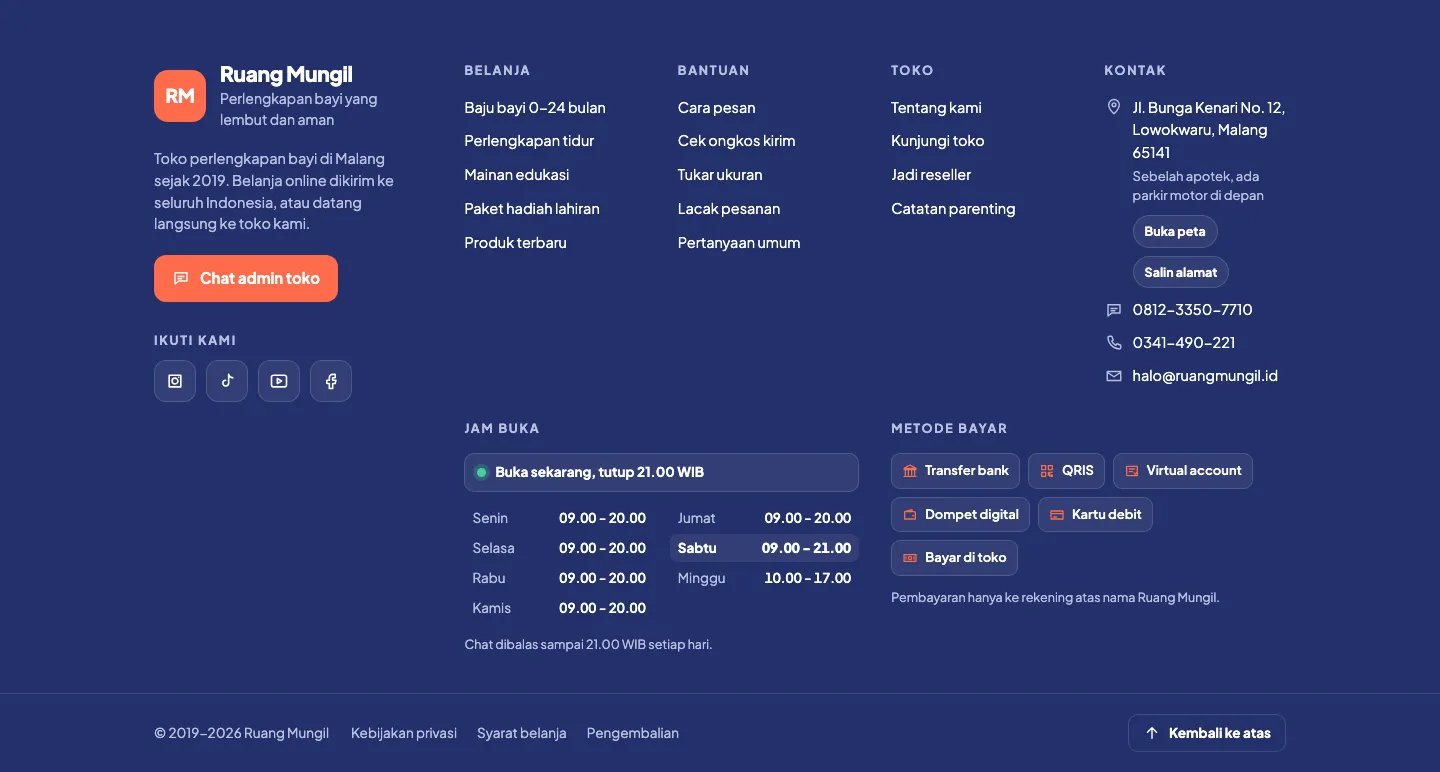
Desktop: store name, chat button, three menu columns, contact, opening hours with status, and payment methods
SKILL.md contents
Premium subscribers can read, copy, and install this skill.
Unlock with Premium Sign inFull Store Footer (Section)
Description
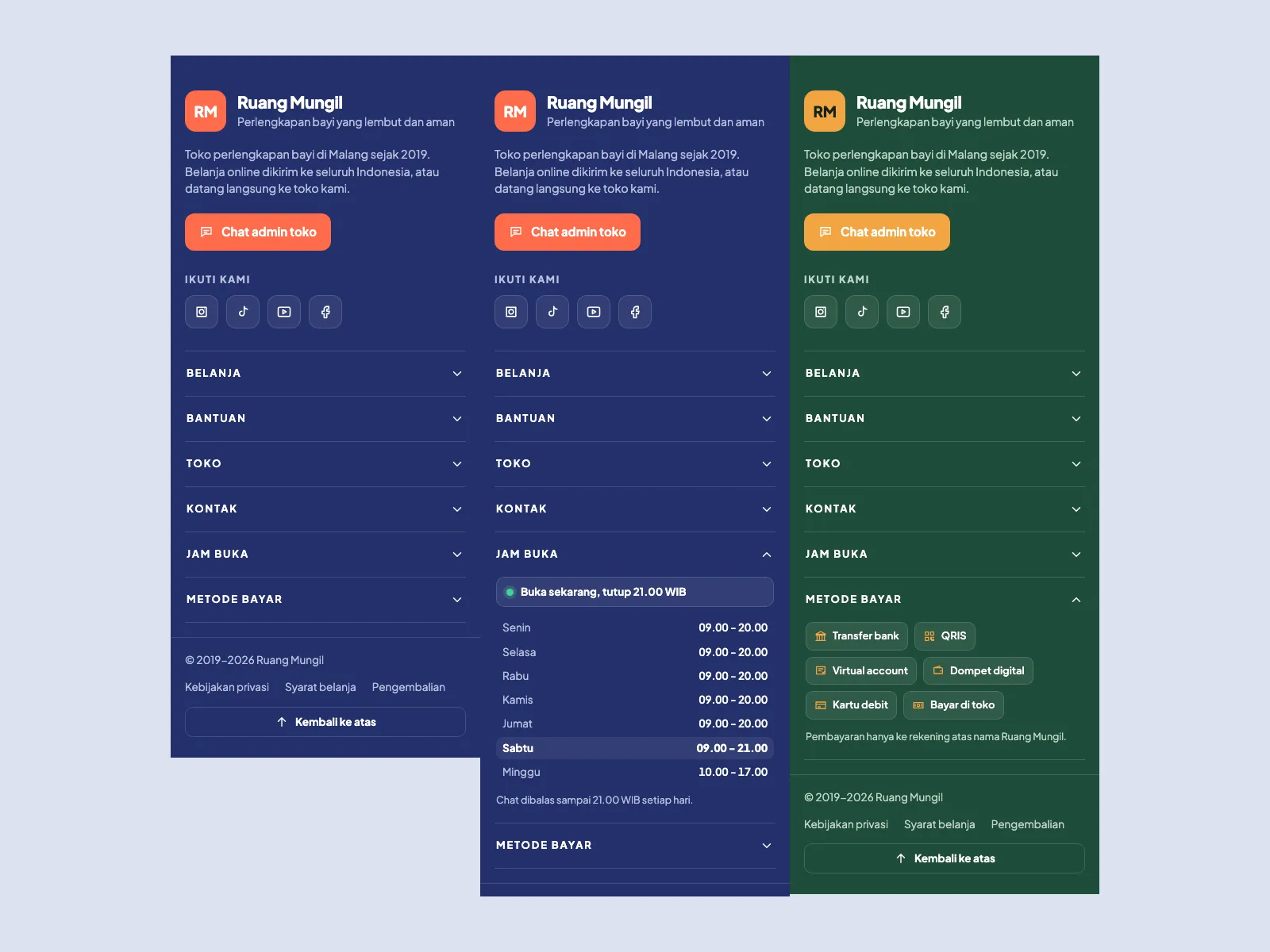
A footer section for every page of an online shop or local business: store name with a logo or initials, a short description, a chat button with a prefilled message, social media icons, 2 to 4 menu columns, contact details with Open map and Copy address, weekly opening hours with today's row and an Open now or Closed status worked out in the store's time zone, payment method badges with icons and no bank logos, and a bottom bar with an automatic year, policy links, and Back to top. On phones the columns become collapsible lists. One file, scoped CSS, 3 palettes.
Verified by SkillFlow
We checked every file in this skill automatically: no command that downloads and runs a program, no hidden code, no instruction telling your AI to ignore you.
- Loads from outside
- Fonts: Google Fonts
See the 5 files inside
skill.json10 KBSKILL.md7 KBprompt.md3 KBprompt.en.md3 KBfiles/footer.html22 KB
Checked 14 Nov 2026
Part of SkillFlow Pro
Pro opens every skill in every category: copy, ZIP, Send to AI, install, save, and request new skills.
Get Pro Already subscribed? Sign inWhat you get
- A one-file HTML footer section with scoped CSS, driven by one config object
- 2 to 4 menu columns, contact, opening hours, and payment methods that collapse on phones
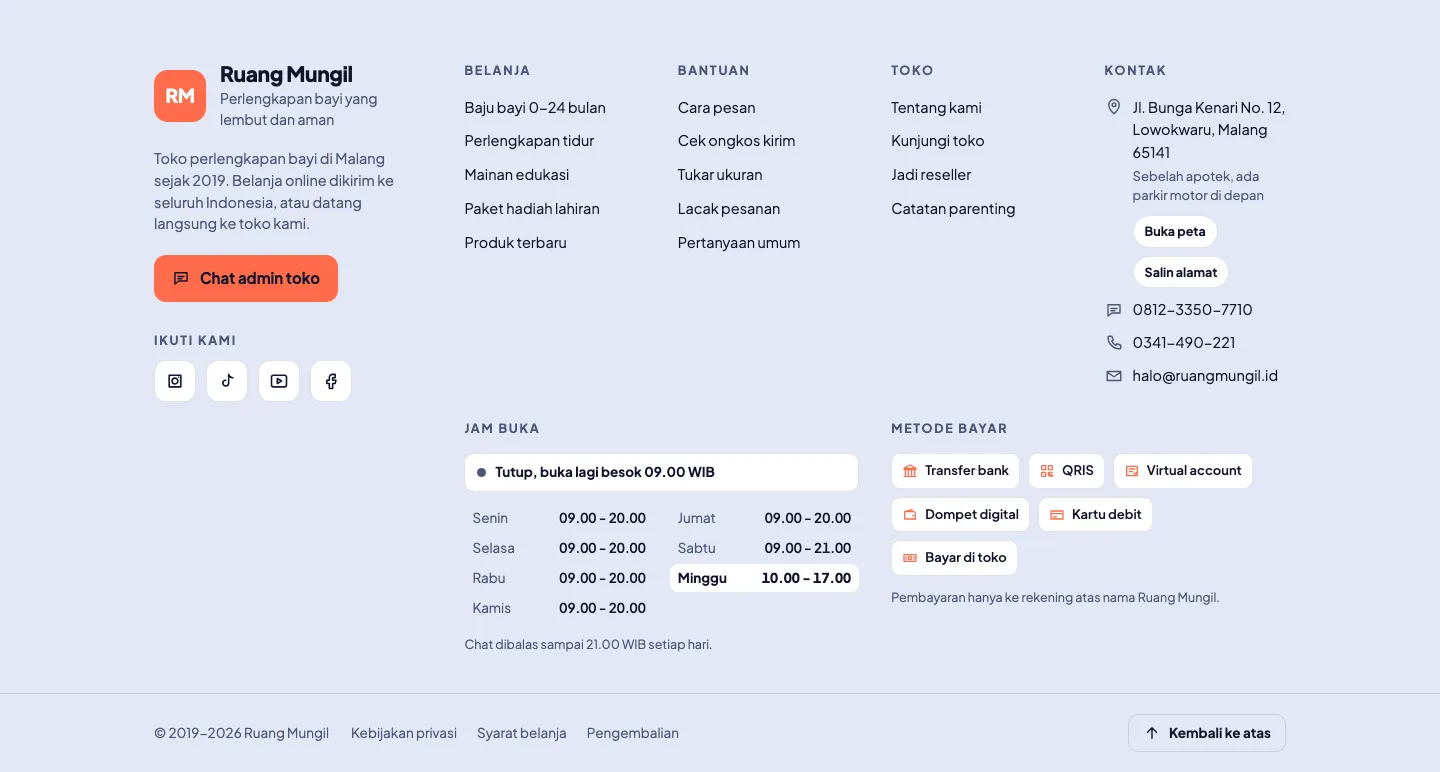
- An Open now or Closed status with the next opening time, worked out in the store's time zone
- Payment method badges with icons and no bank or e-wallet logos
- A chat button with a prefilled message, social media icons, Copy address, and Back to top
- 3 ready palettes (indigo, light, leaf)
Good fit
- Online shops that want the same footer on every page
- Shops, cafes, and clinics with one location and fixed opening hours
- Landing page builders who need a paste-ready footer without a framework
Not for
- Many branches with different hours; use Branch Locations for that
- It does not use official bank, e-wallet, or social media logos; icons are generic line icons
- It does not create the linked policy or help pages; only the links
About this skill
/footer-toko-lengkap Make a footer for our baby goods shop website: shop and help menus, address, Monday to Sunday opening hours, payment methods, and a chat button
Show more
A footer section for every page of an online shop or local business: store name with a logo or initials, a short description, a chat button with a prefilled message, social media icons, 2 to 4 menu columns, contact details with Open map and Copy address, weekly opening hours with today's row and an Open now or Closed status worked out in the store's time zone, payment method badges with icons and no bank logos, and a bottom bar with an automatic year, policy links, and Back to top. On phones the columns become collapsible lists. One file, scoped CSS, 3 palettes.
User reviews
FAQ
Why no bank logos for payment methods?
Bank and e-wallet logos are other companies' trademarks, often with usage rules. This footer uses text badges with line icons so it is safe to use and still clear.
Whose clock decides Open now?
The store's, using the time zone you set (Asia/Jakarta by default). A visitor in another time zone still sees the right status for your store.
How do I paste it into an existing page?
Copy from the FOOTER TOKO: START comment to END, plus the three font lines in the head. All styles use the .sfft prefix, so they do not clash with your page CSS.
Which AI can I use it with?
Copy the prompt into a chat AI (ChatGPT, Claude, Gemini, DeepSeek); or download the ZIP and install it in an AI agent (Claude Code, Codex, Antigravity, Hermes Agent, Cursor, GitHub Copilot, Gemini CLI, OpenCode, Kimi Code, Trae), which then builds the files for you.
What is in the ZIP?
One folder named footer-toko-lengkap with SKILL.md (the instructions an AI agent reads) and the prompt, 5 files in all. Extract it into your agent's skills folder, or install it with npx skillflow-ai add footer-toko-lengkap. Pro only.
Is there a per-use fee or credits?
Not from SkillFlow. The skill runs on the AI you already use, so any cost follows that plan.
Which plan includes it?
SkillFlow Pro. It opens every skill in every category.
Can I use my own colours and brand?
Yes. Pick a colour theme on this page, or fill in your brand profile once; both go into the prompt you copy and into the ZIP.
Can I share what I made?
Pro members can upload the result and get a page at share.skillflow.ai.id to send to anyone. The page carries a small "Made with SkillFlow AI" mark.
Is there a download limit?
Yes, per day: 50 skills on Pro, 10 on other plans. Downloading a skill again on the same day does not count.



