

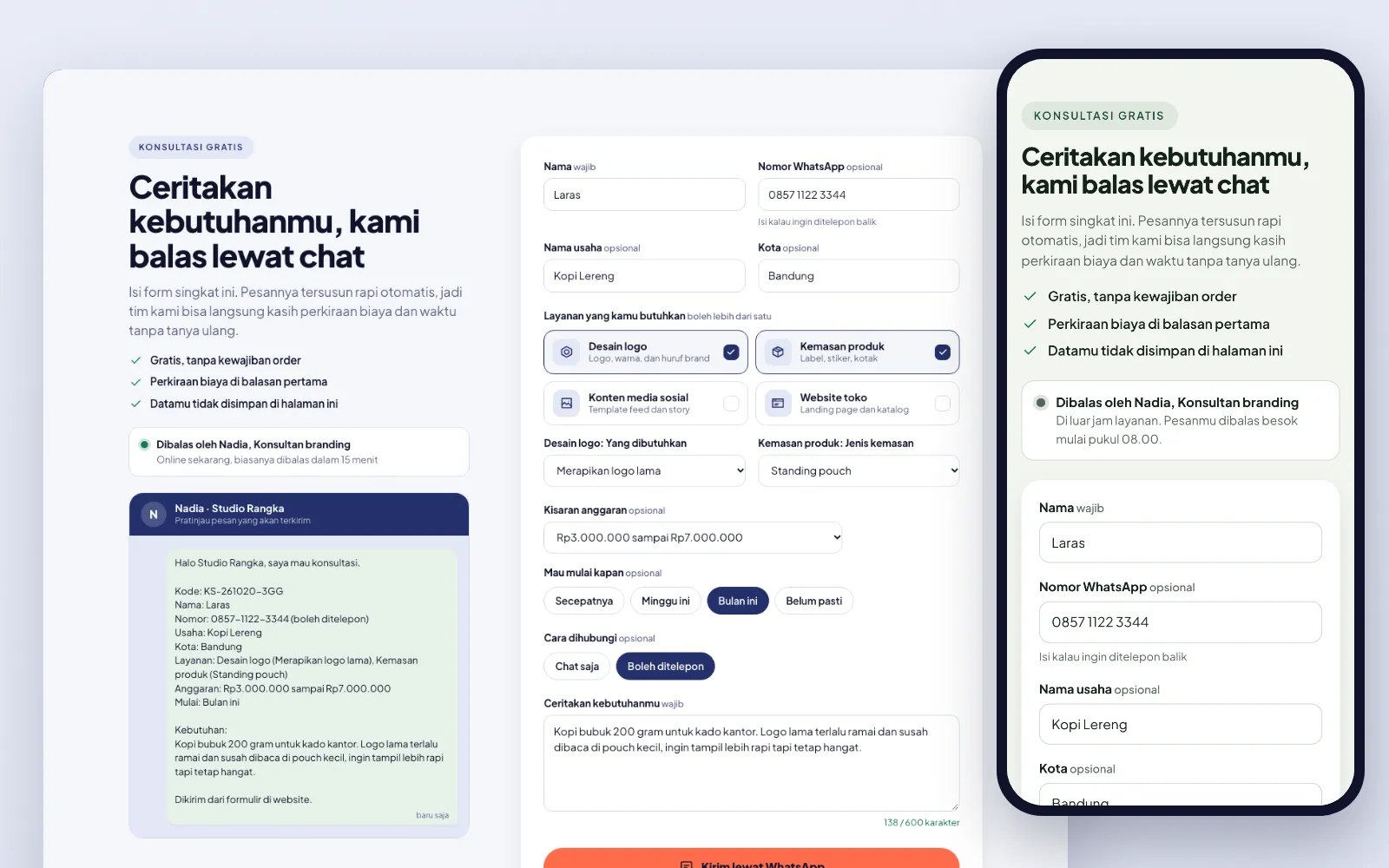
Side layout: a filled form, two services with details, a coded message preview; green palette on a phone
SKILL.md contents
Premium subscribers can read, copy, and install this skill.
Unlock with Premium Sign inContact Form to Chat (Section)
Description
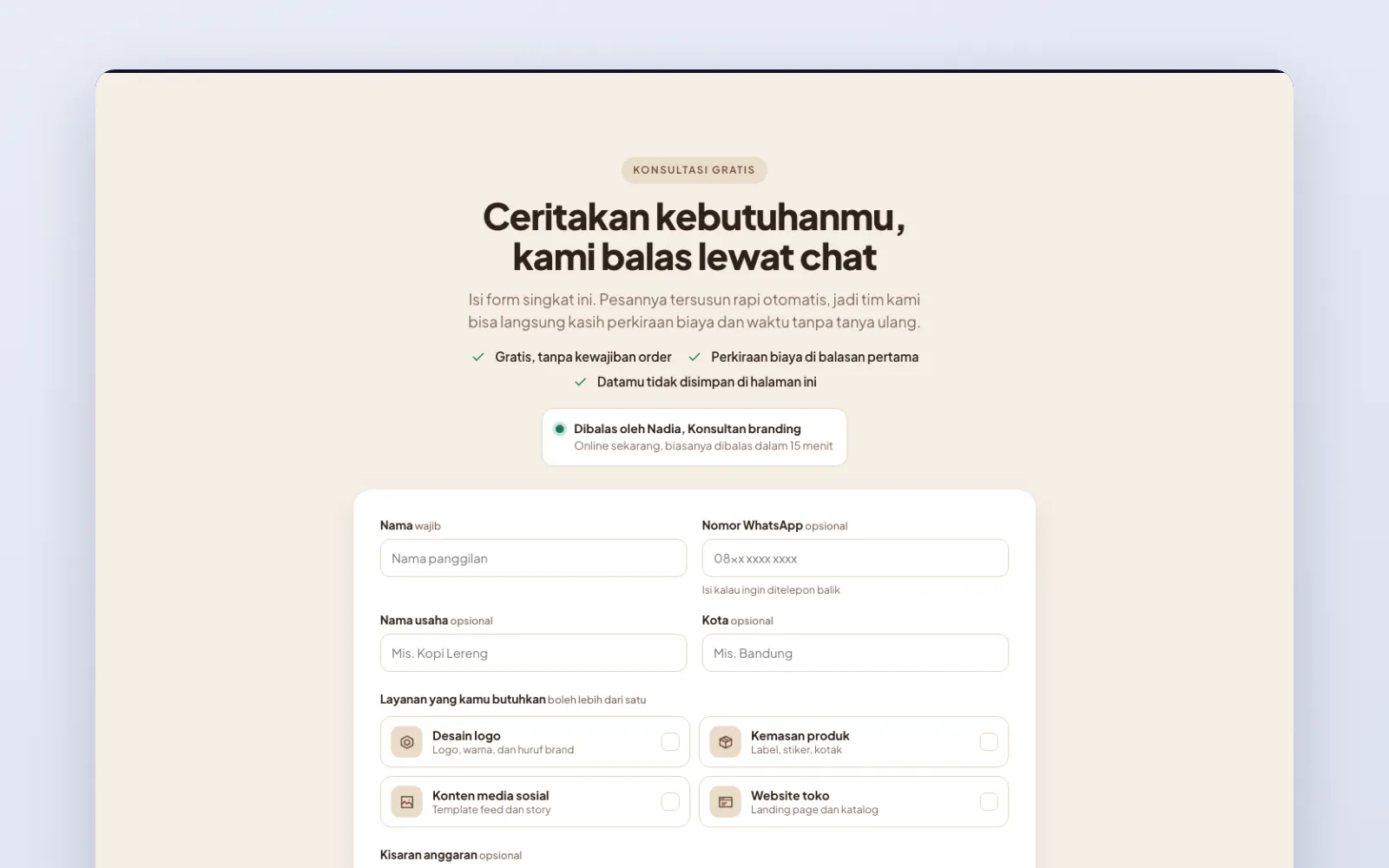
A contact form section for services, shops, and consultants, with no server: name, number, city, business name, service choices with icons and follow-up details, a budget range, a start time, a contact preference, and a needs box with a character counter. Every field is validated with clear messages, then the form writes a tidy message with a reference code, shows it as a chat preview, and opens WhatsApp to the right admin for the chosen service. Opening hours status is worked out automatically. One HTML file that is safe to paste.
Verified by SkillFlow
We checked every file in this skill automatically: no command that downloads and runs a program, no hidden code, no instruction telling your AI to ignore you.
- Loads from outside
- Fonts: Google Fonts
See the 5 files inside
skill.json10 KBSKILL.md6 KBprompt.md5 KBprompt.en.md5 KBfiles/form-kontak.html35 KB
Checked 14 Nov 2026
Part of SkillFlow Pro
Pro opens every skill in every category: copy, ZIP, Send to AI, install, save, and request new skills.
Get Pro Already subscribed? Sign inWhat you get
- A one-file HTML section, CSS scoped to .sfkc so it is safe to paste into any page
- Name, number, city, and business fields (required, optional, or hidden) plus a needs box
- Service choices with icons (single or multiple) with detail options that appear per service
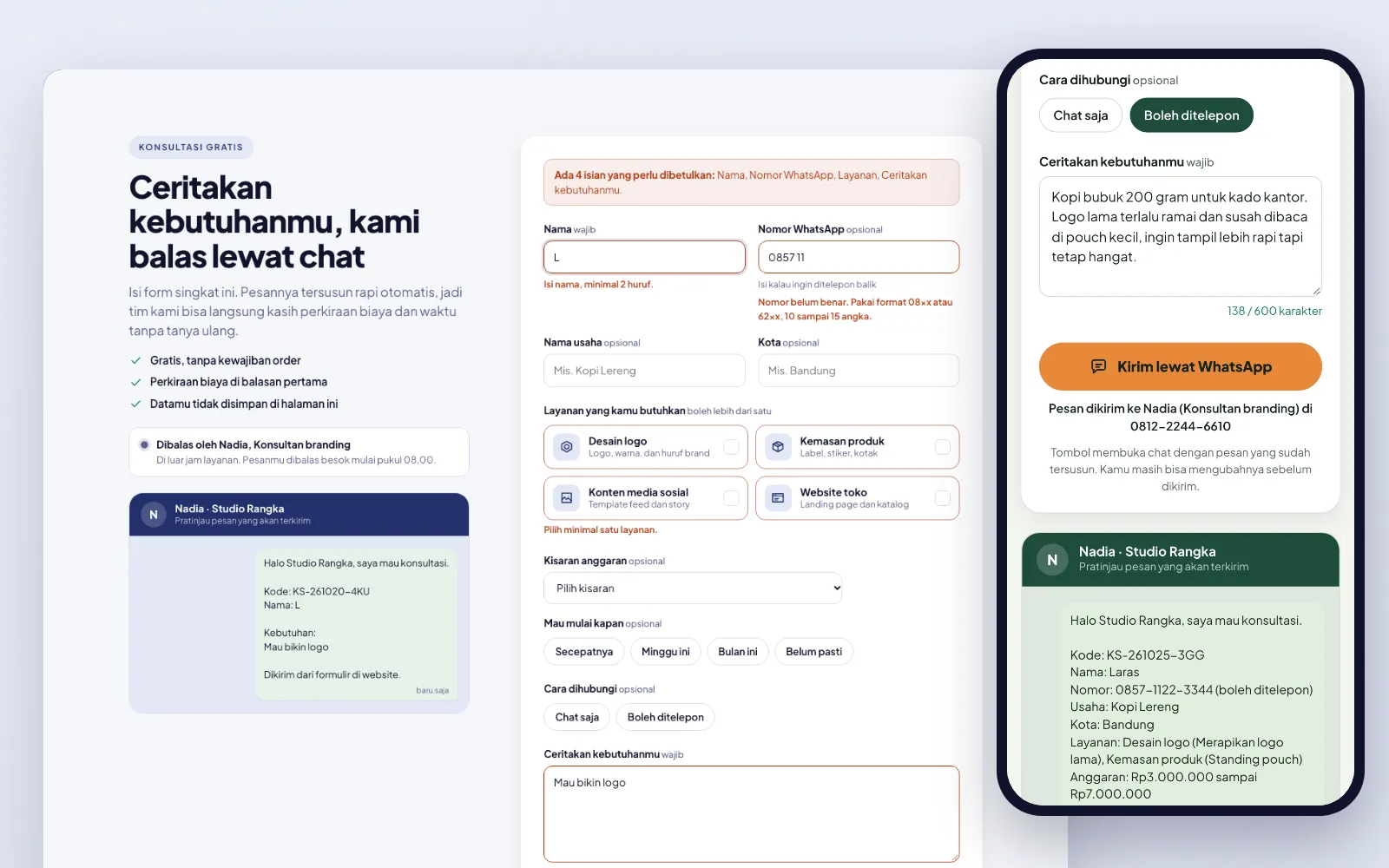
- Per-field validation and an error summary, with focus moving to the first wrong field
- A tidy WhatsApp message with a reference code, and a chat-style preview that updates live
- Route each service to a different admin, with an online or outside-hours status
- A copy-message button in case the chat does not open, 2 layouts and 3 palettes
Good fit
- Service businesses whose admins keep getting hi, I have a question chats with no detail
- Studios or agencies with several services and a different admin for each
- Contact us sections on landing pages, company profiles, or service pages
- Businesses wanting incoming messages coded and tidy
Not for
- It does not store data or send to a server; the form only builds text and opens a chat
- Not an event sign up form or an email lead magnet
- Not a full page; just a section to paste in
- It does not auto reply; admins still answer on WhatsApp
About this skill
/form-kontak-ke-chat Build a contact to chat form section for our design studio, 6 icon services with follow up questions, 2 admins by service, office hours Monday to Saturday 8 to 5, and an enquiry code
Show more
A contact form section for services, shops, and consultants, with no server: name, number, city, business name, service choices with icons and follow-up details, a budget range, a start time, a contact preference, and a needs box with a character counter. Every field is validated with clear messages, then the form writes a tidy message with a reference code, shows it as a chat preview, and opens WhatsApp to the right admin for the chosen service. Opening hours status is worked out automatically. One HTML file that is safe to paste.
User reviews
FAQ
How do I route services to different admins?
List each admin with an id, name, role, and number, then set the target admin on each service. The note saying who the message goes to changes when a service is picked.
What happens outside office hours?
The form can still be sent, and the note changes to say it will be answered tomorrow from opening time. Working days, opening and closing times, and expected reply time are set by you.
What if WhatsApp does not open?
There is a copy message button so prospects can paste the message themselves. A chat style preview shows the exact message before sending.
Which AI can I use it with?
Copy the prompt into a chat AI (ChatGPT, Claude, Gemini, DeepSeek); or download the ZIP and install it in an AI agent (Claude Code, Codex, Antigravity, Hermes Agent, Cursor, GitHub Copilot, Gemini CLI, OpenCode, Kimi Code, Trae), which then builds the files for you.
What is in the ZIP?
One folder named form-kontak-ke-chat with SKILL.md (the instructions an AI agent reads) and the prompt, 5 files in all. Extract it into your agent's skills folder, or install it with npx skillflow-ai add form-kontak-ke-chat. Pro only.
Is there a per-use fee or credits?
Not from SkillFlow. The skill runs on the AI you already use, so any cost follows that plan.
Which plan includes it?
SkillFlow Pro. It opens every skill in every category.
Can I use my own colours and brand?
Yes. Pick a colour theme on this page, or fill in your brand profile once; both go into the prompt you copy and into the ZIP.
Can I share what I made?
Pro members can upload the result and get a page at share.skillflow.ai.id to send to anyone. The page carries a small "Made with SkillFlow AI" mark.
Is there a download limit?
Yes, per day: 50 skills on Pro, 10 on other plans. Downloading a skill again on the same day does not count.



