

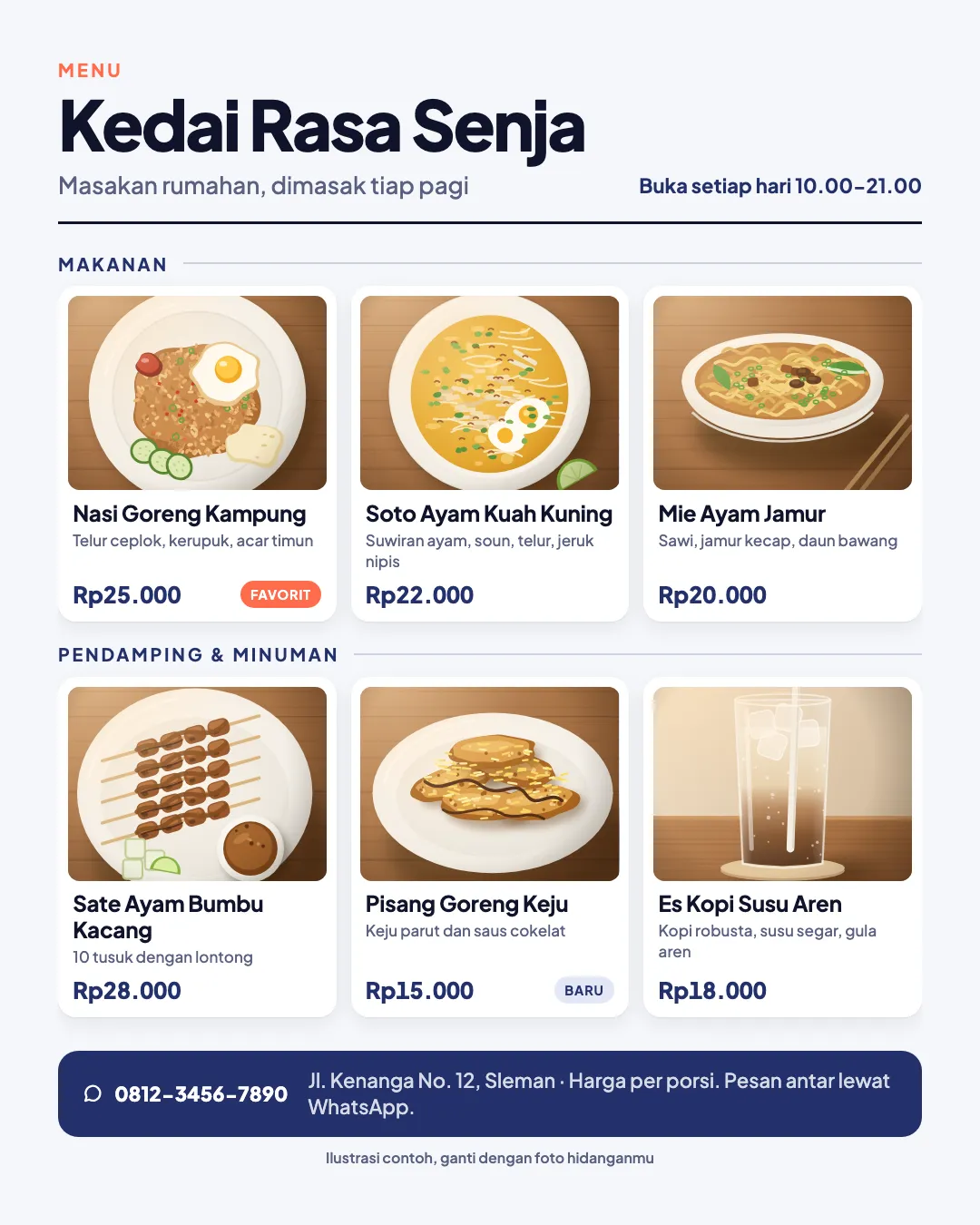
4:5 feed photo menu: 6 dishes in 2 categories, one photo session style
SKILL.md contents
Premium subscribers can read, copy, and install this skill.
Unlock with Premium Sign inMenu Food Photography
Description
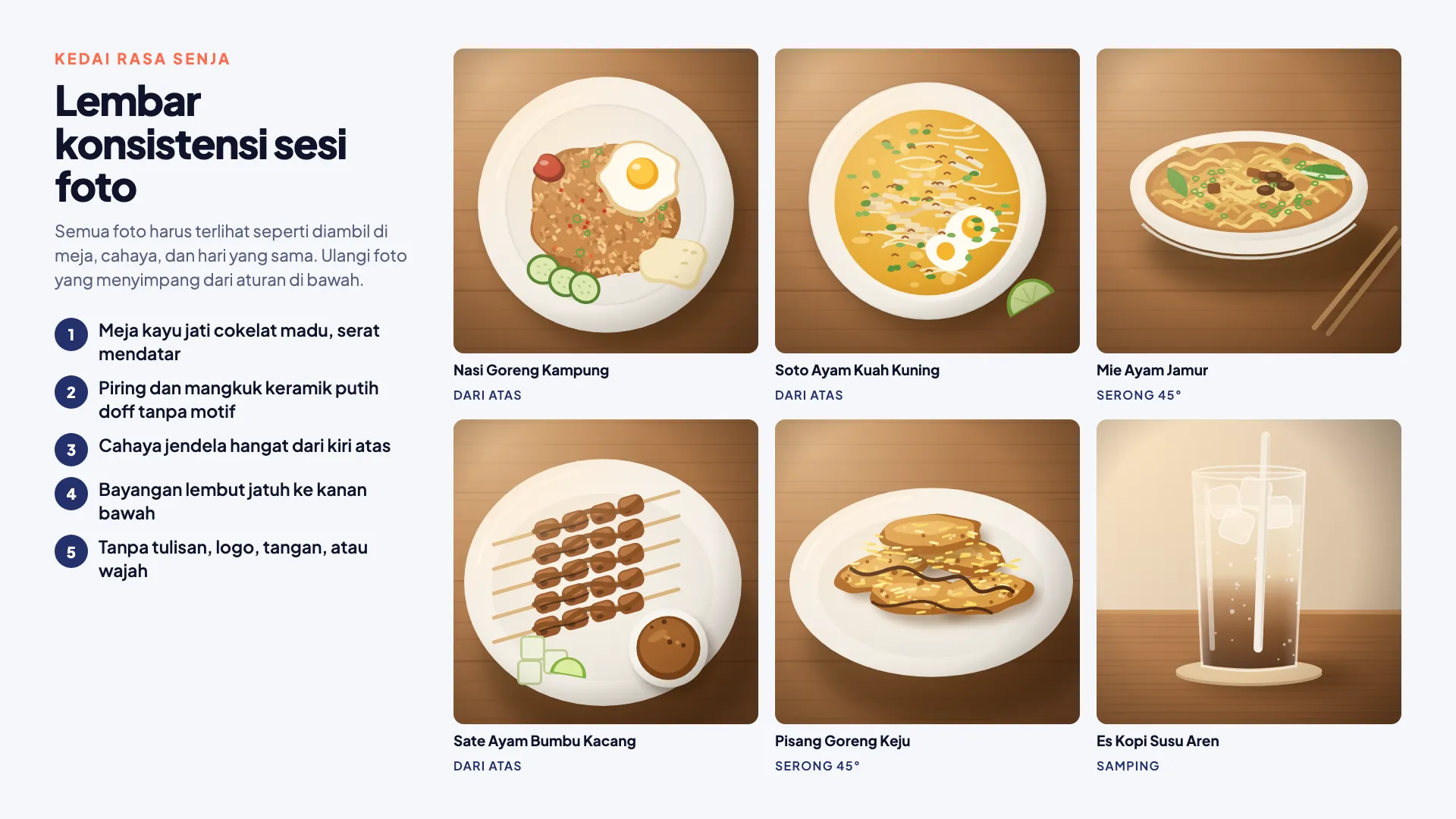
AI image prompts that shoot every dish on a menu as if in one photo session: a session lock (table, ceramics, warm light from the left, shadow direction) repeated word for word, a dish lock from your real photo so portions and ingredients stay honest, and an angle per dish type (top-down, 45 degrees, side-on). An HTML template then lays the results out as a photo menu (feed, square, printable A4), 1:1 photos for food delivery apps, a signature dish poster, and a consistency sheet.
Verified by SkillFlow
We checked every file in this skill automatically: no command that downloads and runs a program, no hidden code, no instruction telling your AI to ignore you.
- Loads from outside
- Fonts: Google Fonts
See the 5 files inside
skill.json8 KBSKILL.md12 KBprompt.md4 KBprompt.en.md4 KBfiles/menu-foto.html41 KB
Checked 14 Nov 2026
Included in Basic and Pro
Basic copies the prompt. Pro also downloads the ZIP, sends to AI, installs into agents, and opens every category.
Get Pro Get Basic Already subscribed? Sign inWhat you get
- A photo session lock repeated word for word in every prompt: table, ceramics, light, shadows, colour grade
- A dish lock per menu item from your real photo: contents, colours, garnish, honest portion size
- A prompt per dish with the right angle: top-down, 45 degrees, side-on, or detail
- A photo menu from one content object: 4:5 feed, 1:1 square, and printable A4
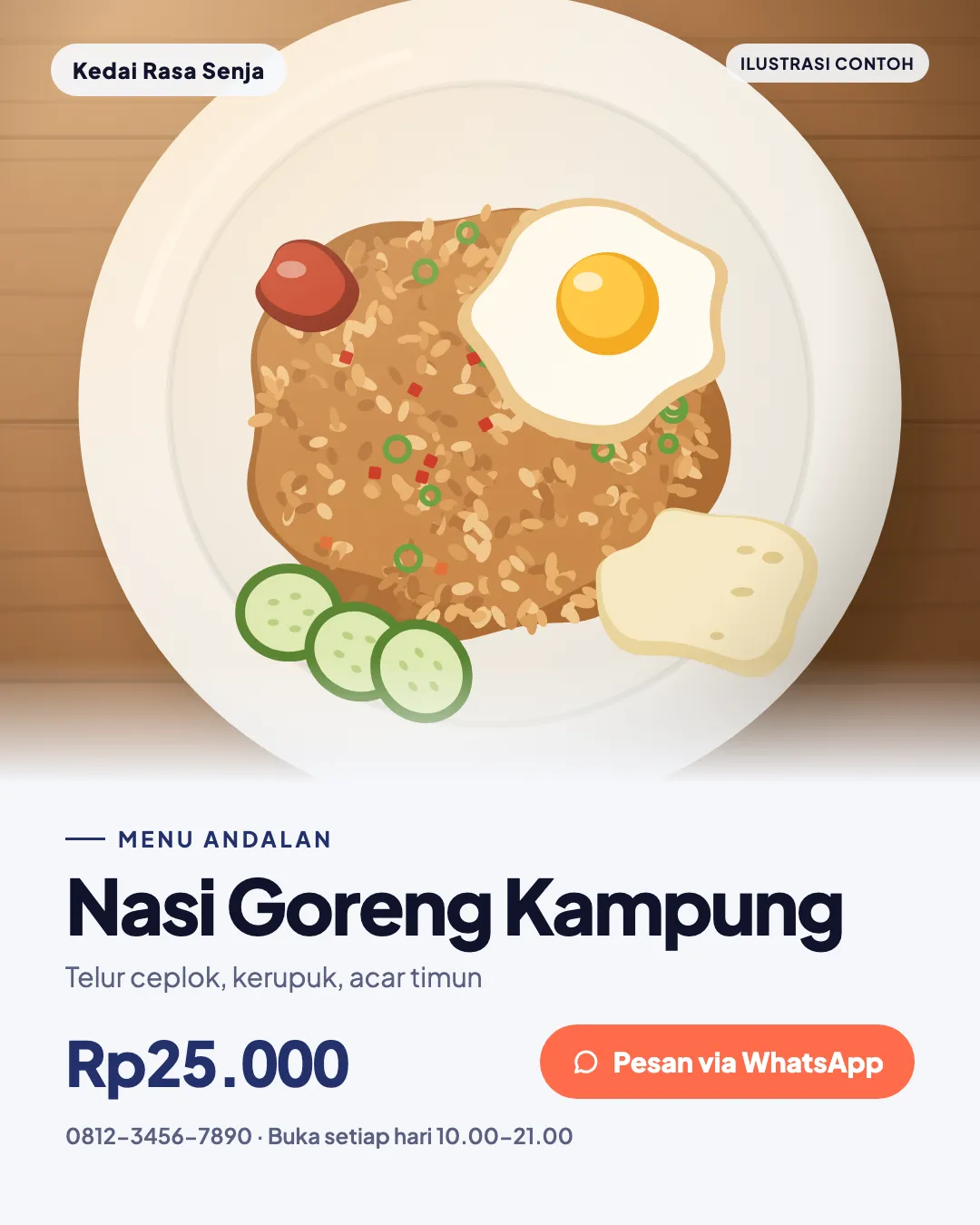
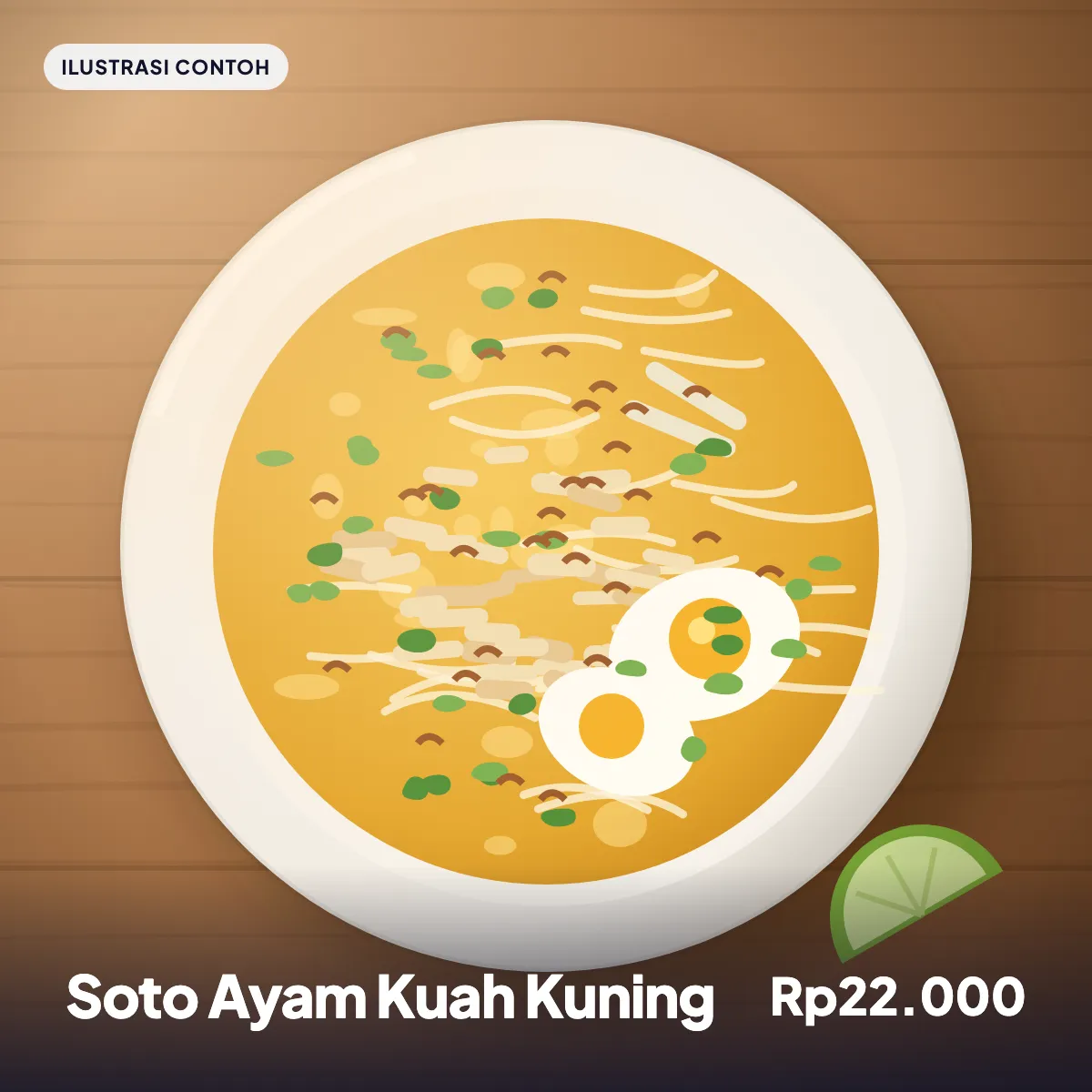
- Single 1:1 photos for food delivery apps, a signature dish poster, a consistency sheet
- Columns and photo sizes worked out automatically, 3 palettes, swappable brand colours
Good fit
- Stalls and eateries whose menu photos are inconsistent or missing
- Food businesses needing 1:1 photos for delivery apps
- Owners wanting a picture menu to print and share
Not for
- It does not generate images itself; prompts run in your AI image tool
- Portions and contents must honestly match the real dish, ideally from your own photo as reference
- Names and prices are never written by the AI image; the template adds them
About this skill
/foto-makanan-untuk-menu Write photo prompts for 8 dishes at Pak Kumis Chicken Noodle Stall in one photo session style, then lay them out as an A4 picture menu and 1:1 photos for food delivery apps
Show more
AI image prompts that shoot every dish on a menu as if in one photo session: a session lock (table, ceramics, warm light from the left, shadow direction) repeated word for word, a dish lock from your real photo so portions and ingredients stay honest, and an angle per dish type (top-down, 45 degrees, side-on). An HTML template then lays the results out as a photo menu (feed, square, printable A4), 1:1 photos for food delivery apps, a signature dish poster, and a consistency sheet.
User reviews
FAQ
What is the session lock?
A description of the table, crockery, warm light from the left, and shadow direction repeated in every prompt. All photos then look like they were shot at one table on one afternoon.
How is the camera angle chosen?
By the dish's shape: overhead for flat dishes like mixed rice, 45 degrees for bowls, and side-on for stacked items like burgers.
Which AI can I use it with?
Copy the prompt into a chat AI (ChatGPT, Claude, Gemini, DeepSeek); or download the ZIP and install it in an AI agent (Claude Code, Codex, Antigravity, Hermes Agent, Cursor, GitHub Copilot, Gemini CLI, OpenCode, Kimi Code, Trae), which then builds the files for you.
What is in the ZIP?
One folder named foto-makanan-untuk-menu with SKILL.md (the instructions an AI agent reads) and the prompt, 5 files in all. Extract it into your agent's skills folder, or install it with npx skillflow-ai add foto-makanan-untuk-menu. Pro only.
Is there a per-use fee or credits?
Not from SkillFlow. The skill runs on the AI you already use (and, for image prompts, the image AI you pick), so any cost follows that plan.
Which plan includes it?
Basic and Pro. Basic copies the prompt; Pro also downloads the ZIP, sends to AI, installs into agents and shares results by link.
Can I use my own colours and brand?
Yes. Pick a colour theme on this page, or fill in your brand profile once; both go into the prompt you copy and into the ZIP.
Can I share what I made?
Pro members can upload the result and get a page at share.skillflow.ai.id to send to anyone. The page carries a small "Made with SkillFlow AI" mark.
Is there a download limit?
Yes, per day: 50 skills on Pro, 10 on other plans. Downloading a skill again on the same day does not count.



