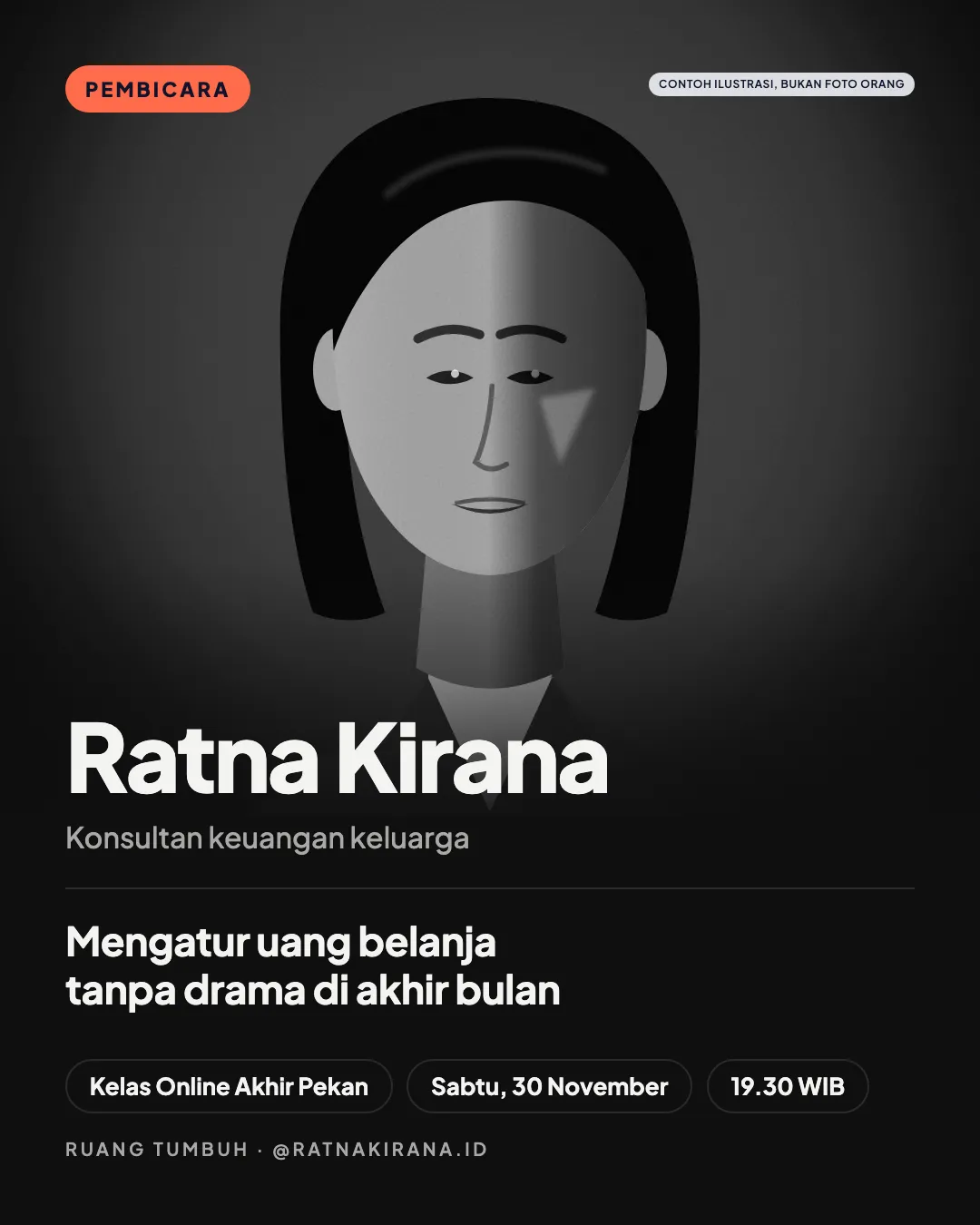
4:5 speaker card with a Rembrandt-lit portrait; the figure is an illustration, not a photo of anyone
SKILL.md contents
Premium subscribers can read, copy, and install this skill.
Unlock with Premium Sign inMonochrome Studio Headshot
Description
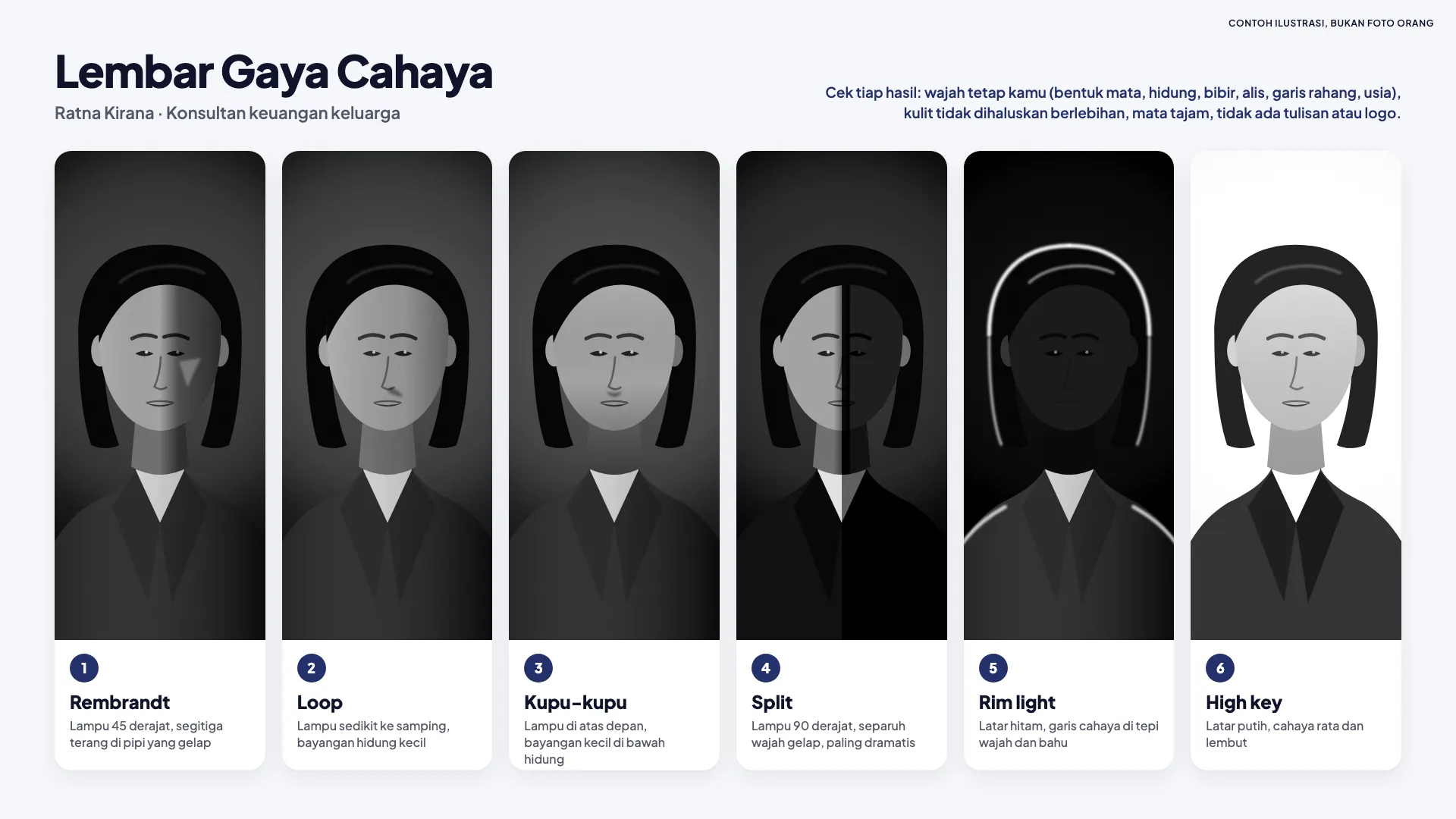
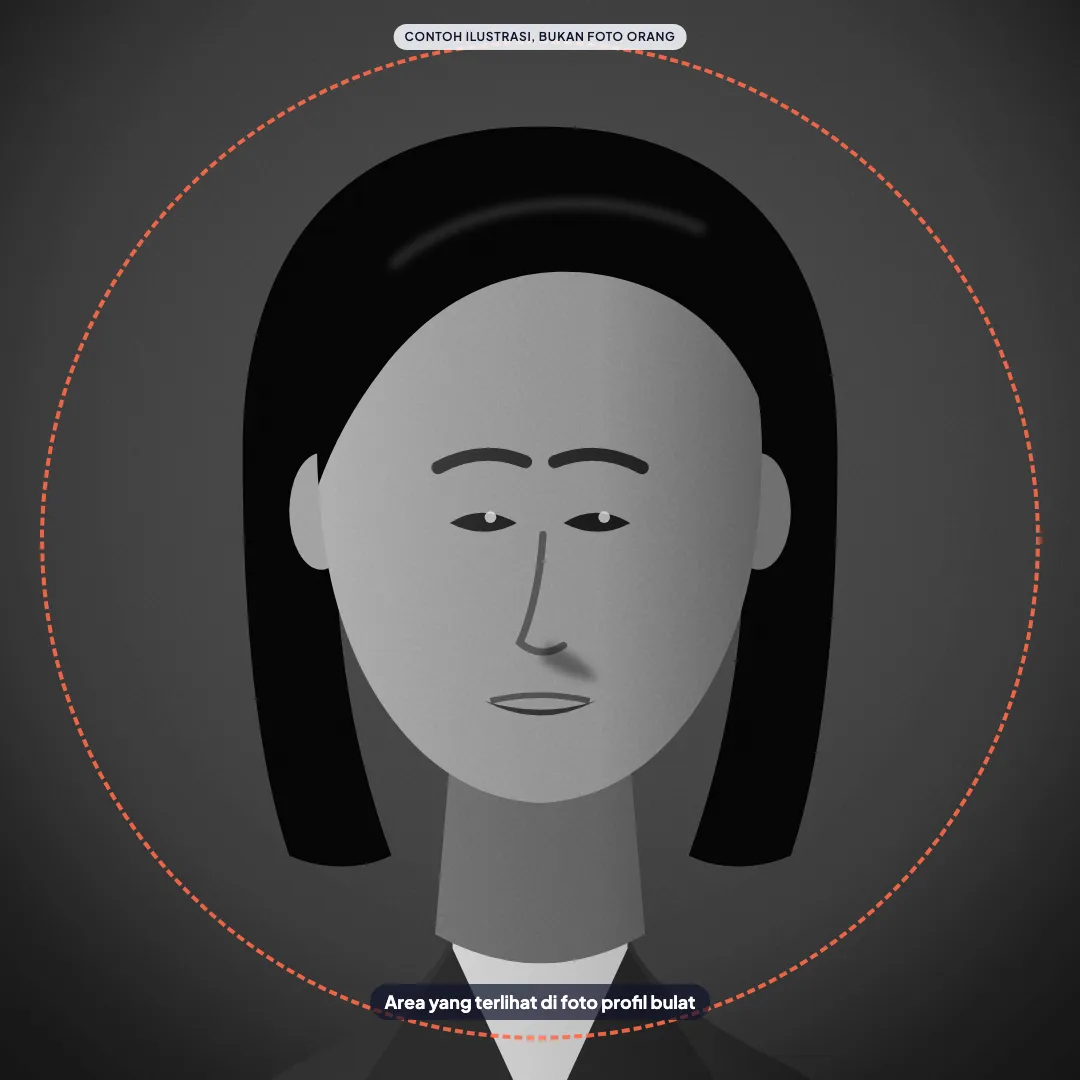
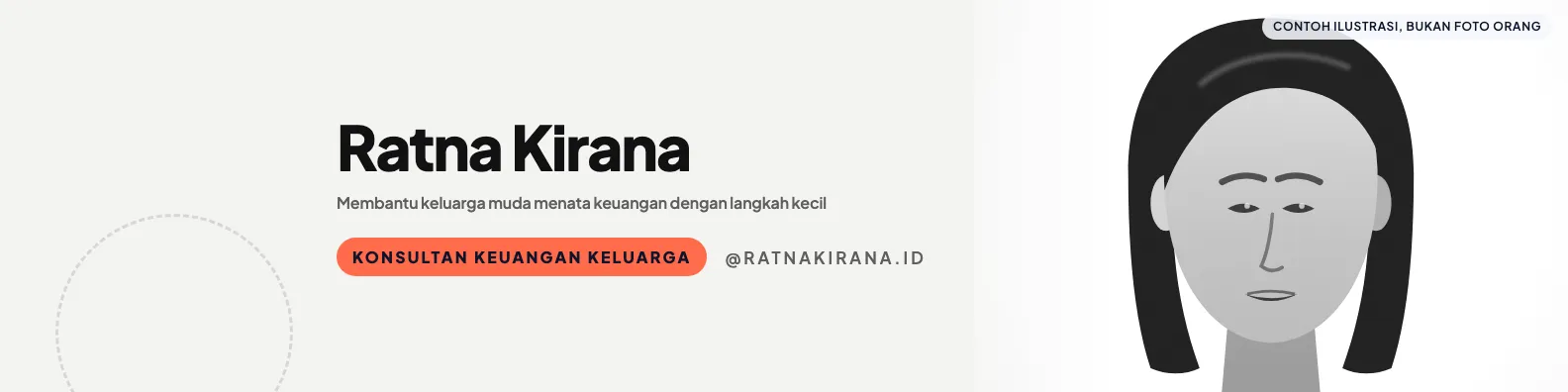
AI image prompts that turn your own photo into a black and white studio-lit headshot: an identity lock so your face, age, and distinctive features stay the same, a studio lock, and 6 lighting styles (Rembrandt, loop, butterfly, split, rim light, high key), plus a source photo guide and an ethics note (the face owner's consent, no imitating others, not for official documents). An HTML template turns the result into a speaker card, a square profile photo with a circle crop guide, a 4:1 profile banner, and a lighting sheet.
Verified by SkillFlow
We checked every file in this skill automatically: no command that downloads and runs a program, no hidden code, no instruction telling your AI to ignore you.
- Loads from outside
- Fonts: Google Fonts
See the 5 files inside
skill.json8 KBSKILL.md10 KBprompt.md4 KBprompt.en.md4 KBfiles/profil-monokrom.html27 KB
Checked 14 Nov 2026
Included in Basic and Pro
Basic copies the prompt. Pro also downloads the ZIP, sends to AI, installs into agents, and opens every category.
Get Pro Get Basic Already subscribed? Sign inWhat you get
- A guide to shooting the source photo on a phone: light direction, camera height, distance, no filters
- An identity lock + a black and white studio lock, repeated word for word in every prompt
- 6 lighting style prompts: Rembrandt, loop, butterfly, split, rim light, high key
- An ethics note: the face owner's consent, no imitating others, not for official documents
- A 1080x1350 speaker card, a 1080x1080 profile photo with a circle crop guide, a 1584x396 profile banner
- A 1920x1080 lighting sheet and monochrome, contrast, and grain controls from one config object
Good fit
- Speakers, consultants, coaches, and teachers needing a polished profile photo for event materials
- Professionals wanting a profile banner and square photo in one style
- Anyone with a good colour photo wanting a studio-lit monochrome version
Not for
- Not for official documents such as passports or IDs
- Only for your own photo or one the person approved; never to imitate someone else
- Prompts have not been tested in a real generator; AI photo editing can alter faces, so check results
About this skill
/foto-profil-studio-monokrom Turn my photo into a black and white studio profile shot in Rembrandt lighting for a seminar speaker card, name Dimas Prakoso, Family Finance Consultant
Show more
AI image prompts that turn your own photo into a black and white studio-lit headshot: an identity lock so your face, age, and distinctive features stay the same, a studio lock, and 6 lighting styles (Rembrandt, loop, butterfly, split, rim light, high key), plus a source photo guide and an ethics note (the face owner's consent, no imitating others, not for official documents). An HTML template turns the result into a speaker card, a square profile photo with a circle crop guide, a 4:1 profile banner, and a lighting sheet.
User reviews
FAQ
What source photo works best?
A phone photo with no filter, light from the side or front, camera at eye level, and far enough to show the shoulders. The skill includes a shooting guide.
Can I use it without an AI image tool?
Yes. The template can turn a normal photo monochrome, add contrast and grain, then lay it out as a speaker card and profile banner.
Which AI can I use it with?
Copy the prompt into a chat AI (ChatGPT, Claude, Gemini, DeepSeek); or download the ZIP and install it in an AI agent (Claude Code, Codex, Antigravity, Hermes Agent, Cursor, GitHub Copilot, Gemini CLI, OpenCode, Kimi Code, Trae), which then builds the files for you.
What is in the ZIP?
One folder named foto-profil-studio-monokrom with SKILL.md (the instructions an AI agent reads) and the prompt, 5 files in all. Extract it into your agent's skills folder, or install it with npx skillflow-ai add foto-profil-studio-monokrom. Pro only.
Is there a per-use fee or credits?
Not from SkillFlow. The skill runs on the AI you already use (and, for image prompts, the image AI you pick), so any cost follows that plan.
Which plan includes it?
Basic and Pro. Basic copies the prompt; Pro also downloads the ZIP, sends to AI, installs into agents and shares results by link.
Can I use my own colours and brand?
Yes. Pick a colour theme on this page, or fill in your brand profile once; both go into the prompt you copy and into the ZIP.
Can I share what I made?
Pro members can upload the result and get a page at share.skillflow.ai.id to send to anyone. The page carries a small "Made with SkillFlow AI" mark.
Is there a download limit?
Yes, per day: 50 skills on Pro, 10 on other plans. Downloading a skill again on the same day does not count.