

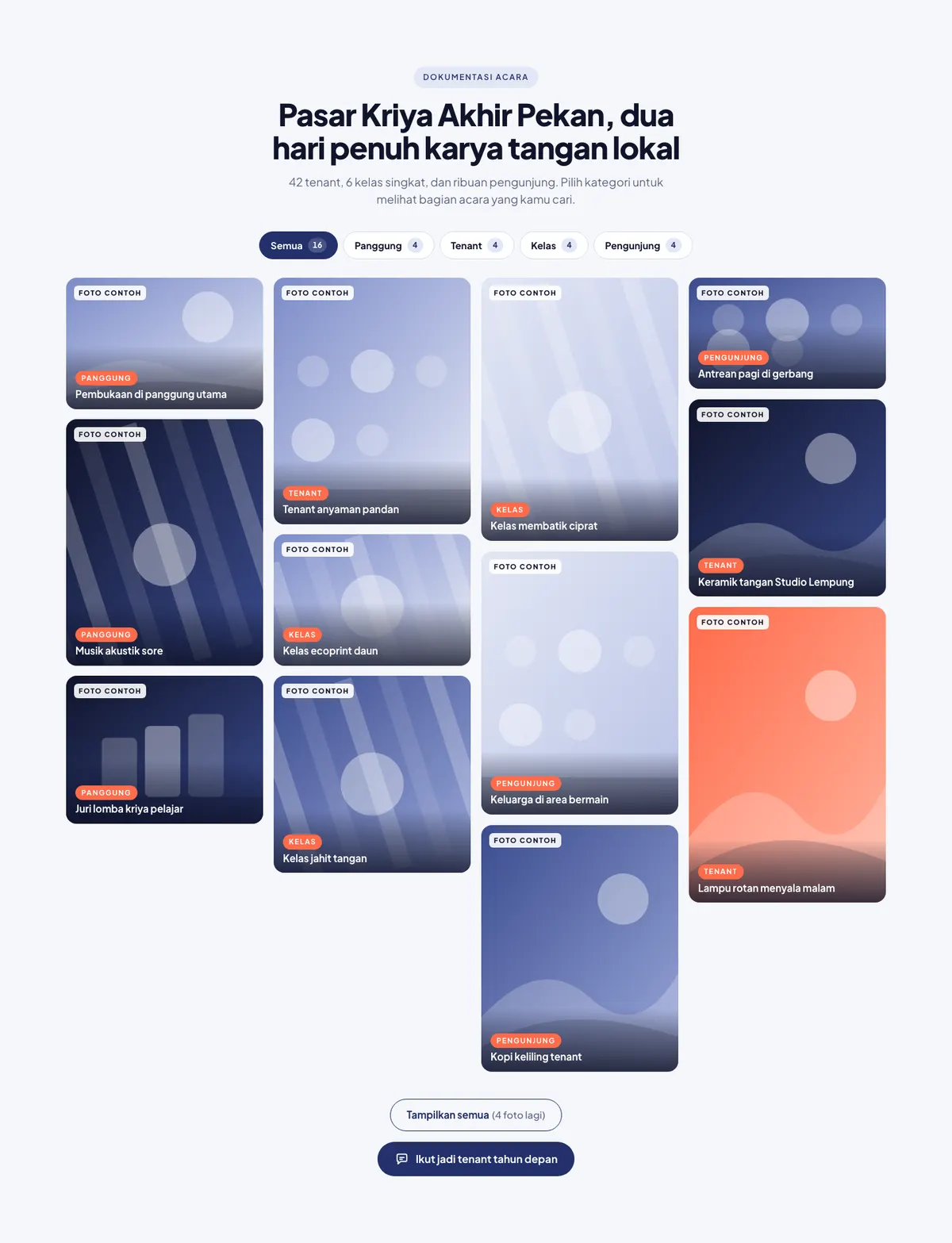
Craft market coverage: 12 photos of mixed ratios packed tightly, category filters on top, a show-all button
SKILL.md contents
Premium subscribers can read, copy, and install this skill.
Unlock with Premium Sign inMasonry Photo Gallery (Section)
Description
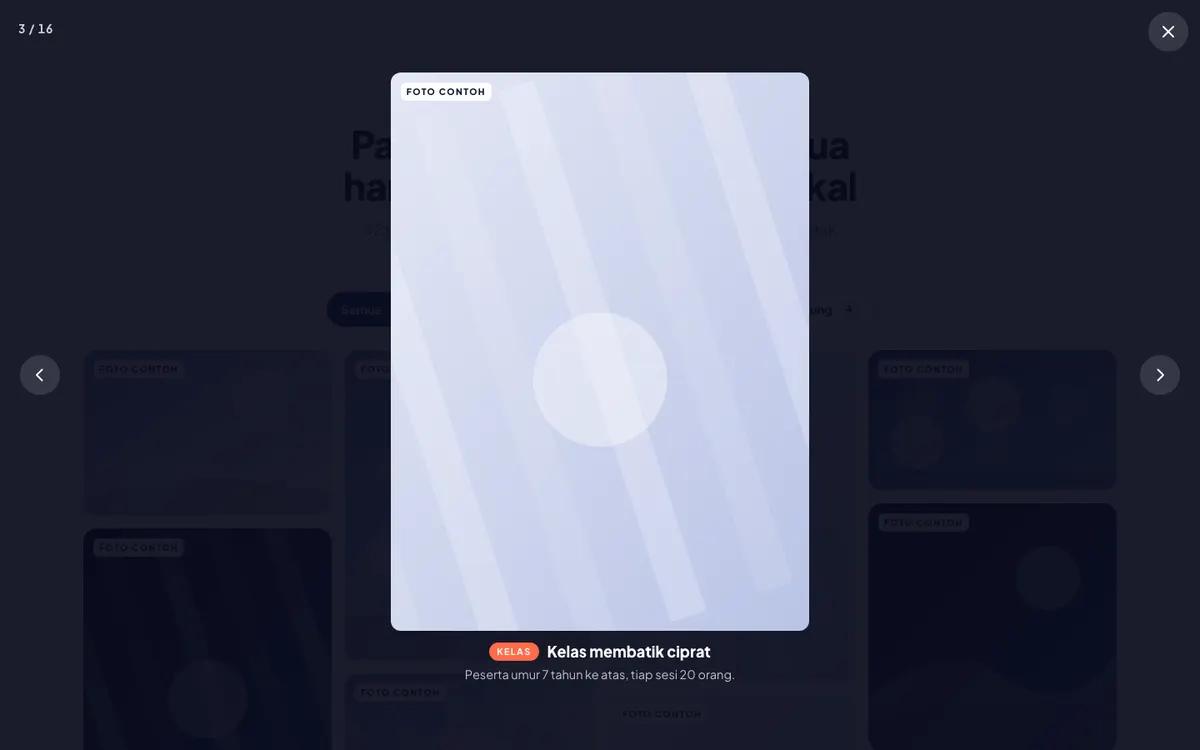
A stacked photo gallery section for event coverage, finished work, or the feel of a shop: photos of different ratios packed tightly with no holes (each photo goes into the shortest column), filter buttons per category with their counts, a show-more button that keeps the page light, and a lightbox that works with the keyboard (arrows and Esc) and can be swiped on phones. Photo titles appear on hover and always show on phones. Sample images are drawn by the template itself and marked SAMPLE PHOTO until real photos are added. One HTML file with scoped CSS, safe to paste into any page.
Verified by SkillFlow
We checked every file in this skill automatically: no command that downloads and runs a program, no hidden code, no instruction telling your AI to ignore you.
- Loads from outside
- Fonts: Google Fonts
See the 5 files inside
skill.json9 KBSKILL.md5 KBprompt.md3 KBprompt.en.md4 KBfiles/galeri-masonry.html27 KB
Checked 14 Nov 2026
Part of SkillFlow Pro
Pro opens every skill in every category: copy, ZIP, Send to AI, install, save, and request new skills.
Get Pro Already subscribed? Sign inWhat you get
- A one-file HTML section, CSS scoped to .sfgm so it is safe to paste
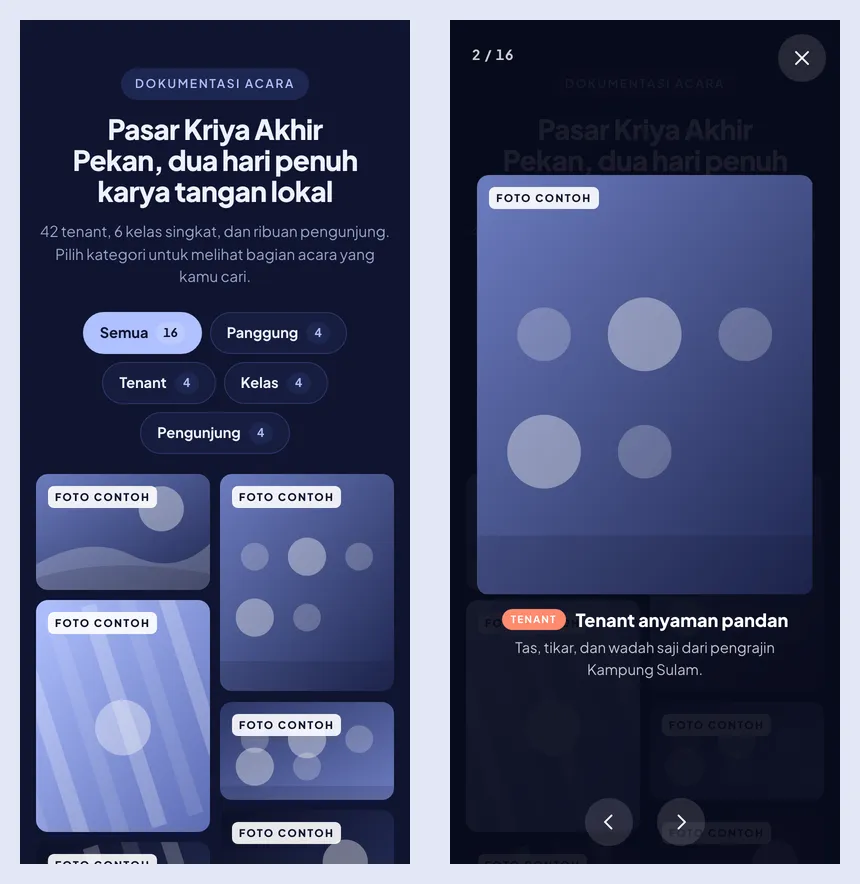
- A shortest-column masonry layout: 2 columns on phones, 3 on tablets, up to 5 on wide screens
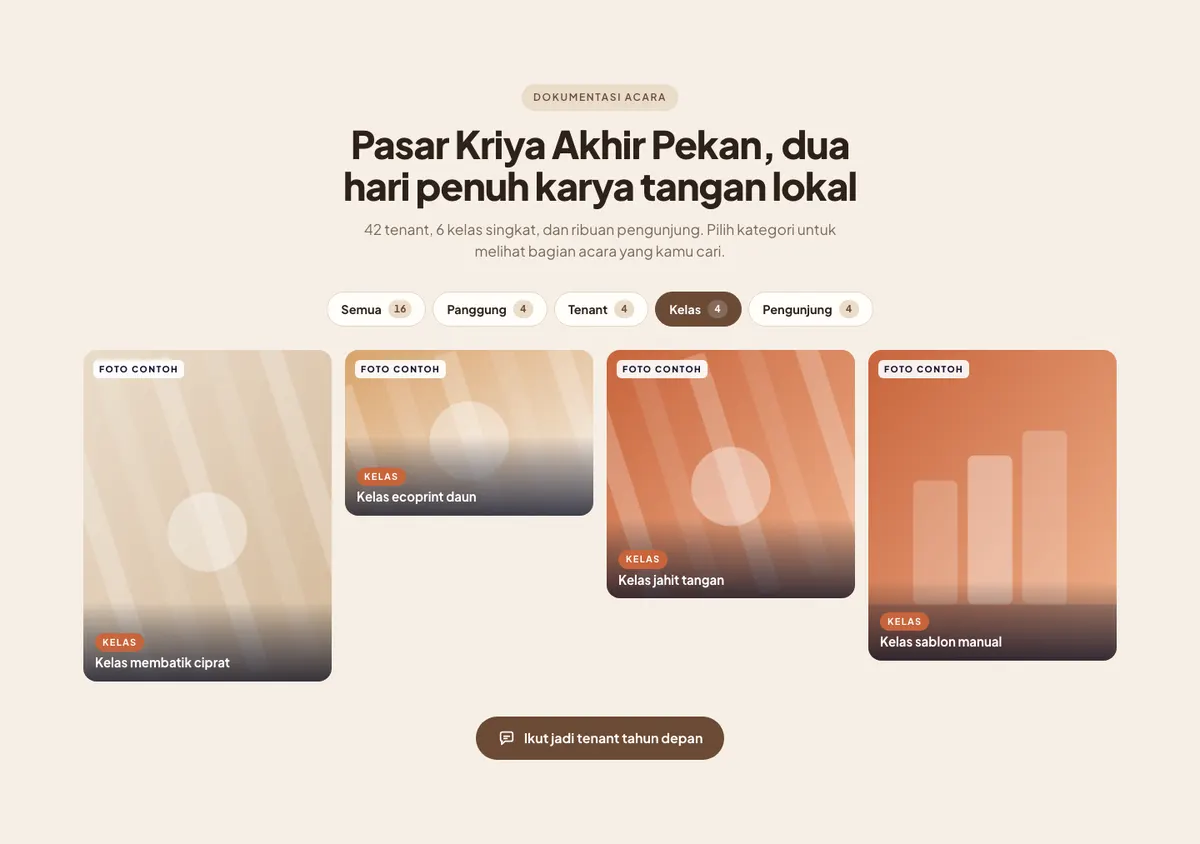
- Category filters with photo counts and a show-more button
- A lightbox with buttons, keyboard arrows, Esc, focus kept inside, and swipe on touch screens
- Template-drawn sample images marked SAMPLE PHOTO, replaced simply by filling in src
- 3 palettes (city, cream, dark) and an optional WhatsApp button under the gallery
Good fit
- Businesses with lots of event, work, or venue photos to show neatly
- Company profiles, event pages, shops, or venues needing a gallery section
- Communities wanting activity photos filterable by category
- Pages where large photos must open comfortably on desktop and phone
Not for
- It does not supply photos; the SAMPLE PHOTO placeholders must be replaced with your own
- Not a full photographer portfolio page with packages and booking
- It does not compress photos; compress them before adding
- Static HTML section only, with no photo uploads from the page
About this skill
/galeri-foto-masonry Build a masonry photo gallery section for our community's classes and events, 24 photos in 4 categories, 12 shown at first, with a sign up for the next event WhatsApp button
Show more
A stacked photo gallery section for event coverage, finished work, or the feel of a shop: photos of different ratios packed tightly with no holes (each photo goes into the shortest column), filter buttons per category with their counts, a show-more button that keeps the page light, and a lightbox that works with the keyboard (arrows and Esc) and can be swiped on phones. Photo titles appear on hover and always show on phones. Sample images are drawn by the template itself and marked SAMPLE PHOTO until real photos are added. One HTML file with scoped CSS, safe to paste into any page.
User reviews
FAQ
Do I need to set each photo's ratio?
Yes, match the original photo, such as 4:5 or 2:3 for portrait and 3:2 or 16:9 for landscape. Photos are never cropped out of ratio, and mixing portrait and landscape makes the masonry feel lively.
What photo size is recommended?
1200 to 1600 px wide as webp or jpg at quality 75 to 80. Grid photos load as they approach the screen so the page stays light.
Can I hide the filter row?
Yes, leave the all filter label empty and the filter row is hidden. Wide screens can use 2 to 5 columns, while tablets get 3 and phones 2 automatically.
Which AI can I use it with?
Copy the prompt into a chat AI (ChatGPT, Claude, Gemini, DeepSeek); or download the ZIP and install it in an AI agent (Claude Code, Codex, Antigravity, Hermes Agent, Cursor, GitHub Copilot, Gemini CLI, OpenCode, Kimi Code, Trae), which then builds the files for you.
What is in the ZIP?
One folder named galeri-foto-masonry with SKILL.md (the instructions an AI agent reads) and the prompt, 5 files in all. Extract it into your agent's skills folder, or install it with npx skillflow-ai add galeri-foto-masonry. Pro only.
Is there a per-use fee or credits?
Not from SkillFlow. The skill runs on the AI you already use, so any cost follows that plan.
Which plan includes it?
SkillFlow Pro. It opens every skill in every category.
Can I use my own colours and brand?
Yes. Pick a colour theme on this page, or fill in your brand profile once; both go into the prompt you copy and into the ZIP.
Can I share what I made?
Pro members can upload the result and get a page at share.skillflow.ai.id to send to anyone. The page carries a small "Made with SkillFlow AI" mark.
Is there a download limit?
Yes, per day: 50 skills on Pro, 10 on other plans. Downloading a skill again on the same day does not count.



