

Rendered sample video
SKILL.md contents
Premium subscribers can read, copy, and install this skill.
Unlock with Premium Sign inFree Shipping Map
Description
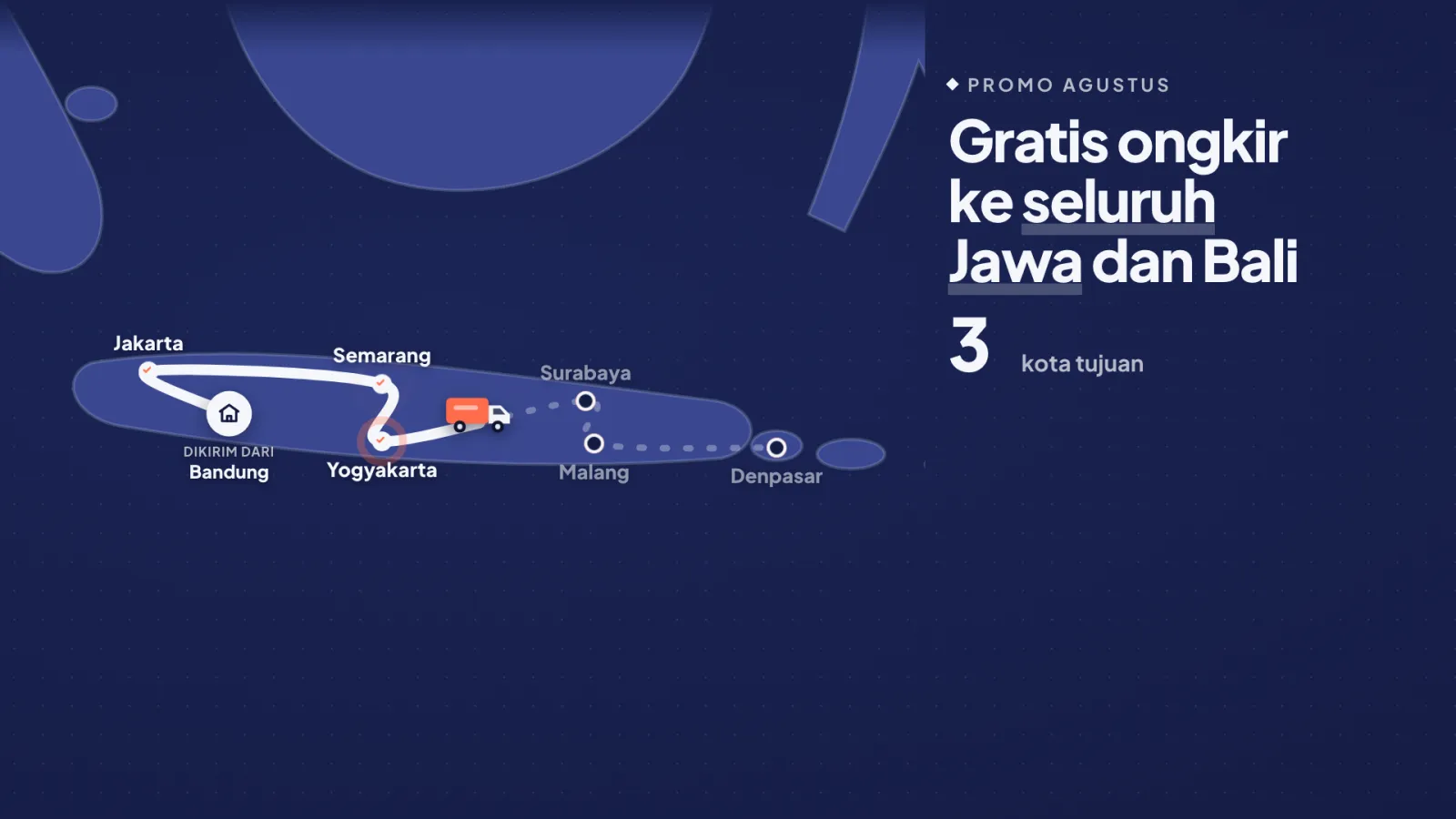
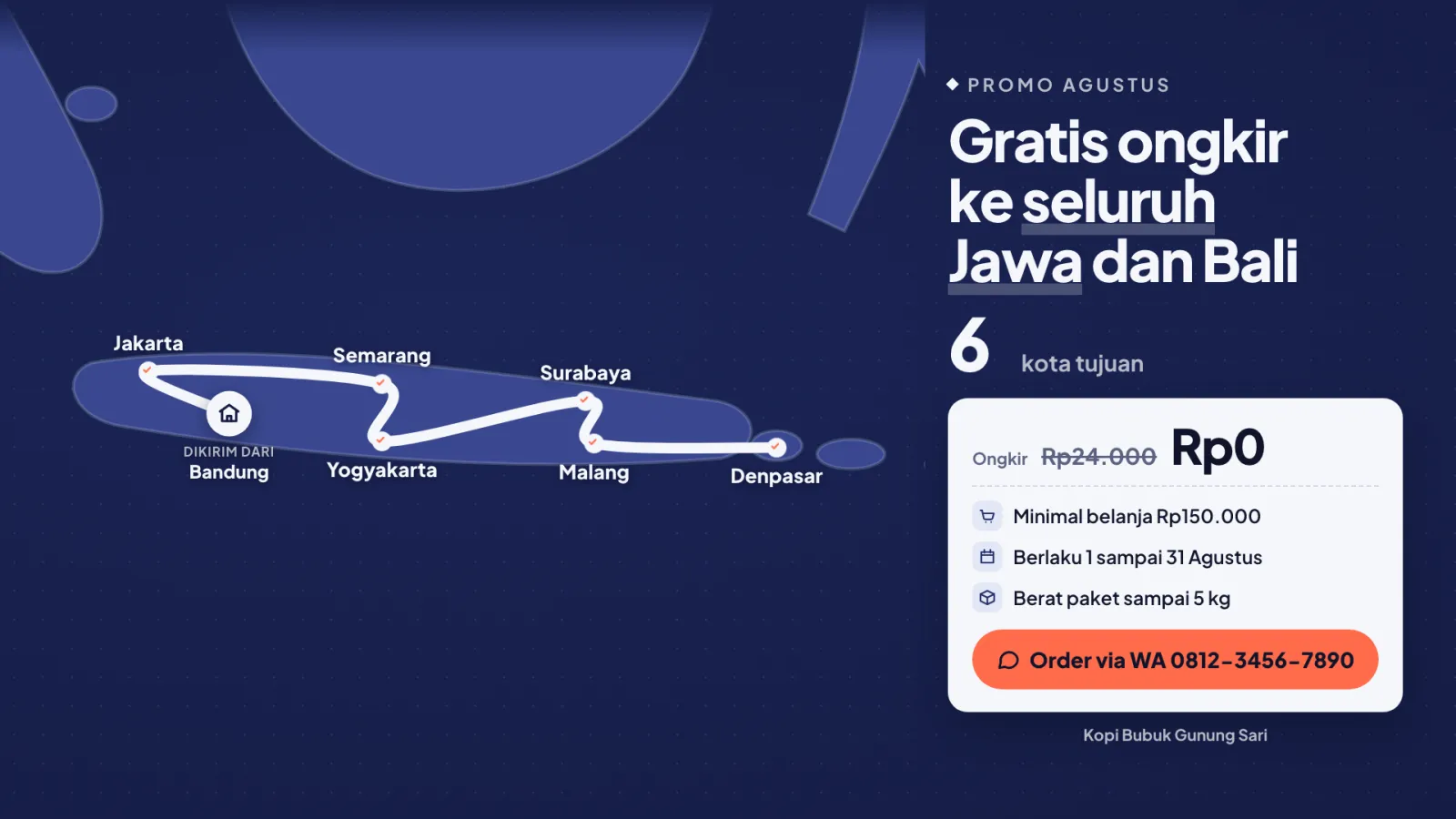
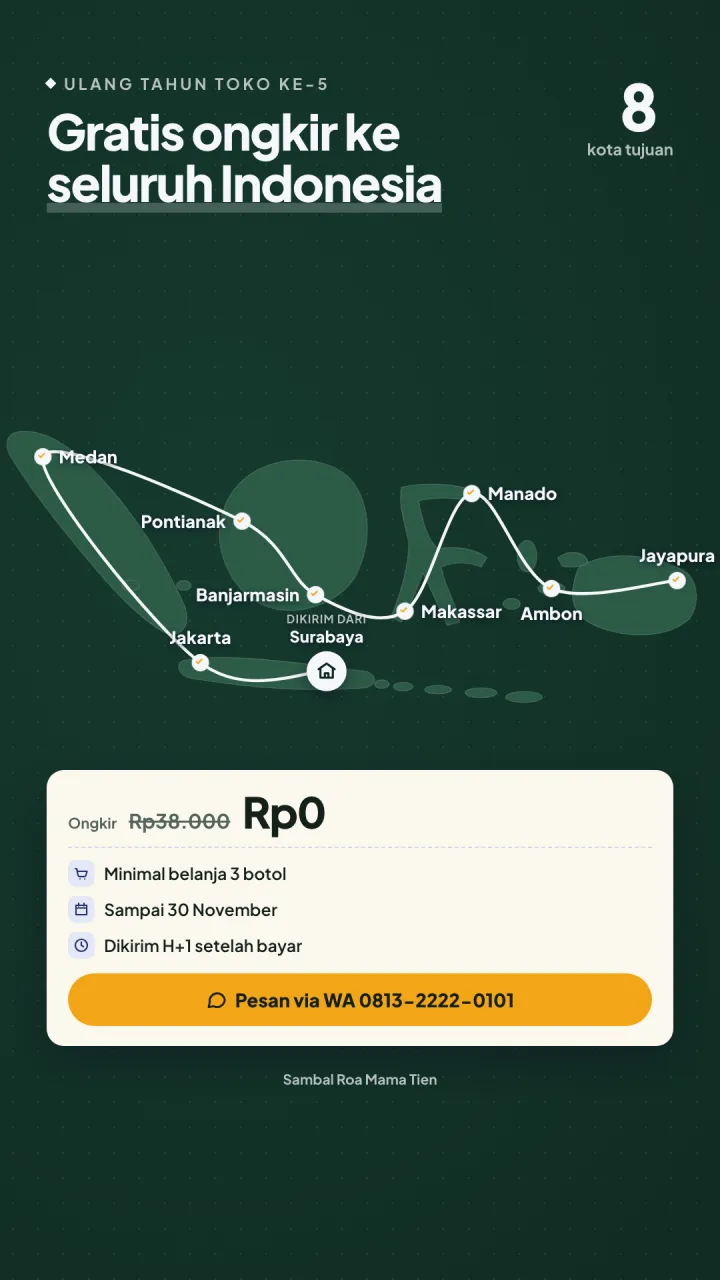
A free-shipping promo video built on a map: a small truck leaves the shop's city, travels across a simply drawn archipelago map, and each destination city lights up as it passes while the destination count ticks up. At the end a terms card appears: the usual shipping cost struck through to zero, minimum order, validity dates, weight limit, and an order-via-WhatsApp button. The map zooms automatically to the chosen cities, 16:9 and 9:16, rendered to MP4 with one command.
Verified by SkillFlow
We checked every file in this skill automatically: no command that downloads and runs a program, no hidden code, no instruction telling your AI to ignore you.
- Loads from outside
- Fonts: Google Fonts
See the 5 files inside
skill.json8 KBSKILL.md6 KBprompt.md5 KBprompt.en.md5 KBfiles/scene.html24 KB
Checked 14 Nov 2026
Part of SkillFlow Pro
Pro opens every skill in every category: copy, ZIP, Send to AI, install, save, and request new skills.
Get Pro Already subscribed? Sign inWhat you get
- Promo script: headline, destination cities in route order, 2-4 terms, a call to action
- An animated HTML scene driven by one config object, automatic length of 11-14 seconds
- A self-drawn SVG archipelago map with 22 ready cities, other cities by coordinates
- A truck travelling a smooth route, cities lighting up and ticking off, a rising city counter
- A terms card: shipping struck through to zero, an icon per term, a WhatsApp button
- MP4 1920x1080 (16:9) or 1080x1920 (9:16), 3 palettes (indigo, forest, light)
Good fit
- Online shops running a limited free shipping promo with clear terms
- Sellers announcing a new delivery area
- Frozen food, catering, or bulky goods sellers showing which cities they reach
- Admins who want viewers to find their own city on the map at a glance
Not for
- Not parcel tracking: the truck route is an illustration, not a real courier path
- Not a city street map and not a courier rate comparison
- At most 10 destination cities per video
- The built-in map is a simplified drawing of the Indonesian archipelago; cities outside the list are placed by coordinates
About this skill
/gratis-ongkir-peta Make a free shipping promo video from Surabaya to 8 destination cities for our frozen food shop, minimum order 150,000, valid 1 to 7 August, in 9:16
Show more
A free-shipping promo video built on a map: a small truck leaves the shop's city, travels across a simply drawn archipelago map, and each destination city lights up as it passes while the destination count ticks up. At the end a terms card appears: the usual shipping cost struck through to zero, minimum order, validity dates, weight limit, and an order-via-WhatsApp button. The map zooms automatically to the chosen cities, 16:9 and 9:16, rendered to MP4 with one command.
User reviews
FAQ
My city is not in the built-in list, what then?
Add it as x and y coordinates on the map, estimating the position from the nearest city already in the list. Also pick a label side, left, right, above, or below, so it does not collide with other cities.
I do not know the usual shipping cost, do I have to fill it in?
No. Enter 0 and the crossed out shipping line is hidden. Do not make up a number, because buyers read that line as real savings.
Can the promo terms go only in the caption?
Better not. Terms that limit the promo, like minimum order, dates, weight, or quota, show on the terms card in 2 to 4 lines with icons so viewers do not misunderstand.
Which AI can I use it with?
Copy the prompt into a chat AI (ChatGPT, Claude, Gemini, DeepSeek): you get an HTML file; open it in Chrome and press Download MP4 (silent video, a minute or two to render); or download the ZIP and install it in an AI agent (Claude Code, Codex, Antigravity, Hermes Agent, Cursor, GitHub Copilot, Gemini CLI, OpenCode, Kimi Code, Trae), which then builds the files for you.
What is in the ZIP?
One folder named gratis-ongkir-peta with SKILL.md (the instructions an AI agent reads) and the prompt, 5 files in all. Extract it into your agent's skills folder, or install it with npx skillflow-ai add gratis-ongkir-peta. Pro only.
Is there a per-use fee or credits?
Not from SkillFlow. The skill runs on the AI you already use, so any cost follows that plan.
Which plan includes it?
SkillFlow Pro. It opens every skill in every category.
Can I use my own colours and brand?
Yes. Pick a colour theme on this page, or fill in your brand profile once; both go into the prompt you copy and into the ZIP.
Can I share what I made?
Pro members can upload the result and get a page at share.skillflow.ai.id to send to anyone. The page carries a small "Made with SkillFlow AI" mark.
Is there a download limit?
Yes, per day: 50 skills on Pro, 10 on other plans. Downloading a skill again on the same day does not count.



