

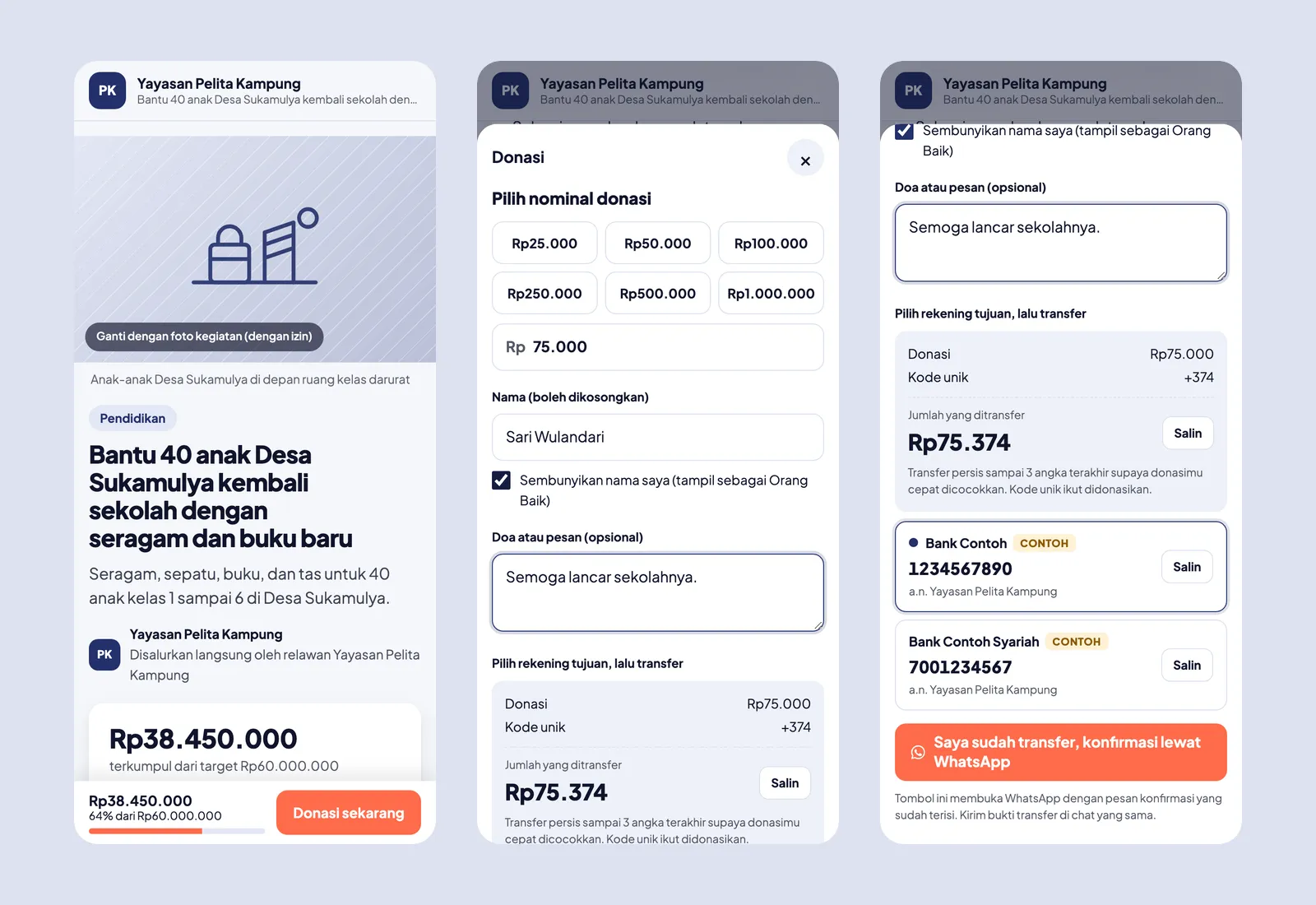
On a phone: story and progress, then the donation sheet with amount, unique code, accounts, and WhatsApp button
SKILL.md contents
Premium subscribers can read, copy, and install this skill.
Unlock with Premium Sign inFundraising Page
Description
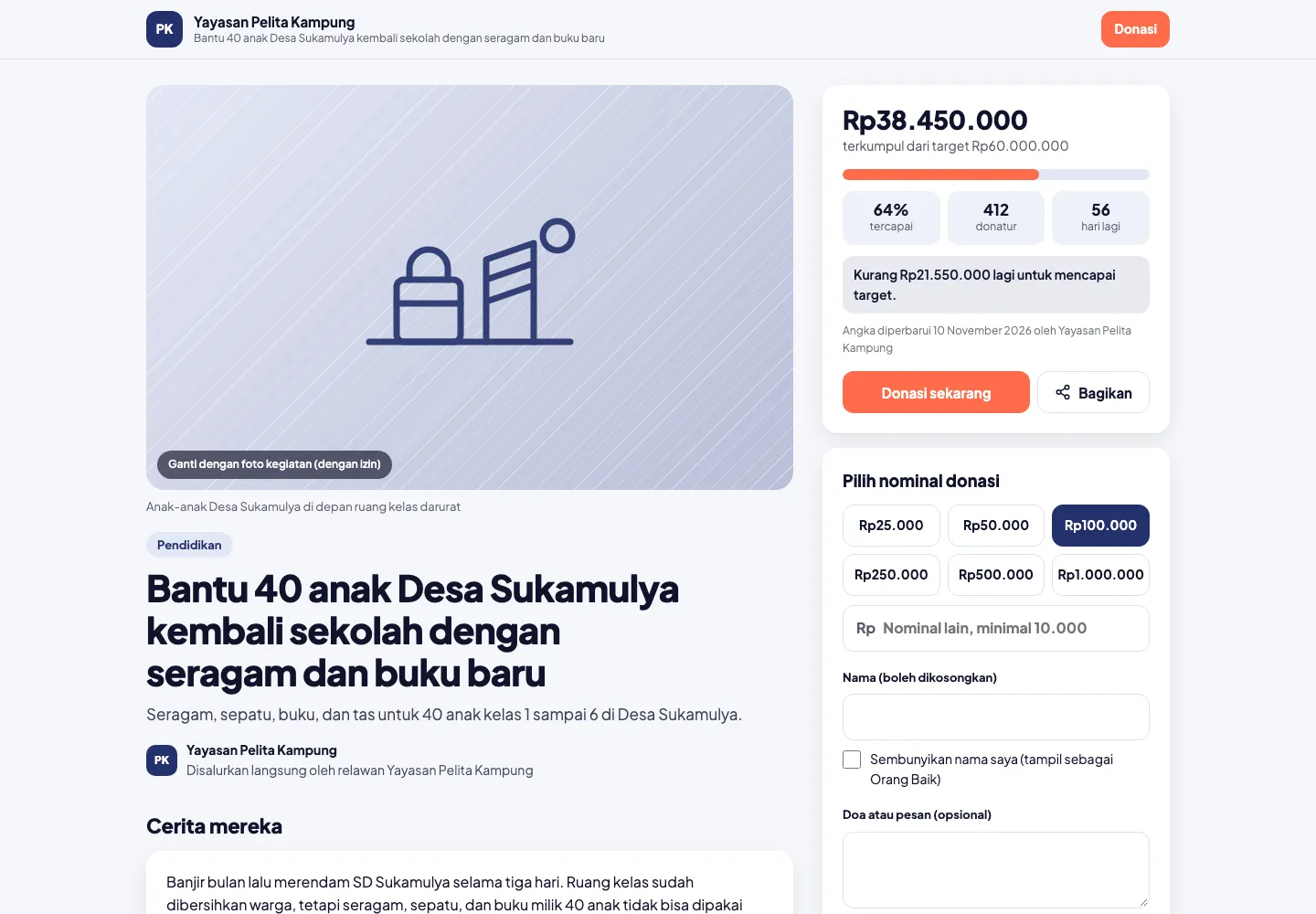
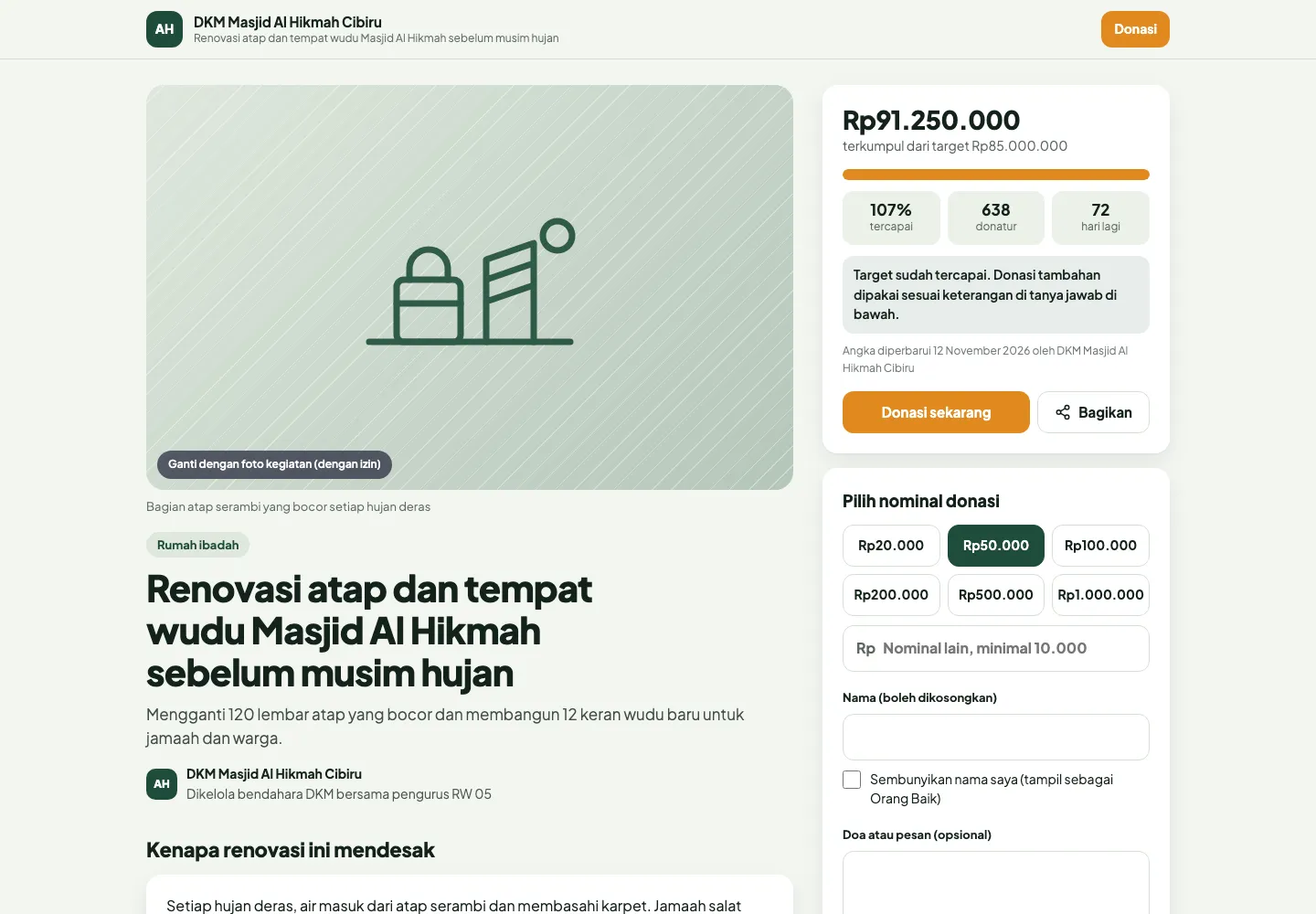
A fundraising web page for foundations, mosques, schools, communities, or disaster relief: the recipients' photo and story, a quote, a progress card (raised, target, percent, donors, days left, how much is still needed), how the money will be used, latest updates, donor messages, and a Q&A. The donation form has amount choices plus a free amount, a name or anonymous option, a message, a unique transfer code, copyable bank accounts, then a WhatsApp confirmation with the message filled in. One HTML file from one content object.
Verified by SkillFlow
We checked every file in this skill automatically: no command that downloads and runs a program, no hidden code, no instruction telling your AI to ignore you.
- Loads from outside
- Fonts: Google Fonts
See the 6 files inside
skill.json11 KBSKILL.md8 KBprompt.md5 KBprompt.en.md5 KBfiles/contoh-renovasi-masjid.html40 KBfiles/galang-dana.html41 KB
Checked 14 Nov 2026
Part of SkillFlow Pro
Pro opens every skill in every category: copy, ZIP, Send to AI, install, save, and request new skills.
Get Pro Already subscribed? Sign inWhat you get
- A one-file responsive fundraising page driven by one content object (organisation, campaign, story, budget, updates)
- A progress card: percent, days left, and amount still needed worked out automatically; special states for target reached and campaign closed
- A donation form: 6 amount choices + a free amount with a minimum, name or anonymous, a message, a 3-digit unique code
- Selectable, copyable bank accounts (marked Sample until replaced) and a WhatsApp confirmation carrying the transfer details
- A bottom sheet and sticky bar on phones, a sticky side card on wide screens, and a share button
- Special addresses ?nominal=, ?ajak= (referrer name), #donasi, and 3 palettes (indigo, tea, dusk)
Good fit
- Foundations, orphanages, schools, Islamic boarding schools, mosques, or communities raising funds
- Emergency appeals such as disasters or medical costs that need a page quickly
- Organisations taking transfers to their own account and logging them via WhatsApp confirmation
- Fundraisers who want donors to invite others with a personal link
Not for
- It does not process payments automatically or store donor data
- The raised amount does not update itself; it changes after the admin matches transfers
- It does not invent figures, updates, or donor messages
- The sample account must be replaced with the organisation's official account
About this skill
/halaman-galang-dana Build a fundraising page for our foundation's programme giving uniforms and books to 40 village children, a 60 million target, the foundation's official account, WhatsApp confirmation, tea palette
Show more
A fundraising web page for foundations, mosques, schools, communities, or disaster relief: the recipients' photo and story, a quote, a progress card (raised, target, percent, donors, days left, how much is still needed), how the money will be used, latest updates, donor messages, and a Q&A. The donation form has amount choices plus a free amount, a name or anonymous option, a message, a unique transfer code, copyable bank accounts, then a WhatsApp confirmation with the message filled in. One HTML file from one content object.
User reviews
FAQ
What is the 3 digit unique code for?
A number from 101 to 399 is added to the amount so the admin can match the transfer easily. It is donated too and appears in the WhatsApp confirmation along with the exact transfer amount.
How do donors invite friends?
Add the inviter's name to the address, such as ?ajak=Rina, and it is recorded in the confirmation message. The amount can also be preset with ?nominal=.
What shows once the target is reached?
The progress card switches to a target reached view, and a programme past its deadline shows as finished. Percent, days left, and the shortfall are calculated automatically.
Which AI can I use it with?
Copy the prompt into a chat AI (ChatGPT, Claude, Gemini, DeepSeek); or download the ZIP and install it in an AI agent (Claude Code, Codex, Antigravity, Hermes Agent, Cursor, GitHub Copilot, Gemini CLI, OpenCode, Kimi Code, Trae), which then builds the files for you.
What is in the ZIP?
One folder named halaman-galang-dana with SKILL.md (the instructions an AI agent reads) and the prompt, 6 files in all. Extract it into your agent's skills folder, or install it with npx skillflow-ai add halaman-galang-dana. Pro only.
Is there a per-use fee or credits?
Not from SkillFlow. The skill runs on the AI you already use, so any cost follows that plan.
Which plan includes it?
SkillFlow Pro. It opens every skill in every category.
Can I use my own colours and brand?
Yes. Pick a colour theme on this page, or fill in your brand profile once; both go into the prompt you copy and into the ZIP.
Can I share what I made?
Pro members can upload the result and get a page at share.skillflow.ai.id to send to anyone. The page carries a small "Made with SkillFlow AI" mark.
Is there a download limit?
Yes, per day: 50 skills on Pro, 10 on other plans. Downloading a skill again on the same day does not count.



