

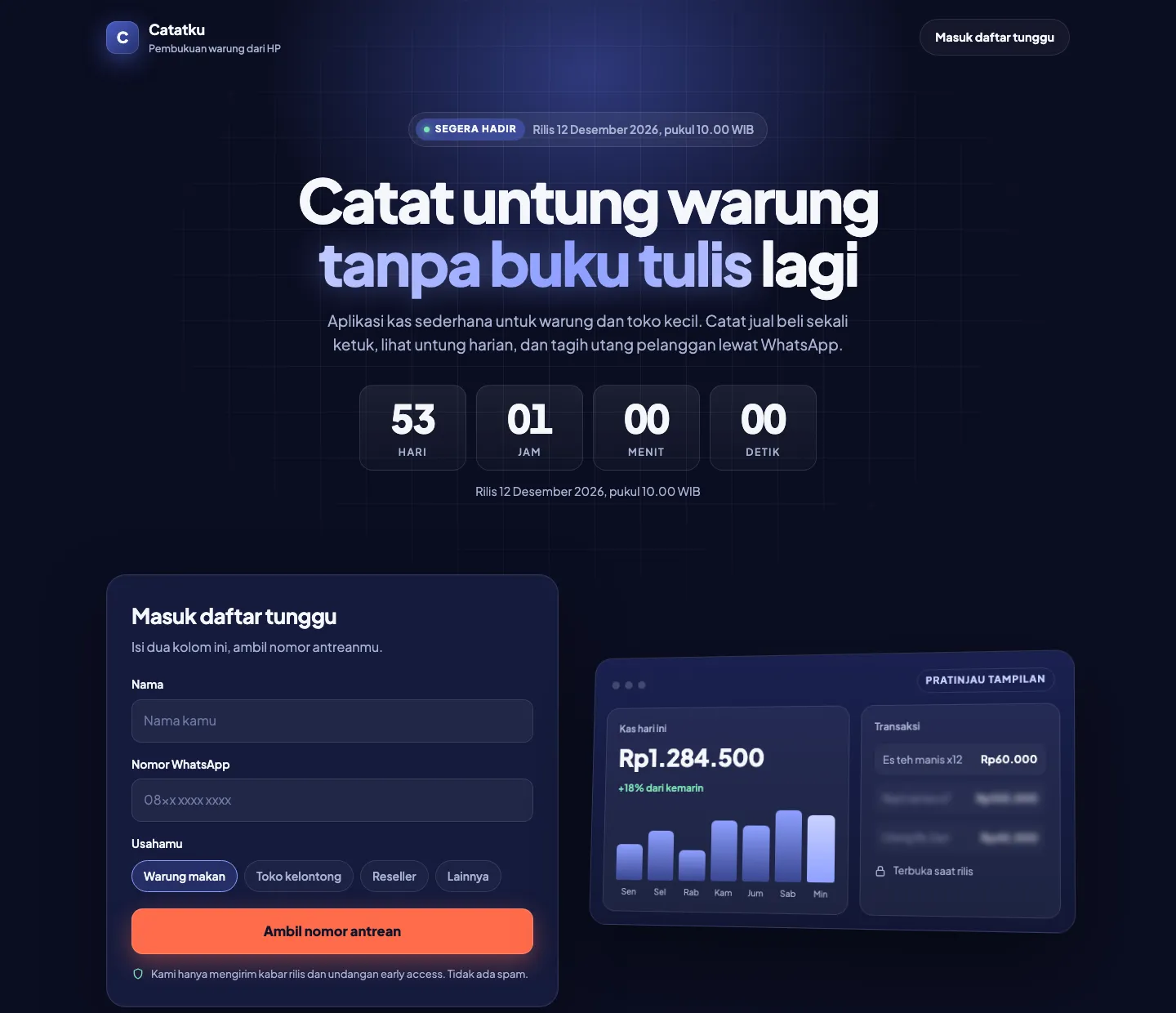
Hero with the launch countdown, the waitlist form, and the app preview
SKILL.md contents
Premium subscribers can read, copy, and install this skill.
Unlock with Premium Sign inComing Soon Waitlist Page
Description
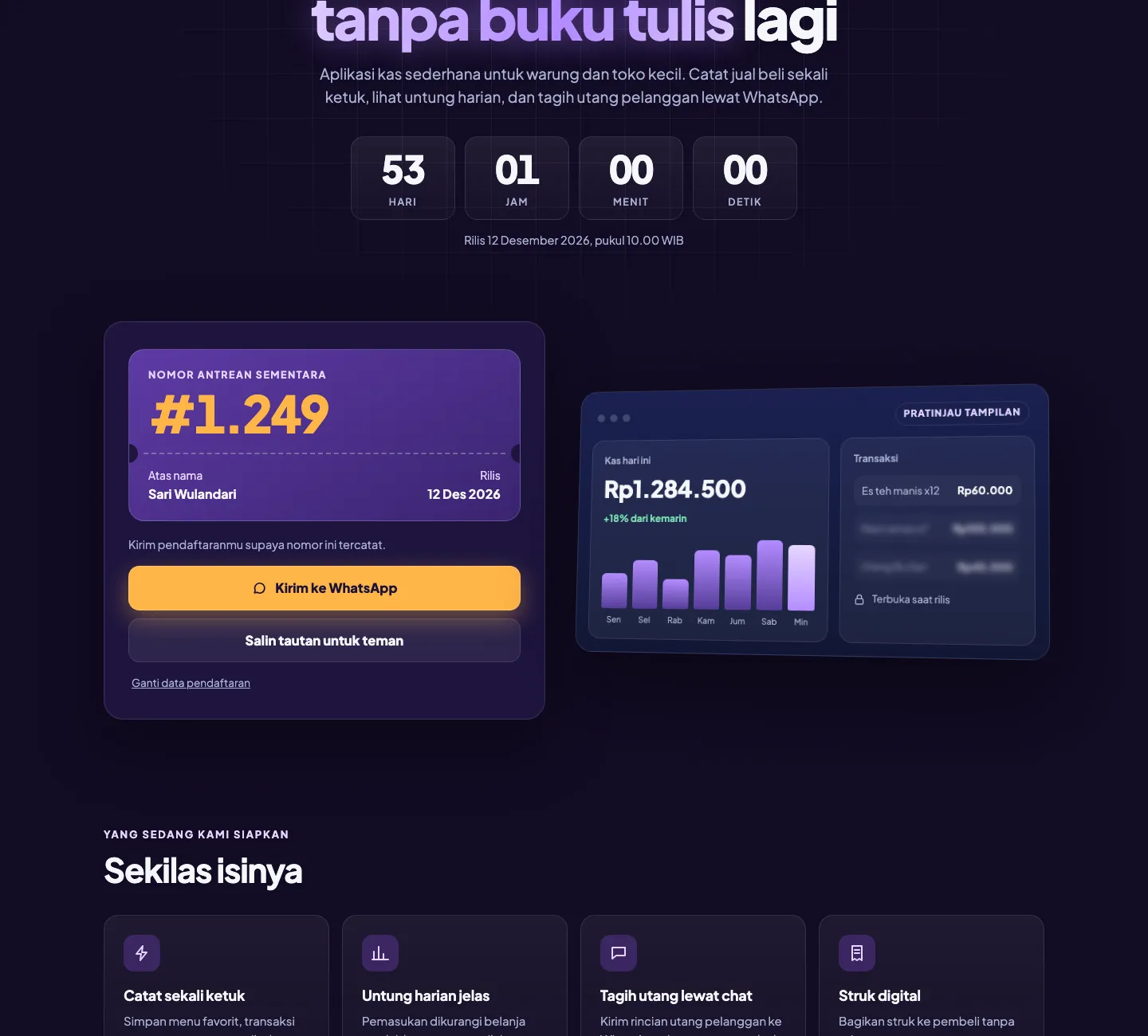
A dark, glowing coming-soon page for a product that is not out yet: a pill badge, a headline with one glowing phrase, a real countdown in days, hours, minutes and seconds to the launch date, a waitlist form (name, WhatsApp or email, signup type) with validation, then a queue-number ticket saved in the browser and sent through WhatsApp or to your own form. It also has a partly blurred app preview, feature cards marked at launch or coming later, early signup rewards, a schedule, and an FAQ. One HTML file with no server.
Verified by SkillFlow
We checked every file in this skill automatically: no command that downloads and runs a program, no hidden code, no instruction telling your AI to ignore you.
- Loads from outside
- Fonts: Google Fonts
See the 5 files inside
skill.json10 KBSKILL.md7 KBprompt.md5 KBprompt.en.md5 KBfiles/waitlist.html36 KB
Checked 14 Nov 2026
Part of SkillFlow Pro
Pro opens every skill in every category: copy, ZIP, Send to AI, install, save, and request new skills.
Get Pro Already subscribed? Sign inWhat you get
- A one-file HTML page, all content from one WAITLIST object
- A countdown to the launch date with time zone that turns into a message and a button once launched
- A waitlist form that validates name and WhatsApp/email, with signup types as chips
- A provisional queue-number ticket (saved in the browser) plus a prefilled WhatsApp message or form link
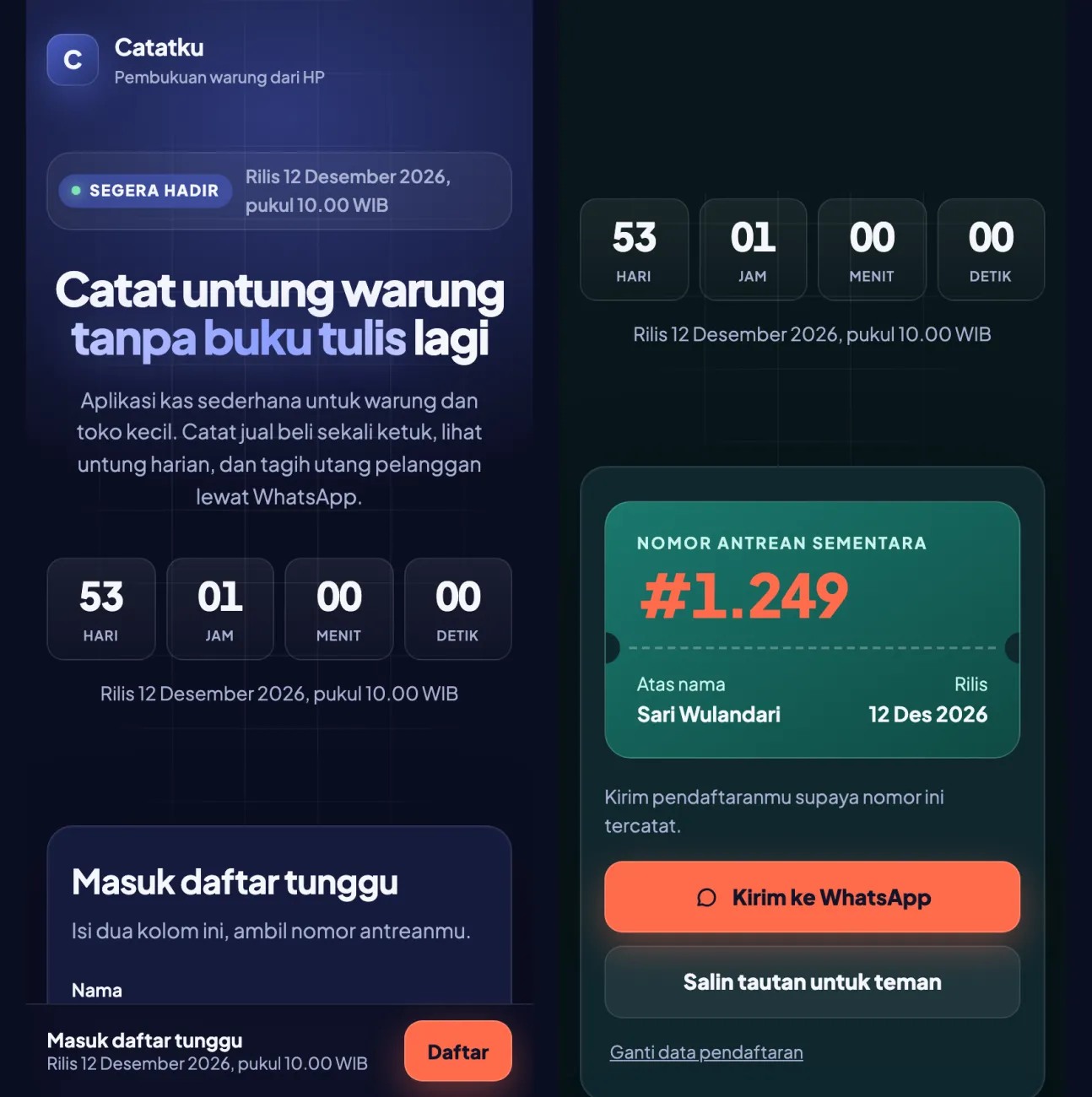
- An app preview, feature cards, early signup rewards, a stage schedule, an FAQ, and a bottom bar on phones
- 3 dark palettes (night, deep purple, night green)
Good fit
- Apps, small SaaS, or digital products with a release date set
- Courses or programmes not yet open that need an interest list
- New edition physical products testing demand before production
- Makers collecting contacts via WhatsApp or a form
Not for
- It collects contacts, not money; not a paid pre-order
- The queue number is provisional and stored in the visitor's browser, not official
- It does not store sign up data on a server
- The early sign up perk is only filled in if it will really be given
About this skill
/halaman-waitlist-segera-hadir Build a waitlist page for our point of sale app launching 12 December at 10 AM, 5 features, an early sign up perk, 3 stages, and a WhatsApp waitlist with a queue number, deep purple palette
Show more
A dark, glowing coming-soon page for a product that is not out yet: a pill badge, a headline with one glowing phrase, a real countdown in days, hours, minutes and seconds to the launch date, a waitlist form (name, WhatsApp or email, signup type) with validation, then a queue-number ticket saved in the browser and sent through WhatsApp or to your own form. It also has a partly blurred app preview, feature cards marked at launch or coming later, early signup rewards, a schedule, and an FAQ. One HTML file with no server.
User reviews
FAQ
Where do sign ups go?
Three modes: WhatsApp with a message holding the name, contact, sign up type, and number; your own form link with data filled via the URL; or ticket only with no send button.
How is the queue number worked out?
The number shown is the existing sign up count plus one, and stays the same when reopened in the same browser. Update the sign up count regularly from your WhatsApp or form data.
What happens after the release date?
The countdown disappears and is replaced by a now live message, with a button to the product link if set. The release date is written with a time zone, such as +07:00 for WIB.
Which AI can I use it with?
Copy the prompt into a chat AI (ChatGPT, Claude, Gemini, DeepSeek); or download the ZIP and install it in an AI agent (Claude Code, Codex, Antigravity, Hermes Agent, Cursor, GitHub Copilot, Gemini CLI, OpenCode, Kimi Code, Trae), which then builds the files for you.
What is in the ZIP?
One folder named halaman-waitlist-segera-hadir with SKILL.md (the instructions an AI agent reads) and the prompt, 5 files in all. Extract it into your agent's skills folder, or install it with npx skillflow-ai add halaman-waitlist-segera-hadir. Pro only.
Is there a per-use fee or credits?
Not from SkillFlow. The skill runs on the AI you already use, so any cost follows that plan.
Which plan includes it?
SkillFlow Pro. It opens every skill in every category.
Can I use my own colours and brand?
Yes. Pick a colour theme on this page, or fill in your brand profile once; both go into the prompt you copy and into the ZIP.
Can I share what I made?
Pro members can upload the result and get a page at share.skillflow.ai.id to send to anyone. The page carries a small "Made with SkillFlow AI" mark.
Is there a download limit?
Yes, per day: 50 skills on Pro, 10 on other plans. Downloading a skill again on the same day does not count.



