

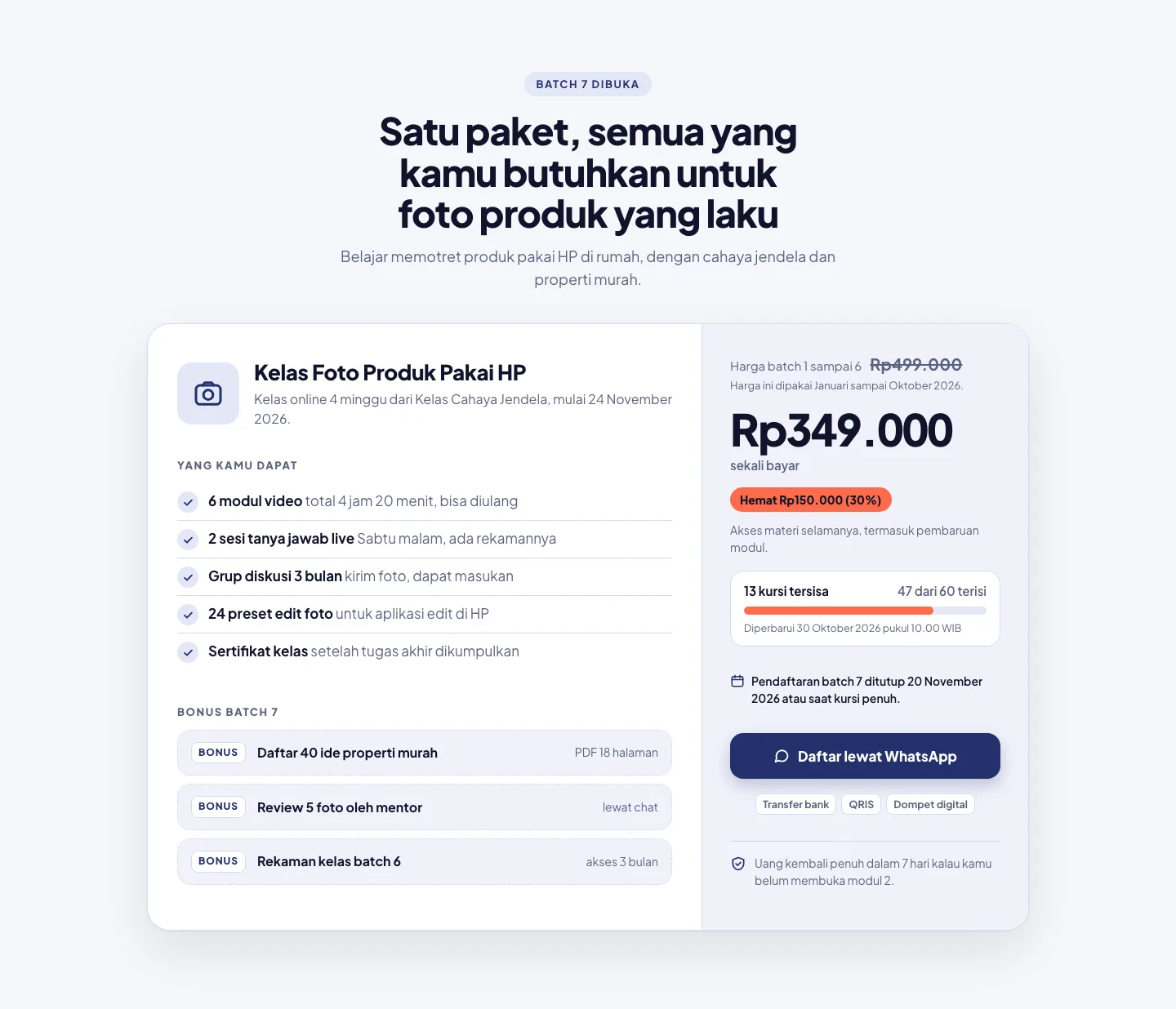
Online class cohort 7: what is included, bonuses, the old cohort price struck through, 30% saving, and 13 seats left
SKILL.md contents
Premium subscribers can read, copy, and install this skill.
Unlock with Premium Sign inSingle Offer Price Box (Section)
Description
A pricing section for one offer only: one large box with the product name, a ticked list of what is included, tagged bonuses, a struck-through price that only shows when that regular price was really charged, a saving chip in money and percent worked out automatically, and the remaining quota with a bar and its update time. When the quota runs out the box switches to a full state and the button becomes a waiting list. A WhatsApp button with a prefilled message or a checkout link, payment methods, a guarantee, three colour themes, and it still shows without JavaScript.
Verified by SkillFlow
We checked every file in this skill automatically: no command that downloads and runs a program, no hidden code, no instruction telling your AI to ignore you.
- Loads from outside
- Fonts: Google Fonts
See the 7 files inside
skill.json10 KBSKILL.md6 KBprompt.md5 KBprompt.en.md5 KBfiles/contoh/po-kue-lebaran-hangat.html18 KBfiles/contoh/slot-penuh-gelap.html18 KBfiles/penawaran.html18 KB
Checked 14 Nov 2026
Part of SkillFlow Pro
Pro opens every skill in every category: copy, ZIP, Send to AI, install, save, and request new skills.
Get Pro Already subscribed? Sign inWhat you get
- Final offer copy: title, included items, bonuses, price, calculated saving, remaining quota, button
- One two column price box (desktop) that becomes one column on phones, price panel above the items
- A struck-through price only from a real regular price, saving and percent rounded down
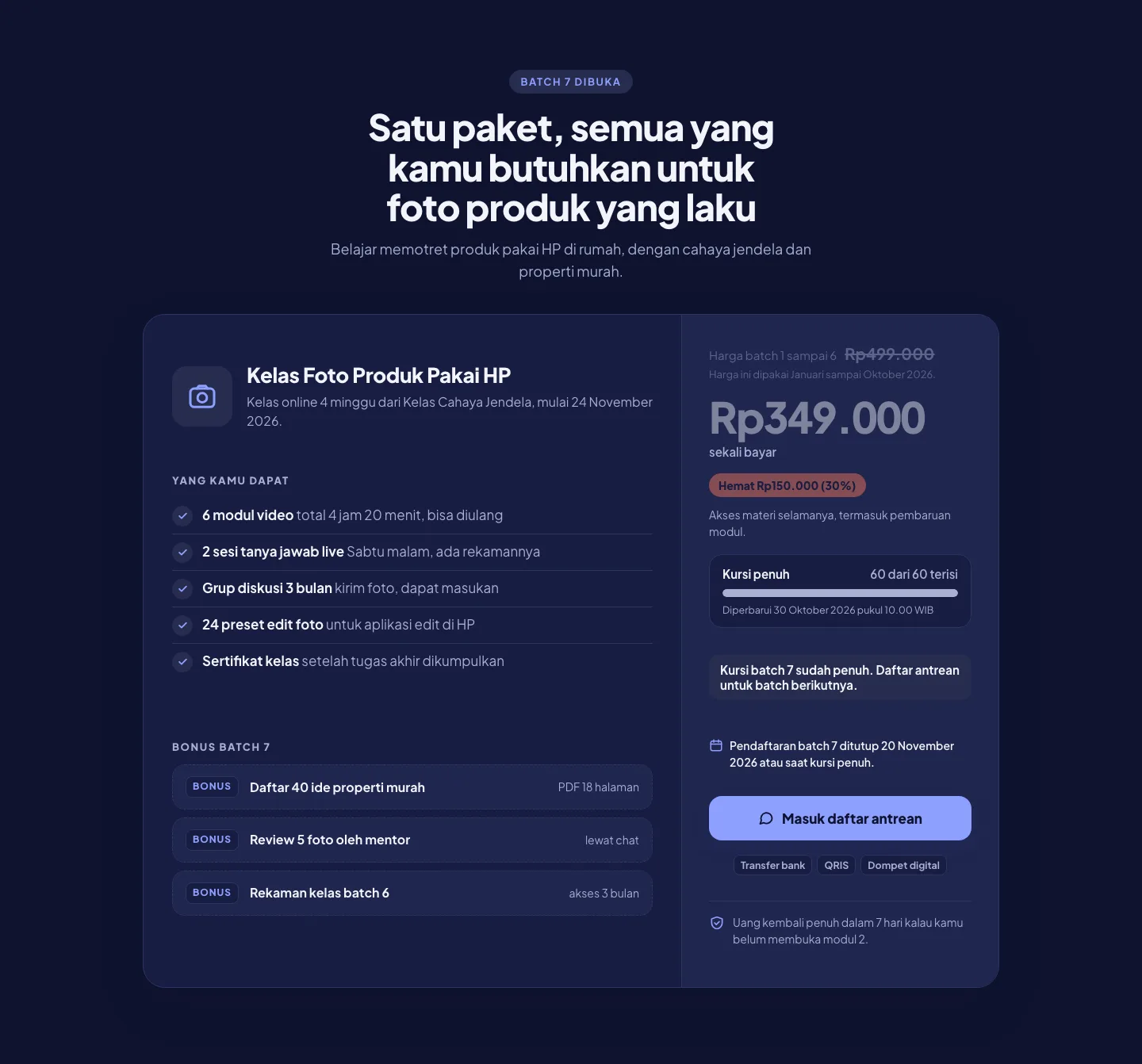
- A quota box with a bar and update time, plus a full state with a waiting list button
- A WhatsApp button with a prefilled message or a checkout link, payment methods, and a guarantee
- One scoped HTML file, 3 themes (light, dark, warm), works without JavaScript, no sideways scroll at 320 px
Good fit
- Online classes or workshops run in cohorts with a seat limit
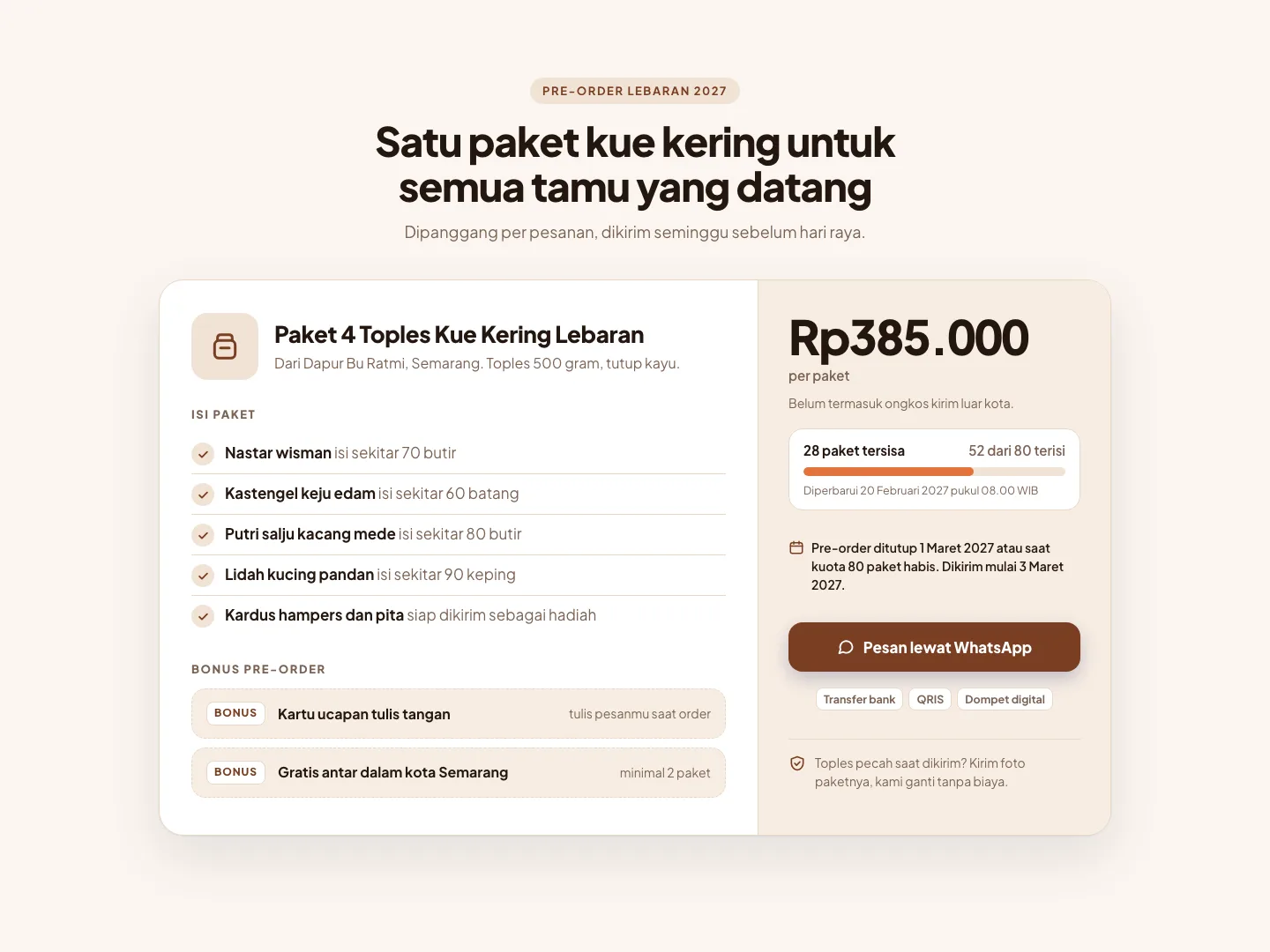
- Physical product pre-orders with a production quota and a deadline
- Single product landing pages that need an honest price box before the buy button
Not for
- Not a table of several plans; use the plan pricing table for that
- It does not update the quota by itself; you change the taken count by hand in the HTML
- It does not take payments; the button only opens your WhatsApp or checkout link
- It never shows countdowns, random quotas, or struck-through prices that were never charged
About this skill
/harga-satu-penawaran Make a pricing section for my phone product photography class, cohort 7: 349 down from the old cohort price of 499, 5 items, 3 bonuses, 60 seats with 47 taken, and a WhatsApp button
Show more
A pricing section for one offer only: one large box with the product name, a ticked list of what is included, tagged bonuses, a struck-through price that only shows when that regular price was really charged, a saving chip in money and percent worked out automatically, and the remaining quota with a bar and its update time. When the quota runs out the box switches to a full state and the button becomes a waiting list. A WhatsApp button with a prefilled message or a checkout link, payment methods, a guarantee, three colour themes, and it still shows without JavaScript.

User reviews
FAQ
When can I use a struck-through price?
Only when that regular price was really charged, for example the previous cohort's price. The template shows when that price applied underneath, and if the regular price is left empty the struck price and saving chip disappear.
What happens when the quota runs out?
Set data-terisi equal to the quota. The box switches to a full state: the price dims, a full message appears, and the button becomes Join the waiting list with a waiting list WhatsApp message.
Which AI can I use it with?
Copy the prompt into a chat AI (ChatGPT, Claude, Gemini, DeepSeek); or download the ZIP and install it in an AI agent (Claude Code, Codex, Antigravity, Hermes Agent, Cursor, GitHub Copilot, Gemini CLI, OpenCode, Kimi Code, Trae), which then builds the files for you.
What is in the ZIP?
One folder named harga-satu-penawaran with SKILL.md (the instructions an AI agent reads) and the prompt, 7 files in all. Extract it into your agent's skills folder, or install it with npx skillflow-ai add harga-satu-penawaran. Pro only.
Is there a per-use fee or credits?
Not from SkillFlow. The skill runs on the AI you already use, so any cost follows that plan.
Which plan includes it?
SkillFlow Pro. It opens every skill in every category.
Can I use my own colours and brand?
Yes. Pick a colour theme on this page, or fill in your brand profile once; both go into the prompt you copy and into the ZIP.
Can I share what I made?
Pro members can upload the result and get a page at share.skillflow.ai.id to send to anyone. The page carries a small "Made with SkillFlow AI" mark.
Is there a download limit?
Yes, per day: 50 skills on Pro, 10 on other plans. Downloading a skill again on the same day does not count.



