

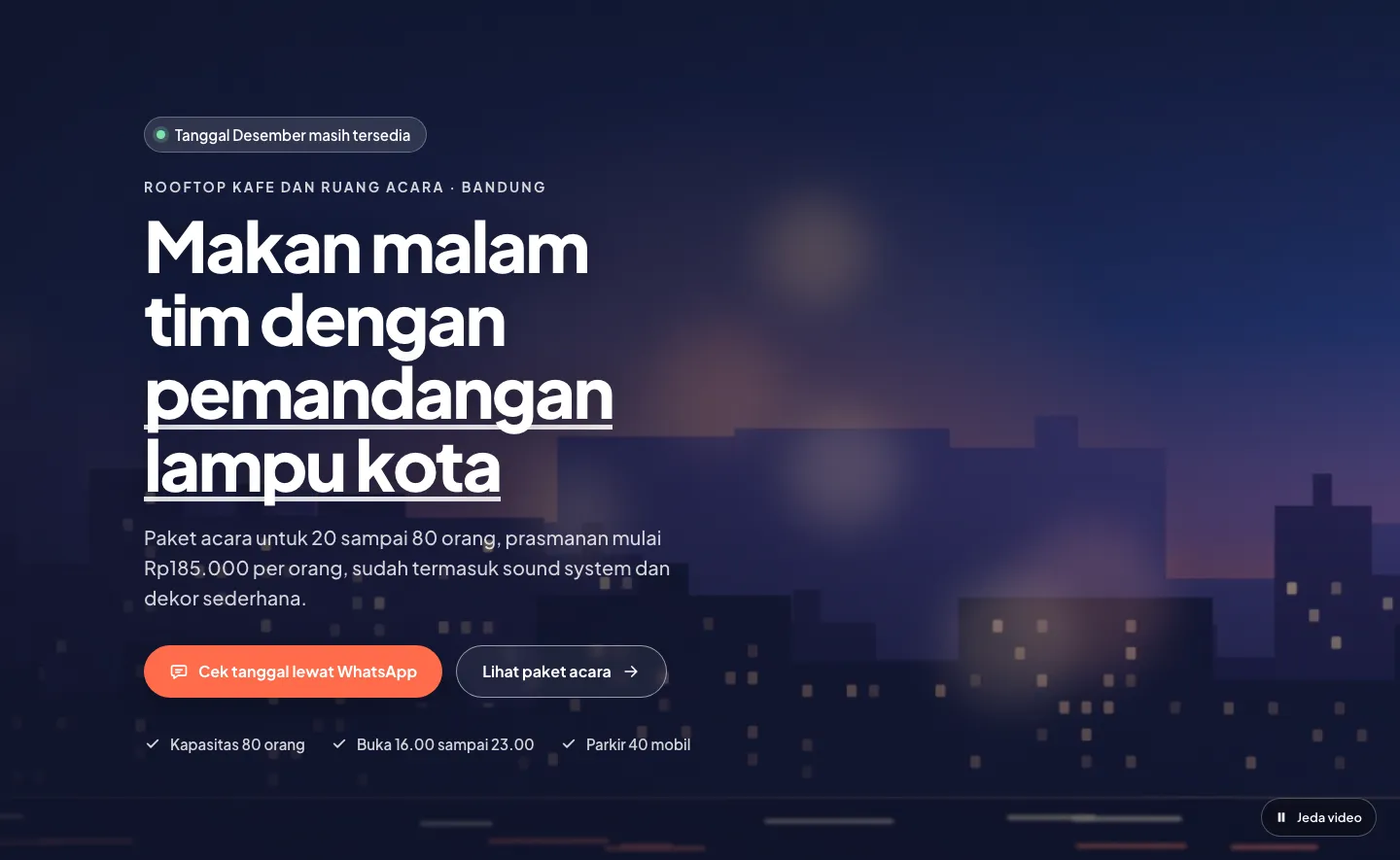
Rooftop cafe: a dusk city video behind the text, an overlay from the left, a pause button in the corner
SKILL.md contents
Premium subscribers can read, copy, and install this skill.
Unlock with Premium Sign inBackground Video Hero (Section)
Description
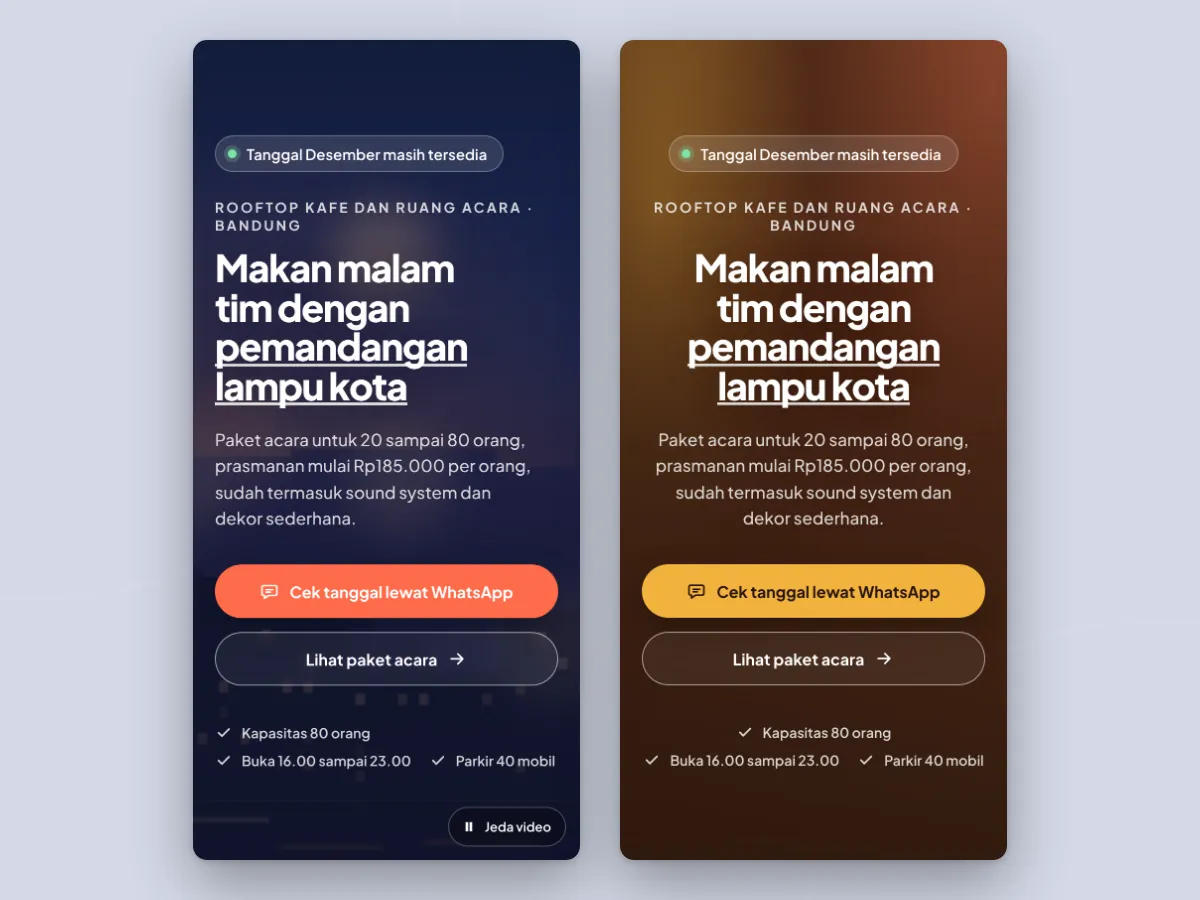
An opening landing page section with a silent video looping behind the text: a headline, a subheading, a WhatsApp button with a prefilled message, a second button, and short points, with an automatic overlay so the text always reads. Light on phones: an optional phone-sized video, a poster for data savers, and the video pauses when out of view. Respects reduced-motion settings, has a pause button, and falls back to a drifting gradient when there is no video yet. Includes an original sample scene you can render to MP4.
Verified by SkillFlow
We checked every file in this skill automatically: no command that downloads and runs a program, no hidden code, no instruction telling your AI to ignore you.
- Loads from outside
- Fonts: Google Fonts
See the 8 files inside
skill.json9 KBSKILL.md8 KBprompt.md4 KBprompt.en.md4 KBfiles/contoh/adegan-latar.html5 KBfiles/contoh/latar-poster.webp12 KBfiles/contoh/latar.mp4833 KBfiles/hero.html17 KB
Checked 14 Nov 2026
Part of SkillFlow Pro
Pro opens every skill in every category: copy, ZIP, Send to AI, install, save, and request new skills.
Get Pro Already subscribed? Sign inWhat you get
- A one-file HTML hero section, scoped CSS so it is safe to paste into other landing pages
- A silent looping background video with a poster, adjustable overlay, and desktop and phone focal points
- A WhatsApp button with a prefilled message, a second button, a status pill, and 0-4 short points
- A pause button, a poster version for reduced motion and data saving, and the video pauses when out of view
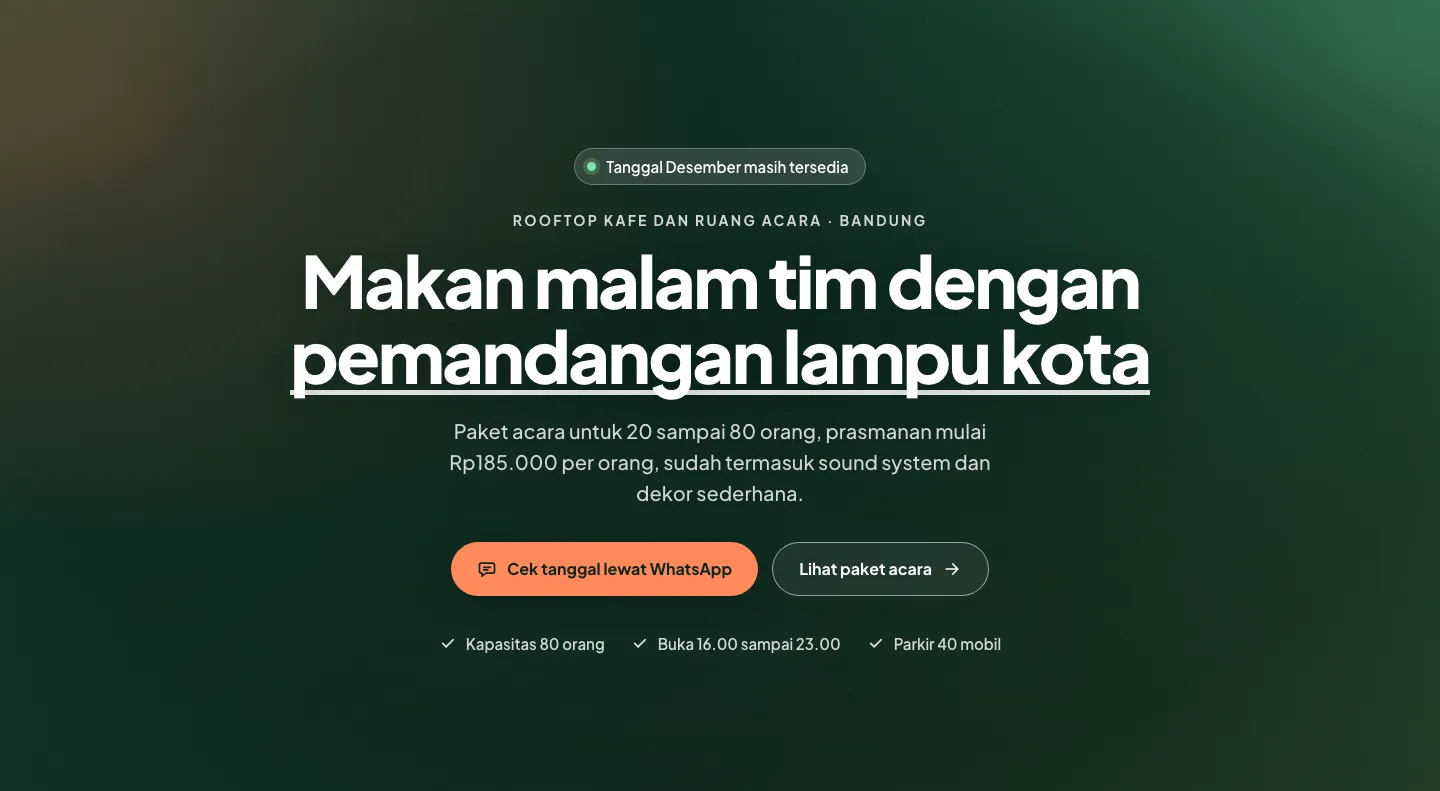
- A drifting gradient as a video stand-in, 4 palettes (indigo, night, forest, sand), left or centred layout
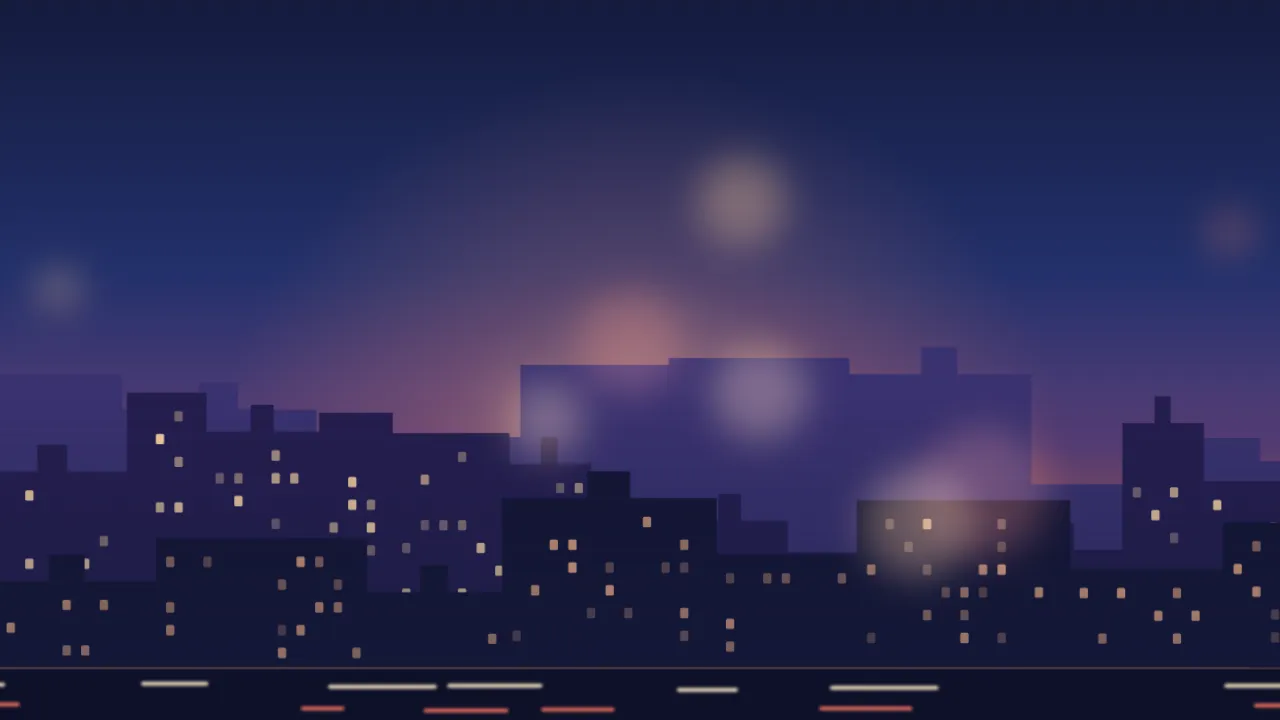
- An original animated sample scene (dusk city) rendered to a 10-second MP4 of about 850 KB, plus a poster
Good fit
- Businesses that sell on atmosphere like cafes, resorts, gyms, studios, venues, property, or tourism
- Services with a watchable process like baristas, craftspeople, salons, or catering kitchens
- Product launches with a short clip of the product in use
- Landing pages wanting a lively first impression with readable text
Not for
- Not a video player for clips that need sound
- It does not create or compress your video; the sample city clip is a placeholder
- Gradient mode is only a stand in until you have a video
- Only a hero section, not a full page
About this skill
/hero-video-latar Build a background video hero for our rooftop cafe, a 10 second silent ambience video, a one line promise headline, 3 short points, a WhatsApp reservation button, centred layout
Show more
An opening landing page section with a silent video looping behind the text: a headline, a subheading, a WhatsApp button with a prefilled message, a second button, and short points, with an automatic overlay so the text always reads. Light on phones: an optional phone-sized video, a poster for data savers, and the video pauses when out of view. Respects reduced-motion settings, has a pause button, and falls back to a drifting gradient when there is no video yet. Includes an original sample scene you can render to MP4.
User reviews
FAQ
What kind of video works as a background?
One calm scene with no text or logos, slow movement, 6 to 15 seconds that loops back smoothly. A silent MP4 around 1280x720, ideally under 3 MB, plus a smaller phone version if you have one.
Why is a poster required?
The poster shows before the video loads, saves data, and serves visitors who prefer reduced motion. Take one frame from the video and compress it to WebP at around 50 to 150 KB.
How does text stay readable over the video?
The overlay darkness over the video is adjustable, and the video focus point can be set separately for desktop and phone. Use the left layout when the subject is on the right, or centred for evenly spread ambience.
Which AI can I use it with?
Copy the prompt into a chat AI (ChatGPT, Claude, Gemini, DeepSeek); or download the ZIP and install it in an AI agent (Claude Code, Codex, Antigravity, Hermes Agent, Cursor, GitHub Copilot, Gemini CLI, OpenCode, Kimi Code, Trae), which then builds the files for you.
What is in the ZIP?
One folder named hero-video-latar with SKILL.md (the instructions an AI agent reads) and the prompt, 8 files in all. Extract it into your agent's skills folder, or install it with npx skillflow-ai add hero-video-latar. Pro only.
Is there a per-use fee or credits?
Not from SkillFlow. The skill runs on the AI you already use, so any cost follows that plan.
Which plan includes it?
SkillFlow Pro. It opens every skill in every category.
Can I use my own colours and brand?
Yes. Pick a colour theme on this page, or fill in your brand profile once; both go into the prompt you copy and into the ZIP.
Can I share what I made?
Pro members can upload the result and get a page at share.skillflow.ai.id to send to anyone. The page carries a small "Made with SkillFlow AI" mark.
Is there a download limit?
Yes, per day: 50 skills on Pro, 10 on other plans. Downloading a skill again on the same day does not count.



