

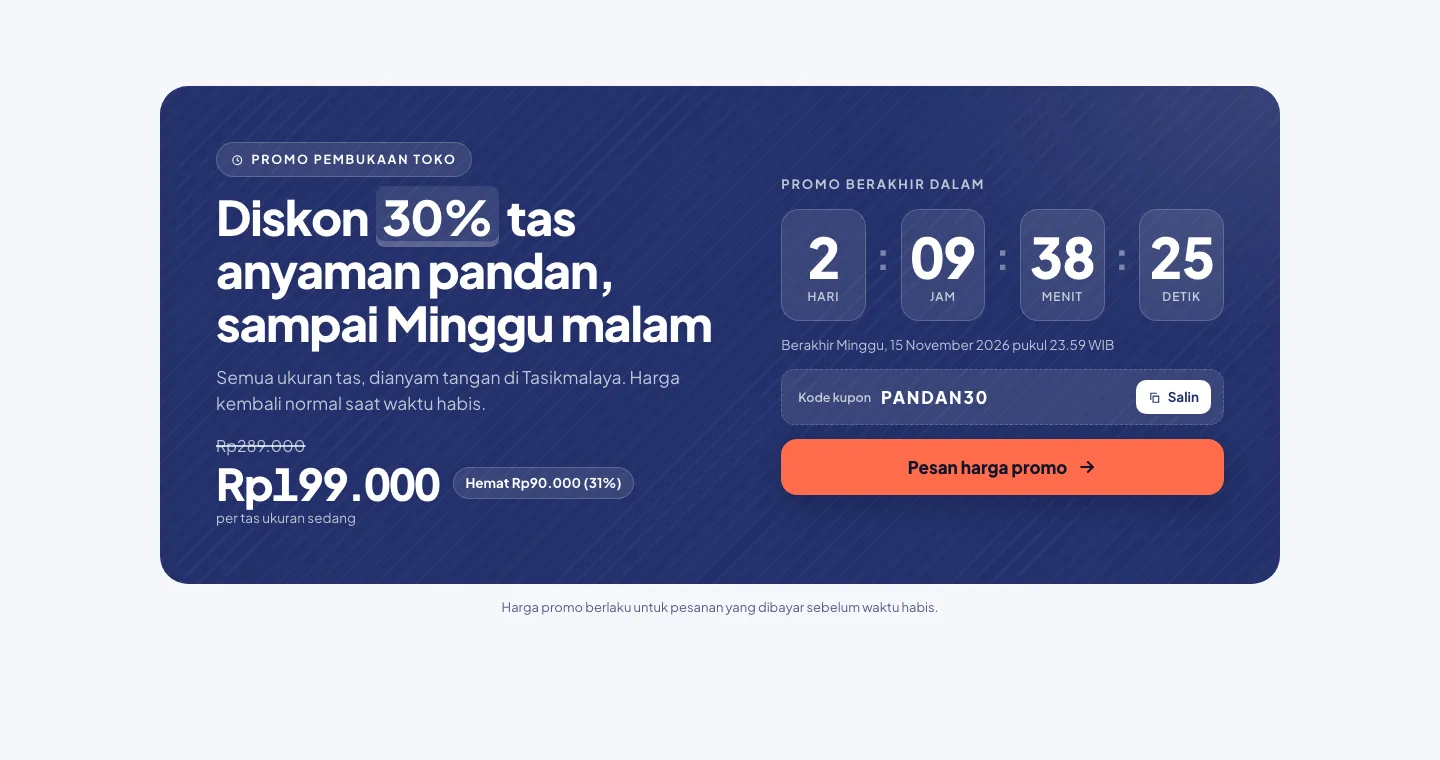
Block style: sale price, automatic savings, time boxes, coupon, and an order button
SKILL.md contents
Premium subscribers can read, copy, and install this skill.
Unlock with Premium Sign inPromo Countdown (Section)
Description
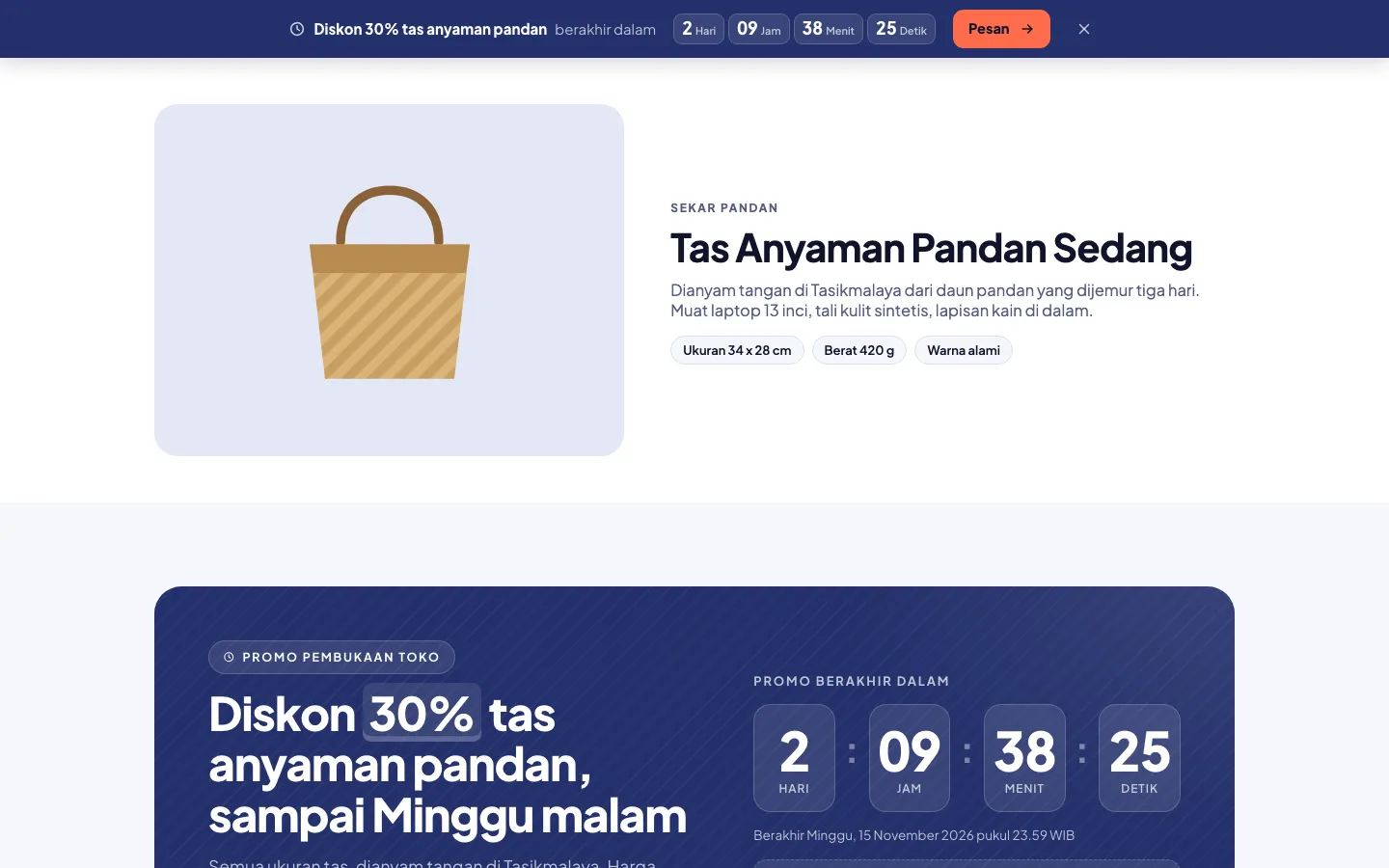
A countdown section for limited-time offers on a landing page: a large block with the headline, struck-through and sale prices with automatic savings, ticking day/hour/minute/second boxes, a coupon with a copy button, and a buy button to WhatsApp or checkout, or a slim bar that sticks to the top or bottom of the screen. One fixed deadline for everyone (with a start time and a time zone) or a per-visitor window stored safely in the browser. Before-start and after-end states are handled: swap the text, return to the normal price, or hide. One HTML file that is safe to paste.
Verified by SkillFlow
We checked every file in this skill automatically: no command that downloads and runs a program, no hidden code, no instruction telling your AI to ignore you.
- Loads from outside
- Fonts: Google Fonts
See the 5 files inside
skill.json9 KBSKILL.md8 KBprompt.md5 KBprompt.en.md5 KBfiles/hitung-mundur.html30 KB
Checked 14 Nov 2026
Part of SkillFlow Pro
Pro opens every skill in every category: copy, ZIP, Send to AI, install, save, and request new skills.
Get Pro Already subscribed? Sign inWhat you get
- A one-file HTML countdown section, scoped CSS so it is safe to paste into other pages
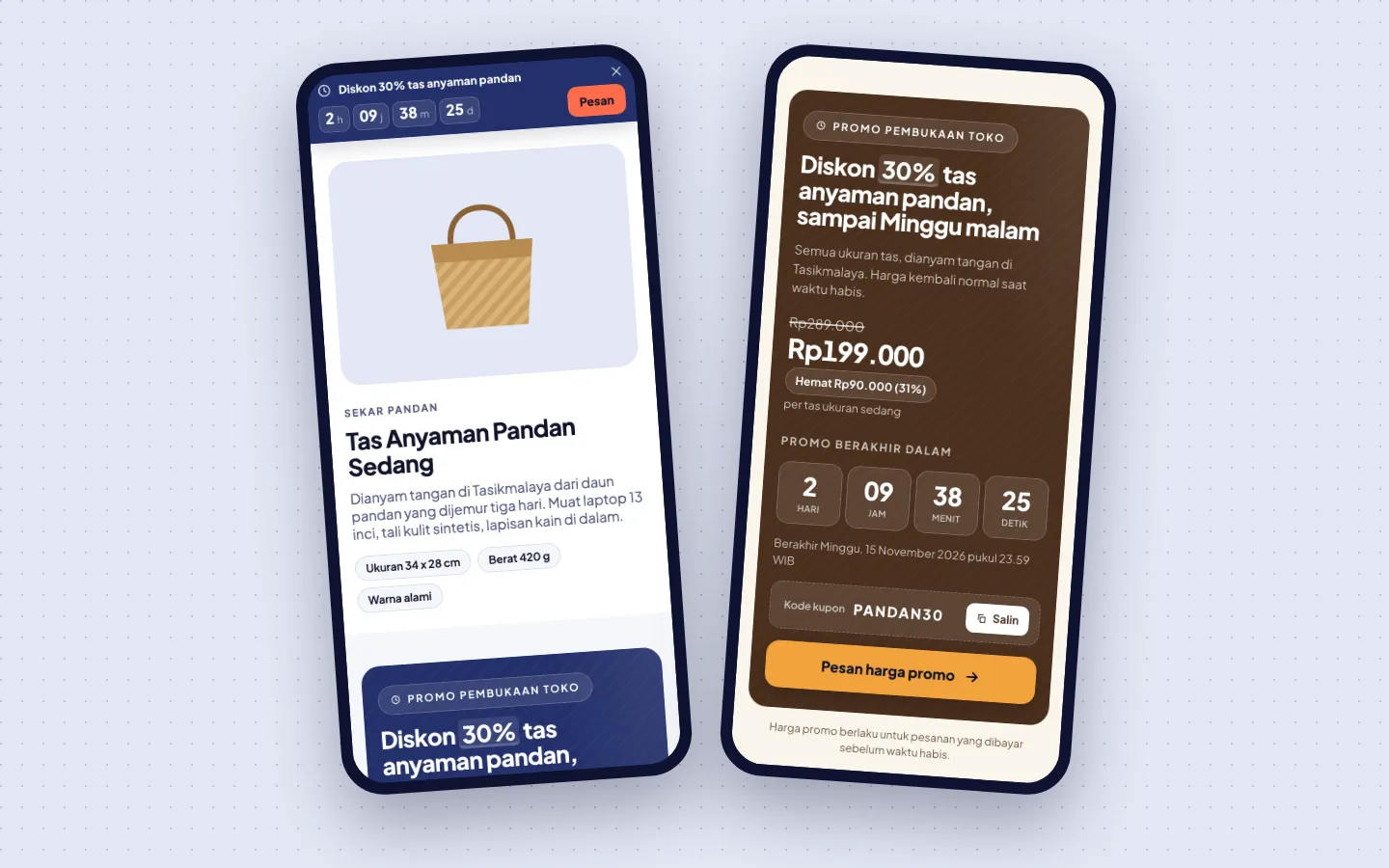
- 2 styles from one config: a large block near the buy button, or a slim bar stuck to the top or bottom of the screen
- A fixed deadline (start and end, with a time zone) or a per-visitor window stored safely that cannot be restarted
- Struck-through and sale prices, automatic savings in money and percent, a coupon with a copy button, a WhatsApp or checkout button
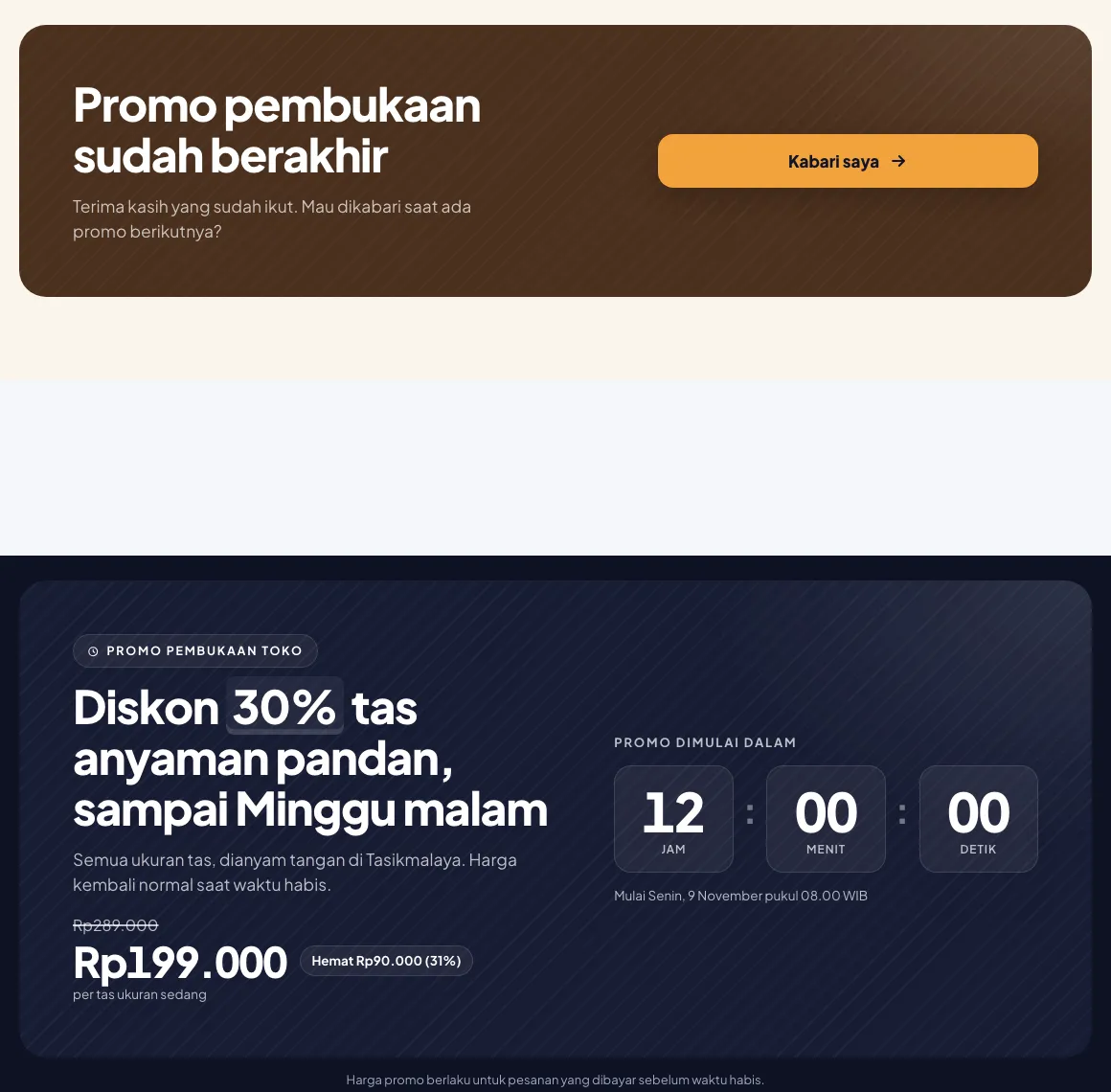
- Before-start (counting down to the start) and after-end states: swap the text, return to the normal price, or hide
- 3 palettes (indigo, night, sand), a phone view that holds up down to 320 px, time left read out once a minute for screen readers
Good fit
- Promos with a real deadline such as opening discounts, early bird, flash sales, or pre-order pricing
- Per visitor offers that are actually enforced at checkout
- Promo announcements pinned across the whole page
- Sales pages needing a countdown next to the buy button
Not for
- Not for promos without a real deadline; never fake a countdown
- Not a countdown video for social media
- Per visitor mode is stored only in the browser; the limit must still be enforced at checkout
- It does not process payments; the button goes to WhatsApp or your checkout link
About this skill
/hitung-mundur-promo-section Build a promo countdown section for our shop opening, 85,000 down from 110,000, a coupon code, ending 15 November at 11.59 PM WIB, block and bar styles, and a WhatsApp button
Show more
A countdown section for limited-time offers on a landing page: a large block with the headline, struck-through and sale prices with automatic savings, ticking day/hour/minute/second boxes, a coupon with a copy button, and a buy button to WhatsApp or checkout, or a slim bar that sticks to the top or bottom of the screen. One fixed deadline for everyone (with a start time and a time zone) or a per-visitor window stored safely in the browser. Before-start and after-end states are handled: swap the text, return to the normal price, or hide. One HTML file that is safe to paste.
User reviews
FAQ
Why must the date include a time zone?
Without a zone, the date is read in the visitor's phone time. Write +07:00 for WIB, +08:00 for WITA, or +09:00 for WIT, and match the zone label shown.
What happens after the promo ends?
Choose one of three: swap the text, such as a waiting list invite, revert to the normal price, or hide the section. The bar style disappears too unless you choose normal price.
Why change the promo id for the next promo?
Per visitor mode uses that id as its storage key. Reusing an old id makes returning visitors see the promo as already over.
Which AI can I use it with?
Copy the prompt into a chat AI (ChatGPT, Claude, Gemini, DeepSeek); or download the ZIP and install it in an AI agent (Claude Code, Codex, Antigravity, Hermes Agent, Cursor, GitHub Copilot, Gemini CLI, OpenCode, Kimi Code, Trae), which then builds the files for you.
What is in the ZIP?
One folder named hitung-mundur-promo-section with SKILL.md (the instructions an AI agent reads) and the prompt, 5 files in all. Extract it into your agent's skills folder, or install it with npx skillflow-ai add hitung-mundur-promo-section. Pro only.
Is there a per-use fee or credits?
Not from SkillFlow. The skill runs on the AI you already use, so any cost follows that plan.
Which plan includes it?
SkillFlow Pro. It opens every skill in every category.
Can I use my own colours and brand?
Yes. Pick a colour theme on this page, or fill in your brand profile once; both go into the prompt you copy and into the ZIP.
Can I share what I made?
Pro members can upload the result and get a page at share.skillflow.ai.id to send to anyone. The page carries a small "Made with SkillFlow AI" mark.
Is there a download limit?
Yes, per day: 50 skills on Pro, 10 on other plans. Downloading a skill again on the same day does not count.



