

Rendered sample video
SKILL.md contents
Premium subscribers can read, copy, and install this skill.
Unlock with Premium Sign inShop Logo Intro
Description
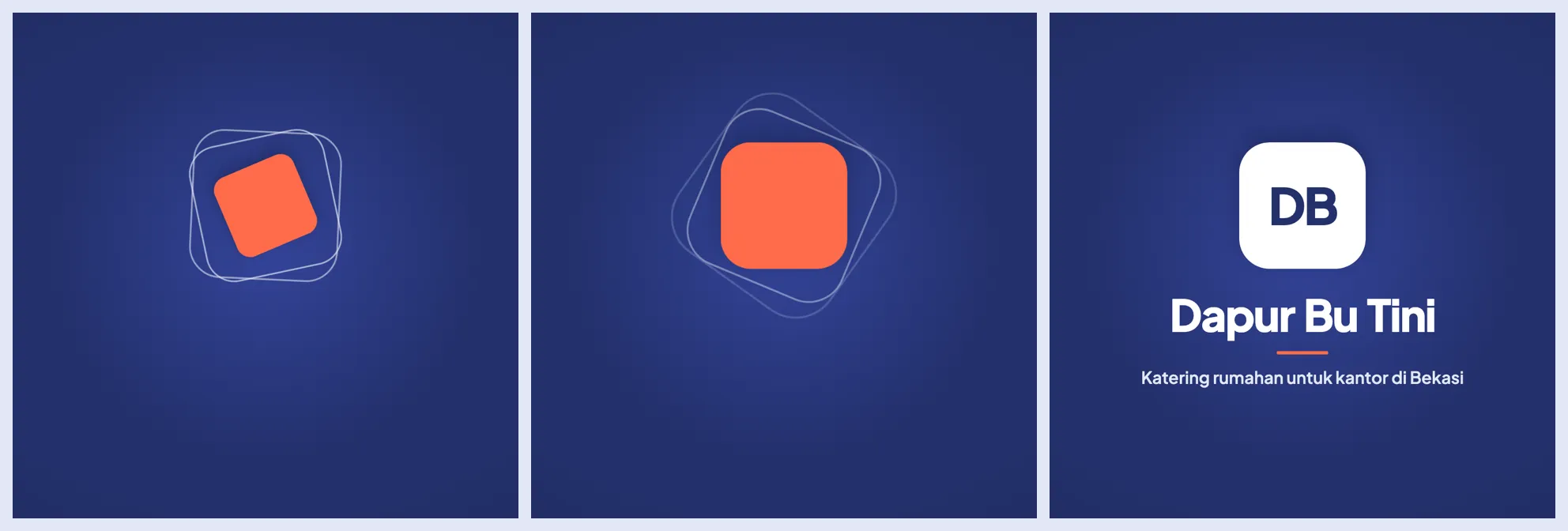
A short 3 to 6 second bumper to open or close your shop's videos: the logo arrives through a burst of shapes, a square that morphs into a badge, or lines that draw themselves, then the shop name and tagline follow. No logo yet? A letter monogram is made automatically from the shop name. Your own SVG/PNG logo can sit inside the badge or as it is. 16:9, 9:16, and 1:1, driven by one config object, rendered to MP4 with one command.
Verified by SkillFlow
We checked every file in this skill automatically: no command that downloads and runs a program, no hidden code, no instruction telling your AI to ignore you.
- Loads from outside
- Fonts: Google Fonts
See the 6 files inside
skill.json7 KBSKILL.md8 KBprompt.md6 KBprompt.en.md6 KBfiles/contoh/lumbung-tani.svg1 KBfiles/scene.html22 KB
Checked 14 Nov 2026
Part of SkillFlow Pro
Pro opens every skill in every category: copy, ZIP, Send to AI, install, save, and request new skills.
Get Pro Already subscribed? Sign inWhat you get
- An animated HTML logo bumper scene driven by one config object
- 3 motion styles: shape burst, square morph, drawn lines
- An automatic 1-3 letter monogram from the shop name, or your own SVG/PNG logo
- MP4 1920x1080 (16:9), 1080x1920 (9:16), or 1080x1080 (1:1), 30 fps, 3-6 seconds
- Opener mode (fades out at the end) or closer mode (holds)
- 4 ready palettes, plus your own brand colors
Good fit
- Shops and small businesses that want a consistent video opener or closer
- Businesses without a logo that want a neat letter monogram
- Creators replacing a static watermark with a short sting
- Online course teachers opening every recording with their brand
Not for
- It does not design a new logo; it shows your existing logo or a letter monogram
- One logo only, not a two brand collaboration
- Your logo's shape, colours, and proportions are not changed
- Not a long explainer; it runs 3 to 6 seconds
About this skill
/intro-logo-toko Make a 3 second logo intro for our Reels, burst style, using a letter monogram because we do not have a logo yet, with a short tagline about our iced coffee
Show more
A short 3 to 6 second bumper to open or close your shop's videos: the logo arrives through a burst of shapes, a square that morphs into a badge, or lines that draw themselves, then the shop name and tagline follow. No logo yet? A letter monogram is made automatically from the shop name. Your own SVG/PNG logo can sit inside the badge or as it is. 16:9, 9:16, and 1:1, driven by one config object, rendered to MP4 with one command.
User reviews
FAQ
My logo is a wide wordmark, will it work?
Yes. Choose the free display mode so the logo shows as it is without a badge, and leave the shop name empty if the logo already contains it. Icon logos sit better inside the badge.
My PNG logo shows a white box, why?
PNG logos must have a transparent background, otherwise the white background shows. Use an SVG or transparent PNG, and make sure the logo colour contrasts with the badge colour.
What is the difference between opener and closer mode?
Opener mode fades to a plain background in the last half second so it cuts straight into your video. Closer mode holds the last frame, which suits a 4 to 6 second ending.
Which AI can I use it with?
Copy the prompt into a chat AI (ChatGPT, Claude, Gemini, DeepSeek): you get an HTML file; open it in Chrome and press Download MP4 (silent video, a minute or two to render); or download the ZIP and install it in an AI agent (Claude Code, Codex, Antigravity, Hermes Agent, Cursor, GitHub Copilot, Gemini CLI, OpenCode, Kimi Code, Trae), which then builds the files for you.
What is in the ZIP?
One folder named intro-logo-toko with SKILL.md (the instructions an AI agent reads) and the prompt, 6 files in all. Extract it into your agent's skills folder, or install it with npx skillflow-ai add intro-logo-toko. Pro only.
Is there a per-use fee or credits?
Not from SkillFlow. The skill runs on the AI you already use, so any cost follows that plan.
Which plan includes it?
SkillFlow Pro. It opens every skill in every category.
Can I use my own colours and brand?
Yes. Pick a colour theme on this page, or fill in your brand profile once; both go into the prompt you copy and into the ZIP.
Can I share what I made?
Pro members can upload the result and get a page at share.skillflow.ai.id to send to anyone. The page carries a small "Made with SkillFlow AI" mark.
Is there a download limit?
Yes, per day: 50 skills on Pro, 10 on other plans. Downloading a skill again on the same day does not count.



