

Rendered sample video
SKILL.md contents
Premium subscribers can read, copy, and install this skill.
Unlock with Premium Sign inReply to a Comment
Description
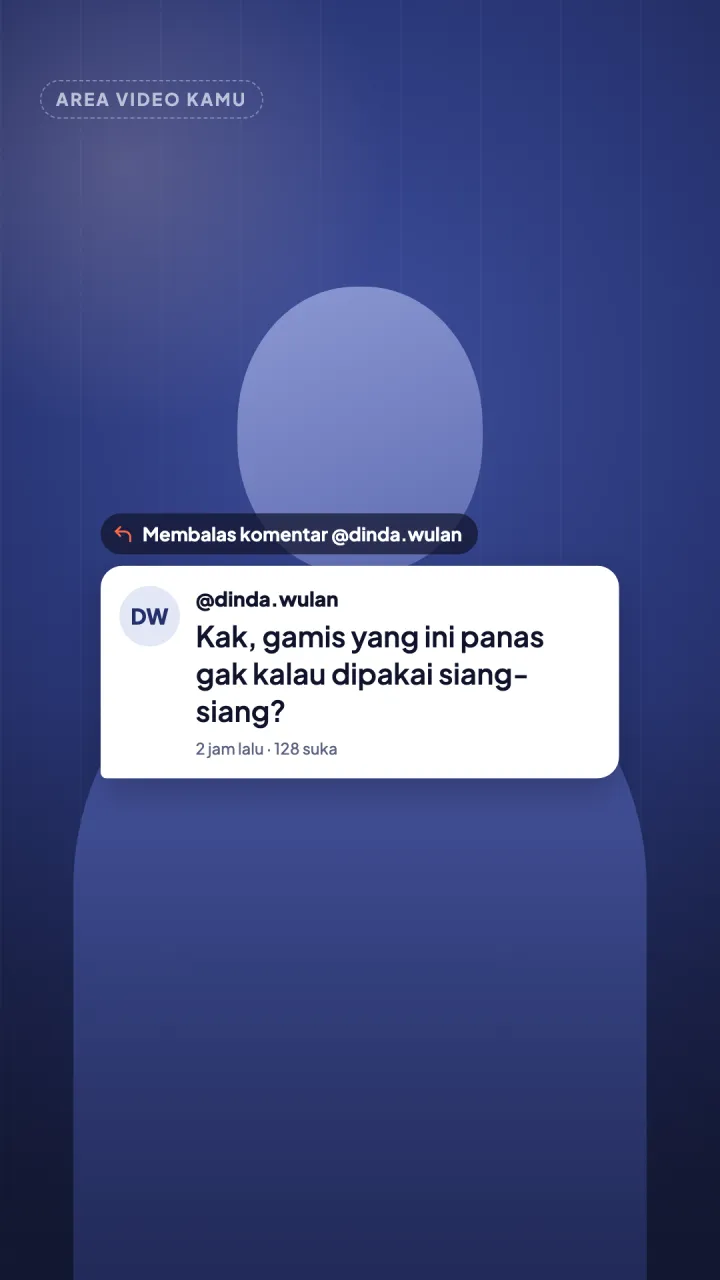
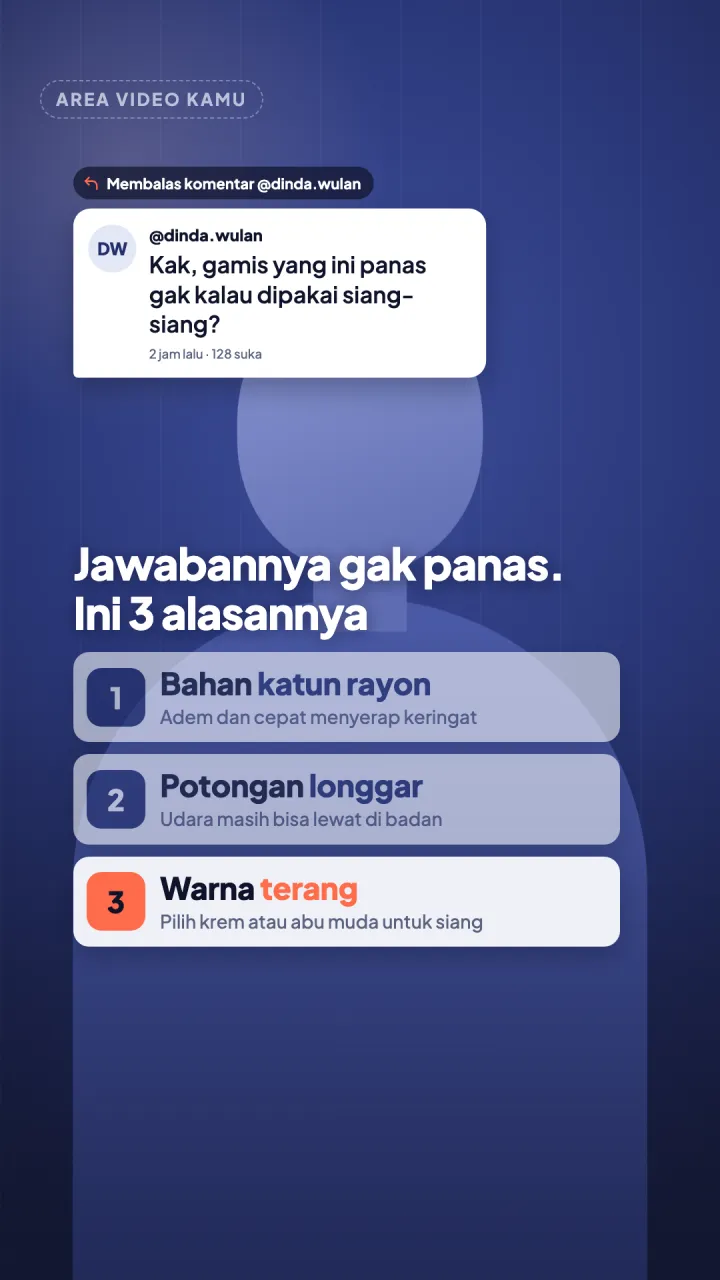
Turn one viewer comment into content: the comment bubble appears large over your talking-head video, then shrinks and pins to the top, while an answer headline and answer points follow in sync with what you say, ending with an invitation to ask more. 9:16 for Reels, TikTok, and Shorts, placed clear of the app's buttons. Try it on a sample backdrop before you even record. You get an upload-ready MP4 with your original audio.
Verified by SkillFlow
We checked every file in this skill automatically: no command that downloads and runs a program, no hidden code, no instruction telling your AI to ignore you.
- Loads from outside
- Fonts: Google Fonts
See the 5 files inside
skill.json8 KBSKILL.md8 KBprompt.md5 KBprompt.en.md6 KBfiles/overlay.html21 KB
Checked 14 Nov 2026
Part of SkillFlow Pro
Pro opens every skill in every category: copy, ZIP, Send to AI, install, save, and request new skills.
Get Pro Already subscribed? Sign inWhat you get
- A 20-40 second answer script from one comment: opener, answer headline, 2-4 points, closer
- A comment bubble (account name, text, small details) that pins to the top once read out
- Numbered answer points in sync with your speech, the current point highlighted in coral
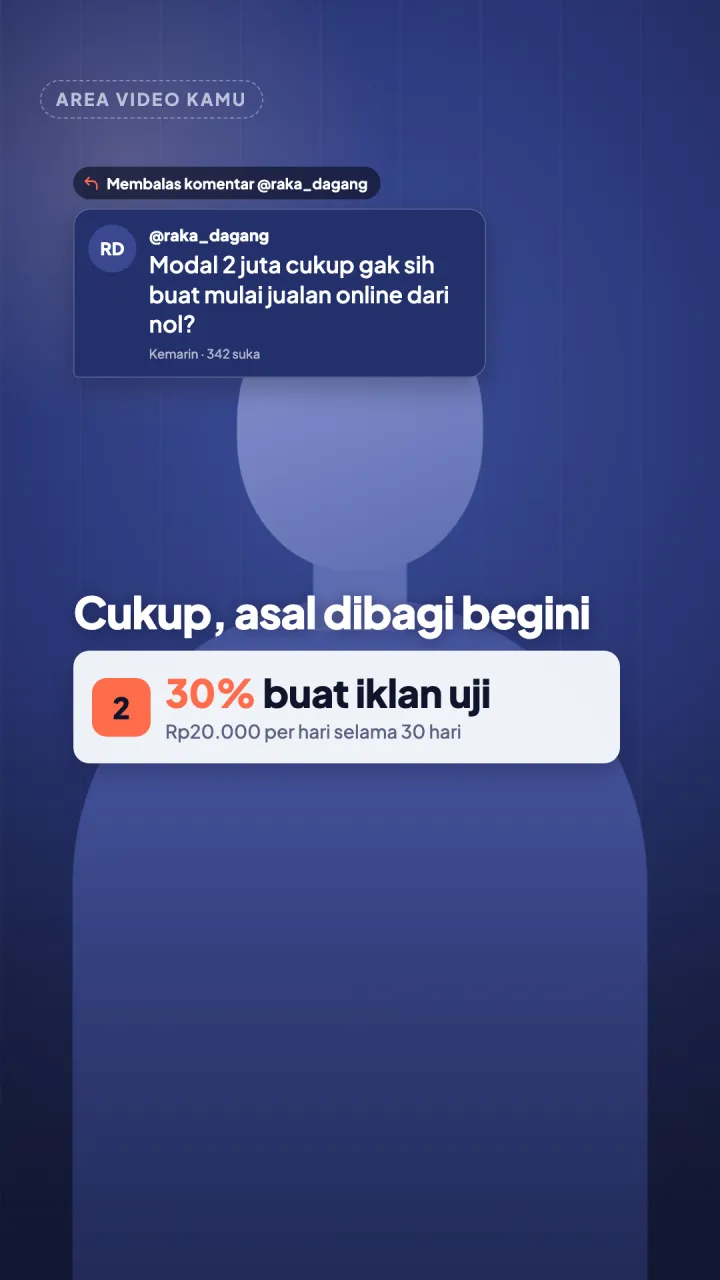
- 2 layouts (stacked or one at a time), 2 card styles (light, dark), bottom or center area
- A 9:16 1080x1920 MP4 over your video, or a green screen version for your video editor
- An HTML template you refill for the next comment
Good fit
- Sellers, creators, and teachers answering comment or DM questions in short videos
- Accounts running a regular reply to comments series with one reusable template
- Sellers turning buyer questions into cheap content ideas
- Teachers explaining an answer in 2 to 4 points
Not for
- It does not fetch comments from the platform; you copy the comment text yourself
- Not a real comment screenshot; the bubble is redrawn in a neutral style
- It does not transcribe, cut, or edit your video
- At most 4 answer points
About this skill
/jawab-komentar-penonton Make a reply to a comment video for a viewer asking whether our chilli sauce is too spicy for kids, 3 answer points, stacked layout, light cards, on top of my clip jawab.mp4
Show more
Turn one viewer comment into content: the comment bubble appears large over your talking-head video, then shrinks and pins to the top, while an answer headline and answer points follow in sync with what you say, ending with an invitation to ask more. 9:16 for Reels, TikTok, and Shorts, placed clear of the app's buttons. Try it on a sample backdrop before you even record. You get an upload-ready MP4 with your original audio.
User reviews
FAQ
The viewer does not want their name shown, what then?
Use a disguised handle, for example loyal.buyer, and change the avatar initials too. It is best to ask the viewer before showing their name.
Stacked or swap layout?
Stacked suits 2 to 4 short points that pile up on screen. Swap shows one big point at a time, which suits longer points or ones with numbers.
My phone video is a .mov file, can I use it?
HEVC video from a phone must be converted to H.264 MP4 first so the browser can play it. Video that is not 9:16 is cropped to the centre.
Which AI can I use it with?
Copy the prompt into a chat AI (ChatGPT, Claude, Gemini, DeepSeek): you get an HTML file; open it in Chrome and press Download MP4 (silent video, a minute or two to render); or download the ZIP and install it in an AI agent (Claude Code, Codex, Antigravity, Hermes Agent, Cursor, GitHub Copilot, Gemini CLI, OpenCode, Kimi Code, Trae), which then builds the files for you.
What is in the ZIP?
One folder named jawab-komentar-penonton with SKILL.md (the instructions an AI agent reads) and the prompt, 5 files in all. Extract it into your agent's skills folder, or install it with npx skillflow-ai add jawab-komentar-penonton. Pro only.
Is there a per-use fee or credits?
Not from SkillFlow. The skill runs on the AI you already use, so any cost follows that plan.
Which plan includes it?
SkillFlow Pro. It opens every skill in every category.
Can I use my own colours and brand?
Yes. Pick a colour theme on this page, or fill in your brand profile once; both go into the prompt you copy and into the ZIP.
Can I share what I made?
Pro members can upload the result and get a page at share.skillflow.ai.id to send to anyone. The page carries a small "Made with SkillFlow AI" mark.
Is there a download limit?
Yes, per day: 50 skills on Pro, 10 on other plans. Downloading a skill again on the same day does not count.



