

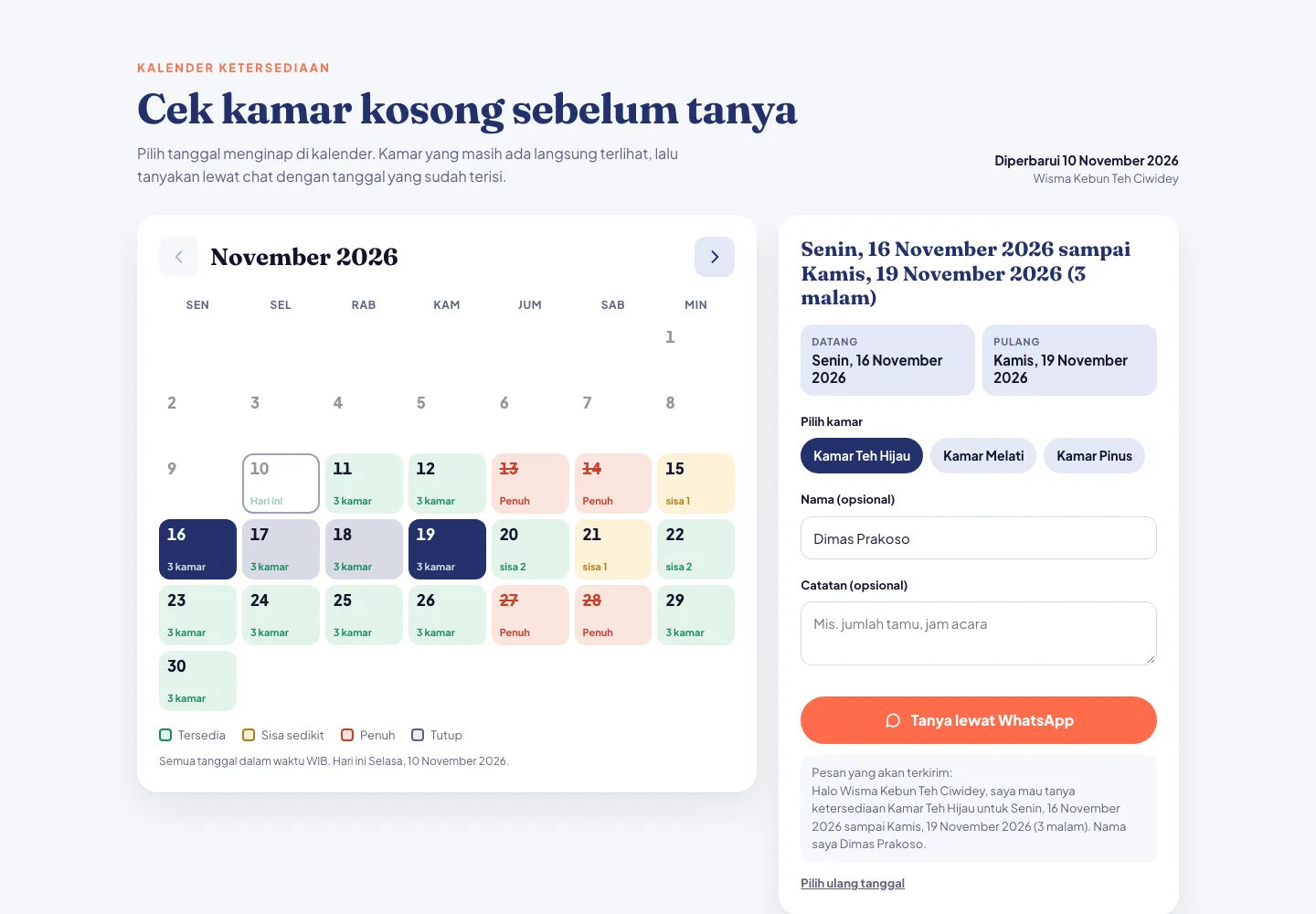
A 3-room homestay: a stay from 16 to 19 November, rooms free on every night can be chosen
SKILL.md contents
Premium subscribers can read, copy, and install this skill.
Unlock with Premium Sign inAvailability Calendar (Section)
Description
A monthly calendar section for businesses that sell dates: homestays, wedding organisers, photographers, and equipment hire. Available, few left, full, and closed dates come from the list you write, with month navigation, optional multiple units, one-date or stay mode, and today in the owner's time zone. Click an open date, pick a unit, and a WhatsApp chat opens with the date already filled in. One responsive HTML file with no server and no API.
Verified by SkillFlow
We checked every file in this skill automatically: no command that downloads and runs a program, no hidden code, no instruction telling your AI to ignore you.
- Loads from outside
- Fonts: Google Fonts
See the 6 files inside
skill.json10 KBSKILL.md7 KBprompt.md6 KBprompt.en.md6 KBfiles/contoh/sewa-tenda-8-set-tanggal-hijau.html26 KBfiles/kalender.html26 KB
Checked 14 Nov 2026
Part of SkillFlow Pro
Pro opens every skill in every category: copy, ZIP, Send to AI, install, save, and request new skills.
Get Pro Already subscribed? Sign inWhat you get
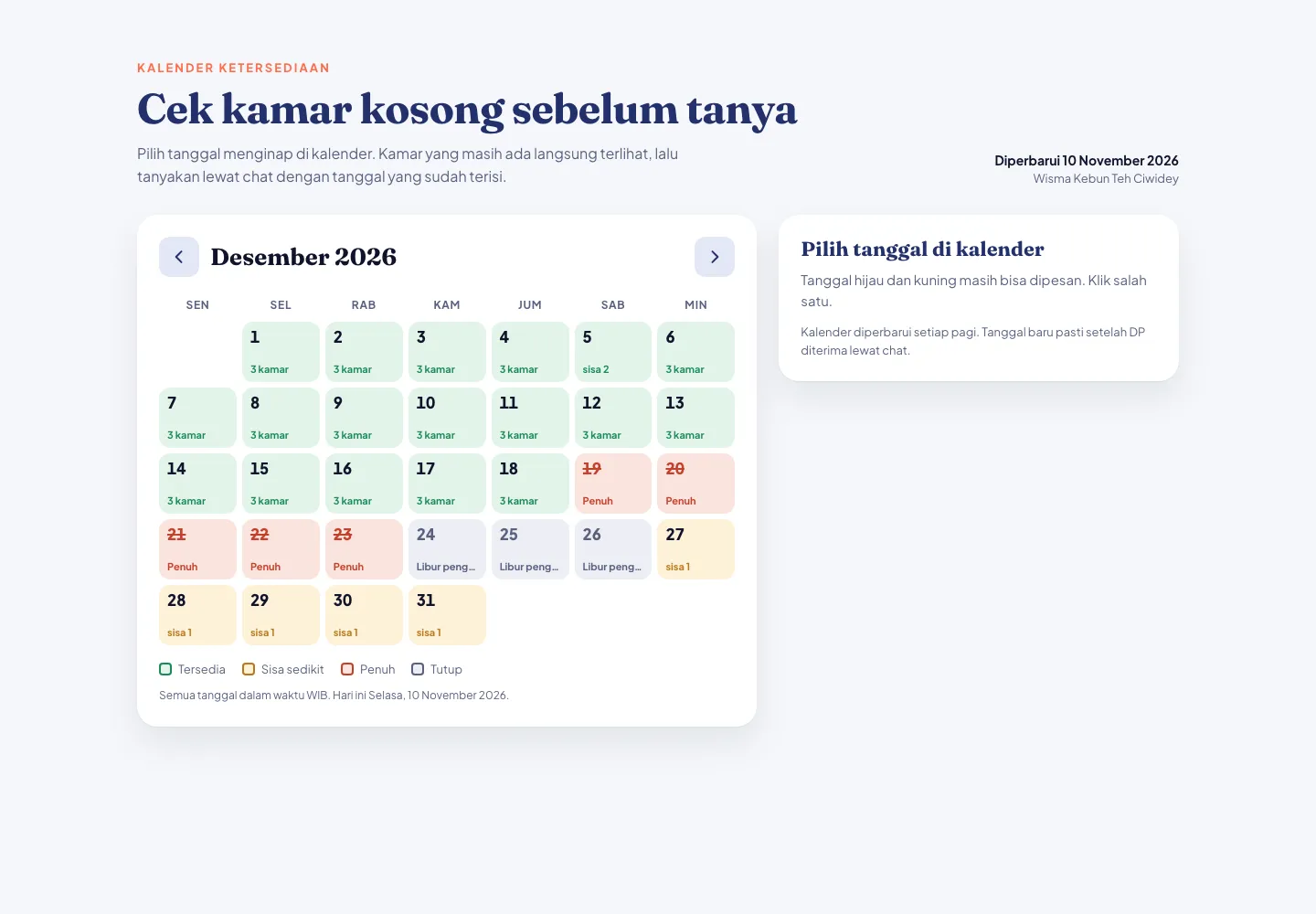
- A monthly calendar with month navigation, a legend, and a time zone line
- Available, few left, full, closed, and past statuses from the owner's pasted list
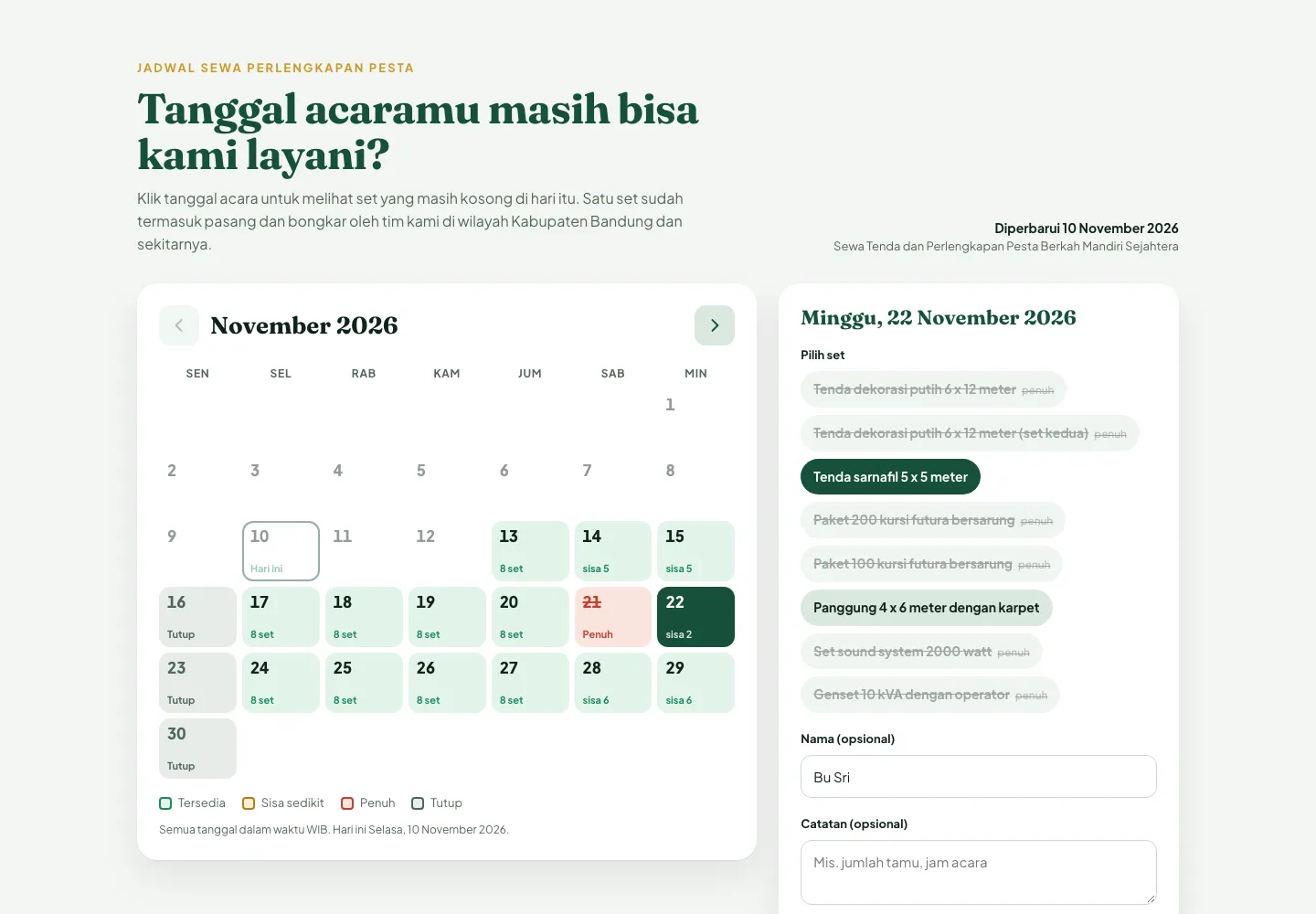
- Optional multiple units with the number left per date, full units struck through
- One-date mode or stay mode (arrival and departure, every night must be free)
- An ask on WhatsApp button with the date, unit, and name filled in
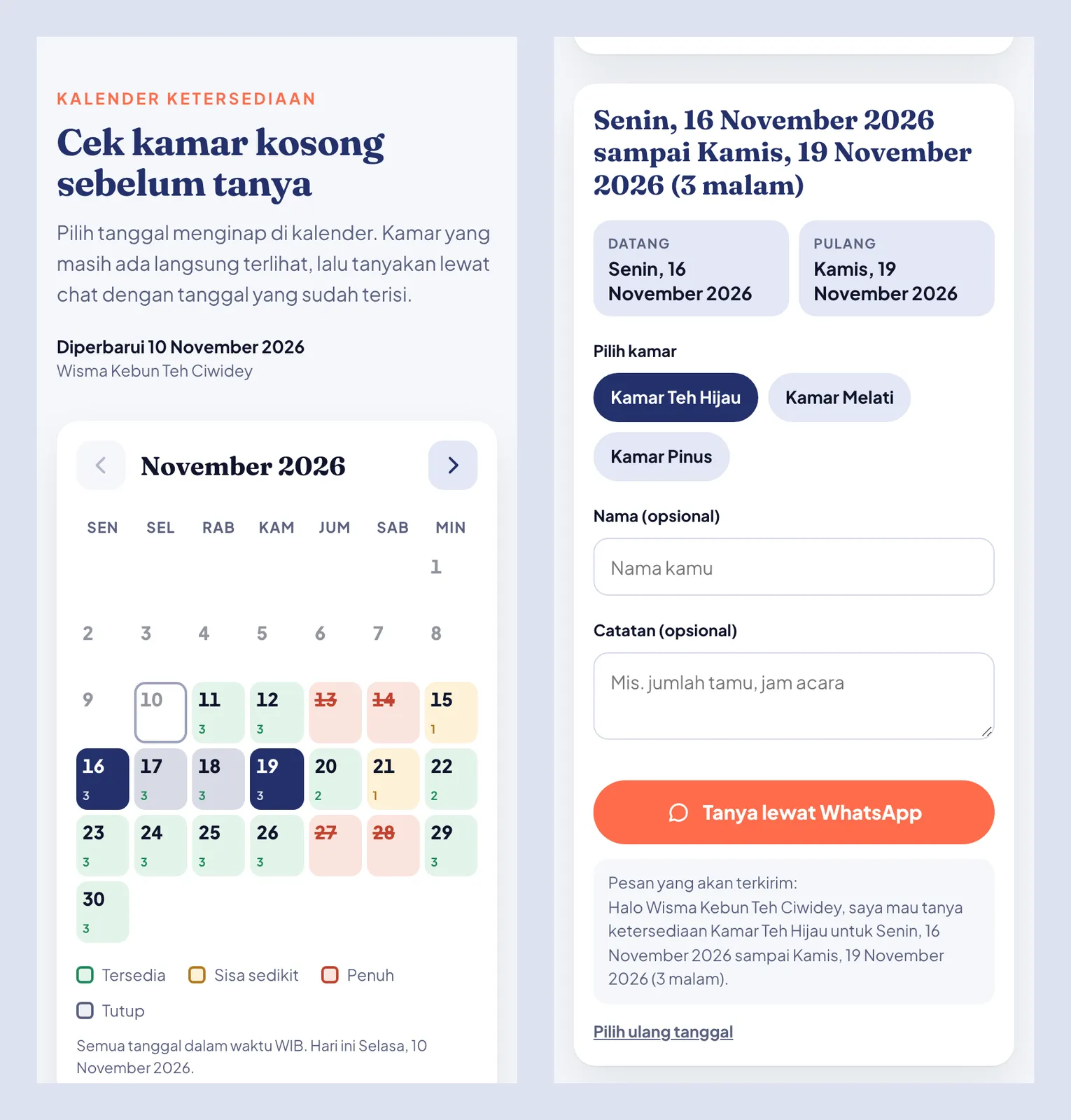
- Today in the owner's zone, weekly closed days, an earliest booking, responsive 320 to 1440 px
Good fit
- Homestays, villas, and small guesthouses with a few rooms
- Wedding organisers, photographers, hosts, and decorators who can take only a few events a day
- Hire of tents, chairs, sound systems, or cars charged by the day
Not for
- It does not take payments or deposits; a date is confirmed only after the owner replies by chat
- It does not sync with calendar apps or booking systems; the taken list is updated by hand
- Not an hourly schedule; use another booking skill for time slots
- It does not show prices
About this skill
/kalender-ketersediaan Make an availability calendar section for my 3-room homestay where guests choose arrival and departure dates and then ask on WhatsApp, using the booked dates I write myself
Show more
A monthly calendar section for businesses that sell dates: homestays, wedding organisers, photographers, and equipment hire. Available, few left, full, and closed dates come from the list you write, with month navigation, optional multiple units, one-date or stay mode, and today in the owner's time zone. Click an open date, pick a unit, and a WhatsApp chat opens with the date already filled in. One responsive HTML file with no server and no API.
User reviews
FAQ
What if someone asks for a date that is already taken?
The calendar only shows the list you write, so update the taken list and the Updated date after every new booking. Full dates cannot be clicked, and visitors still wait for your confirmation by chat.
What is the difference between one-date mode and stay mode?
One-date mode is for services sold by the day, such as wedding organisers or equipment hire. Stay mode is for lodging: guests choose arrival then departure, and only rooms free on every night can be chosen. The departure date may fall on a night that is already full.
Why does today follow the owner's time zone?
So a guest opening it from another zone sees the same day and booking limit as the owner. Dates that have passed or are too close are shown faded.
Which AI can I use it with?
Copy the prompt into a chat AI (ChatGPT, Claude, Gemini, DeepSeek); or download the ZIP and install it in an AI agent (Claude Code, Codex, Antigravity, Hermes Agent, Cursor, GitHub Copilot, Gemini CLI, OpenCode, Kimi Code, Trae), which then builds the files for you.
What is in the ZIP?
One folder named kalender-ketersediaan with SKILL.md (the instructions an AI agent reads) and the prompt, 6 files in all. Extract it into your agent's skills folder, or install it with npx skillflow-ai add kalender-ketersediaan. Pro only.
Is there a per-use fee or credits?
Not from SkillFlow. The skill runs on the AI you already use, so any cost follows that plan.
Which plan includes it?
SkillFlow Pro. It opens every skill in every category.
Can I use my own colours and brand?
Yes. Pick a colour theme on this page, or fill in your brand profile once; both go into the prompt you copy and into the ZIP.
Can I share what I made?
Pro members can upload the result and get a page at share.skillflow.ai.id to send to anyone. The page carries a small "Made with SkillFlow AI" mark.
Is there a download limit?
Yes, per day: 50 skills on Pro, 10 on other plans. Downloading a skill again on the same day does not count.



