

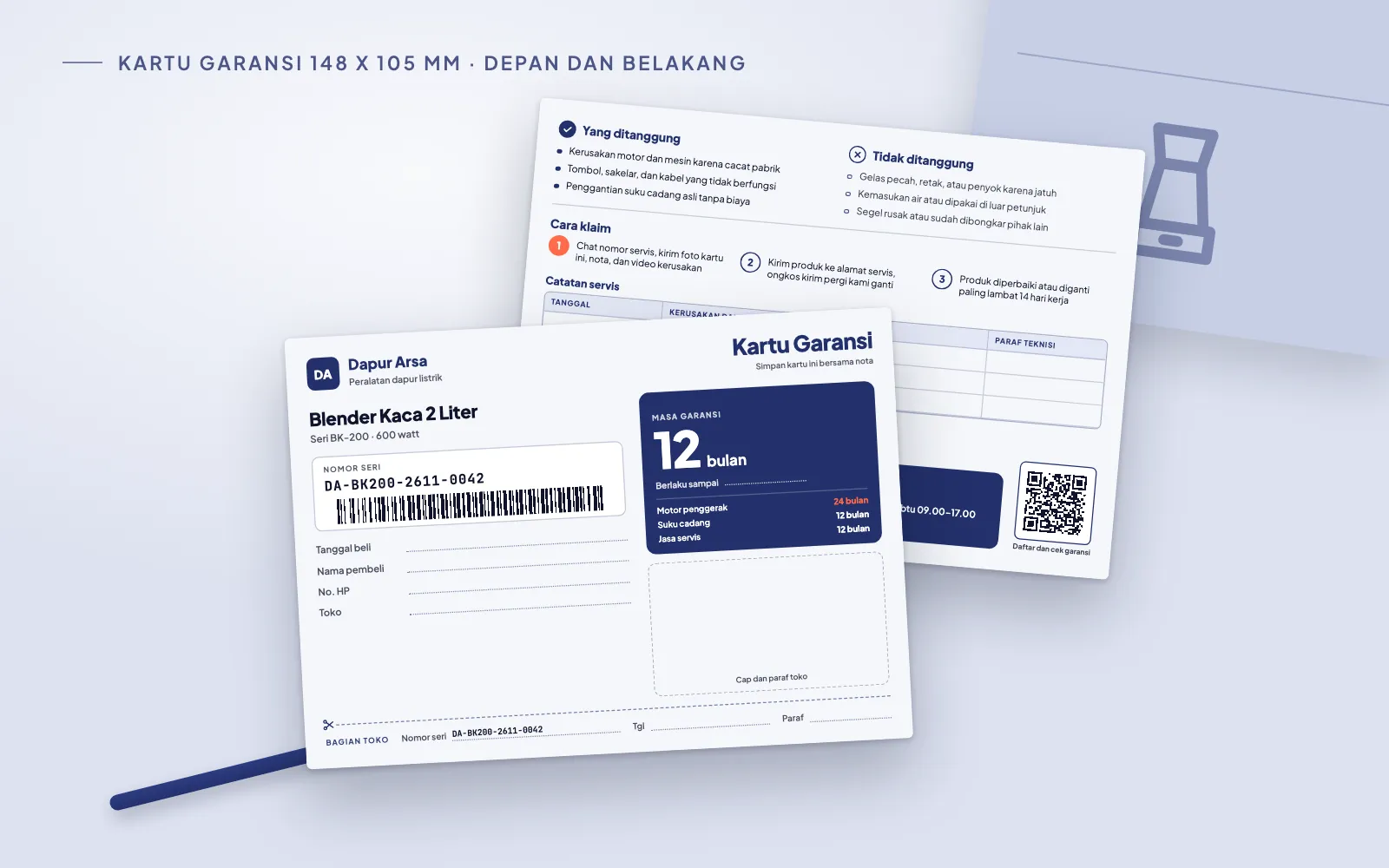
A6 card mockup, front and back, beside the product box
SKILL.md contents
Premium subscribers can read, copy, and install this skill.
Unlock with Premium Sign inProduct Warranty Card
Description
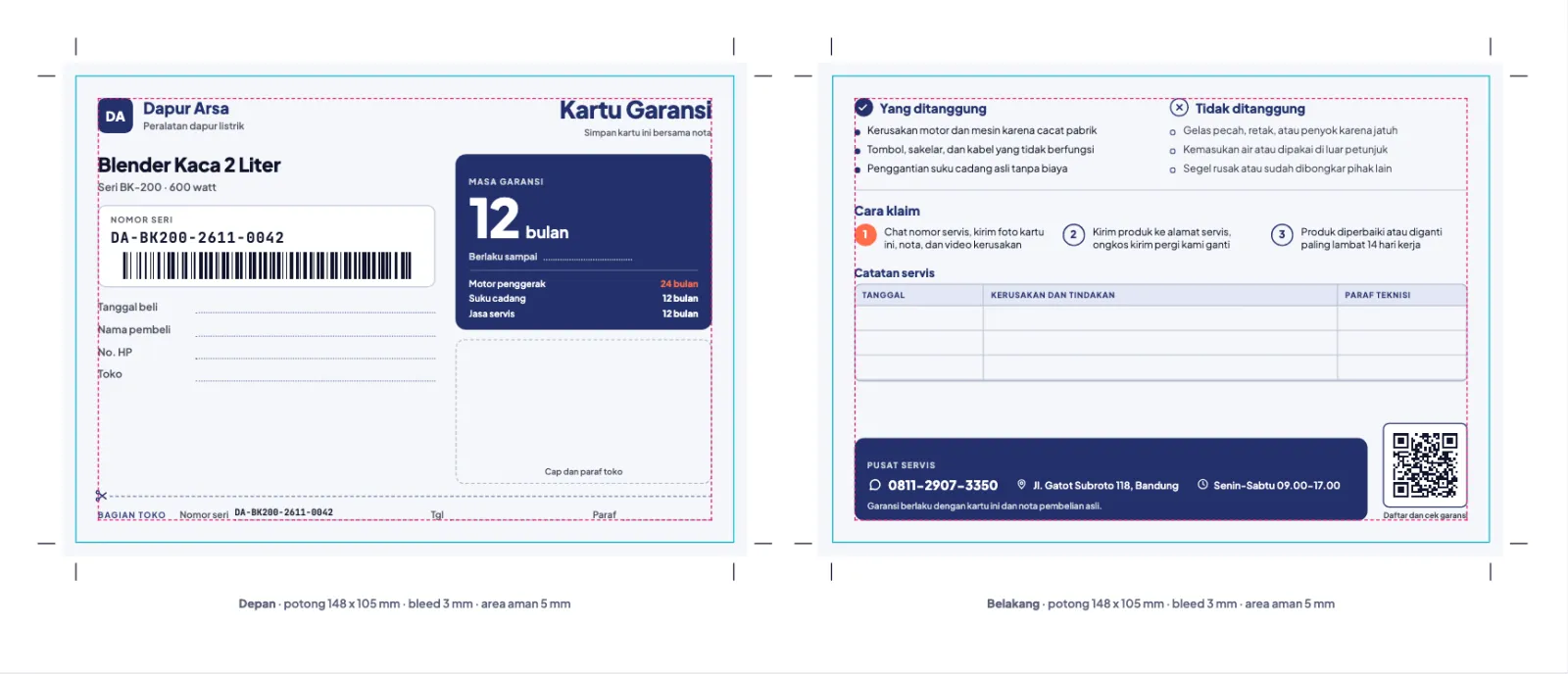
A print-ready warranty card for electronics, home appliances, and furniture. Front: product name and model, a serial number with a scannable barcode (or blank boxes to fill in by hand), a large warranty period with the end date worked out from the purchase date, coverage periods per part, buyer fields, a store stamp box, and a store stub to tear off. Back: what is and is not covered, numbered claim steps, a service log table, the service centre, and a QR code to the warranty check page. A6, DL, or a 90 x 55 mm card, print files with bleed and crop marks, plus a mockup.
Verified by SkillFlow
We checked every file in this skill automatically: no command that downloads and runs a program, no hidden code, no instruction telling your AI to ignore you.
- Loads from outside
- Fonts: Google Fonts
See the 5 files inside
skill.json10 KBSKILL.md8 KBprompt.md3 KBprompt.en.md3 KBfiles/kartu-garansi.html40 KB
Checked 14 Nov 2026
Included in Basic and Pro
Basic copies the prompt. Pro also downloads the ZIP, sends to AI, installs into agents, and opens every category.
Get Pro Get Basic Already subscribed? Sign inWhat you get
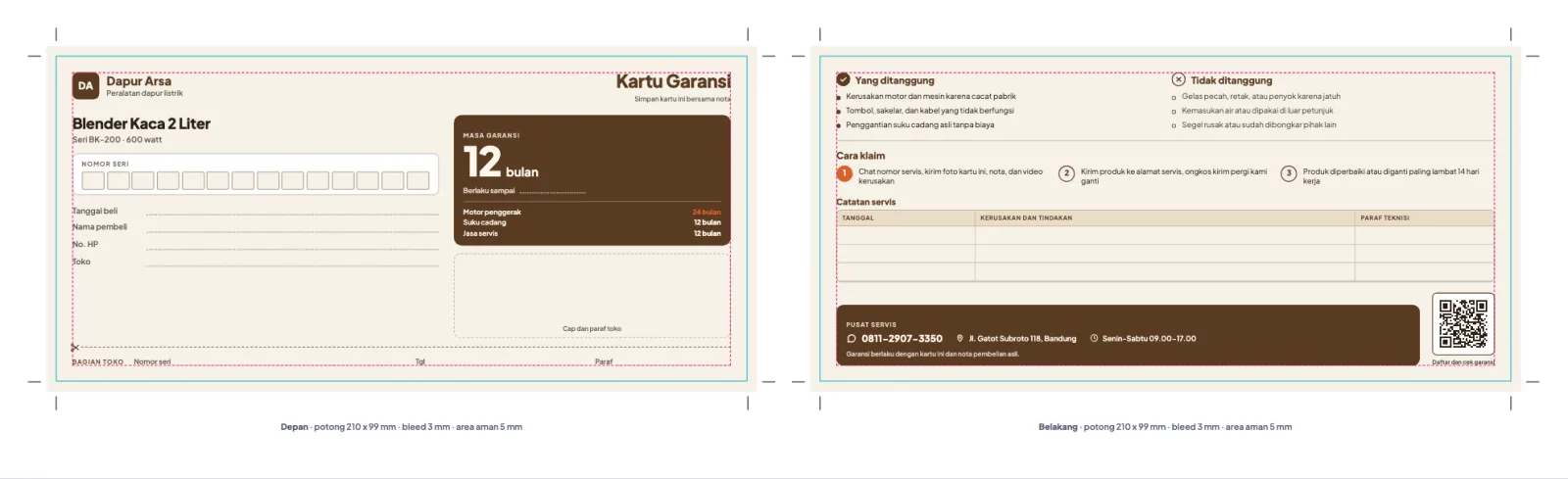
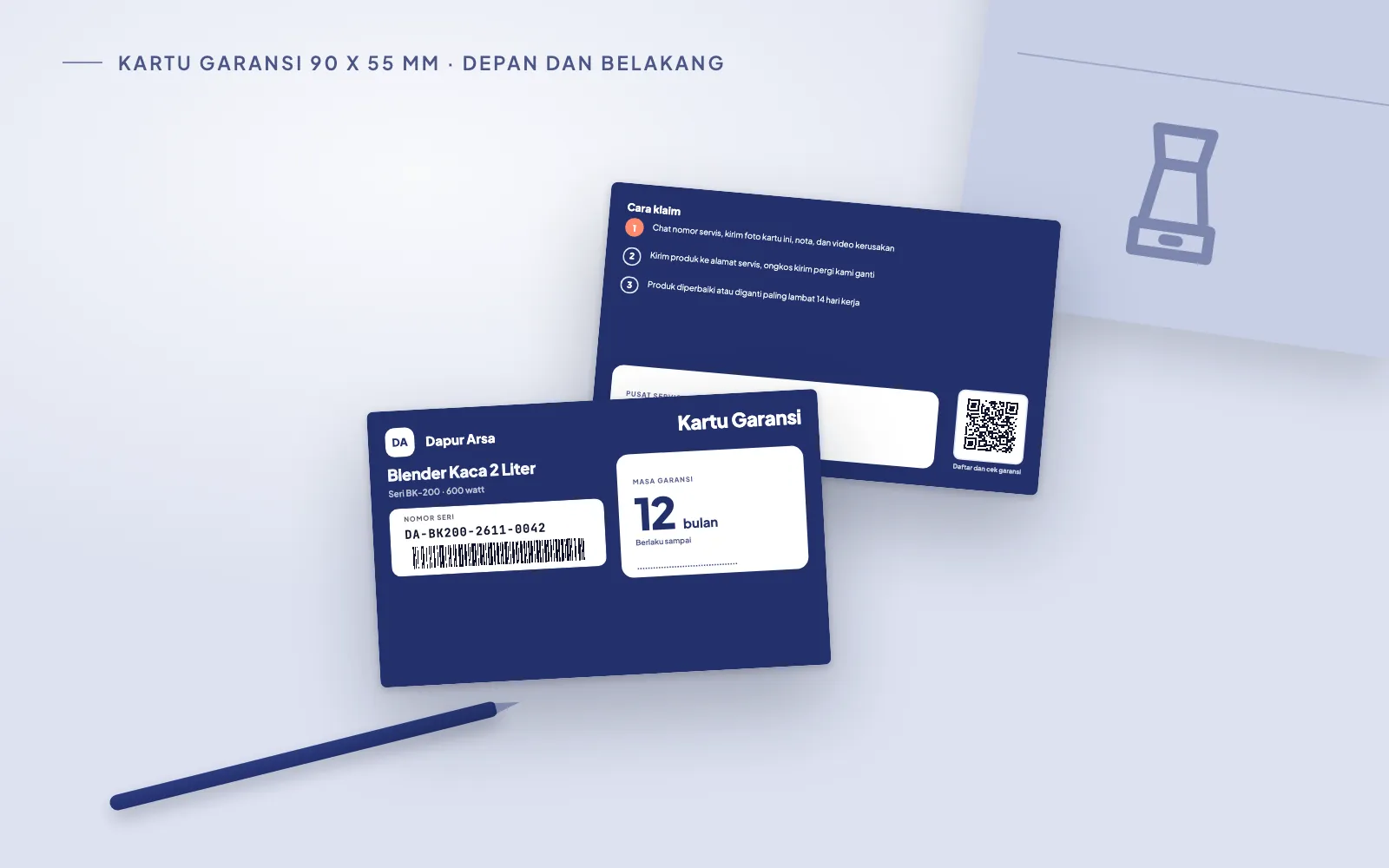
- A front and back card in A6 (148 x 105 mm), DL (210 x 99 mm), or a 90 x 55 mm card
- A serial number with a scannable Code 128 barcode, or blank boxes to fill in by hand
- A large warranty period, an end date worked out from the purchase date, and periods per part
- Buyer fields, a store stamp and initials box, and a store stub with a scissor line
- What is and is not covered, claim steps, a service log table, the service centre, and a warranty check QR code
- Print files with 3 mm bleed, crop marks, and a safe area; 300 dpi PNG or PDF, plus a 1600x1000 mockup
- 3 palettes (paper, night, wood) and an automatic check for text that does not fit
Good fit
- Sellers of electronics, kitchen appliances, and furniture who offer their own warranty
- Shops that want tidy warranty claims: serial number, purchase date, and service log on one card
- Small makers who print a warranty card for every unit
Not for
- The warranty terms must be your own; the template does not decide what is covered
- Not a warranty registration system: the QR code only opens the page you set up
- Sequential serial numbers are printed one at a time through a parameter, not from an automatic list
About this skill
/kartu-garansi-produk Make a print-ready warranty card for our blender: 12 months warranty, 24 months on the motor, a barcoded serial number, claim steps by chat, and a QR code to the warranty check page
Show more
A print-ready warranty card for electronics, home appliances, and furniture. Front: product name and model, a serial number with a scannable barcode (or blank boxes to fill in by hand), a large warranty period with the end date worked out from the purchase date, coverage periods per part, buyer fields, a store stamp box, and a store stub to tear off. Back: what is and is not covered, numbered claim steps, a service log table, the service centre, and a QR code to the warranty check page. A6, DL, or a 90 x 55 mm card, print files with bleed and crop marks, plus a mockup.
User reviews
FAQ
Can the serial number barcode be scanned?
Yes. It uses the Code 128 standard that checkout scanners and phone scanner apps read. If serials are handwritten, leave the number empty and the card shows boxes instead.
How do I print a different serial for every unit?
Pass the number through the seri parameter in the file address and export one file per number with a simple loop. There is an example in SKILL.md.
Where does the warranty end date come from?
From the purchase date you enter plus the warranty period. If cards are printed before sale, leave the purchase date empty and the card shows a line for the shop to fill in.
Which AI can I use it with?
Copy the prompt into a chat AI (ChatGPT, Claude, Gemini, DeepSeek); or download the ZIP and install it in an AI agent (Claude Code, Codex, Antigravity, Hermes Agent, Cursor, GitHub Copilot, Gemini CLI, OpenCode, Kimi Code, Trae), which then builds the files for you.
What is in the ZIP?
One folder named kartu-garansi-produk with SKILL.md (the instructions an AI agent reads) and the prompt, 5 files in all. Extract it into your agent's skills folder, or install it with npx skillflow-ai add kartu-garansi-produk. Pro only.
Is there a per-use fee or credits?
Not from SkillFlow. The skill runs on the AI you already use (and, for image prompts, the image AI you pick), so any cost follows that plan.
Which plan includes it?
Basic and Pro. Basic copies the prompt; Pro also downloads the ZIP, sends to AI, installs into agents and shares results by link.
Can I use my own colours and brand?
Yes. Pick a colour theme on this page, or fill in your brand profile once; both go into the prompt you copy and into the ZIP.
Can I share what I made?
Pro members can upload the result and get a page at share.skillflow.ai.id to send to anyone. The page carries a small "Made with SkillFlow AI" mark.
Is there a download limit?
Yes, per day: 50 skills on Pro, 10 on other plans. Downloading a skill again on the same day does not count.



