

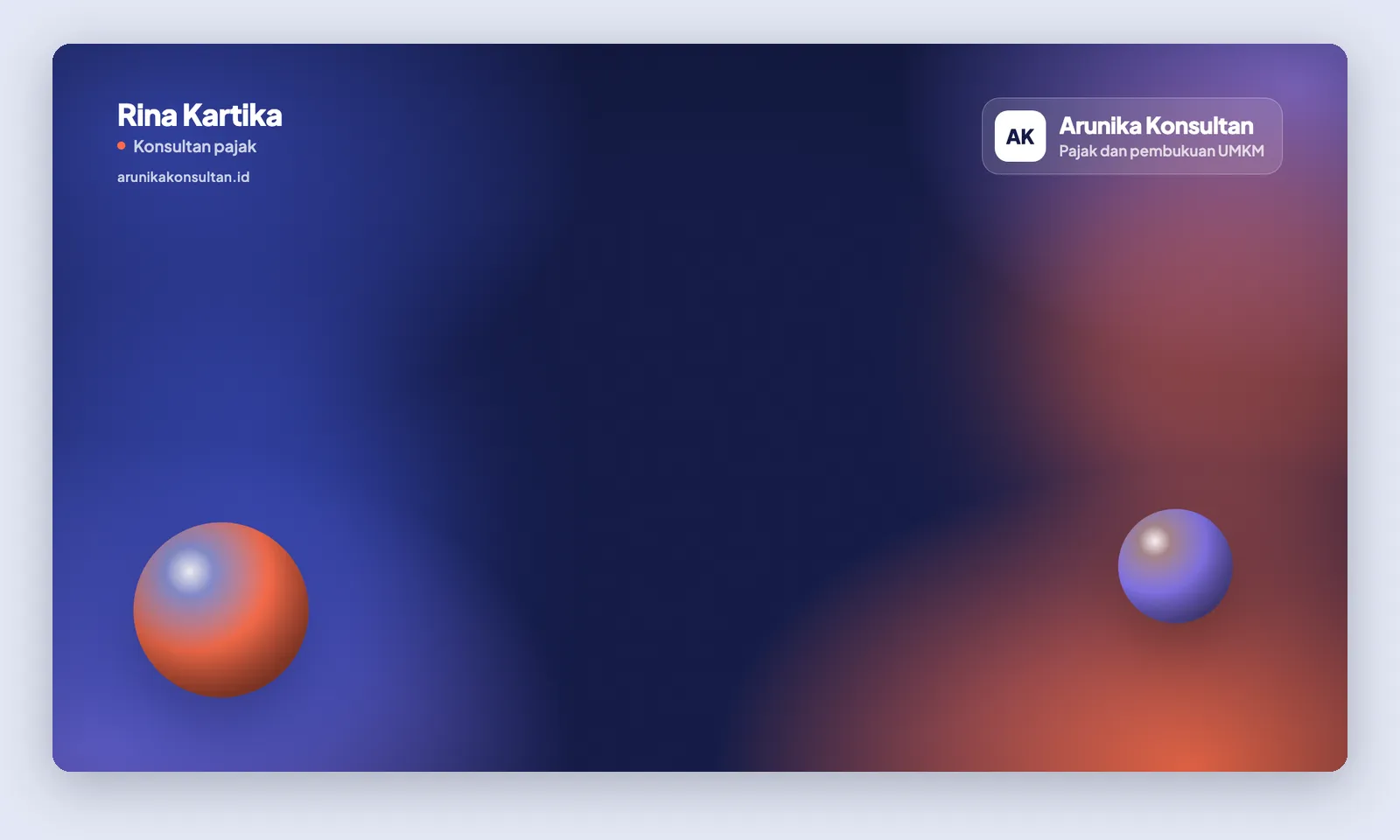
Glowing gradient style: name card top left, logo top right, the centre left clear for the face
SKILL.md contents
Premium subscribers can read, copy, and install this skill.
Unlock with Premium Sign inVirtual Meeting Background
Description
A 1920x1080 virtual background for meetings and online classes, with the logo and a name card in a top band away from the head and shoulders so the body never covers them. Three styles from one set of content: a glowing mesh gradient with glass orbs, frosted glass panels, or a softly blurred workspace illustration, plus four palettes. A guide mode shows the safe areas and a person silhouette, and you can use your own room photo or an AI image instead. Exported to PNG from one HTML template.
Verified by SkillFlow
We checked every file in this skill automatically: no command that downloads and runs a program, no hidden code, no instruction telling your AI to ignore you.
- Loads from outside
- Fonts: Google Fonts
See the 5 files inside
skill.json7 KBSKILL.md5 KBprompt.md3 KBprompt.en.md3 KBfiles/latar.html17 KB
Checked 14 Nov 2026
Included in Basic and Pro
Basic copies the prompt. Pro also downloads the ZIP, sends to AI, installs into agents, and opens every category.
Get Pro Get Basic Already subscribed? Sign inWhat you get
- A 1920x1080 (16:9) PNG background, or 3840x2160 with a scale 2 render
- A brand logo or monogram and a name card (name, role, website) in the top band, left or right
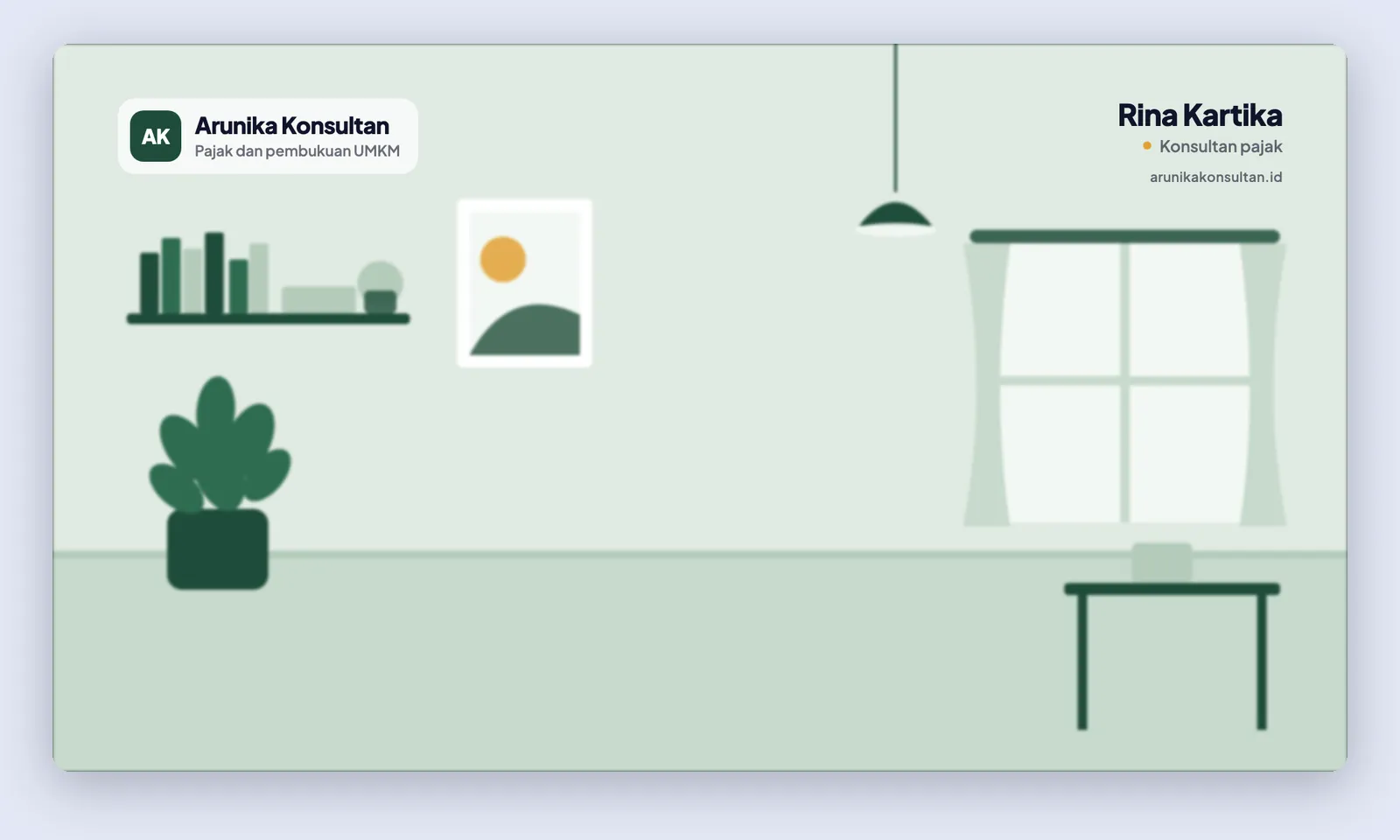
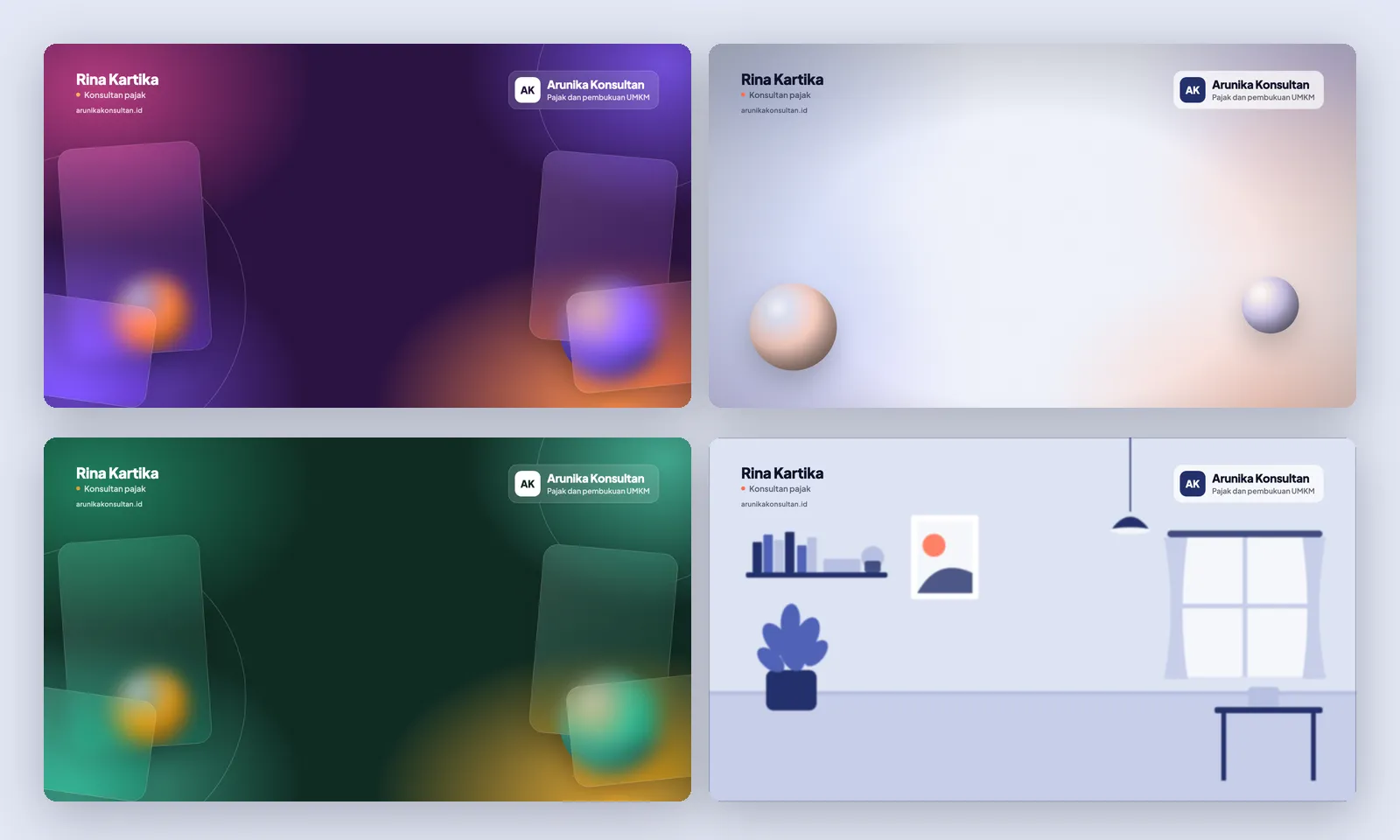
- 3 styles: glowing gradient, frosted glass panels, a layered blurred workspace illustration
- 4 palettes (indigo, dusk, forest, light) and support for your own background photo with blur
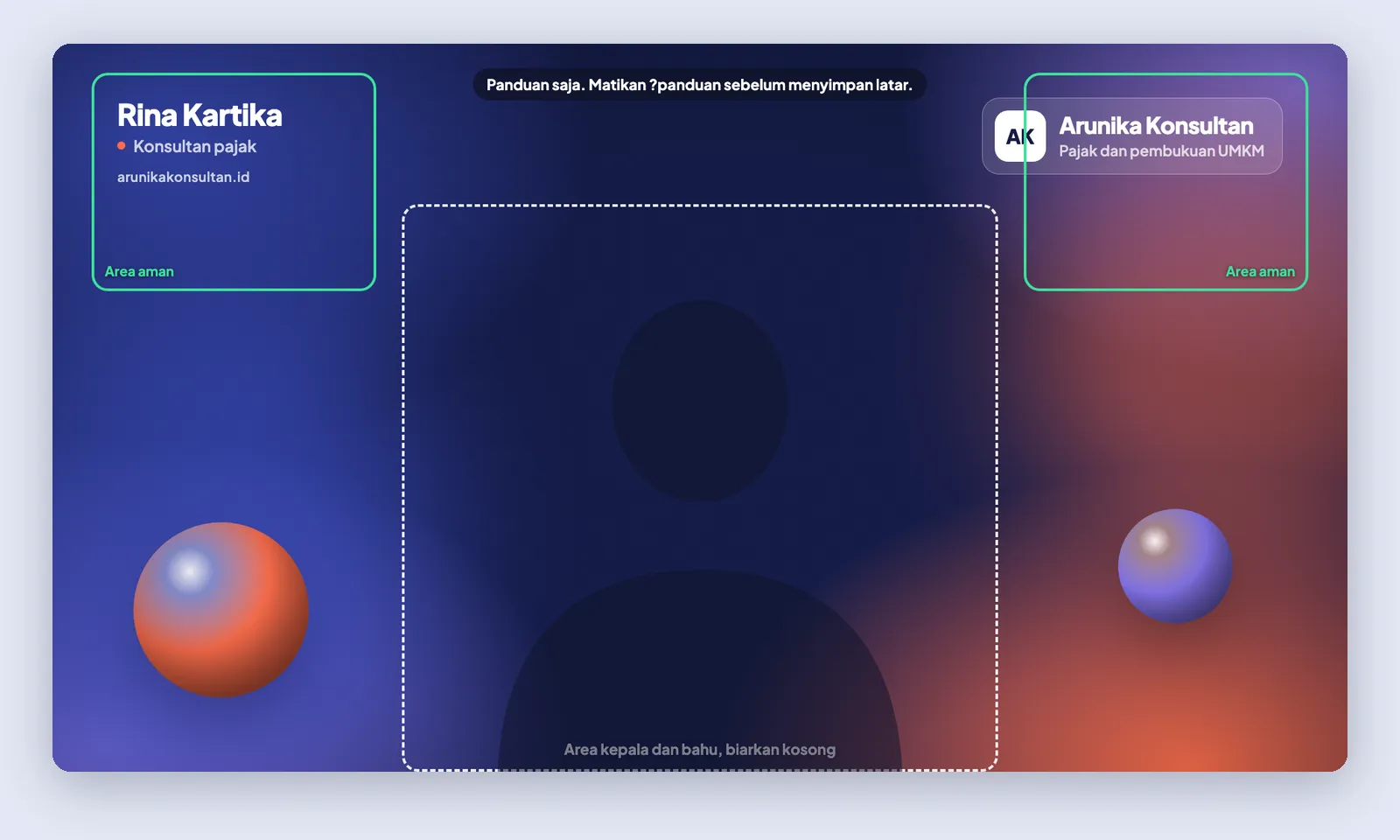
- A guide mode ?panduan=1: the head and shoulder area to keep empty and the safe areas for text
- AI image prompts for a photo-realistic workspace background without any text
- Setup notes: size, the mirrored self view, and a readability check while in use
Good fit
- Consultants, coaches, and teachers who often meet or teach online
- Office teams wanting matching backgrounds with each person's name
- Anyone wanting to look polished without showing their real room
Not for
- Not an event announcement poster with a schedule and sign-up button
- It does not install the background in your meeting app; you upload it
- The middle is deliberately almost empty, so it doesn't suit long information
About this skill
/latar-virtual-meeting Make a virtual meeting background for the Amanah Tax Consultants team: logo top left, a name card for Sinta Wardhani, Tax Consultant, in an indigo frosted glass style
Show more
A 1920x1080 virtual background for meetings and online classes, with the logo and a name card in a top band away from the head and shoulders so the body never covers them. Three styles from one set of content: a glowing mesh gradient with glass orbs, frosted glass panels, or a softly blurred workspace illustration, plus four palettes. A guide mode shows the safe areas and a person silhouette, and you can use your own room photo or an AI image instead. Exported to PNG from one HTML template.
User reviews
FAQ
Why are the logo and name in the top band?
The middle and bottom are covered by your head and shoulders in use. Guide mode ?panduan=1 shows the area that must stay clear and the safe text zone.
Why does the text look reversed on my screen?
Many meeting apps mirror your own camera preview, while others see it normally. Check from another participant's view or turn off mirroring in settings.
Which AI can I use it with?
Copy the prompt into a chat AI (ChatGPT, Claude, Gemini, DeepSeek); or download the ZIP and install it in an AI agent (Claude Code, Codex, Antigravity, Hermes Agent, Cursor, GitHub Copilot, Gemini CLI, OpenCode, Kimi Code, Trae), which then builds the files for you.
What is in the ZIP?
One folder named latar-virtual-meeting with SKILL.md (the instructions an AI agent reads) and the prompt, 5 files in all. Extract it into your agent's skills folder, or install it with npx skillflow-ai add latar-virtual-meeting. Pro only.
Is there a per-use fee or credits?
Not from SkillFlow. The skill runs on the AI you already use (and, for image prompts, the image AI you pick), so any cost follows that plan.
Which plan includes it?
Basic and Pro. Basic copies the prompt; Pro also downloads the ZIP, sends to AI, installs into agents and shares results by link.
Can I use my own colours and brand?
Yes. Pick a colour theme on this page, or fill in your brand profile once; both go into the prompt you copy and into the ZIP.
Can I share what I made?
Pro members can upload the result and get a page at share.skillflow.ai.id to send to anyone. The page carries a small "Made with SkillFlow AI" mark.
Is there a download limit?
Yes, per day: 50 skills on Pro, 10 on other plans. Downloading a skill again on the same day does not count.



