

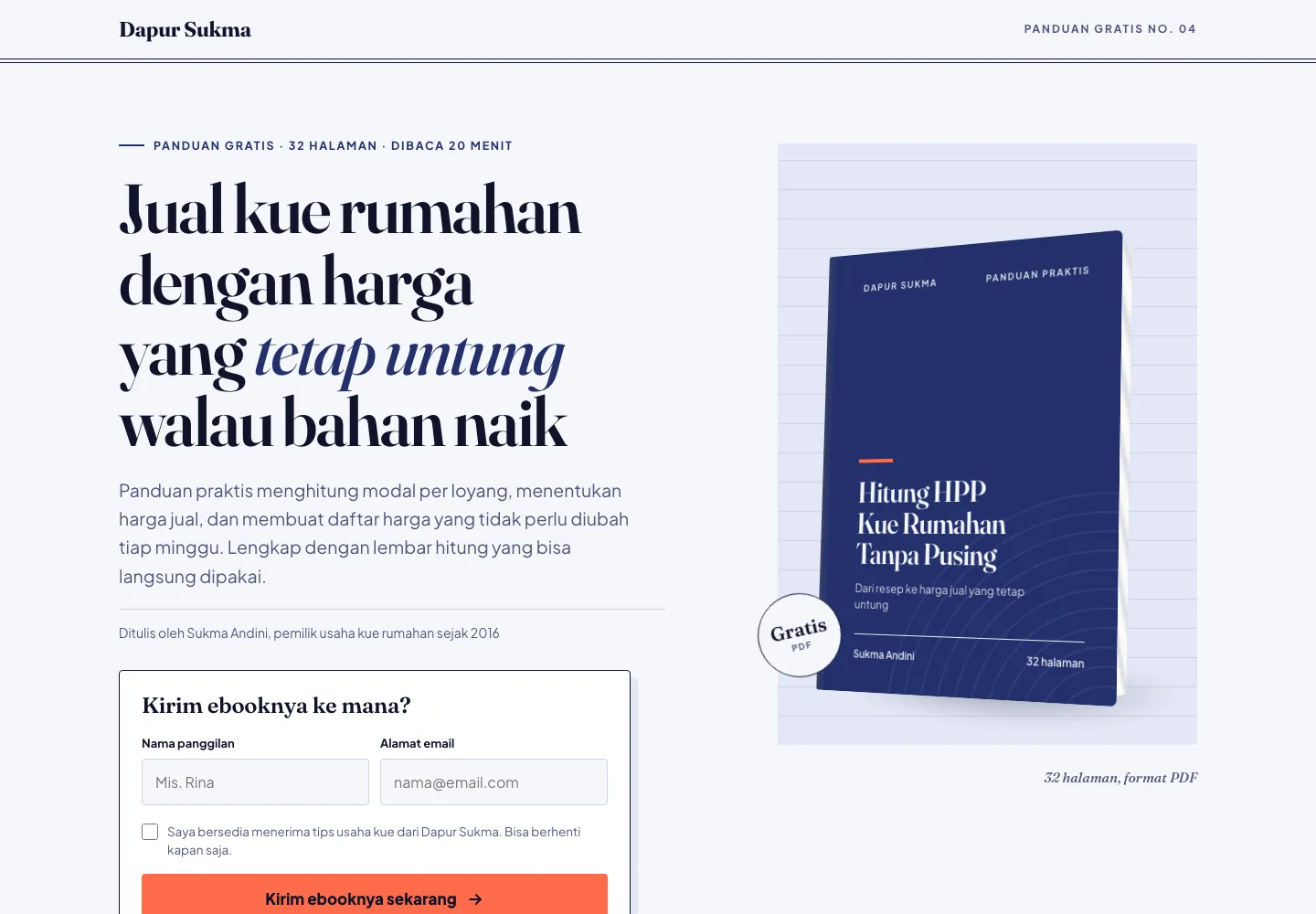
Magazine-style hero with a CSS ebook cover mockup and the form
SKILL.md contents
Register for free, then open this skill. Already registered? Sign in.
Get free access Sign inFree Ebook Lead Magnet Page
Description
A one-file, magazine-style opt-in page for giving away a free ebook: a large serif headline, an ebook cover mockup drawn in CSS (no image file), a numbered table of contents, a name plus email or WhatsApp form, short proof, FAQ, and a thank-you page. The form connects to any email or CRM service through a form address, an endpoint, or WhatsApp.
Verified by SkillFlow
We checked every file in this skill automatically: no command that downloads and runs a program, no hidden code, no instruction telling your AI to ignore you.
- Loads from outside
- Fonts: Google Fonts
See the 5 files inside
skill.json9 KBSKILL.md8 KBprompt.md6 KBprompt.en.md6 KBfiles/ebook.html35 KB
Checked 14 Nov 2026
Get this skill for free
A free account opens every free skill. Premium unlocks everything.
Get free access I already have an accountWhat you get
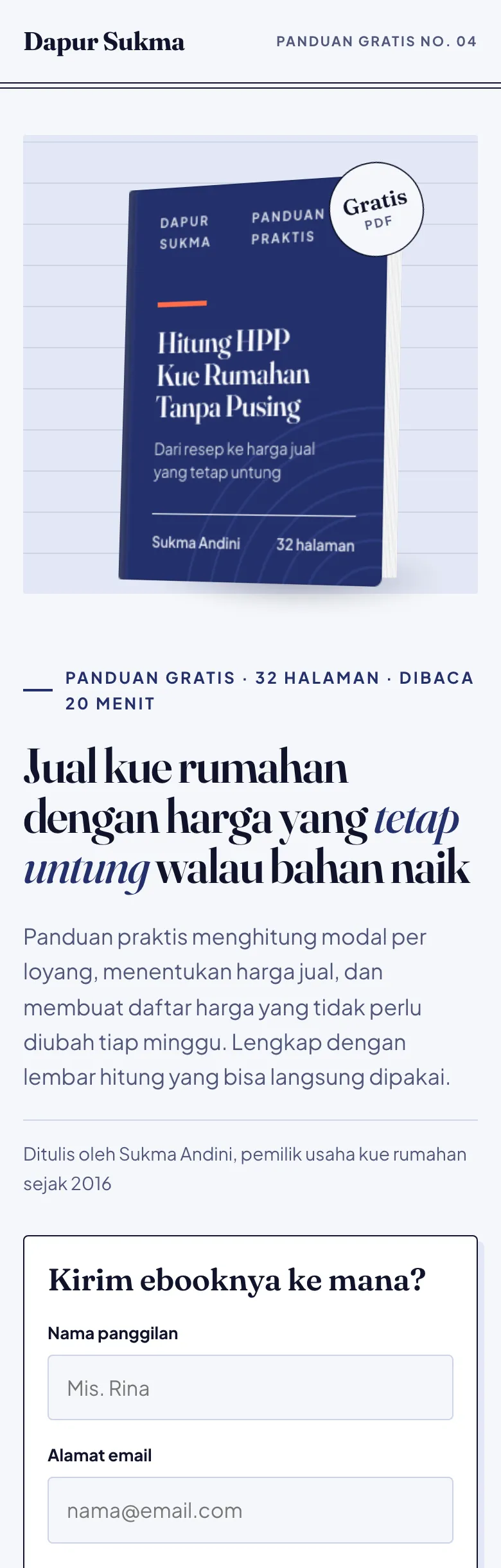
- A one-file HTML opt-in page, responsive on desktop and phone, no build step
- A 3D ebook cover mockup in pure CSS, title and author taken from the config
- A name + email, WhatsApp, or both form, with validation and clear error messages
- 4 ways to submit: a plain form post to an email service, a background endpoint, WhatsApp, or demo mode
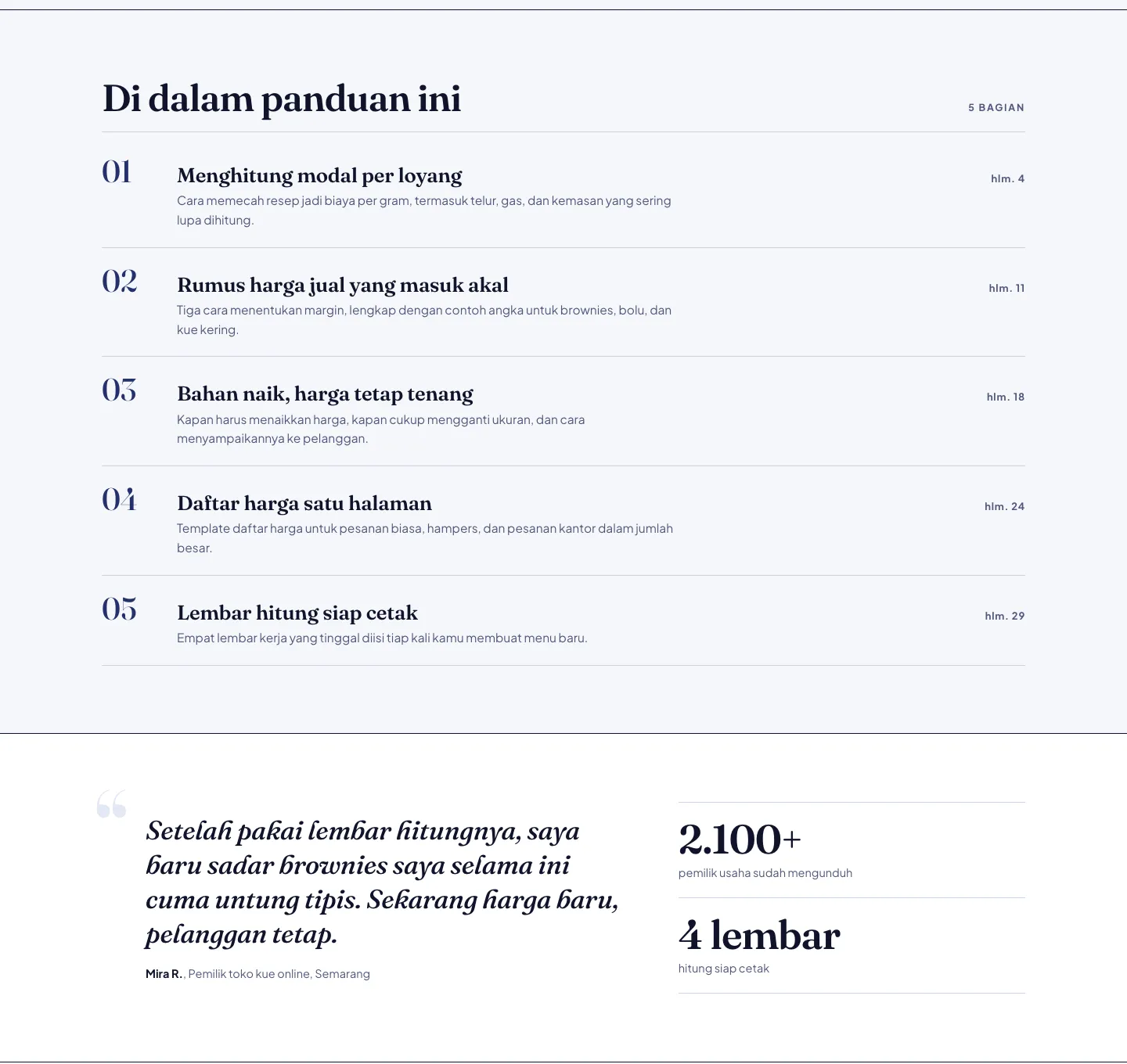
- A numbered table of contents, a reader quote, proof numbers, and a short FAQ
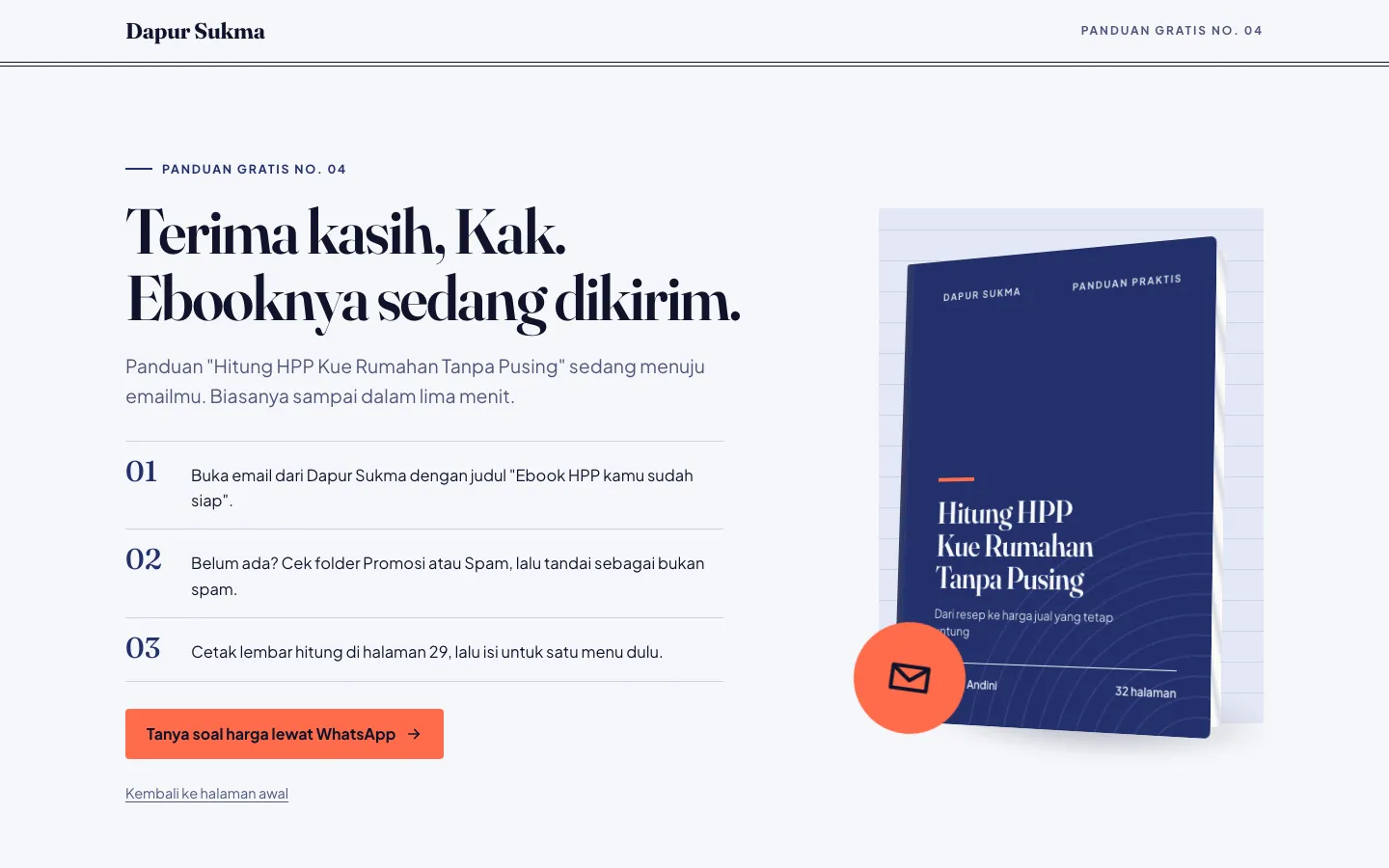
- A built-in thank-you page (also via #terima-kasih) with next steps and a download button
Good fit
- Writers or teachers giving away ebooks, PDF guides, checklists, or templates
- Ad landing pages or link in bio pages for free material
- The start of a funnel before a paid course or product
- Businesses collecting email, WhatsApp, or both
Not for
- Not a sales page for a paid product
- It does not write the ebook; you prepare the ebook and its download file
- It does not store contacts itself; data goes to your email service, endpoint, or WhatsApp
- It does not invent reader quotes or download numbers
About this skill
/lead-magnet-ebook-gratis Build a lead magnet page for a free 32 page ebook on costing for food businesses, a name and email form posting to my email service's embed form, and a thank you page with a download button
Show more
A one-file, magazine-style opt-in page for giving away a free ebook: a large serif headline, an ebook cover mockup drawn in CSS (no image file), a numbered table of contents, a name plus email or WhatsApp form, short proof, FAQ, and a thank-you page. The form connects to any email or CRM service through a form address, an endpoint, or WhatsApp.
User reviews
FAQ
How do I connect the form to my email service?
Open your service's embed form code and copy the action address, the field names for name, email, and number, and any required hidden fields. Set the success page to this page's address plus #terima-kasih.
Do I need to make a cover mockup image?
No. The 3D ebook cover is drawn in CSS from the title and author name in the settings. Keep the ebook title to 7 words or fewer so it fits on the cover.
Which delivery modes are available?
Four: a standard form post to your email service, a background endpoint, WhatsApp, or demo mode. Send one test entry and confirm it arrives in your service before sharing.
Which AI can I use it with?
Copy the prompt into a chat AI (ChatGPT, Claude, Gemini, DeepSeek); or download the ZIP and install it in an AI agent (Claude Code, Codex, Antigravity, Hermes Agent, Cursor, GitHub Copilot, Gemini CLI, OpenCode, Kimi Code, Trae), which then builds the files for you.
What is in the ZIP?
One folder named lead-magnet-ebook-gratis with SKILL.md (the instructions an AI agent reads) and the prompt, 5 files in all. Extract it into your agent's skills folder, or install it with npx skillflow-ai add lead-magnet-ebook-gratis.
Is there a per-use fee or credits?
Not from SkillFlow. The skill runs on the AI you already use, so any cost follows that plan.
Is this skill free?
Yes. Create a free account, then press Open access.
Can I use my own colours and brand?
Yes. Pick a colour theme on this page, or fill in your brand profile once; both go into the prompt you copy and into the ZIP.
Can I share what I made?
Pro members can upload the result and get a page at share.skillflow.ai.id to send to anyone. The page carries a small "Made with SkillFlow AI" mark.
Is there a download limit?
Yes, per day: 50 skills on Pro, 10 on other plans. Downloading a skill again on the same day does not count.



