

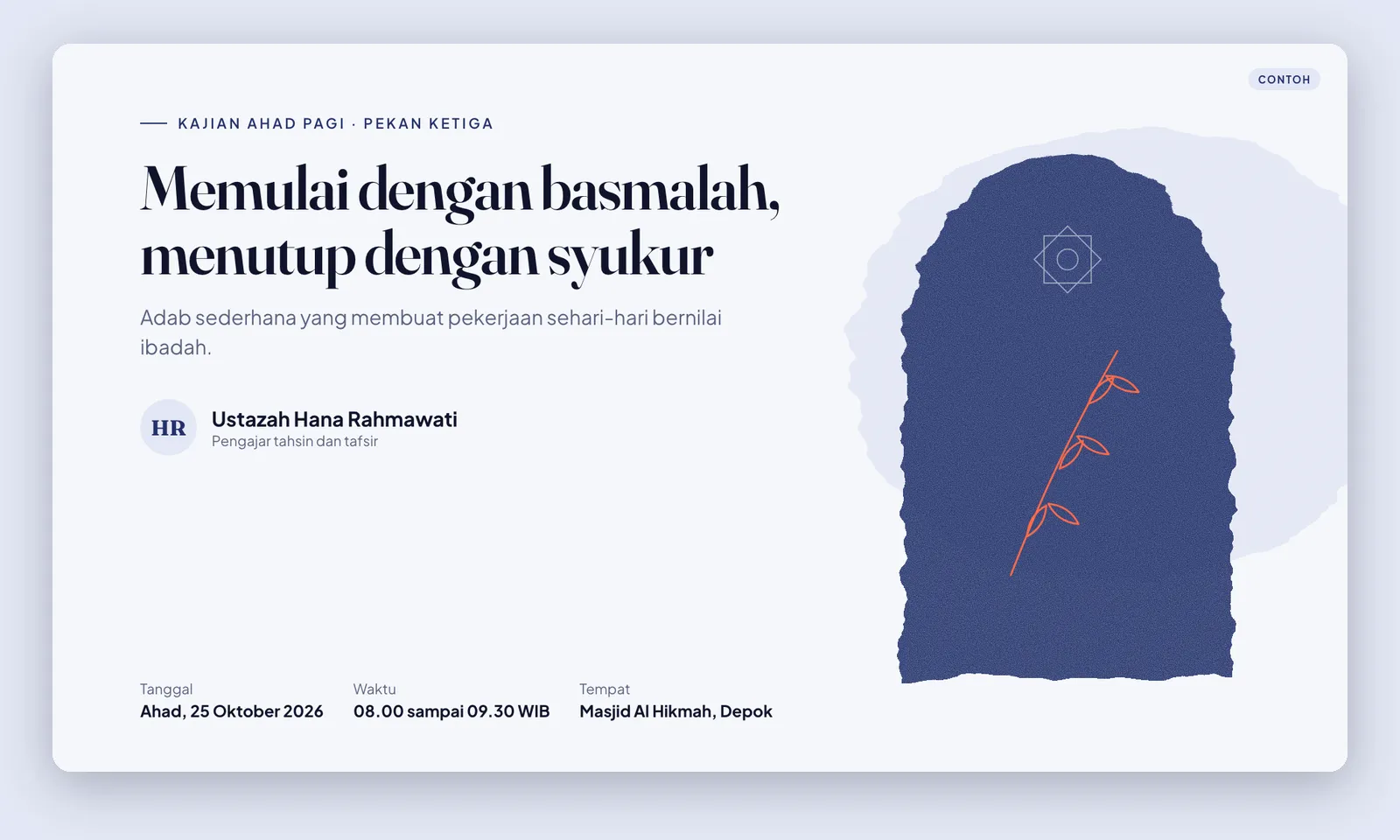
Cover: the theme in a large serif, speaker, time and place, a brush-painted arch
SKILL.md contents
Premium subscribers can read, copy, and install this skill.
Unlock with Premium Sign inStudy Session Slides
Description
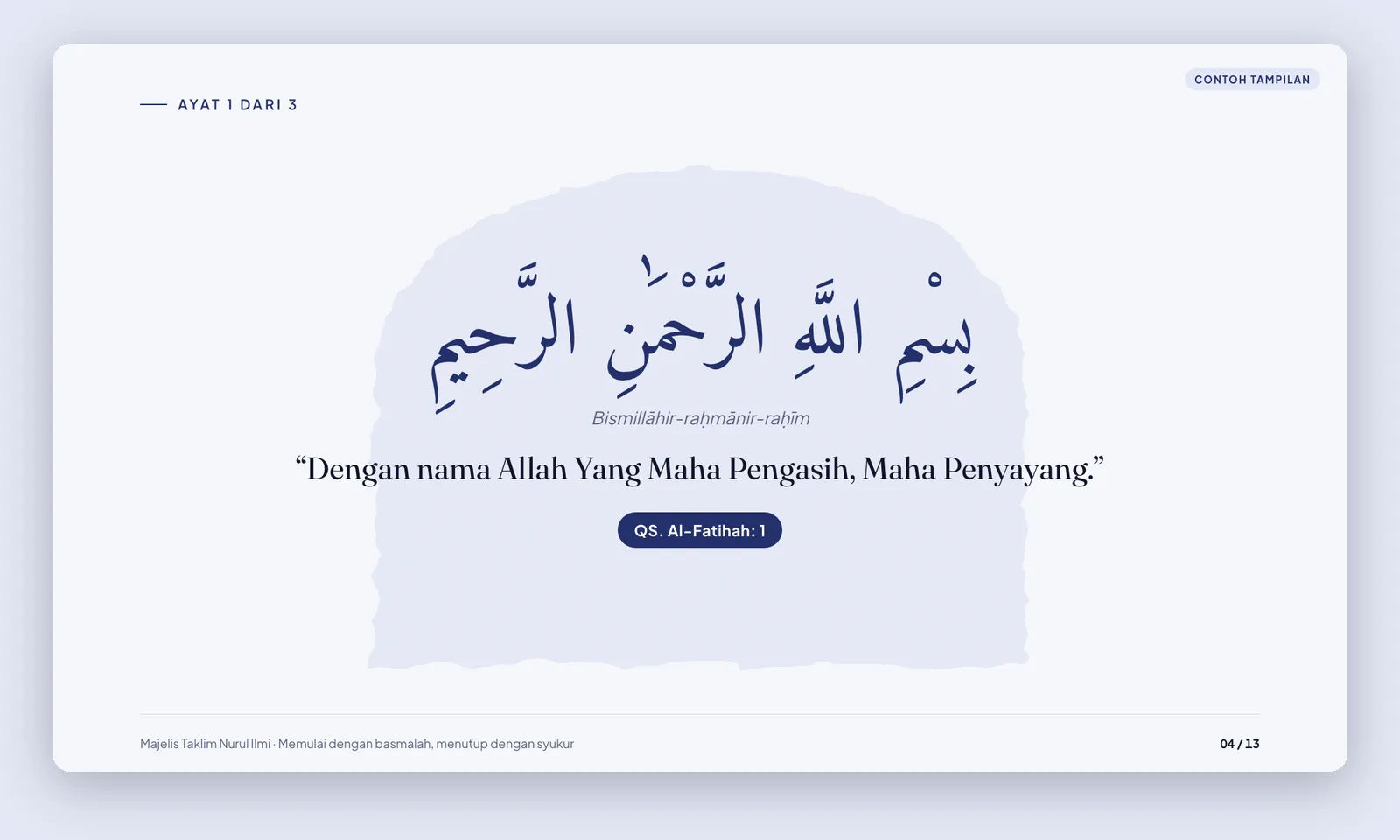
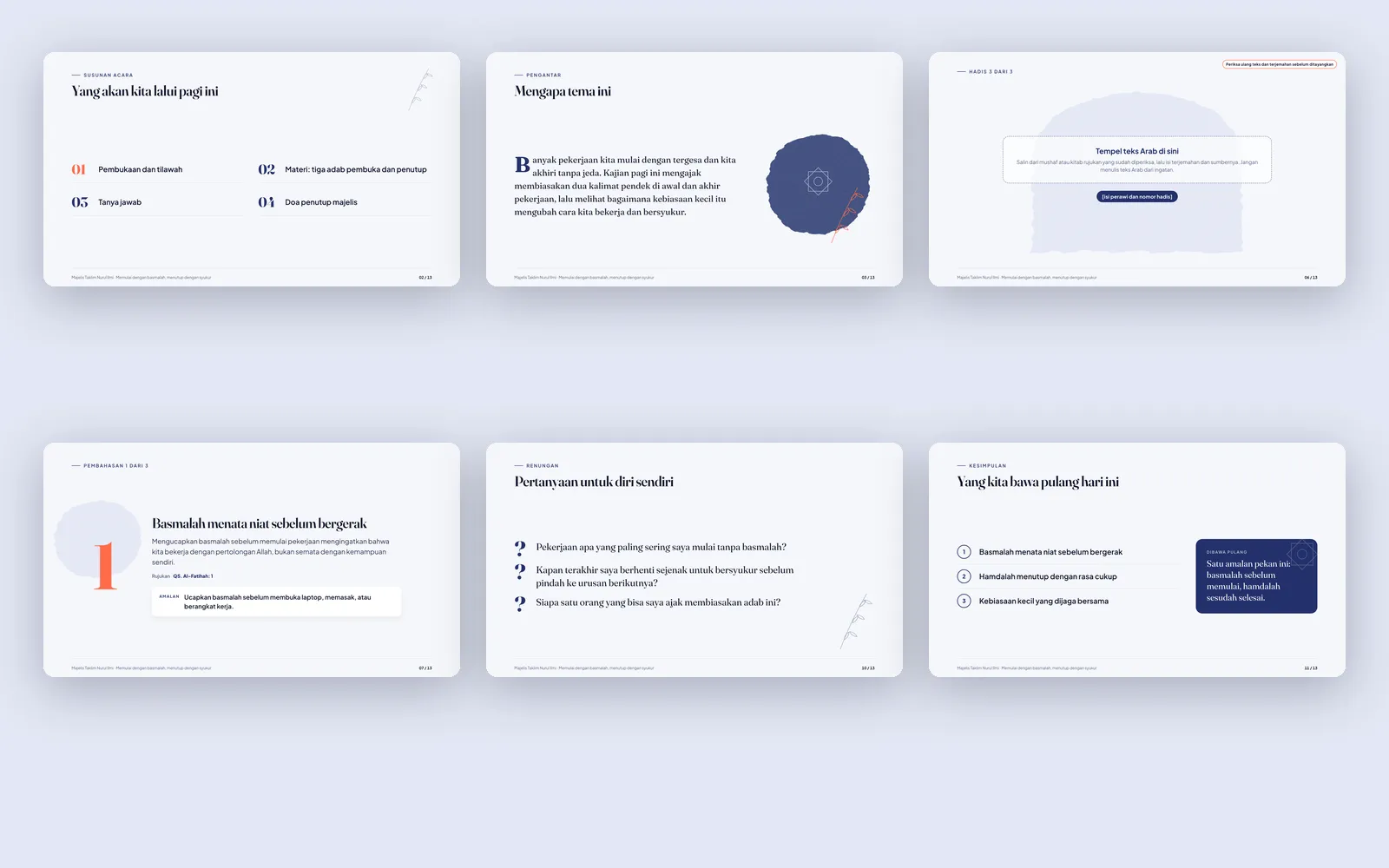
A calm, painterly 16:9 deck for Islamic study circles, office study groups, mosque talks, or online classes: a themed cover with the speaker, the programme, an introduction, one slide per textual source (Arabic text, transliteration, translation, reference), one slide per discussion point with a practice to take home, reflection questions, a summary, Q&A, and a closing with the next session. The Arabic text is a slot filled from a verified copy of the Qur'an or reference book, and unchecked text is flagged. A large-text mode suits big rooms. One HTML file, straight to PDF.
Verified by SkillFlow
We checked every file in this skill automatically: no command that downloads and runs a program, no hidden code, no instruction telling your AI to ignore you.
- Loads from outside
- Fonts: Google Fonts
See the 5 files inside
skill.json11 KBSKILL.md6 KBprompt.md5 KBprompt.en.md5 KBfiles/deck.html32 KB
Checked 14 Nov 2026
Included in Basic and Pro
Basic copies the prompt. Pro also downloads the ZIP, sends to AI, installs into agents, and opens every category.
Get Pro Get Basic Already subscribed? Sign inWhat you get
- A 16:9 deck of up to 13 slides from one DATA object: cover, programme, introduction, sources, discussion, reflection, summary, Q&A, closing
- Source slides: right-to-left Arabic text (Amiri font), transliteration, translation, and the reference in a pill
- An empty "Paste the Arabic text here" slot and a "Check again" flag for text not yet compared with its source
- One slide per discussion point: a big number, explanation, a link back to the source, a practice box
- A large-text mode (?ukuran=besar) for screens in big rooms, with titles resizing automatically
- A brush-painted arch, an olive sprig, and an eight-point line star, drawn in SVG with fixed seeds
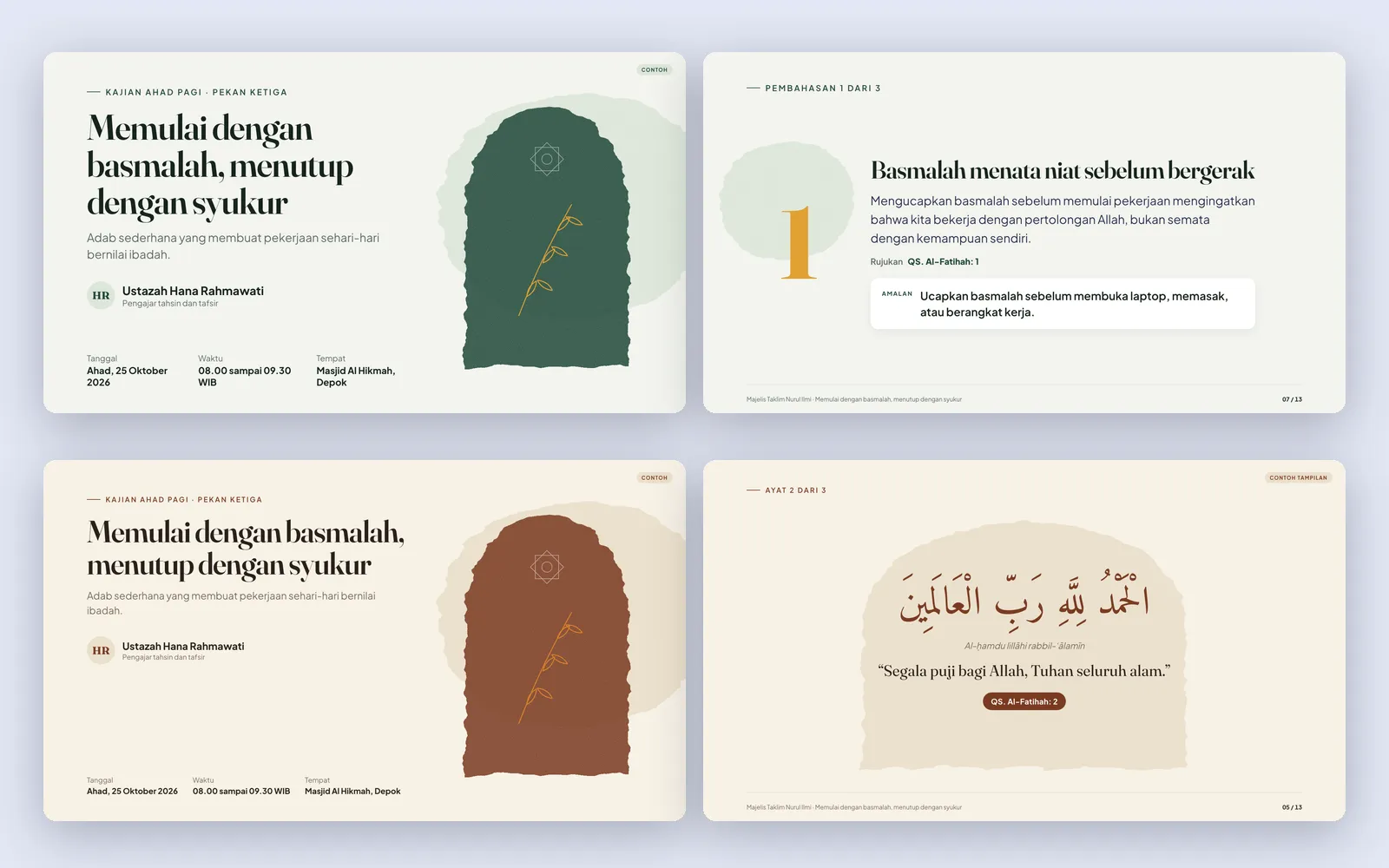
- 3 palettes (city indigo, paper, forest), one slide per page PDF via Print in Chrome
Good fit
- Speakers at study circles, office religious study groups, and mosque classes
- Organisers of online Islamic classes wanting tidy materials for attendees
- Committees needing slides readable from afar in large halls
Not for
- It does not write Arabic verse or hadith text; Arabic text, translation, and source must be copied from the mushaf or reference books
- Not a fatwa or legal reference; the content is the speaker's responsibility
- Text not yet checked against its source is marked Check again
About this skill
/materi-kajian Make a study session deck on patience in hardship for Majelis Taklim Nurul Iman, speaker Ustadzah Halimah, 3 verses I'll paste from the mushaf, and 4 discussion points
Show more
A calm, painterly 16:9 deck for Islamic study circles, office study groups, mosque talks, or online classes: a themed cover with the speaker, the programme, an introduction, one slide per textual source (Arabic text, transliteration, translation, reference), one slide per discussion point with a practice to take home, reflection questions, a summary, Q&A, and a closing with the next session. The Arabic text is a slot filled from a verified copy of the Qur'an or reference book, and unchecked text is flagged. A large-text mode suits big rooms. One HTML file, straight to PDF.
User reviews
FAQ
Why isn't the Arabic text generated?
A single wrong letter in a verse or hadith is unacceptable. So the Arabic slot stays empty with "Paste Arabic text here" until you copy it from the source.
The hall is large, will it read from the back?
Use large text mode with ?ukuran=besar. Title sizes adjust automatically to still fit.
Which AI can I use it with?
Copy the prompt into a chat AI (ChatGPT, Claude, Gemini, DeepSeek); or download the ZIP and install it in an AI agent (Claude Code, Codex, Antigravity, Hermes Agent, Cursor, GitHub Copilot, Gemini CLI, OpenCode, Kimi Code, Trae), which then builds the files for you.
What is in the ZIP?
One folder named materi-kajian with SKILL.md (the instructions an AI agent reads) and the prompt, 5 files in all. Extract it into your agent's skills folder, or install it with npx skillflow-ai add materi-kajian. Pro only.
Is there a per-use fee or credits?
Not from SkillFlow. The skill runs on the AI you already use, so any cost follows that plan.
Which plan includes it?
Basic and Pro. Basic copies the prompt; Pro also downloads the ZIP, sends to AI, installs into agents and shares results by link.
Can I use my own colours and brand?
Yes. Pick a colour theme on this page, or fill in your brand profile once; both go into the prompt you copy and into the ZIP.
Can I share what I made?
Pro members can upload the result and get a page at share.skillflow.ai.id to send to anyone. The page carries a small "Made with SkillFlow AI" mark.
Is there a download limit?
Yes, per day: 50 skills on Pro, 10 on other plans. Downloading a skill again on the same day does not count.



