

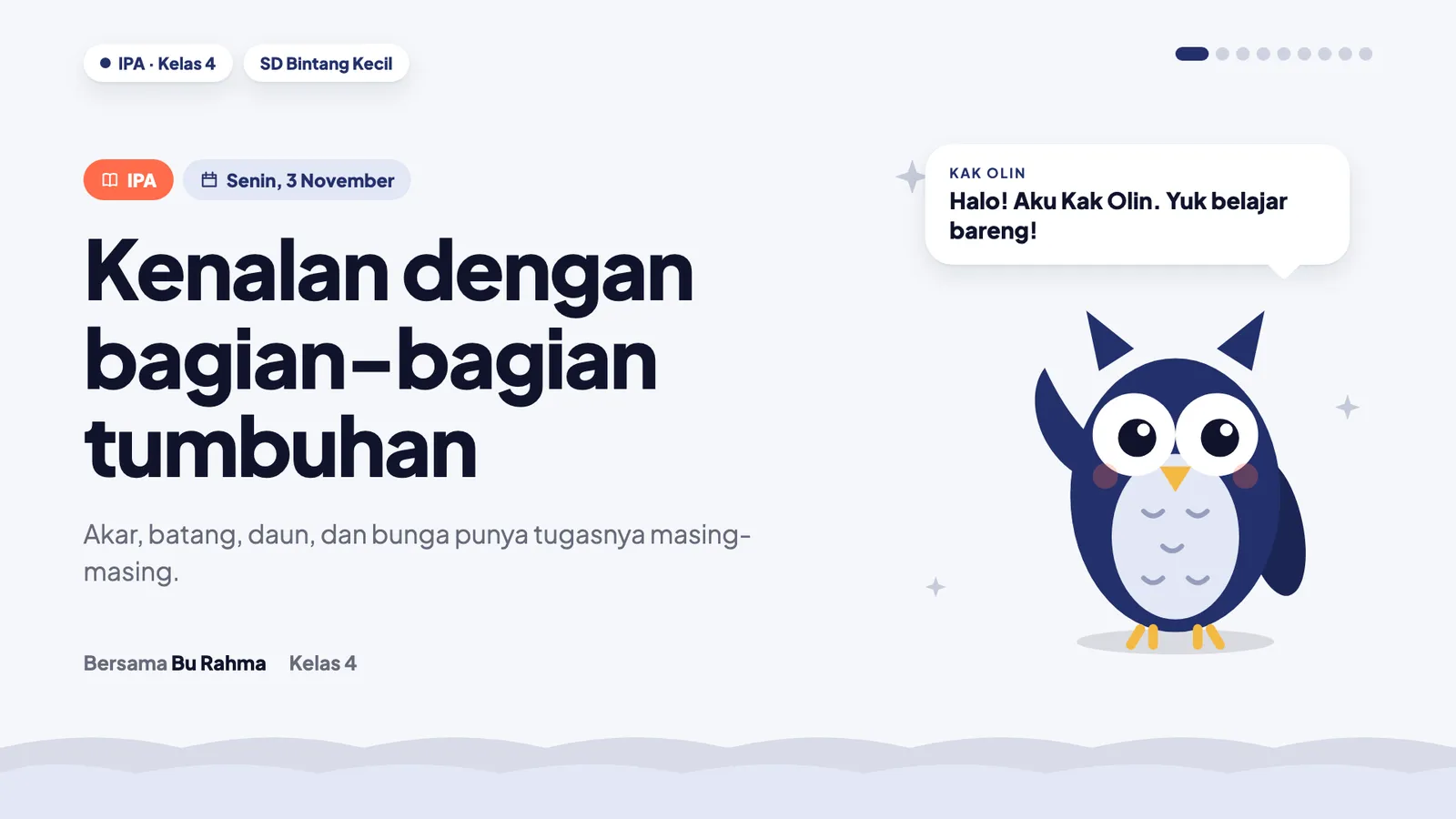
Cover: the owl mascot says hello, with the lesson title, subject, date, and teacher
SKILL.md contents
Premium subscribers can read, copy, and install this skill.
Unlock with Premium Sign inCheerful Primary Lesson
Description
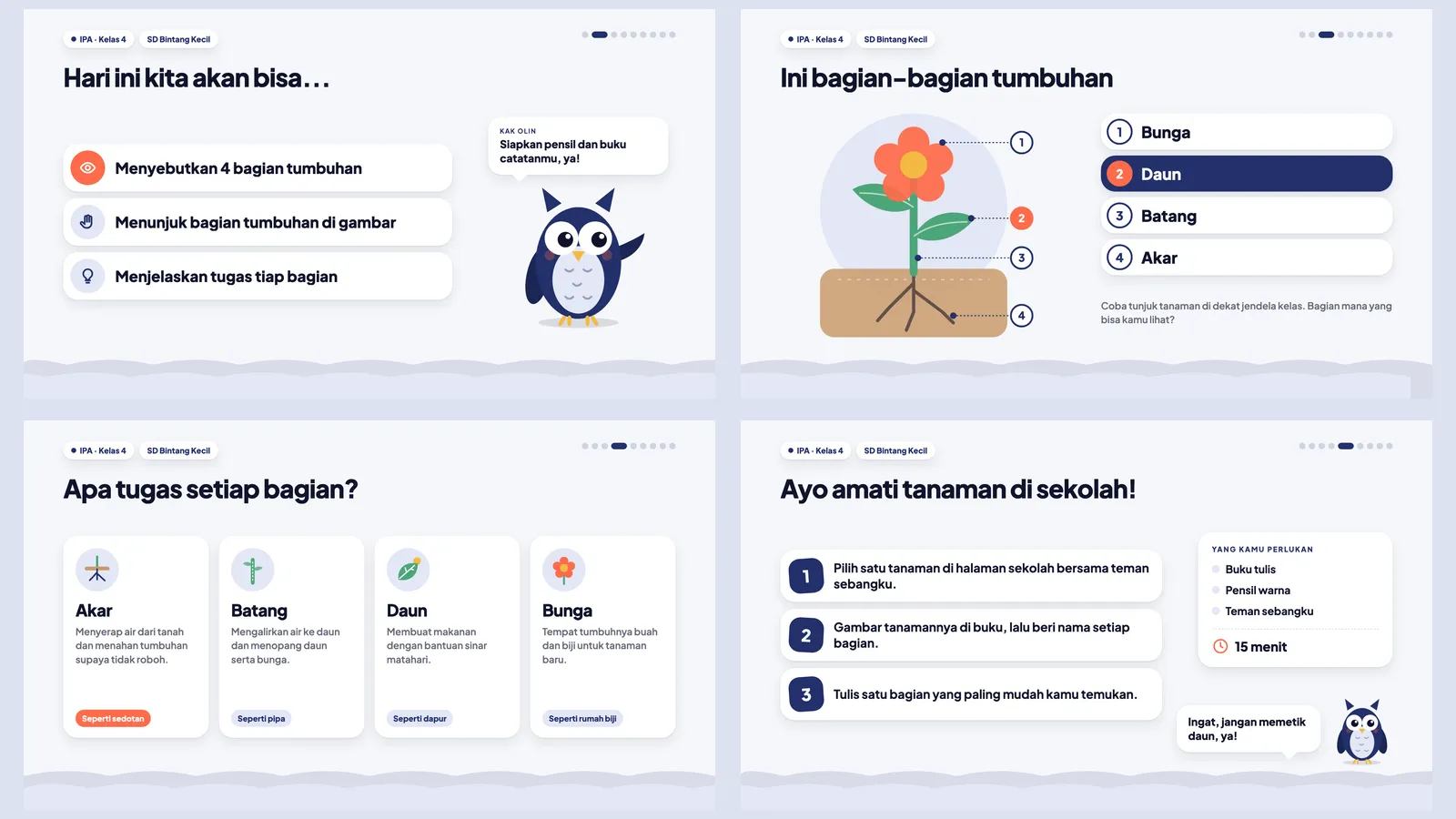
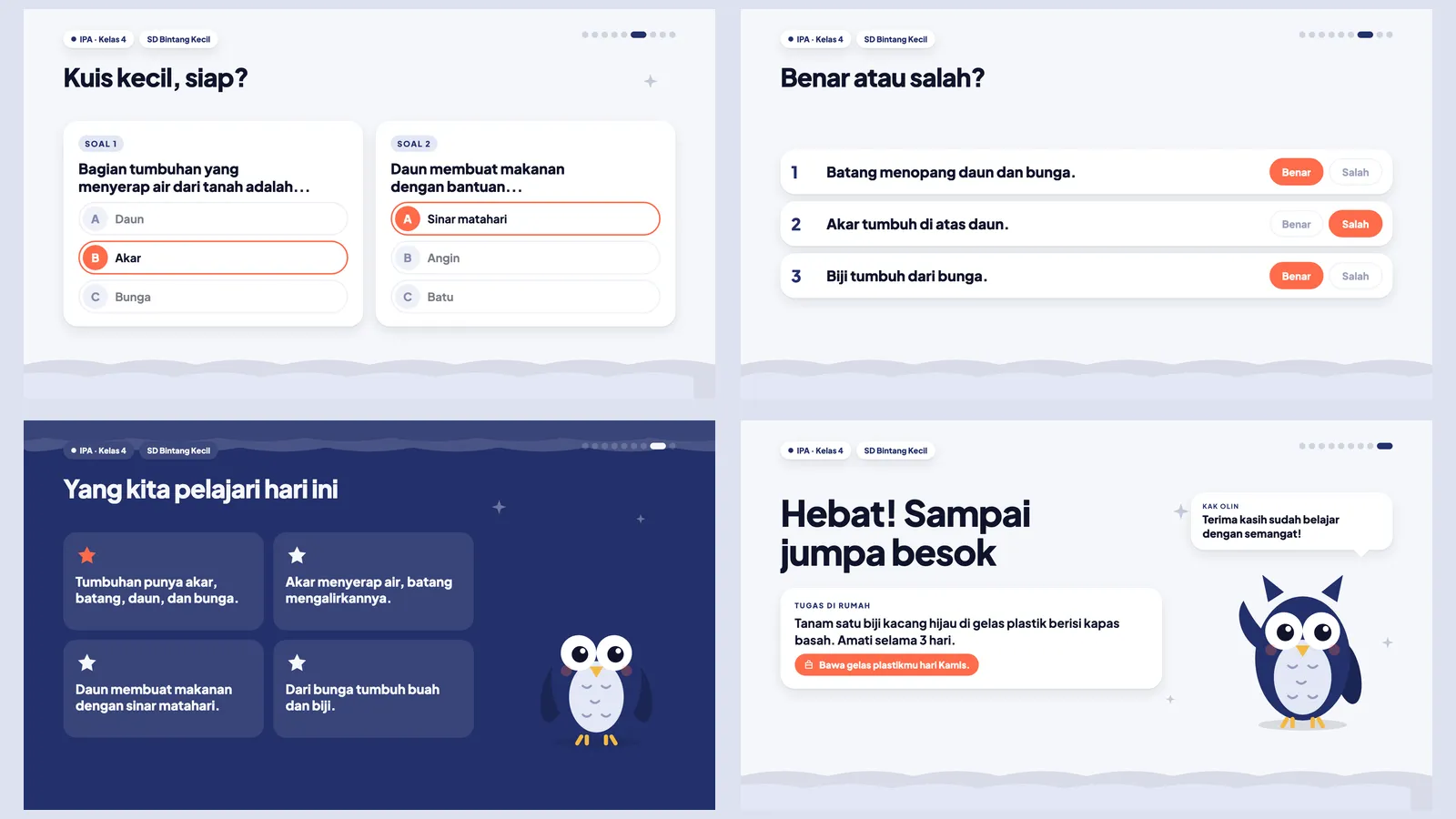
A 16:9 deck for primary teachers covering one topic in class: an owl guide mascot that speaks through speech bubbles, a wavy bottom border, and round-cornered cards. It has a cover, learning goals with icons, a numbered picture with one part highlighted (plant parts as the example), a card for each part with a simple comparison, an observation activity with materials and time, a multiple-choice quiz and a true or false round whose answers only show in the teacher version, a star summary, and homework. All illustrations are built-in SVG, one config object, straight to PDF.
Verified by SkillFlow
We checked every file in this skill automatically: no command that downloads and runs a program, no hidden code, no instruction telling your AI to ignore you.
- Loads from outside
- Fonts: Google Fonts
See the 5 files inside
skill.json8 KBSKILL.md7 KBprompt.md3 KBprompt.en.md3 KBfiles/deck.html37 KB
Checked 14 Nov 2026
Included in Basic and Pro
Basic copies the prompt. Pro also downloads the ZIP, sends to AI, installs into agents, and opens every category.
Get Pro Get Basic Already subscribed? Sign inWhat you get
- A single-file 16:9 HTML deck, 9 slides, arrow navigation, driven by one DECK object
- An owl mascot in three poses with speech bubbles, a wavy border, built-in icons and illustrations
- A numbered plant picture with labels and one part highlighted, plus a card explaining each part
- A group activity with steps, materials, and time
- A multiple-choice quiz and a true or false round, answers shown with ?jawaban (teacher version)
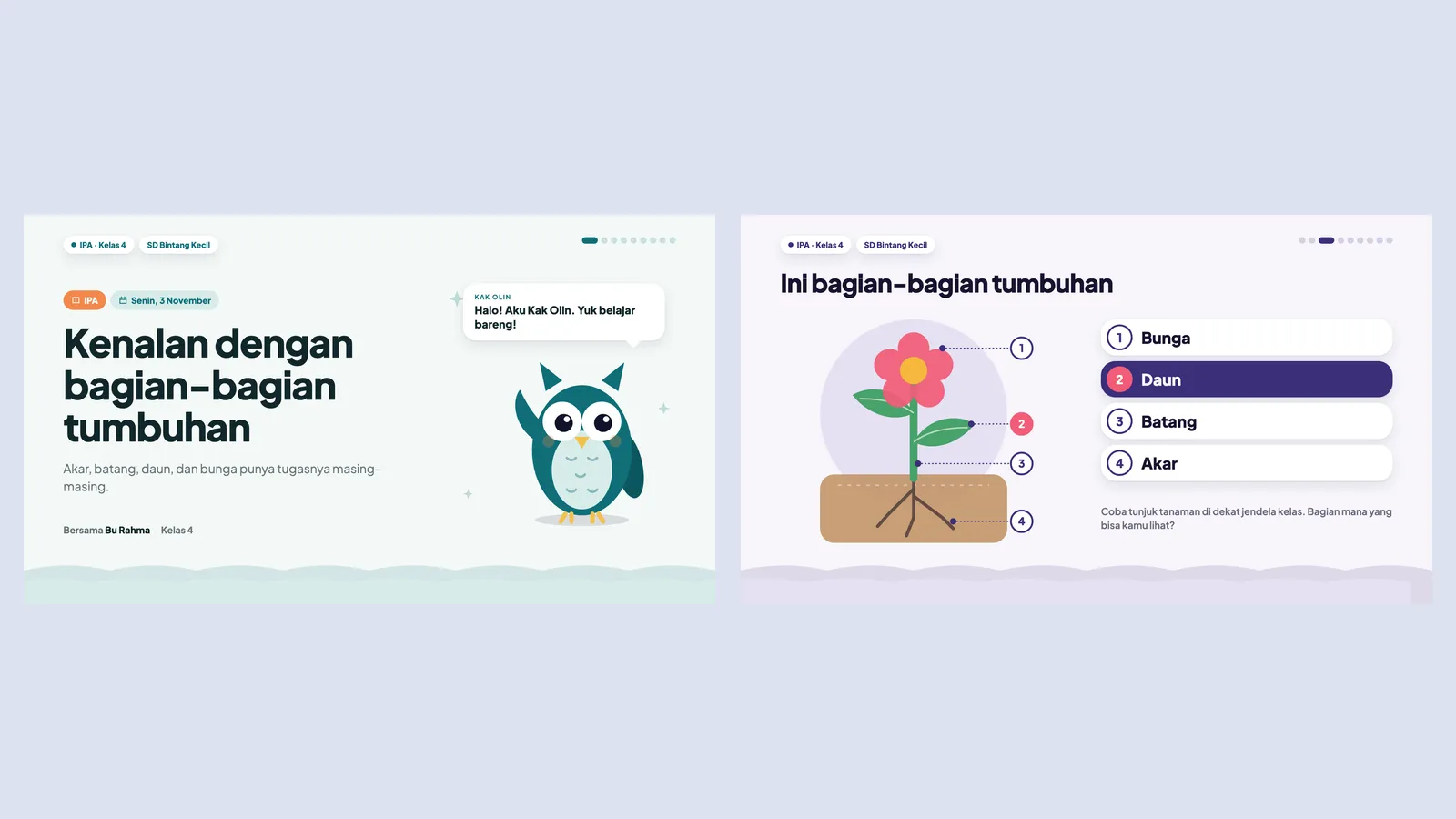
- A summary, homework, 3 palettes (indigo, beach, garden), PDF with one slide per page
Good fit
- Primary teachers covering one topic who want kids to feel invited rather than lectured
- Teachers needing a photo-free deck with large type readable from the back
- Primary tutors wanting a quiz with a teacher version showing answers
Not for
- Illustrations are limited to built-in SVG drawings, not photos or freehand art
- The built-in numbered diagram is a plant; other topics use the small illustrations available
- Content accuracy and curriculum fit come from the teacher
About this skill
/materi-kelas-sd-ceria Make a lesson deck on plant parts for grade 4 at Mekar Sari Primary, with the mascot, a leaf observation activity, a 5-question quiz, and homework
Show more
A 16:9 deck for primary teachers covering one topic in class: an owl guide mascot that speaks through speech bubbles, a wavy bottom border, and round-cornered cards. It has a cover, learning goals with icons, a numbered picture with one part highlighted (plant parts as the example), a card for each part with a simple comparison, an observation activity with materials and time, a multiple-choice quiz and a true or false round whose answers only show in the teacher version, a star summary, and homework. All illustrations are built-in SVG, one config object, straight to PDF.
User reviews
FAQ
How do I show the quiz answers?
Open the deck with ?jawaban for the teacher version. Without it, answers stay hidden on the classroom screen.
Can the mascot's name change?
Yes. The built-in owl mascot is called Kak Olin, and the name can be changed in the config.
Which AI can I use it with?
Copy the prompt into a chat AI (ChatGPT, Claude, Gemini, DeepSeek); or download the ZIP and install it in an AI agent (Claude Code, Codex, Antigravity, Hermes Agent, Cursor, GitHub Copilot, Gemini CLI, OpenCode, Kimi Code, Trae), which then builds the files for you.
What is in the ZIP?
One folder named materi-kelas-sd-ceria with SKILL.md (the instructions an AI agent reads) and the prompt, 5 files in all. Extract it into your agent's skills folder, or install it with npx skillflow-ai add materi-kelas-sd-ceria. Pro only.
Is there a per-use fee or credits?
Not from SkillFlow. The skill runs on the AI you already use, so any cost follows that plan.
Which plan includes it?
Basic and Pro. Basic copies the prompt; Pro also downloads the ZIP, sends to AI, installs into agents and shares results by link.
Can I use my own colours and brand?
Yes. Pick a colour theme on this page, or fill in your brand profile once; both go into the prompt you copy and into the ZIP.
Can I share what I made?
Pro members can upload the result and get a page at share.skillflow.ai.id to send to anyone. The page carries a small "Made with SkillFlow AI" mark.
Is there a download limit?
Yes, per day: 50 skills on Pro, 10 on other plans. Downloading a skill again on the same day does not count.



