

Rendered sample video
SKILL.md contents
Premium subscribers can read, copy, and install this skill.
Unlock with Premium Sign inWeekly Daily Catering Menu
Description
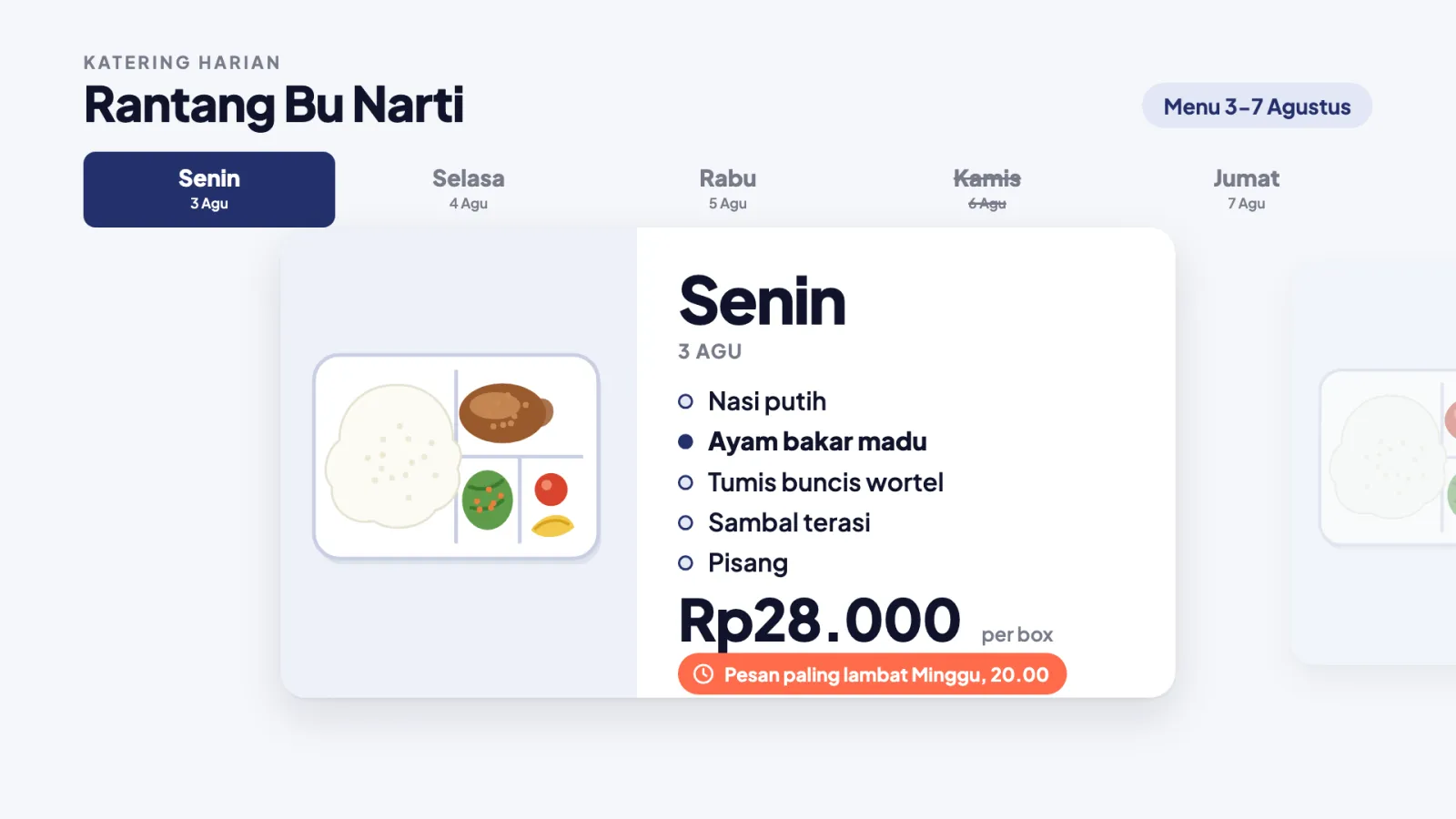
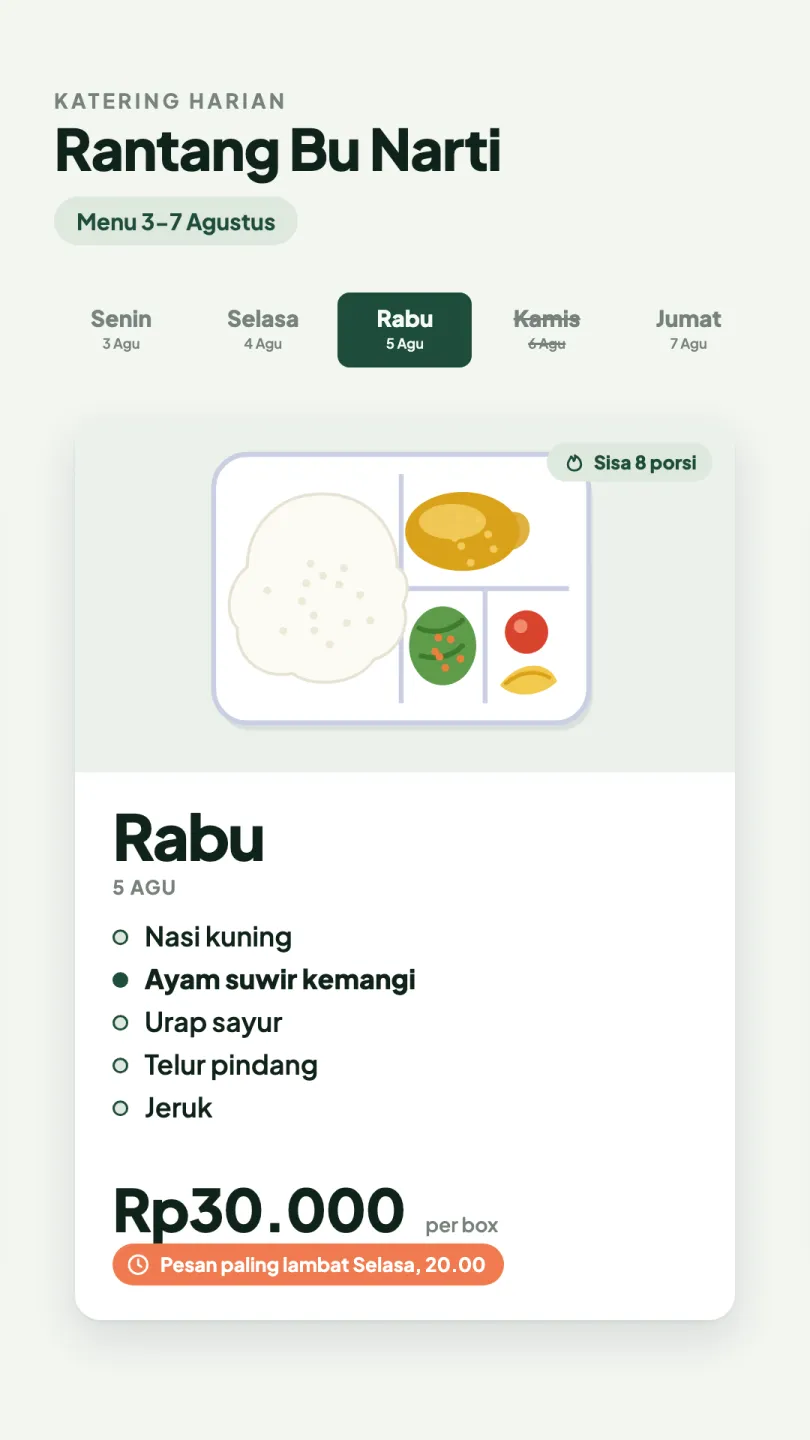
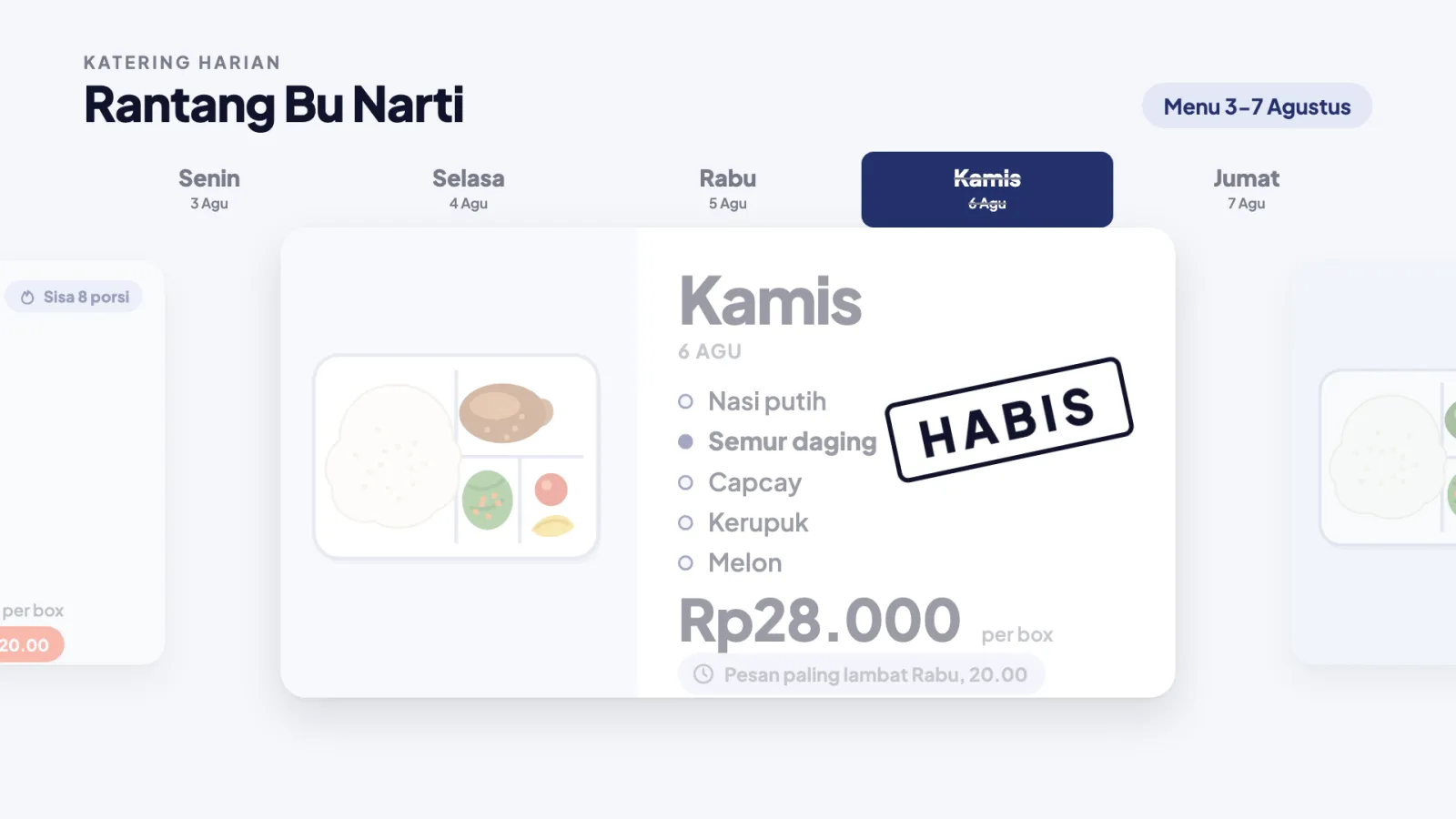
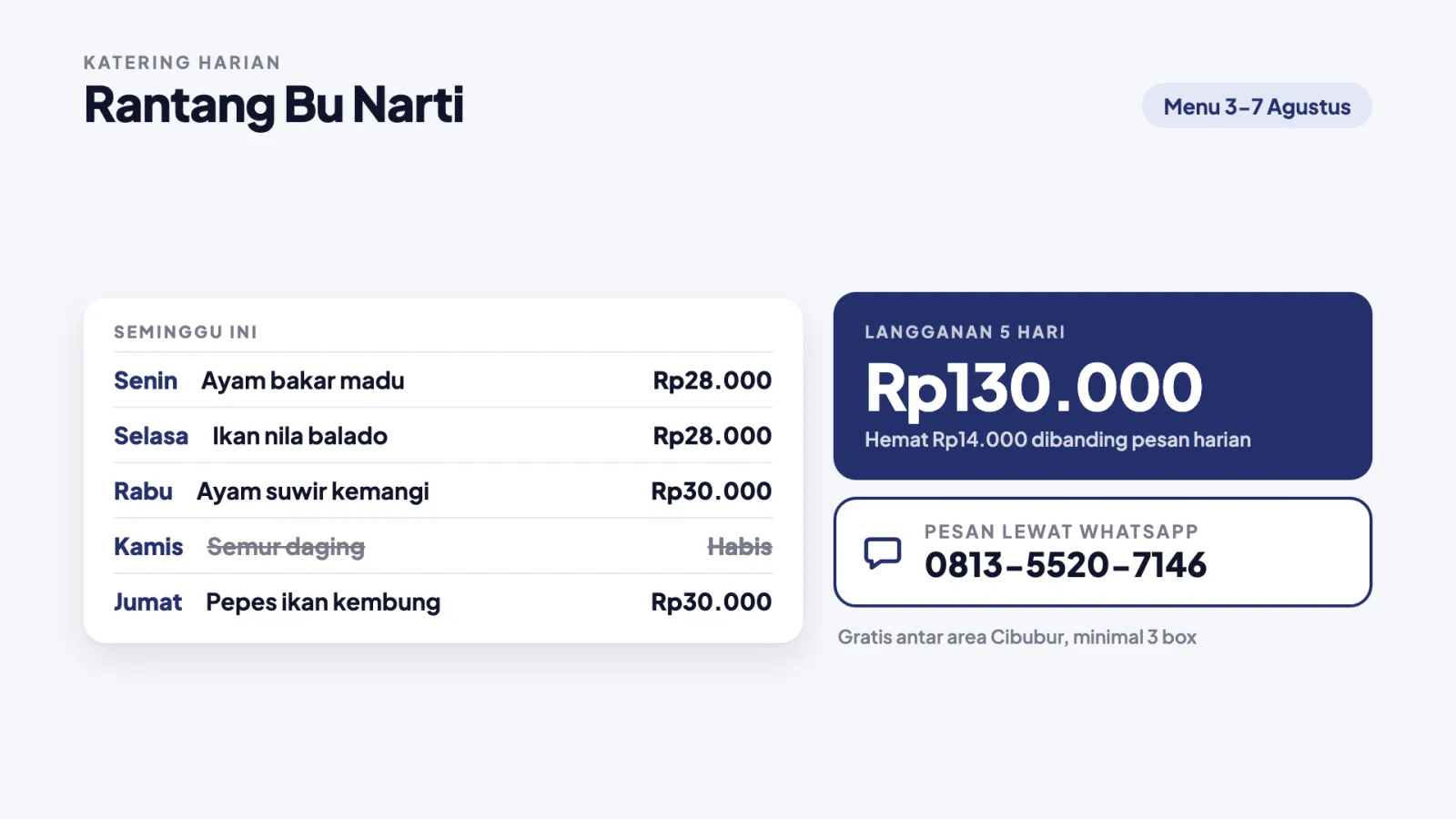
A weekly catering menu video: a row of days from Monday to Friday with a sliding marker, each day's card gliding to the centre with a drawing of a divided lunch box, the main dish, vegetables, fruit, the price per box, and an order deadline chip worked out from the day before. Days running low get a portions-left chip, full days get a Sold out stamp. It closes with a week summary, a subscription price, and a WhatsApp number. 3 to 7 days, 16:9 and 9:16, 30 seconds at most, rendered to MP4.
Verified by SkillFlow
We checked every file in this skill automatically: no command that downloads and runs a program, no hidden code, no instruction telling your AI to ignore you.
- Loads from outside
- Fonts: Google Fonts
See the 5 files inside
skill.json8 KBSKILL.md6 KBprompt.md5 KBprompt.en.md5 KBfiles/scene.html24 KB
Checked 14 Nov 2026
Part of SkillFlow Pro
Pro opens every skill in every category: copy, ZIP, Send to AI, install, save, and request new skills.
Get Pro Already subscribed? Sign inWhat you get
- A weekly menu script: 3-7 days, a menu per day with the main dish, price, order deadline, quota
- An animated HTML scene driven by one config object, card positions calculated from the timeline
- A self-made SVG divided lunch box, its main dish coloured to match the menu
- A week summary, a subscription price card, and a WhatsApp call to action
- MP4 1920x1080 (16:9) or 1080x1920 (9:16), 30 fps, 30 seconds at most, 3 palettes
Good fit
- Home catering, tiffin, and office lunch box businesses that send a menu every week
- School lunch and diet catering with a menu that changes daily
- Owners who keep getting asked whether they can still order for tomorrow
- Admins who share the menu to customer groups and Stories every weekend
Not for
- It does not use food photos; the lunch box is an illustration
- Not a fixed menu for a stall or restaurant that is the same every day
- At most 7 days and 5 menu lines a day
- It does not take orders or track quotas; you fill in the portions status yourself
About this skill
/menu-harian-katering Make a video of next week's catering menu for WhatsApp Status, Monday to Friday, orders close the day before at 8 PM, Thursday is already sold out
Show more
A weekly catering menu video: a row of days from Monday to Friday with a sliding marker, each day's card gliding to the centre with a drawing of a divided lunch box, the main dish, vegetables, fruit, the price per box, and an order deadline chip worked out from the day before. Days running low get a portions-left chip, full days get a Sold out stamp. It closes with a week summary, a subscription price, and a WhatsApp number. 3 to 7 days, 16:9 and 9:16, 30 seconds at most, rendered to MP4.
User reviews
FAQ
My order deadline differs by day, is that possible?
Yes. By default it is the previous day at the same time for every day. Set cutoff on a particular day, for example "Monday, 6 AM" for a Monday menu that can still be ordered that morning.
What if we are closed one day?
Remove that day from the list. The day row and the summary only show the days that exist, so there is no empty card.
Which AI can I use it with?
Copy the prompt into a chat AI (ChatGPT, Claude, Gemini, DeepSeek): you get an HTML file; open it in Chrome and press Download MP4 (silent video, a minute or two to render); or download the ZIP and install it in an AI agent (Claude Code, Codex, Antigravity, Hermes Agent, Cursor, GitHub Copilot, Gemini CLI, OpenCode, Kimi Code, Trae), which then builds the files for you.
What is in the ZIP?
One folder named menu-harian-katering with SKILL.md (the instructions an AI agent reads) and the prompt, 5 files in all. Extract it into your agent's skills folder, or install it with npx skillflow-ai add menu-harian-katering. Pro only.
Is there a per-use fee or credits?
Not from SkillFlow. The skill runs on the AI you already use, so any cost follows that plan.
Which plan includes it?
SkillFlow Pro. It opens every skill in every category.
Can I use my own colours and brand?
Yes. Pick a colour theme on this page, or fill in your brand profile once; both go into the prompt you copy and into the ZIP.
Can I share what I made?
Pro members can upload the result and get a page at share.skillflow.ai.id to send to anyone. The page carries a small "Made with SkillFlow AI" mark.
Is there a download limit?
Yes, per day: 50 skills on Pro, 10 on other plans. Downloading a skill again on the same day does not count.



