

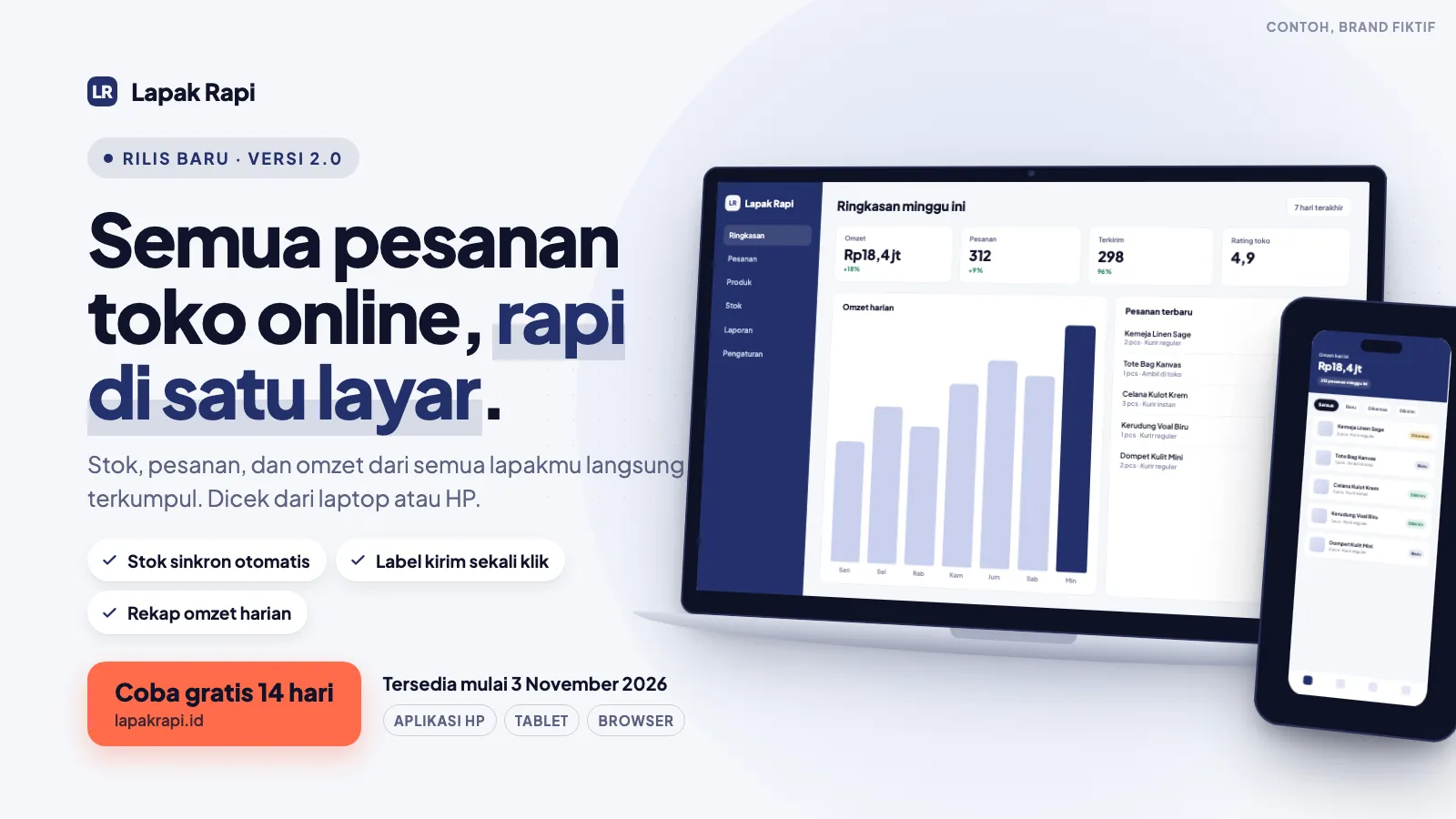
16:9 wide banner: tilted laptop and phone with the sample dashboard and order list screens
SKILL.md contents
Premium subscribers can read, copy, and install this skill.
Unlock with Premium Sign inApp Launch Mockup
Description
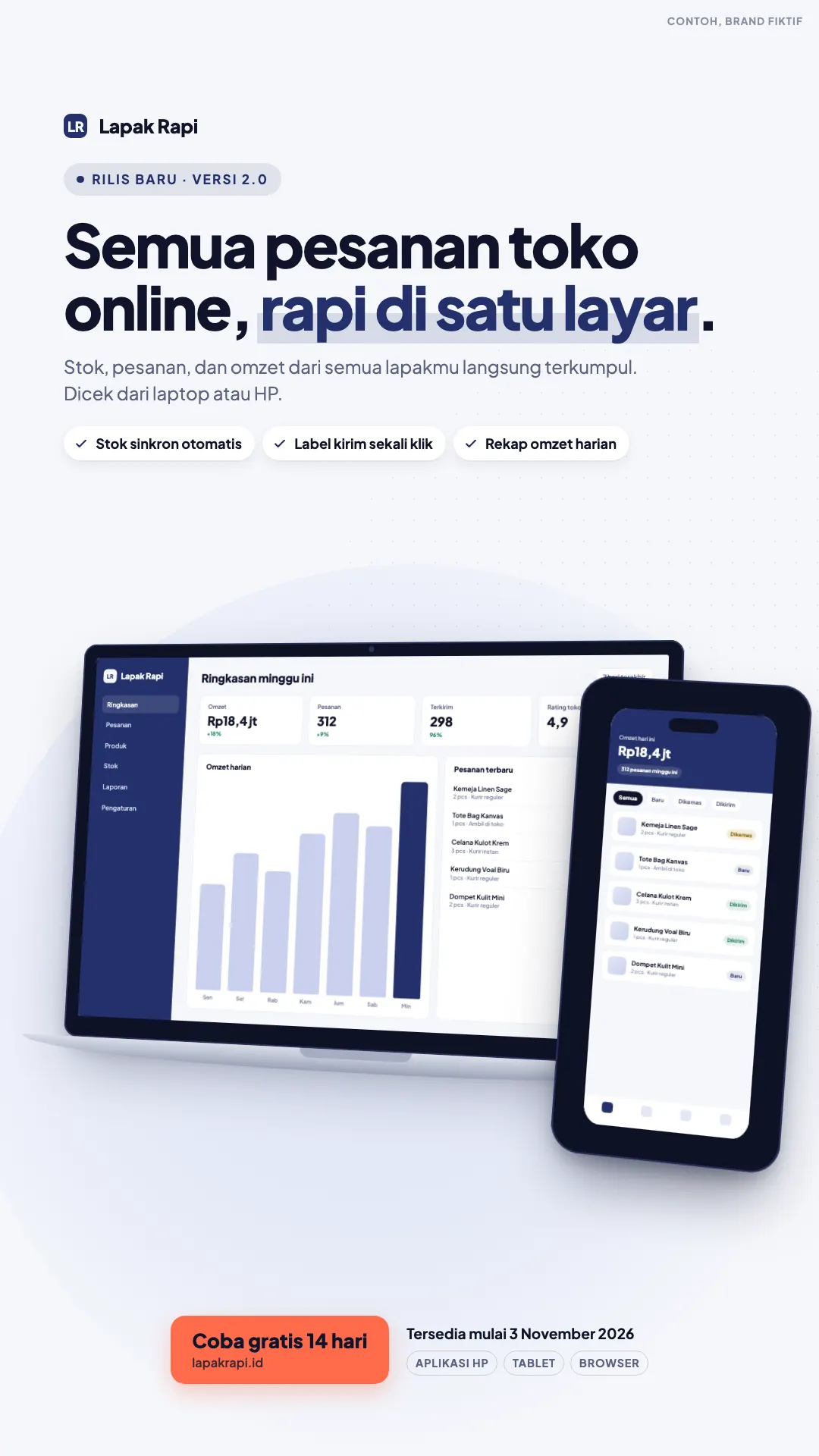
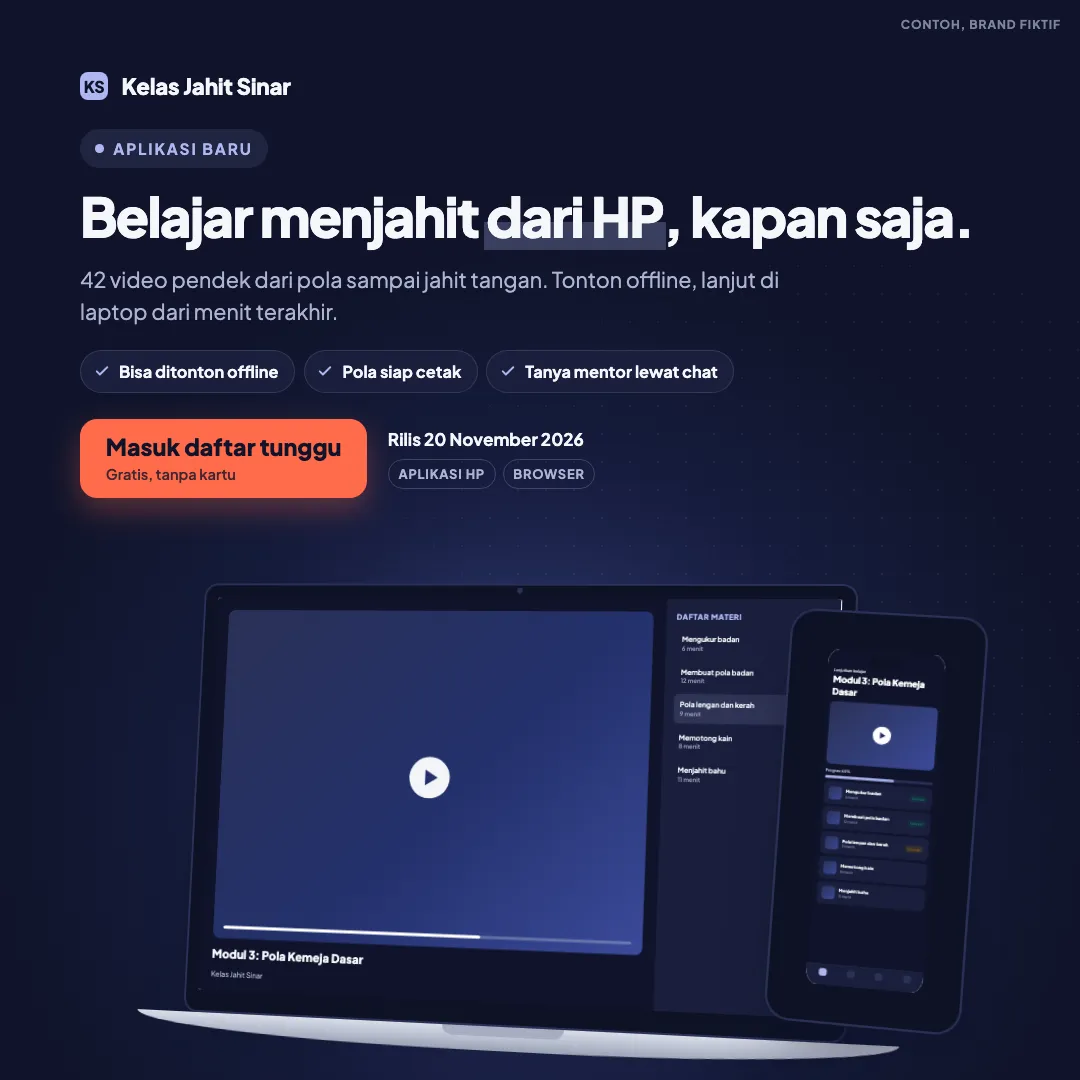
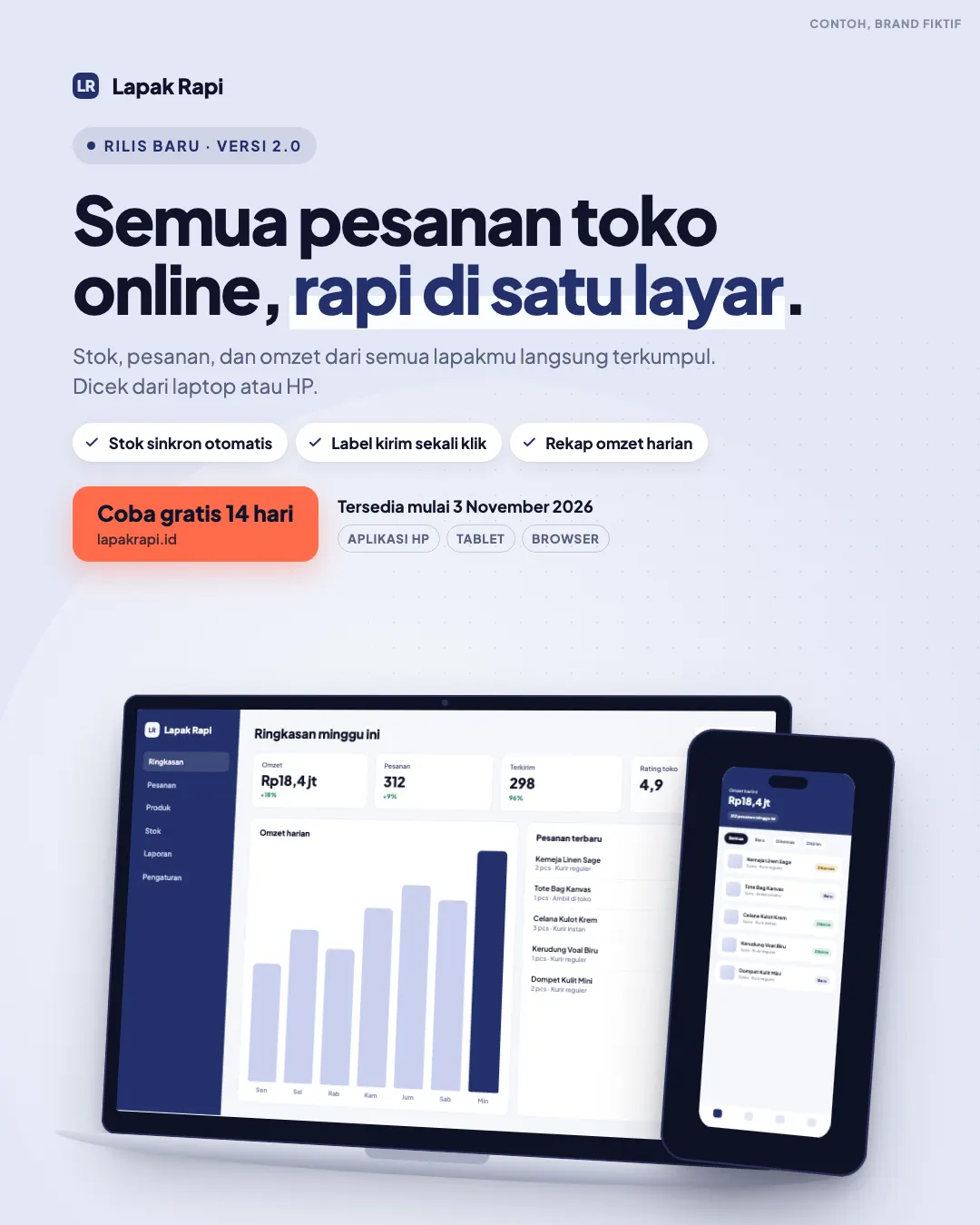
A release banner for an app or digital product: a slightly tilted laptop and phone showing your app's screens, a big headline on the left with one highlighted phrase, a supporting line, feature chips, an availability date, platform badges, and a call-to-action button. The devices are drawn in CSS, so no licensed mockup files are needed; the screens take your real screenshots or the built-in sample screens. One data object exports 16:9 wide, square, 4:5 feed, and 9:16 story PNGs.
Verified by SkillFlow
We checked every file in this skill automatically: no command that downloads and runs a program, no hidden code, no instruction telling your AI to ignore you.
- Loads from outside
- Fonts: Google Fonts
See the 5 files inside
skill.json8 KBSKILL.md8 KBprompt.md4 KBprompt.en.md4 KBfiles/mockup.html33 KB
Checked 14 Nov 2026
Included in Basic and Pro
Basic copies the prompt. Pro also downloads the ZIP, sends to AI, installs into agents, and opens every category.
Get Pro Get Basic Already subscribed? Sign inWhat you get
- Banner copy: release label, highlighted headline, one supporting line, 3-4 feature chips, date, call to action
- A laptop and phone drawn in CSS, tilted in 3D or flat, both or just one
- Screens filled with your real screenshots or built-in sample screens (dashboard, order list, online class)
- PNG wide 1600x900, square 1080x1080, feed 1080x1350, story 1080x1920 from one data object
- The headline shrinks to fit and the devices move to match the text length
- 3 palettes: city, night, mist, plus a background prompt for AI image tools
Good fit
- App makers, small SaaS teams, and digital product sellers announcing a release
- Teams without licensed device mockup files
- Online course or platform sellers wanting to show their product screens
Not for
- A still image, not a launch video
- Not a full landing page
- Devices are generic CSS drawings, not replicas of branded models
About this skill
/mockup-peluncuran-aplikasi Make a launch banner for the Kasir Warung Pintar point of sale app: tilted laptop and phone showing the dashboard screenshot, headline "Close the books without staying up late", available 1 December
Show more
A release banner for an app or digital product: a slightly tilted laptop and phone showing your app's screens, a big headline on the left with one highlighted phrase, a supporting line, feature chips, an availability date, platform badges, and a call-to-action button. The devices are drawn in CSS, so no licensed mockup files are needed; the screens take your real screenshots or the built-in sample screens. One data object exports 16:9 wide, square, 4:5 feed, and 9:16 story PNGs.
User reviews
FAQ
I don't have app screenshots yet, can I still use it?
Yes. Use a built-in sample screen such as a dashboard, order list, or online class, then swap in real screenshots when ready.
Can I show just the phone?
Yes. Choose laptop and phone together or either one, tilted in 3D or flat.
Which AI can I use it with?
Copy the prompt into a chat AI (ChatGPT, Claude, Gemini, DeepSeek); or download the ZIP and install it in an AI agent (Claude Code, Codex, Antigravity, Hermes Agent, Cursor, GitHub Copilot, Gemini CLI, OpenCode, Kimi Code, Trae), which then builds the files for you.
What is in the ZIP?
One folder named mockup-peluncuran-aplikasi with SKILL.md (the instructions an AI agent reads) and the prompt, 5 files in all. Extract it into your agent's skills folder, or install it with npx skillflow-ai add mockup-peluncuran-aplikasi. Pro only.
Is there a per-use fee or credits?
Not from SkillFlow. The skill runs on the AI you already use (and, for image prompts, the image AI you pick), so any cost follows that plan.
Which plan includes it?
Basic and Pro. Basic copies the prompt; Pro also downloads the ZIP, sends to AI, installs into agents and shares results by link.
Can I use my own colours and brand?
Yes. Pick a colour theme on this page, or fill in your brand profile once; both go into the prompt you copy and into the ZIP.
Can I share what I made?
Pro members can upload the result and get a page at share.skillflow.ai.id to send to anyone. The page carries a small "Made with SkillFlow AI" mark.
Is there a download limit?
Yes, per day: 50 skills on Pro, 10 on other plans. Downloading a skill again on the same day does not count.



