

Rendered sample video
SKILL.md contents
Premium subscribers can read, copy, and install this skill.
Unlock with Premium Sign inIncoming Order Pings
Description
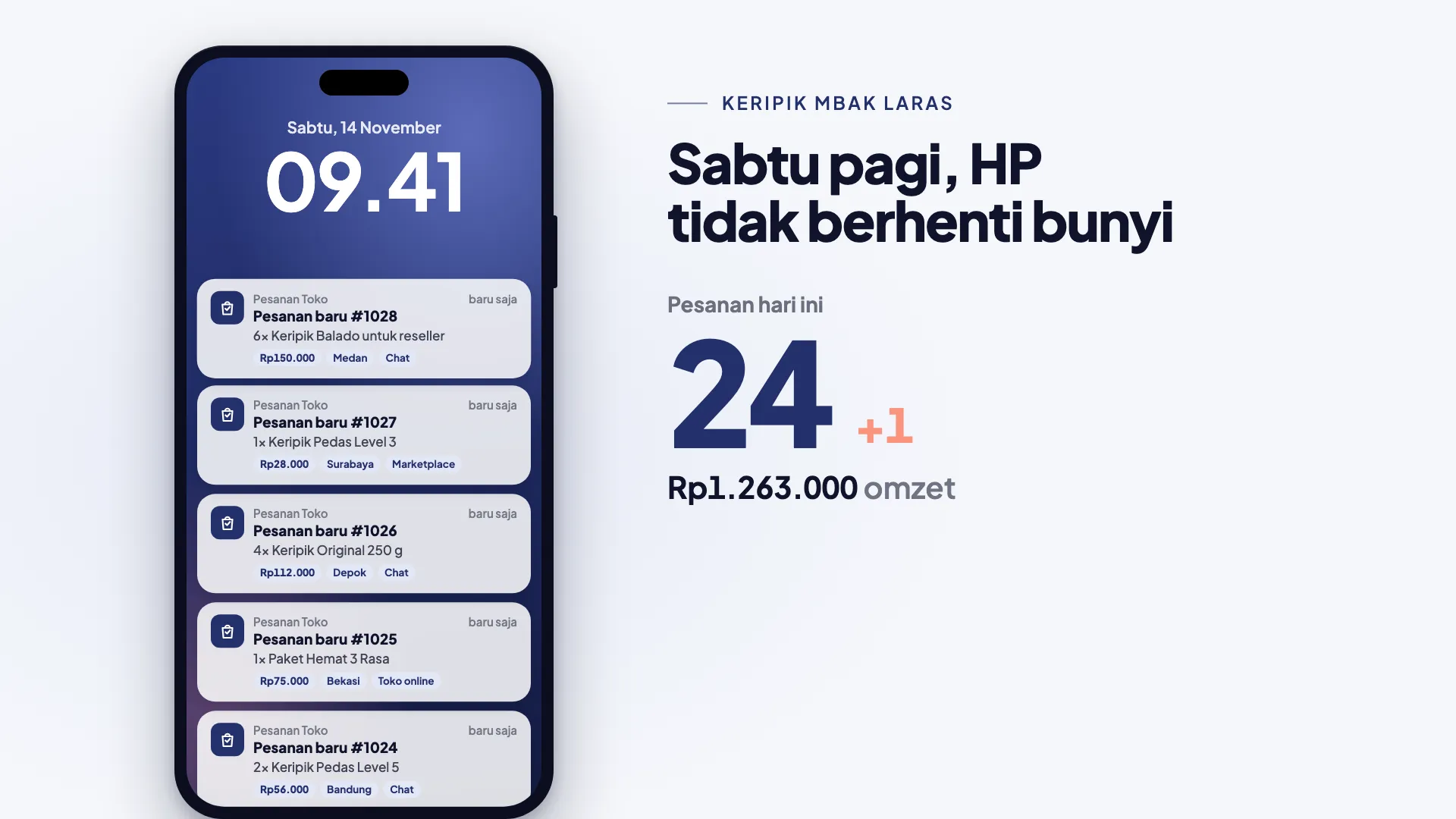
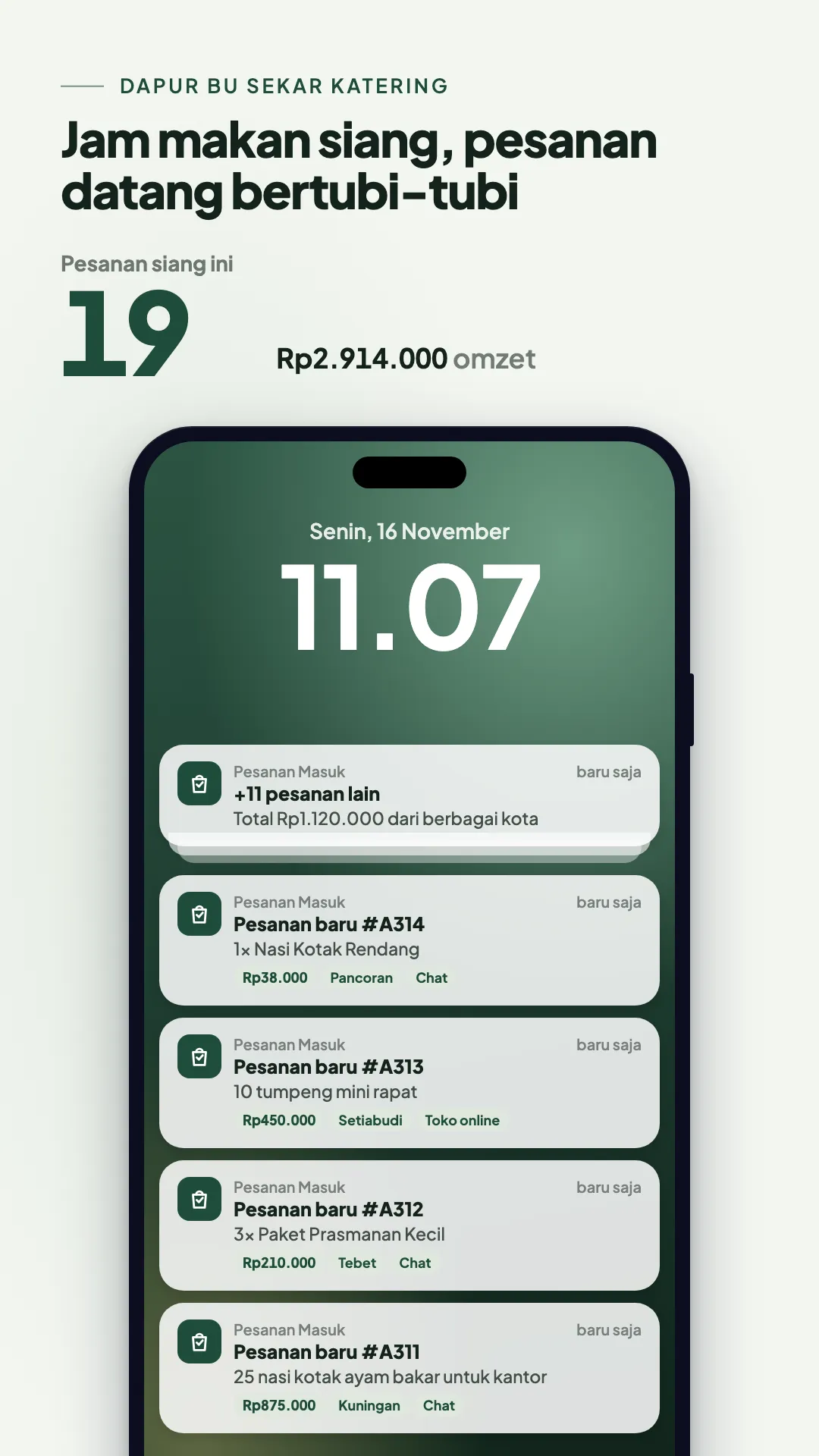
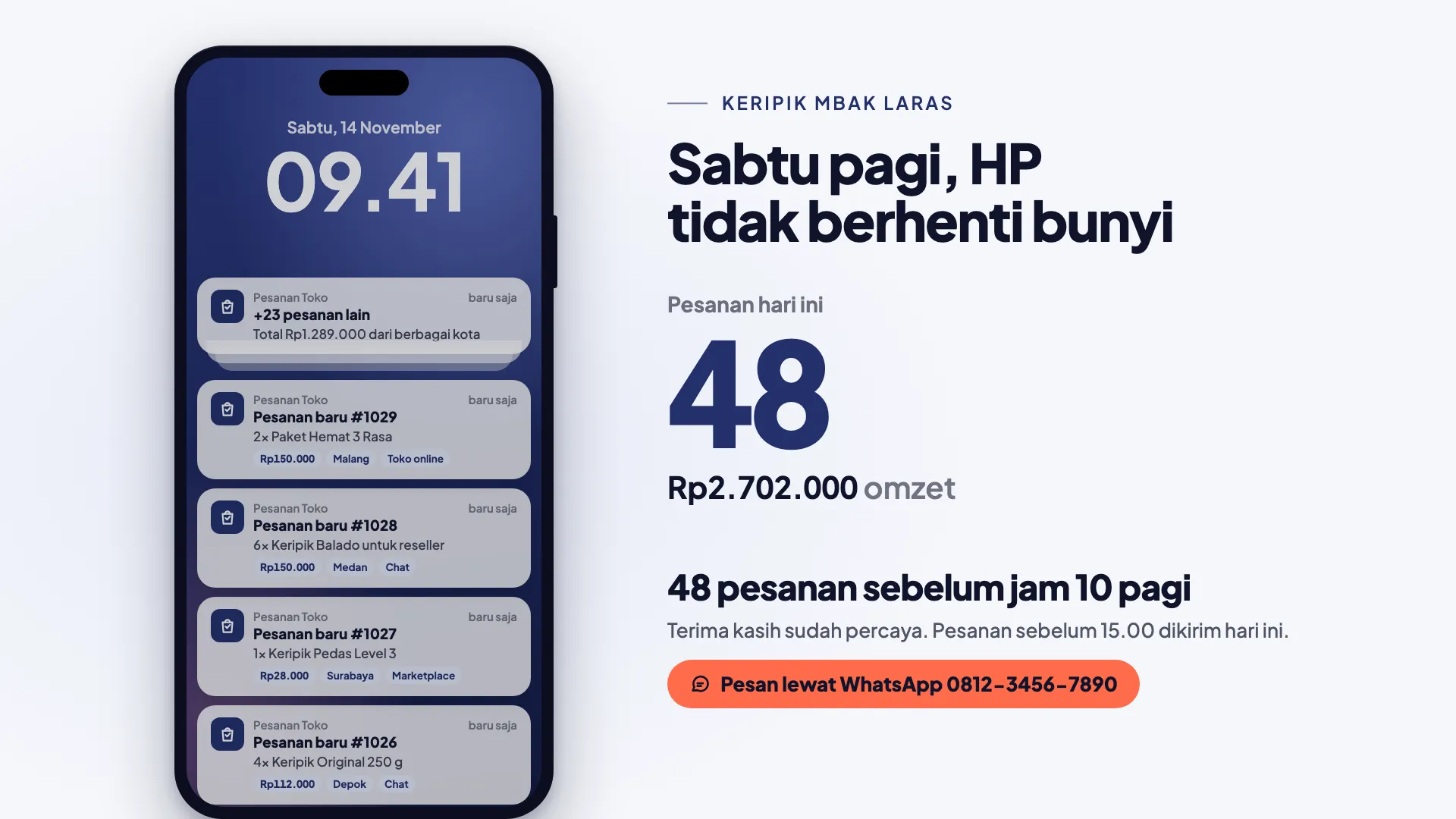
A busy-shop proof clip: a phone lock screen receives new order notifications one by one, faster and faster, older cards pushed down, the phone buzzing gently, then a "+23 more orders" stack lands at once. Beside it, today's order count and revenue climb with each order, then it closes with a thank-you line and a WhatsApp order call to action. Built from real orders, with a fictional app look, in 16:9 and 9:16, 10 to 16 seconds.
Verified by SkillFlow
We checked every file in this skill automatically: no command that downloads and runs a program, no hidden code, no instruction telling your AI to ignore you.
- Loads from outside
- Fonts: Google Fonts
See the 5 files inside
skill.json9 KBSKILL.md7 KBprompt.md6 KBprompt.en.md6 KBfiles/notifikasi.html23 KB
Checked 14 Nov 2026
Part of SkillFlow Pro
Pro opens every skill in every category: copy, ZIP, Send to AI, install, save, and request new skills.
Get Pro Already subscribed? Sign inWhat you get
- A script: title, 3-8 orders with items, total, city, channel, a stack of other orders, closing
- An animated HTML scene driven by one config object
- A phone lock screen with stacking notifications that speed up and a gentle buzz
- An order and revenue counter that climbs exactly with the orders on screen
- MP4 1920x1080 (16:9) or 1080x1920 (9:16), 30 fps, 10-16 seconds
- 3 ready palettes, plus your own brand colors
Good fit
- Sellers recapping a promo day or double date sale that was genuinely busy
- Shops needing social proof of many buyers in many cities for ads
- Caterers, bakers, or services whose orders pile up at certain hours
- Admins who want Reels or Status content that feels real
Not for
- It must not be used with invented orders; all data must come from real order records
- Not an app tutorial or a multi month revenue report
- It does not show buyer full names, phone numbers, or addresses
- It does not copy the name, logo, or colours of real chat or marketplace apps
About this skill
/notifikasi-pesanan-masuk Make an incoming orders video for Saturday morning at our chips shop, 6 real orders plus 23 more, revenue counting up, ending with a thank you and WhatsApp button
Show more
A busy-shop proof clip: a phone lock screen receives new order notifications one by one, faster and faster, older cards pushed down, the phone buzzing gently, then a "+23 more orders" stack lands at once. Beside it, today's order count and revenue climb with each order, then it closes with a thank-you line and a WhatsApp order call to action. Built from real orders, with a fictional app look, in 16:9 and 9:16, 10 to 16 seconds.
User reviews
FAQ
How is the counter calculated?
The final number is earlier orders plus the orders on screen plus the other orders. Make sure it matches the number in the closing line.
Can the app name in the notifications change?
Yes, but use a generic made up name like Shop Orders or New Orders. The lock screen time and date are set to match the moment.
How many orders are shown in full?
3 to 8 orders with items, total, city, and channel, in the order they came in. The rest arrive together as one more orders stack, or set it to 0 if there are none.
Which AI can I use it with?
Copy the prompt into a chat AI (ChatGPT, Claude, Gemini, DeepSeek): you get an HTML file; open it in Chrome and press Download MP4 (silent video, a minute or two to render); or download the ZIP and install it in an AI agent (Claude Code, Codex, Antigravity, Hermes Agent, Cursor, GitHub Copilot, Gemini CLI, OpenCode, Kimi Code, Trae), which then builds the files for you.
What is in the ZIP?
One folder named notifikasi-pesanan-masuk with SKILL.md (the instructions an AI agent reads) and the prompt, 5 files in all. Extract it into your agent's skills folder, or install it with npx skillflow-ai add notifikasi-pesanan-masuk. Pro only.
Is there a per-use fee or credits?
Not from SkillFlow. The skill runs on the AI you already use, so any cost follows that plan.
Which plan includes it?
SkillFlow Pro. It opens every skill in every category.
Can I use my own colours and brand?
Yes. Pick a colour theme on this page, or fill in your brand profile once; both go into the prompt you copy and into the ZIP.
Can I share what I made?
Pro members can upload the result and get a page at share.skillflow.ai.id to send to anyone. The page carries a small "Made with SkillFlow AI" mark.
Is there a download limit?
Yes, per day: 50 skills on Pro, 10 on other plans. Downloading a skill again on the same day does not count.



