

Rendered sample video
SKILL.md contents
Premium subscribers can read, copy, and install this skill.
Unlock with Premium Sign inFollow-Me End Screen
Description
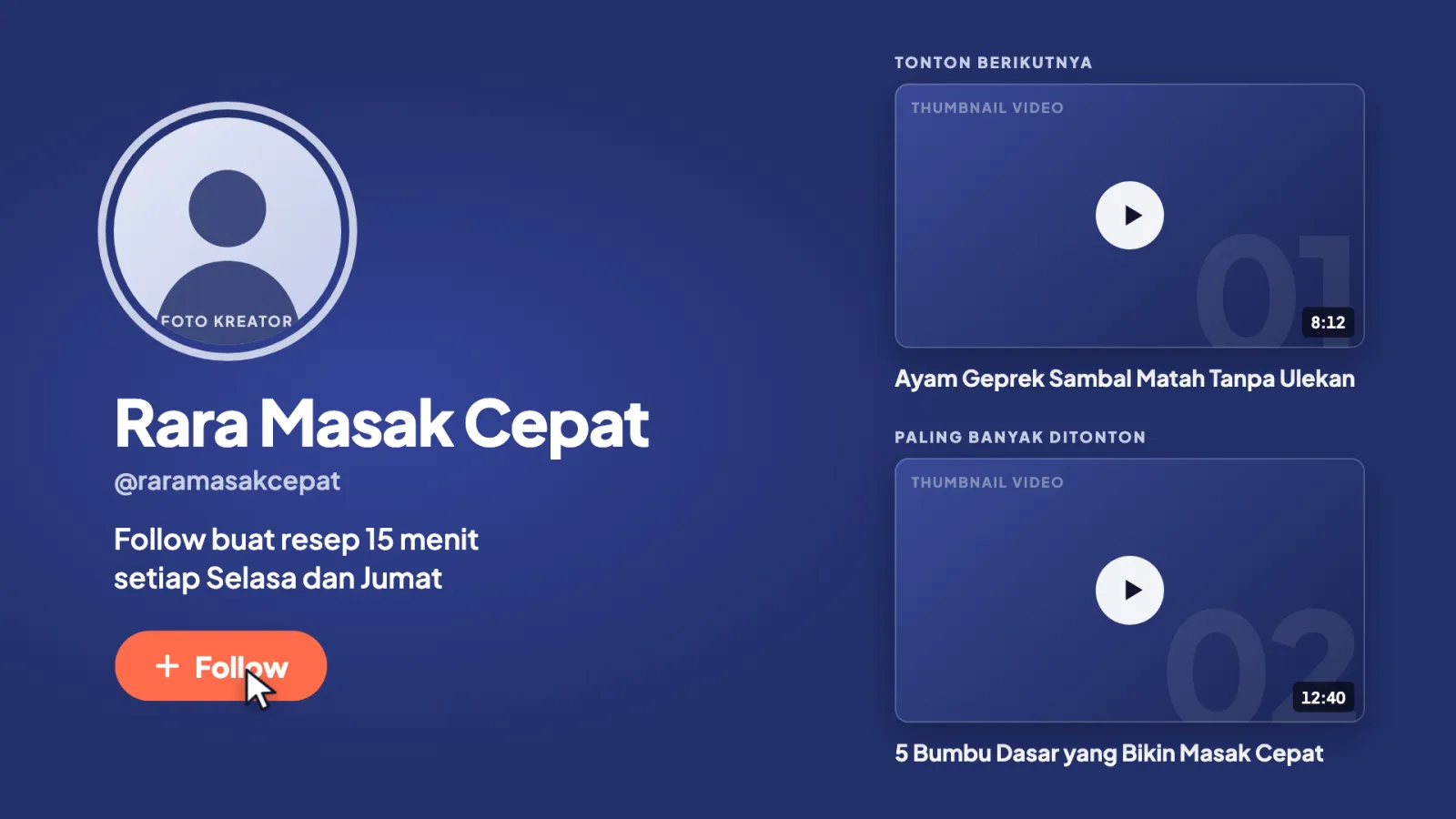
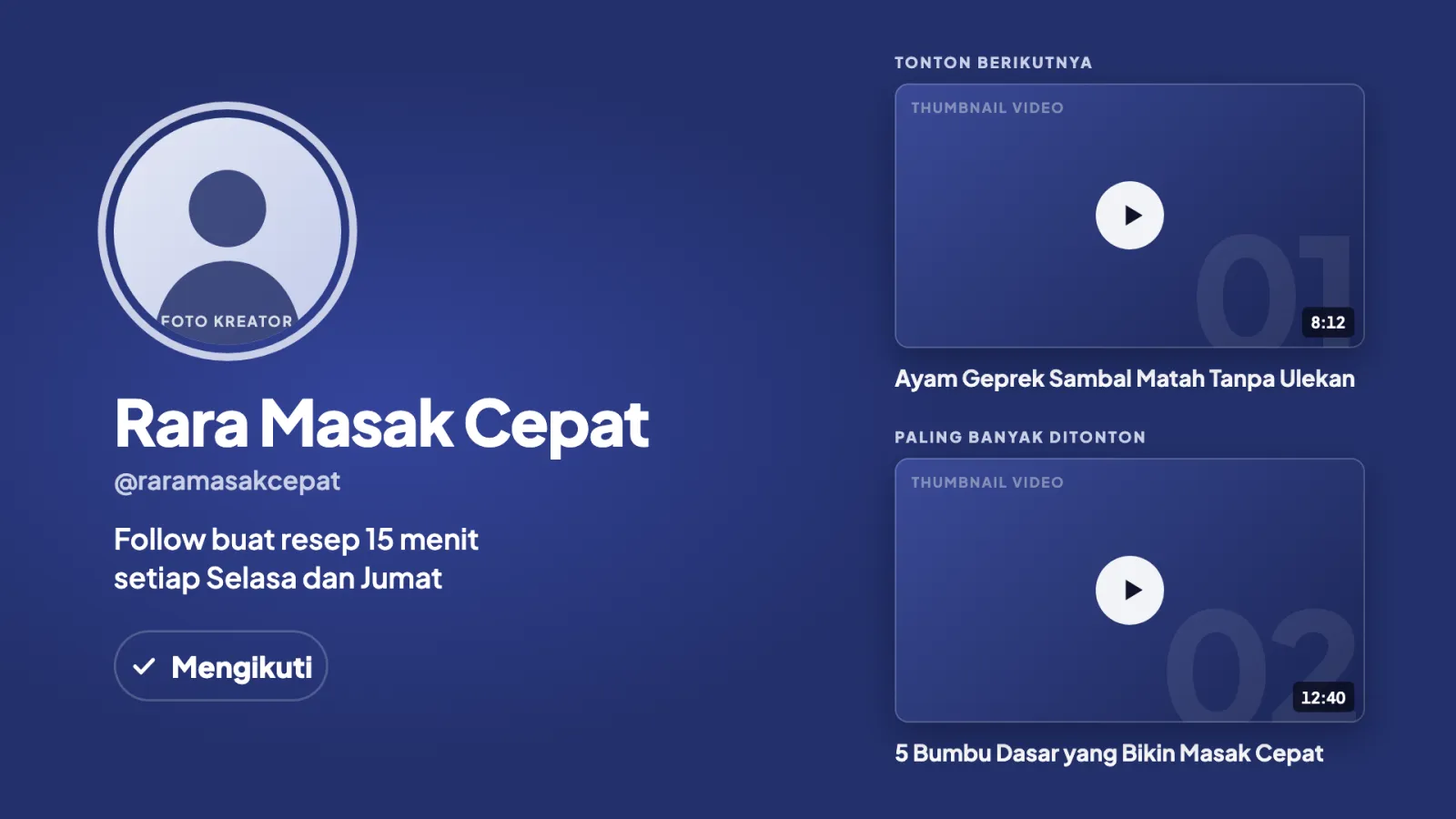
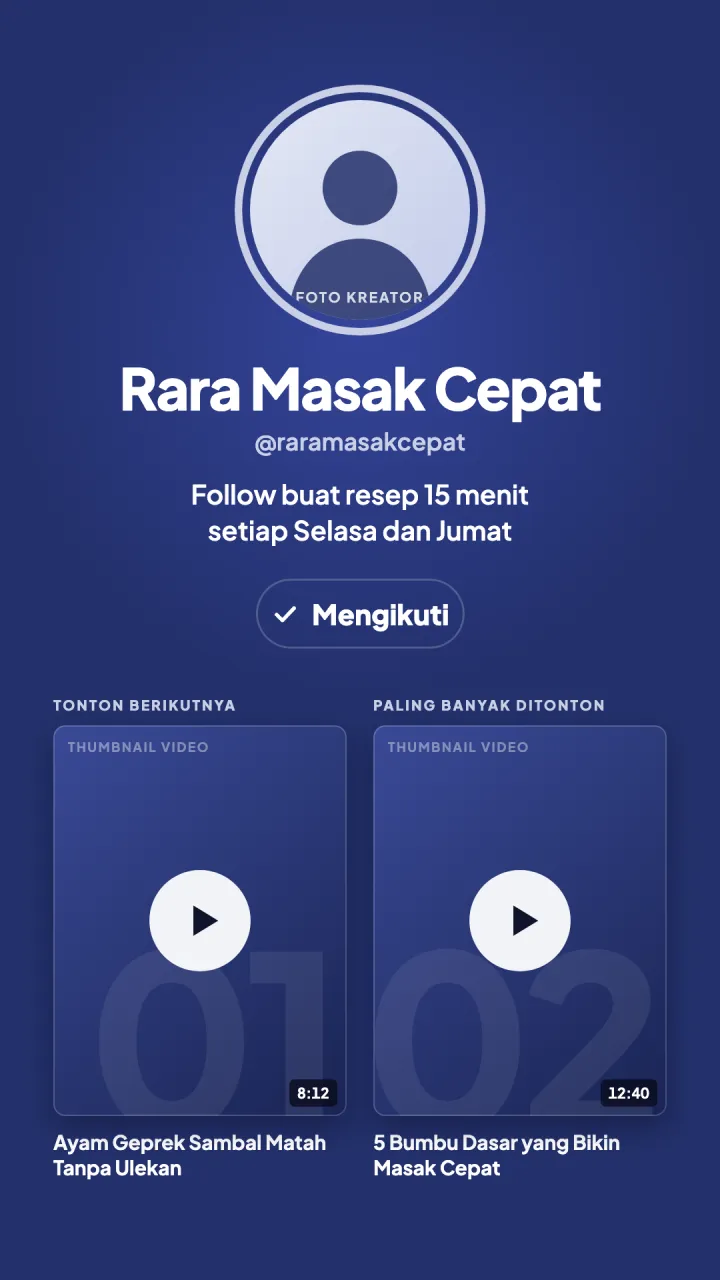
A 6 to 20 second closing screen for creators: the creator's photo with a ring that draws itself, the channel name and handle, one line on why to follow, a Follow button that a cursor clicks and turns into Following, and two next-video slots with a label, length, and title. 16:9 for a YouTube end screen (the video slots line up with end screen elements) and 9:16 for Reels, TikTok, and Shorts. Driven by one config object, rendered to MP4.
Verified by SkillFlow
We checked every file in this skill automatically: no command that downloads and runs a program, no hidden code, no instruction telling your AI to ignore you.
- Loads from outside
- Fonts: Google Fonts
See the 5 files inside
skill.json8 KBSKILL.md5 KBprompt.md3 KBprompt.en.md3 KBfiles/scene.html18 KB
Checked 14 Nov 2026
Part of SkillFlow Pro
Pro opens every skill in every category: copy, ZIP, Send to AI, install, save, and request new skills.
Get Pro Already subscribed? Sign inWhat you get
- An HTML closing screen scene driven by one config object
- Creator photo, name, handle, and one line on why to follow
- A Follow button that a cursor clicks and turns into Following (can be switched off)
- 0 to 2 next-video slots with a label, thumbnail, length, and title
- MP4 1920x1080 for a YouTube end screen or 1080x1920 for Reels/TikTok, 30 fps, 6-20 seconds
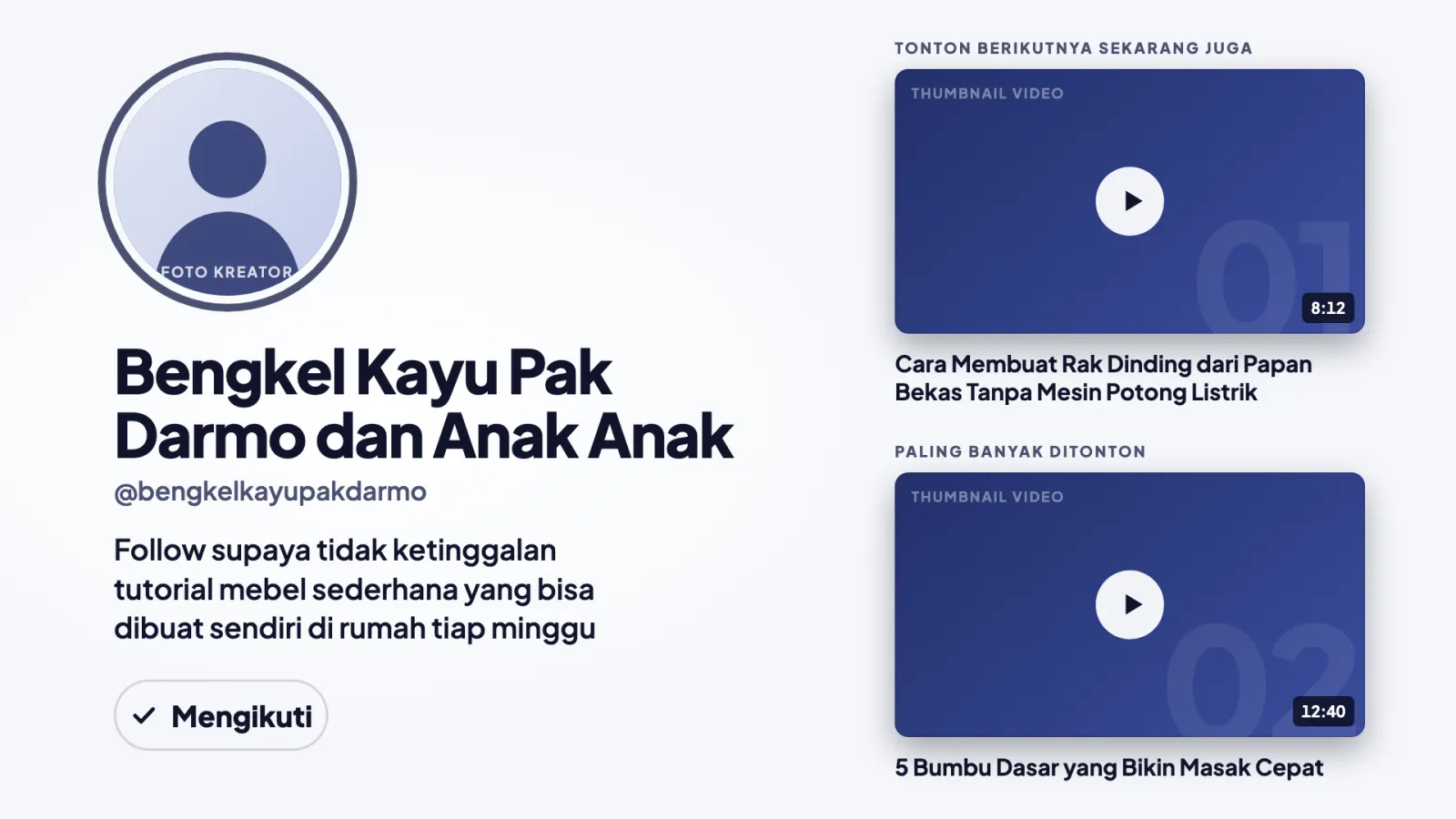
- Long text adjusts automatically, 4 ready palettes
Good fit
- YouTube creators using end screen elements in the last 5 to 20 seconds
- Reels, TikTok, or Shorts creators sending viewers to other videos on their profile
- Education, recipe, tutorial, review, and affiliate creators who want viewers to stay longer
- Channels that want a follow ask with a real reason, not just do not forget to follow
Not for
- Buttons in the video are not clickable; on YouTube the clickable parts are end screen elements you add yourself
- Not a shop logo bumper or a direct sales video
- At most 2 next video slots
- You supply the creator photo and thumbnails; the sample boxes should not be published as they are
About this skill
/outro-ajakan-follow Make a 12 second YouTube end screen for our recipe channel, a follow invite for 15 minute recipes every Tuesday and Friday, 2 next video slots, in 16:9
Show more
A 6 to 20 second closing screen for creators: the creator's photo with a ring that draws itself, the channel name and handle, one line on why to follow, a Follow button that a cursor clicks and turns into Following, and two next-video slots with a label, length, and title. 16:9 for a YouTube end screen (the video slots line up with end screen elements) and 9:16 for Reels, TikTok, and Shorts. Driven by one config object, rendered to MP4.
User reviews
FAQ
How do I set this up on YouTube?
Add the MP4 to the end of your video, then in YouTube's end screen settings place Video elements over the two right slots and a Subscribe element over the photo. Match the outro length to the end screen length, at least 5 seconds.
Can I turn off the cursor that taps the button?
Yes. Turn off the click and the Follow button stays still with no cursor. The button text can also change, for example Subscribe and Subscribed for YouTube.
I do not have the next video thumbnails yet?
Leave the image empty and the slot shows as a numbered box labelled Video thumbnail. That works when YouTube's end screen element will cover it anyway.
Which AI can I use it with?
Copy the prompt into a chat AI (ChatGPT, Claude, Gemini, DeepSeek): you get an HTML file; open it in Chrome and press Download MP4 (silent video, a minute or two to render); or download the ZIP and install it in an AI agent (Claude Code, Codex, Antigravity, Hermes Agent, Cursor, GitHub Copilot, Gemini CLI, OpenCode, Kimi Code, Trae), which then builds the files for you.
What is in the ZIP?
One folder named outro-ajakan-follow with SKILL.md (the instructions an AI agent reads) and the prompt, 5 files in all. Extract it into your agent's skills folder, or install it with npx skillflow-ai add outro-ajakan-follow. Pro only.
Is there a per-use fee or credits?
Not from SkillFlow. The skill runs on the AI you already use, so any cost follows that plan.
Which plan includes it?
SkillFlow Pro. It opens every skill in every category.
Can I use my own colours and brand?
Yes. Pick a colour theme on this page, or fill in your brand profile once; both go into the prompt you copy and into the ZIP.
Can I share what I made?
Pro members can upload the result and get a page at share.skillflow.ai.id to send to anyone. The page carries a small "Made with SkillFlow AI" mark.
Is there a download limit?
Yes, per day: 50 skills on Pro, 10 on other plans. Downloading a skill again on the same day does not count.



