

Rendered sample video
SKILL.md contents
Premium subscribers can read, copy, and install this skill.
Unlock with Premium Sign inUmrah Departure Board
Description
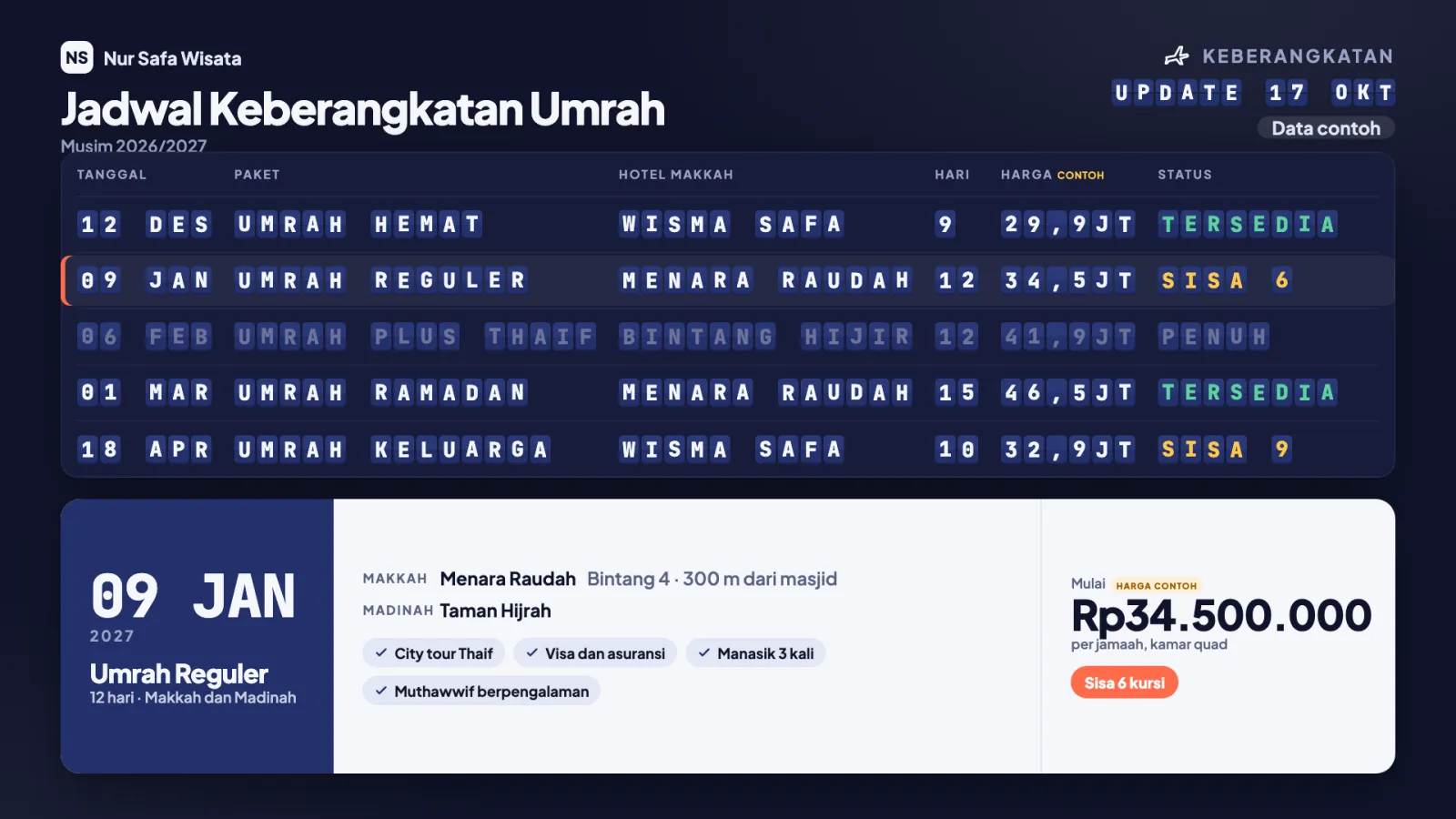
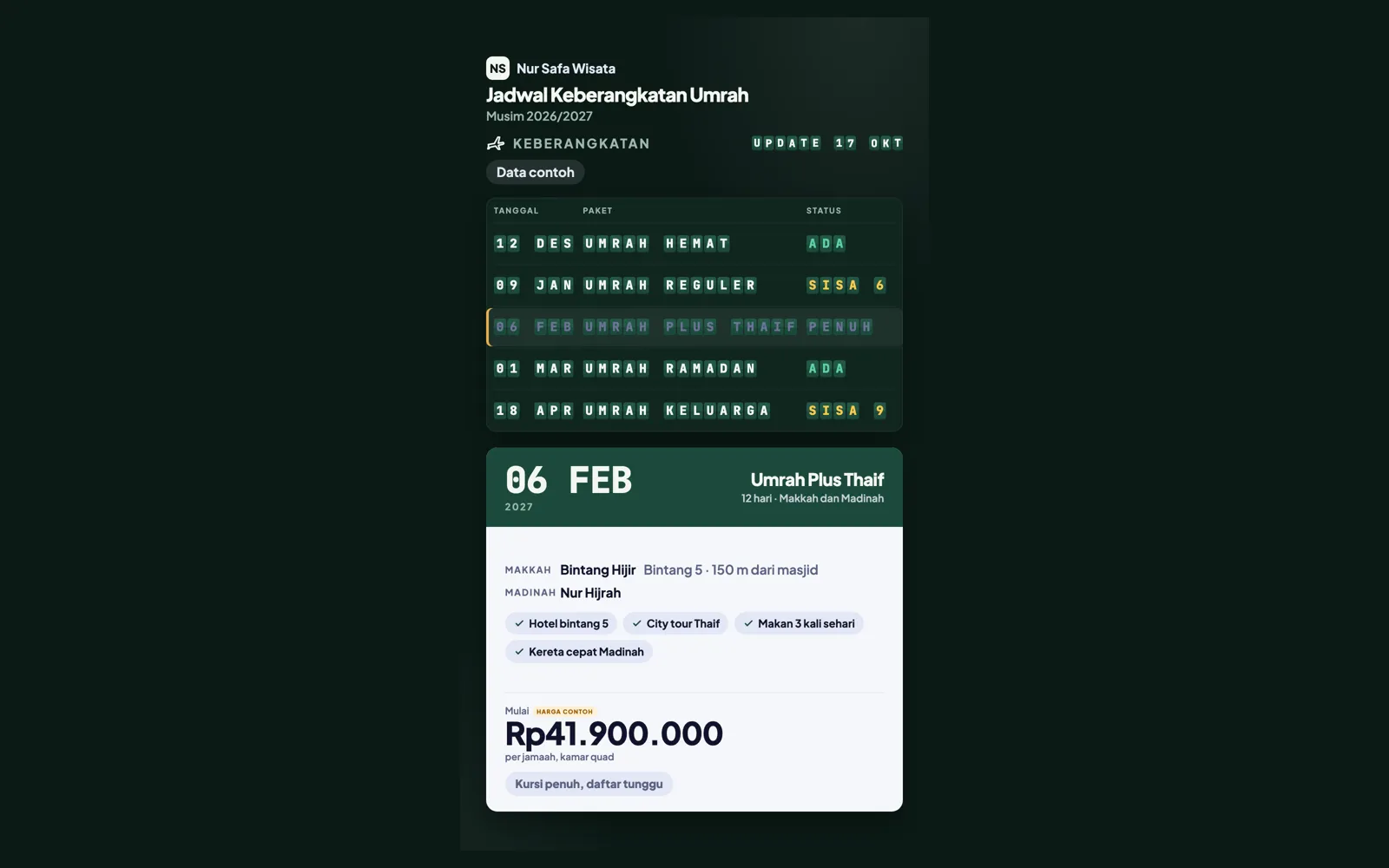
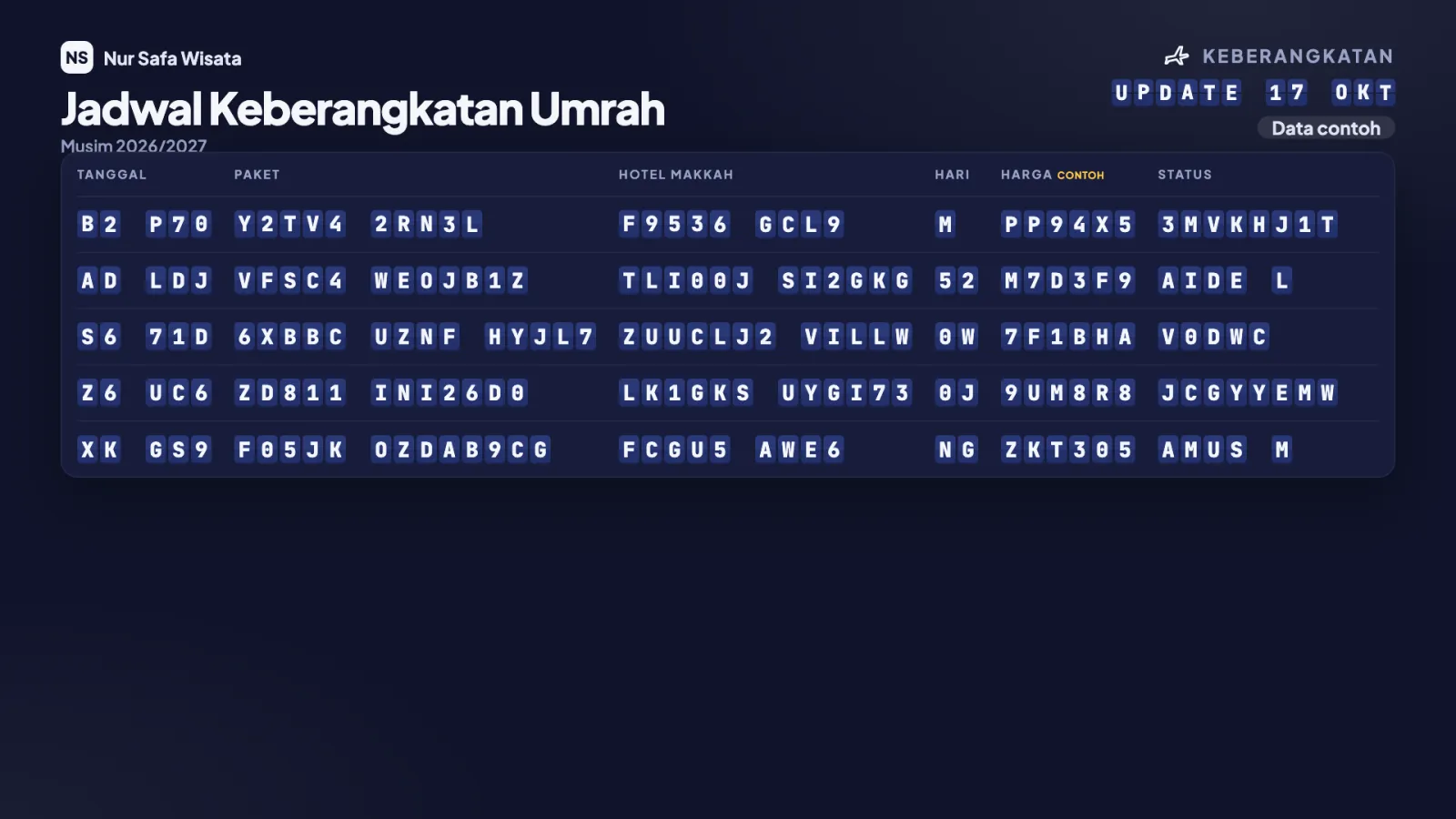
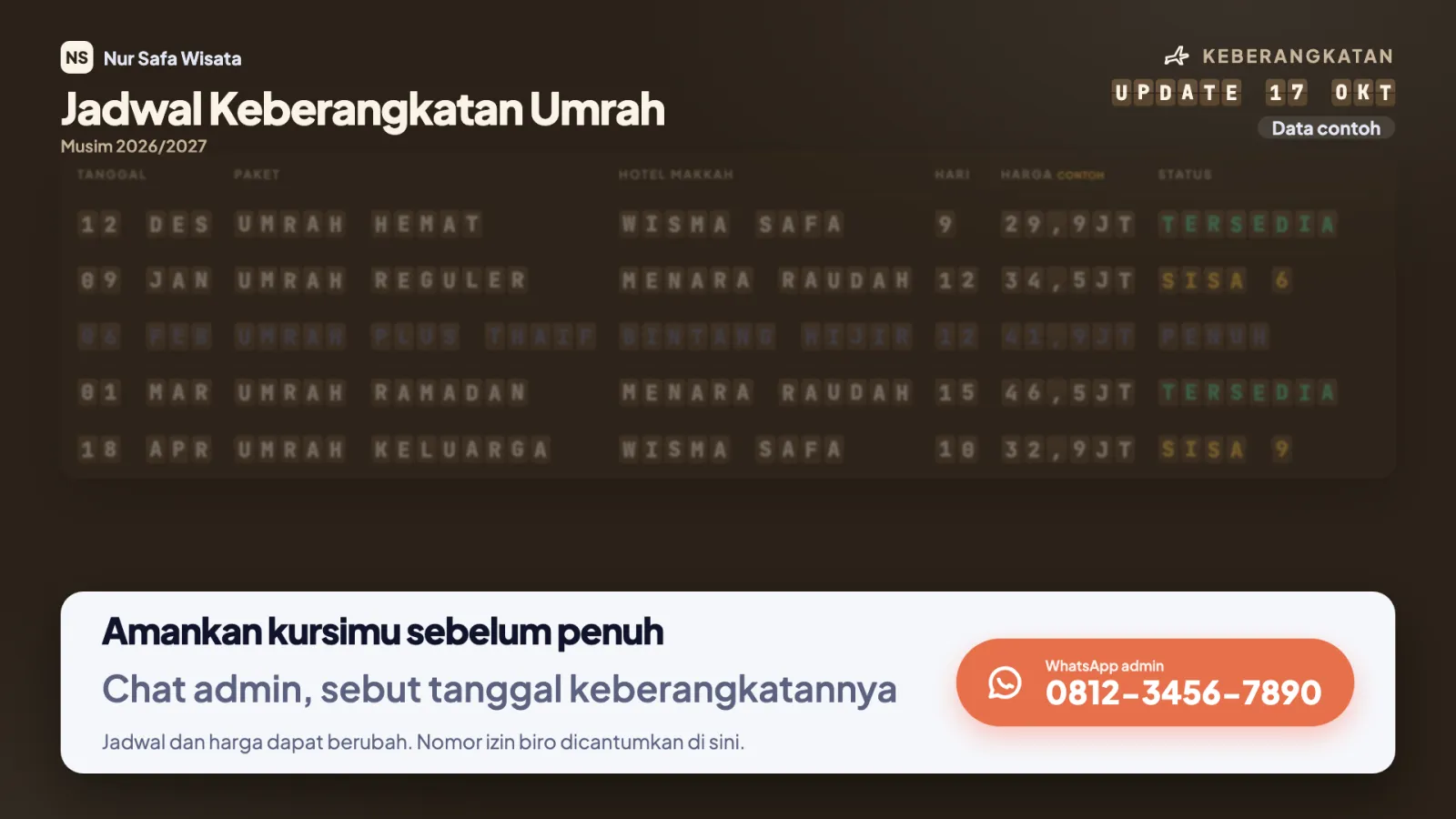
An Umrah schedule video styled like an airport departure board: the letters in each cell spin and settle into the date, package name, Makkah hotel, trip length, price, and seat status (available, a few seats left, full). Then each departure is highlighted in turn with a detail card showing the Makkah and Madinah hotels, distance to the mosque, inclusions, price per pilgrim, and seats left, closing on a WhatsApp chat call to action. 3 to 7 departures from one config object, status worked out from seats left, sample data and sample price labels, 16:9 and 9:16, 30 seconds max.
Verified by SkillFlow
We checked every file in this skill automatically: no command that downloads and runs a program, no hidden code, no instruction telling your AI to ignore you.
- Loads from outside
- Fonts: Google Fonts
See the 5 files inside
skill.json10 KBSKILL.md7 KBprompt.md6 KBprompt.en.md6 KBfiles/scene.html28 KB
Checked 14 Nov 2026
Part of SkillFlow Pro
Pro opens every skill in every category: copy, ZIP, Send to AI, install, save, and request new skills.
Get Pro Already subscribed? Sign inWhat you get
- Schedule copy: date, package name, hotel, trip length, price, seats left, inclusions, and the closing call to action
- An animated HTML scene of a spinning-letter board plus a detail card per departure, driven by one config object
- Seat status worked out from the seats-left number; full rows dim
- Sample data and sample price labels that can be switched off once the data is real
- MP4 1920x1080 (16:9) for YouTube or an office screen and 1080x1920 (9:16) for Reels and status, 30 fps
- 3 palettes: city indigo, night green, sand
Good fit
- Umrah travel agencies showing one season of 3 to 7 departures
- Admins updating seats left on the nearest departures
- Agencies promoting special Ramadan, family, or extra city packages
- Offices wanting a schedule video for a waiting room screen
Not for
- Not a package page with a day by day itinerary
- At most 7 departures per video
- It does not check hotel or airline availability; data comes from the agency and unconfirmed items say equivalent star rating
- Sample data must be replaced with real data before sharing with prospective pilgrims
About this skill
/papan-keberangkatan-umrah Make an umrah departure board video for our December to February season, 5 departures with hotels, price per pilgrim, and seats left, ending with a chat the admin invite, in 9:16
Show more
An Umrah schedule video styled like an airport departure board: the letters in each cell spin and settle into the date, package name, Makkah hotel, trip length, price, and seat status (available, a few seats left, full). Then each departure is highlighted in turn with a detail card showing the Makkah and Madinah hotels, distance to the mosque, inclusions, price per pilgrim, and seats left, closing on a WhatsApp chat call to action. 3 to 7 departures from one config object, status worked out from seats left, sample data and sample price labels, 16:9 and 9:16, 30 seconds max.
User reviews
FAQ
How is seat status decided?
Automatically from seats left: 0 shows FULL and the row dims, 1 to 10 shows N LEFT with an accented card, above 10 shows AVAILABLE. The number must match reality on the day.
The package name is too long for the board?
Add a short board name, ideally 16 letters or fewer for 9:16. The full name still shows on the detail card.
What must go in the closing note?
The agency's official licence number and a line saying schedules and prices may change. The Sample data and Sample price labels are turned off only once the data is real.
Which AI can I use it with?
Copy the prompt into a chat AI (ChatGPT, Claude, Gemini, DeepSeek): you get an HTML file; open it in Chrome and press Download MP4 (silent video, a minute or two to render); or download the ZIP and install it in an AI agent (Claude Code, Codex, Antigravity, Hermes Agent, Cursor, GitHub Copilot, Gemini CLI, OpenCode, Kimi Code, Trae), which then builds the files for you.
What is in the ZIP?
One folder named papan-keberangkatan-umrah with SKILL.md (the instructions an AI agent reads) and the prompt, 5 files in all. Extract it into your agent's skills folder, or install it with npx skillflow-ai add papan-keberangkatan-umrah. Pro only.
Is there a per-use fee or credits?
Not from SkillFlow. The skill runs on the AI you already use, so any cost follows that plan.
Which plan includes it?
SkillFlow Pro. It opens every skill in every category.
Can I use my own colours and brand?
Yes. Pick a colour theme on this page, or fill in your brand profile once; both go into the prompt you copy and into the ZIP.
Can I share what I made?
Pro members can upload the result and get a page at share.skillflow.ai.id to send to anyone. The page carries a small "Made with SkillFlow AI" mark.
Is there a download limit?
Yes, per day: 50 skills on Pro, 10 on other plans. Downloading a skill again on the same day does not count.



