

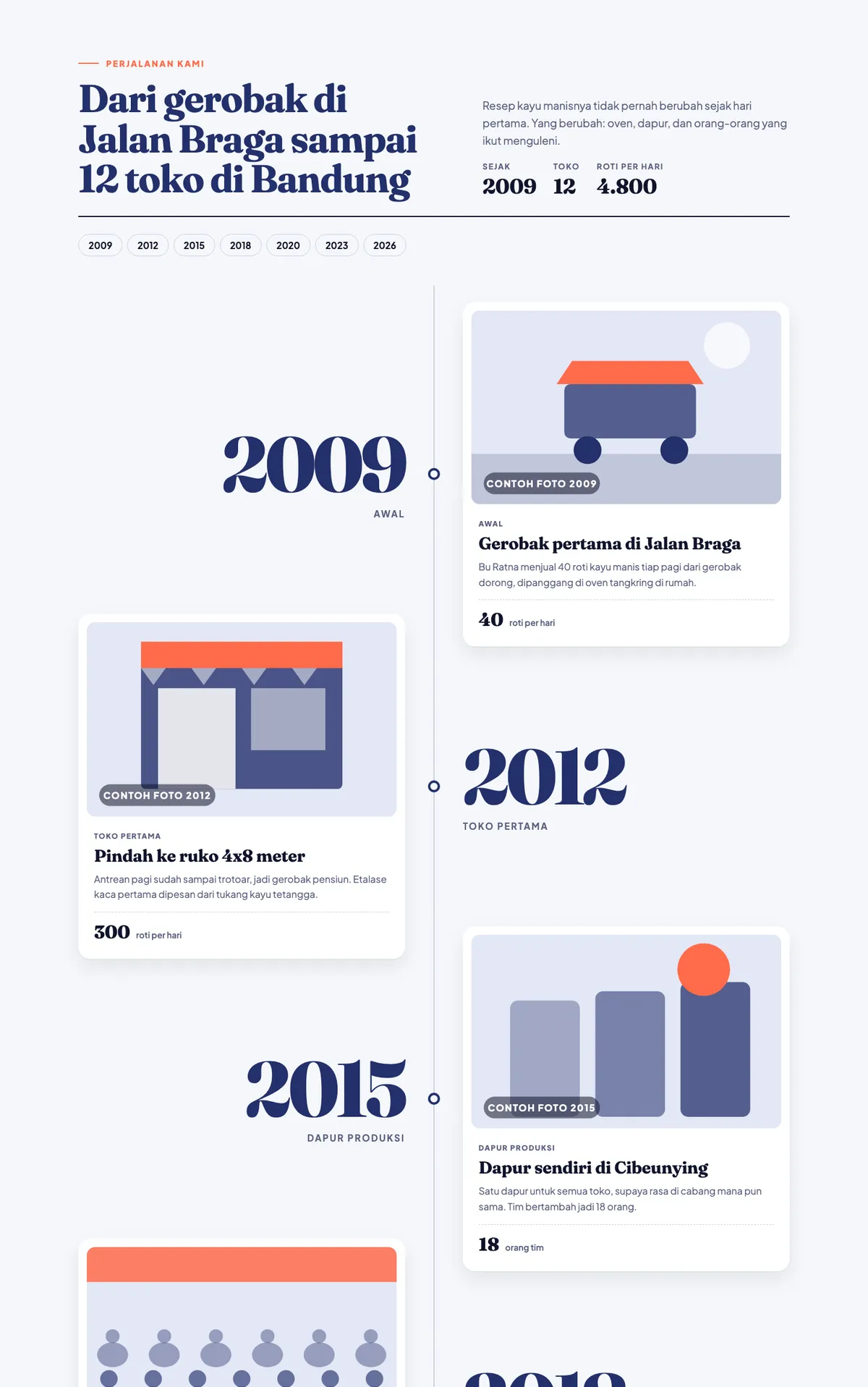
Desktop vertical: big serif years and photo cards alternating left and right
SKILL.md contents
Premium subscribers can read, copy, and install this skill.
Unlock with Premium Sign inBrand Journey (Section)
Description
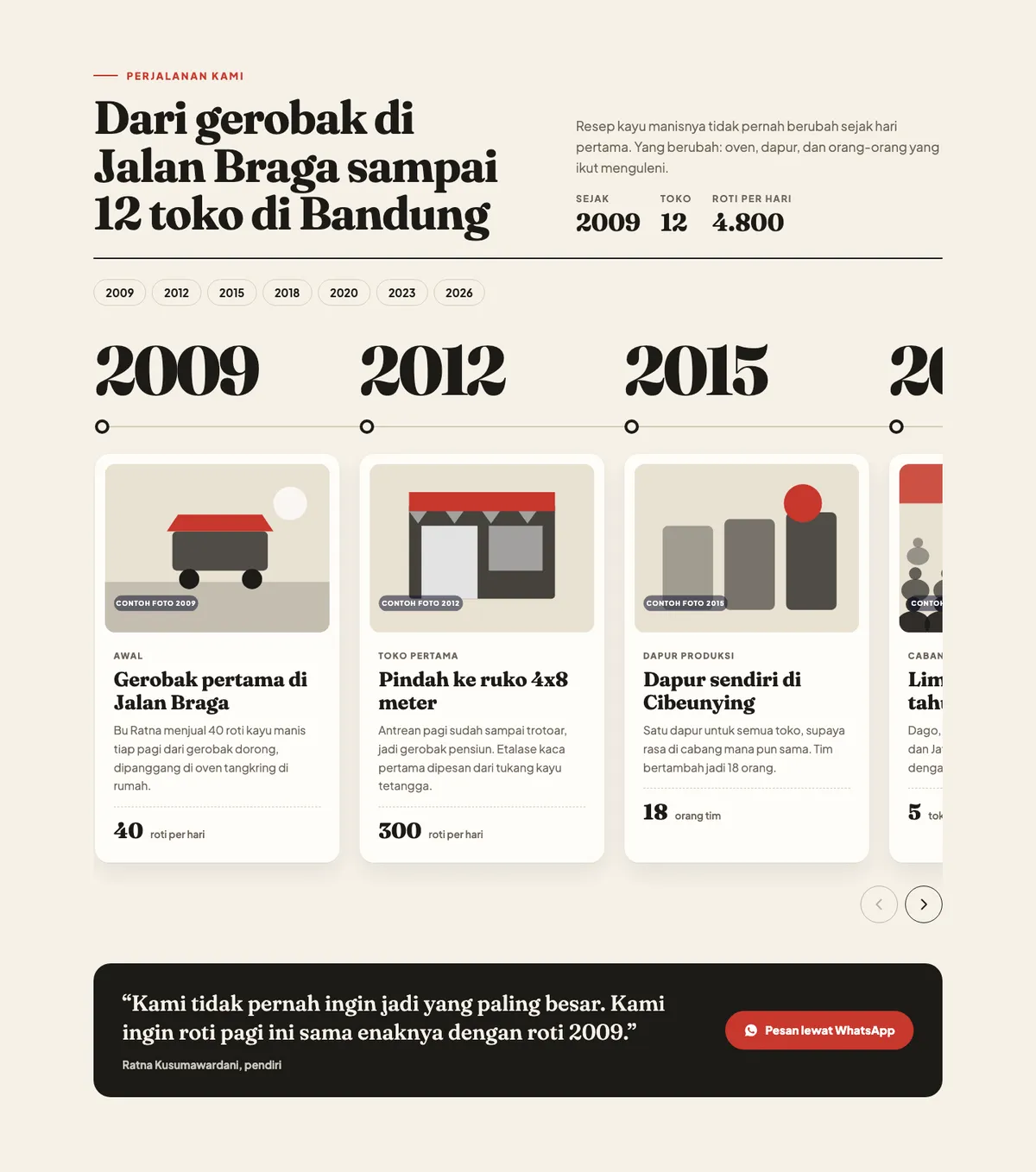
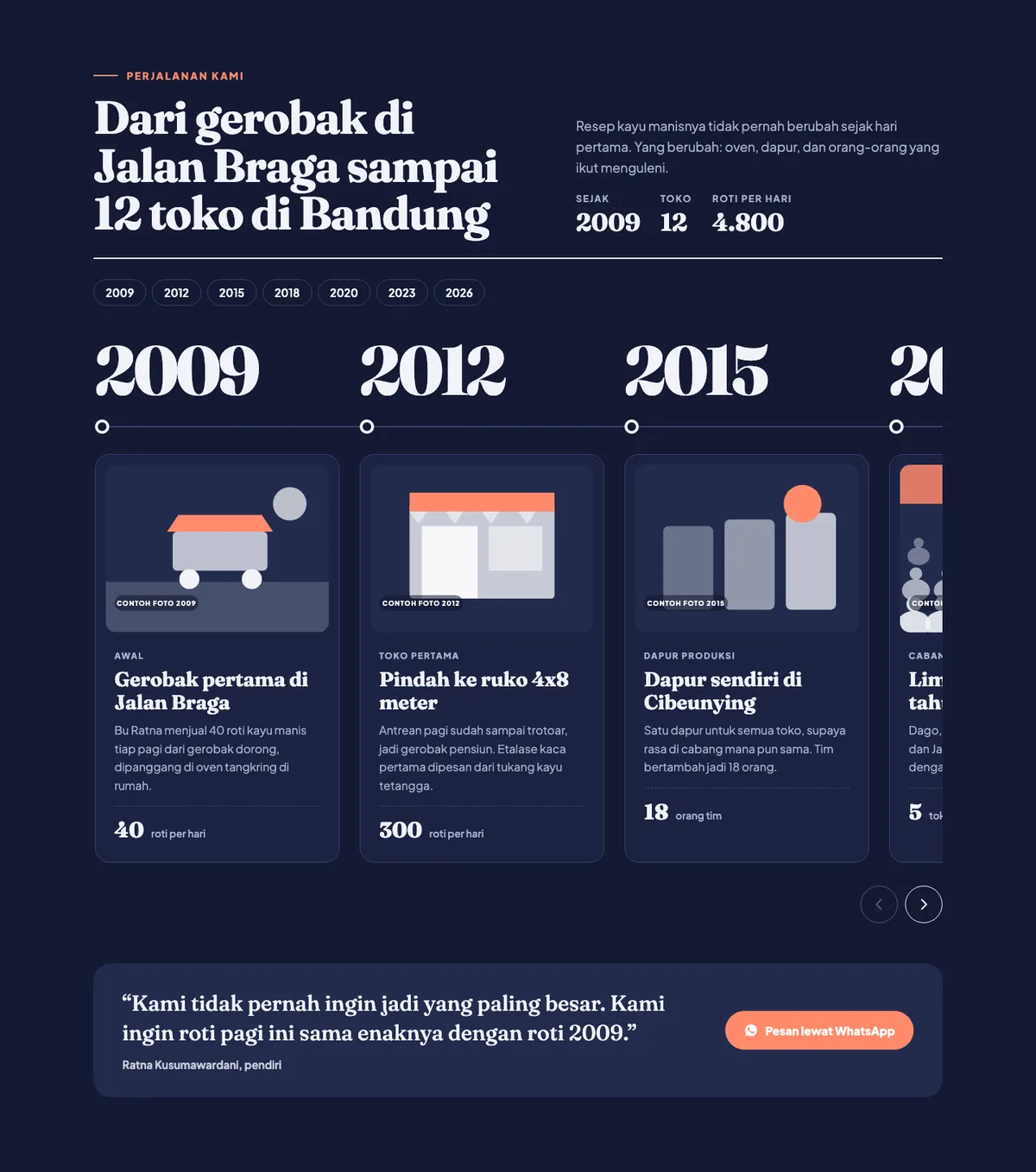
A magazine-style timeline section for an About Us page: big serif years, a photo per milestone, a title, a short story, and one number that proves the growth, from the very first business to today. On desktop a centre line with cards alternating left and right or a sideways scrolling track, on phones always vertical with the line on the left. Includes jump-to-year buttons, an accent-coloured key milestone, a founder quote, and a WhatsApp button. Scoped CSS, safe to paste into any page.
Verified by SkillFlow
We checked every file in this skill automatically: no command that downloads and runs a program, no hidden code, no instruction telling your AI to ignore you.
- Loads from outside
- Fonts: Google Fonts
See the 5 files inside
skill.json9 KBSKILL.md5 KBprompt.md4 KBprompt.en.md4 KBfiles/perjalanan.html21 KB
Checked 14 Nov 2026
Part of SkillFlow Pro
Pro opens every skill in every category: copy, ZIP, Send to AI, install, save, and request new skills.
Get Pro Already subscribed? Sign inWhat you get
- A milestone script: year, label, title, a story of up to 30 words, and one number per milestone
- A one-file HTML section with CSS scoped to .sfpj, ready to paste into an About Us page
- 2 desktop layouts (alternating vertical, sideways scroll) that turn vertical on phones automatically
- Jump-to-year buttons, an accented key milestone, a founder quote, and a WhatsApp button with the number converted to the country code
- 3 palettes (city, magazine paper, night) and labelled placeholders until photos are ready
Good fit
- Businesses that have run for some years and want buyers to trust them through their story
- About Us pages, company profiles, or brand anniversary pages
- Owners with old photos (the first cart, the first shop) who want to show them off neatly
Not for
- Not a full page; just one section pasted into a page you already have
- It does not invent history: years, numbers, and stories must come from you
- Not a timeline video; for a moving version use the history timeline video skill
- More than 12 milestones makes the page too long; pick the most important ones
About this skill
/perjalanan-brand Make a brand journey section for the About Us page of Sekar Ayu Batik from 2011 to today, 6 milestones with photos, a WhatsApp button at the bottom
Show more
A magazine-style timeline section for an About Us page: big serif years, a photo per milestone, a title, a short story, and one number that proves the growth, from the very first business to today. On desktop a centre line with cards alternating left and right or a sideways scrolling track, on phones always vertical with the line on the left. Includes jump-to-year buttons, an accent-coloured key milestone, a founder quote, and a WhatsApp button. Scoped CSS, safe to paste into any page.

User reviews
FAQ
Why can't it be horizontal on phones?
A sideways track on a narrow screen cuts the stories off and is hard to read with one thumb. The section switches to vertical below 820 px automatically, including when the screen is rotated.
I don't have old photos. What then?
Leave them empty for now: each milestone shows a placeholder labelled with its year. Current product or shop photos also work, as long as the caption is honest.
Which number suits each milestone?
One number that proves the growth in that year: loaves a day, number of shops, team size, cities shipped to. Don't use numbers you cannot back up.
Which AI can I use it with?
Copy the prompt into a chat AI (ChatGPT, Claude, Gemini, DeepSeek); or download the ZIP and install it in an AI agent (Claude Code, Codex, Antigravity, Hermes Agent, Cursor, GitHub Copilot, Gemini CLI, OpenCode, Kimi Code, Trae), which then builds the files for you.
What is in the ZIP?
One folder named perjalanan-brand with SKILL.md (the instructions an AI agent reads) and the prompt, 5 files in all. Extract it into your agent's skills folder, or install it with npx skillflow-ai add perjalanan-brand. Pro only.
Is there a per-use fee or credits?
Not from SkillFlow. The skill runs on the AI you already use, so any cost follows that plan.
Which plan includes it?
SkillFlow Pro. It opens every skill in every category.
Can I use my own colours and brand?
Yes. Pick a colour theme on this page, or fill in your brand profile once; both go into the prompt you copy and into the ZIP.
Can I share what I made?
Pro members can upload the result and get a page at share.skillflow.ai.id to send to anyone. The page carries a small "Made with SkillFlow AI" mark.
Is there a download limit?
Yes, per day: 50 skills on Pro, 10 on other plans. Downloading a skill again on the same day does not count.



