

Rendered sample video
SKILL.md contents
Premium subscribers can read, copy, and install this skill.
Unlock with Premium Sign inDirections to Our Place
Description
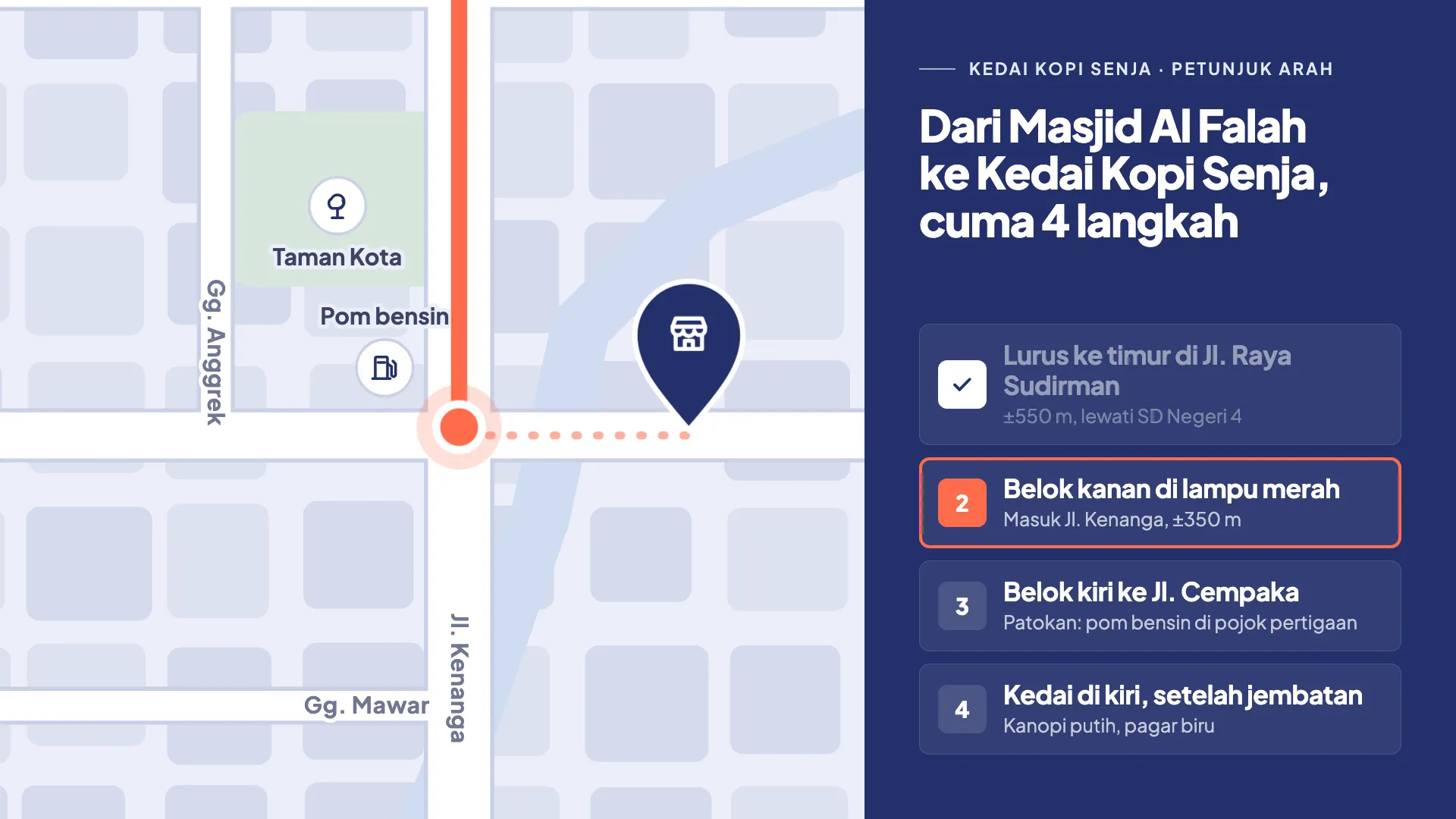
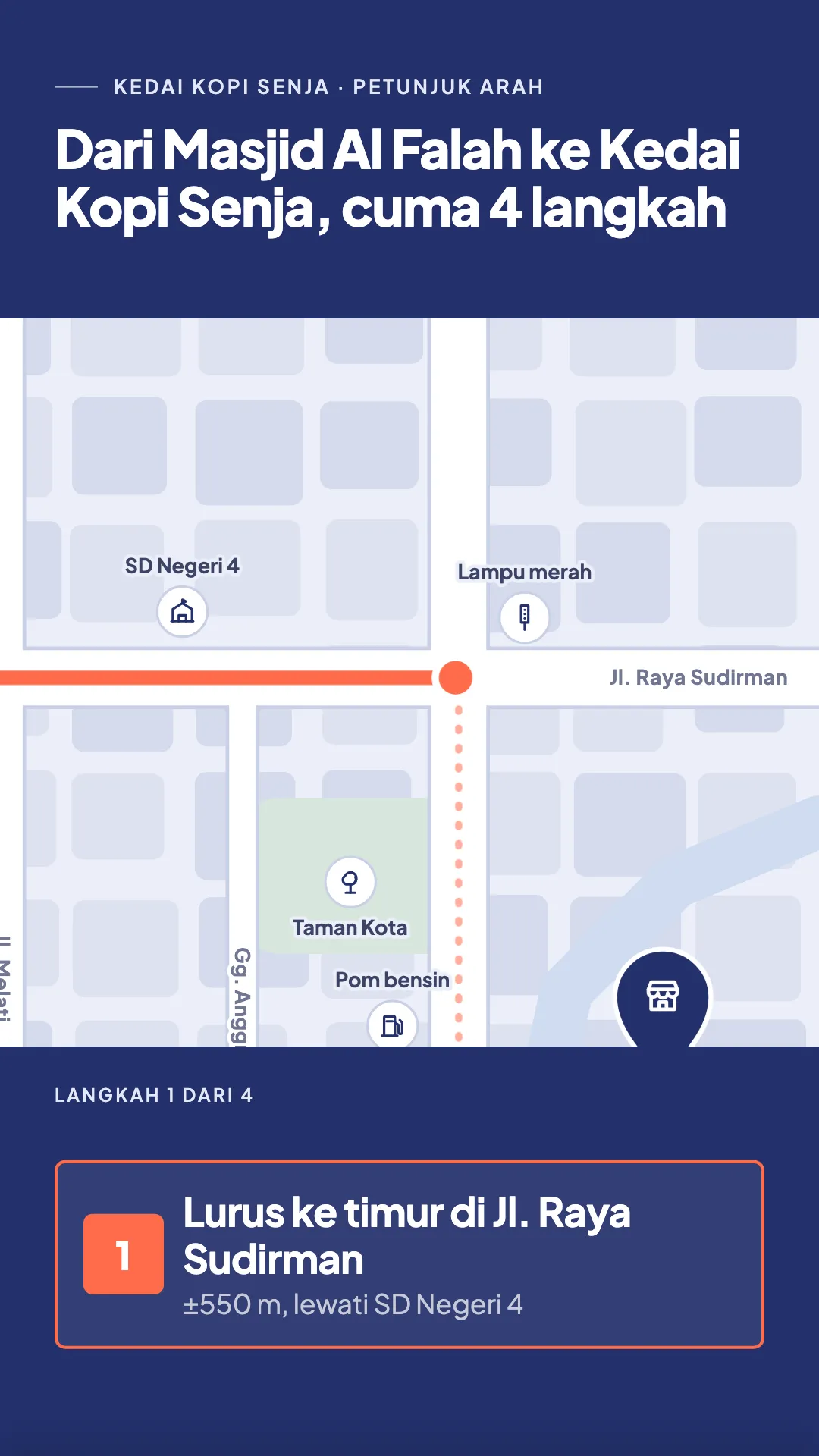
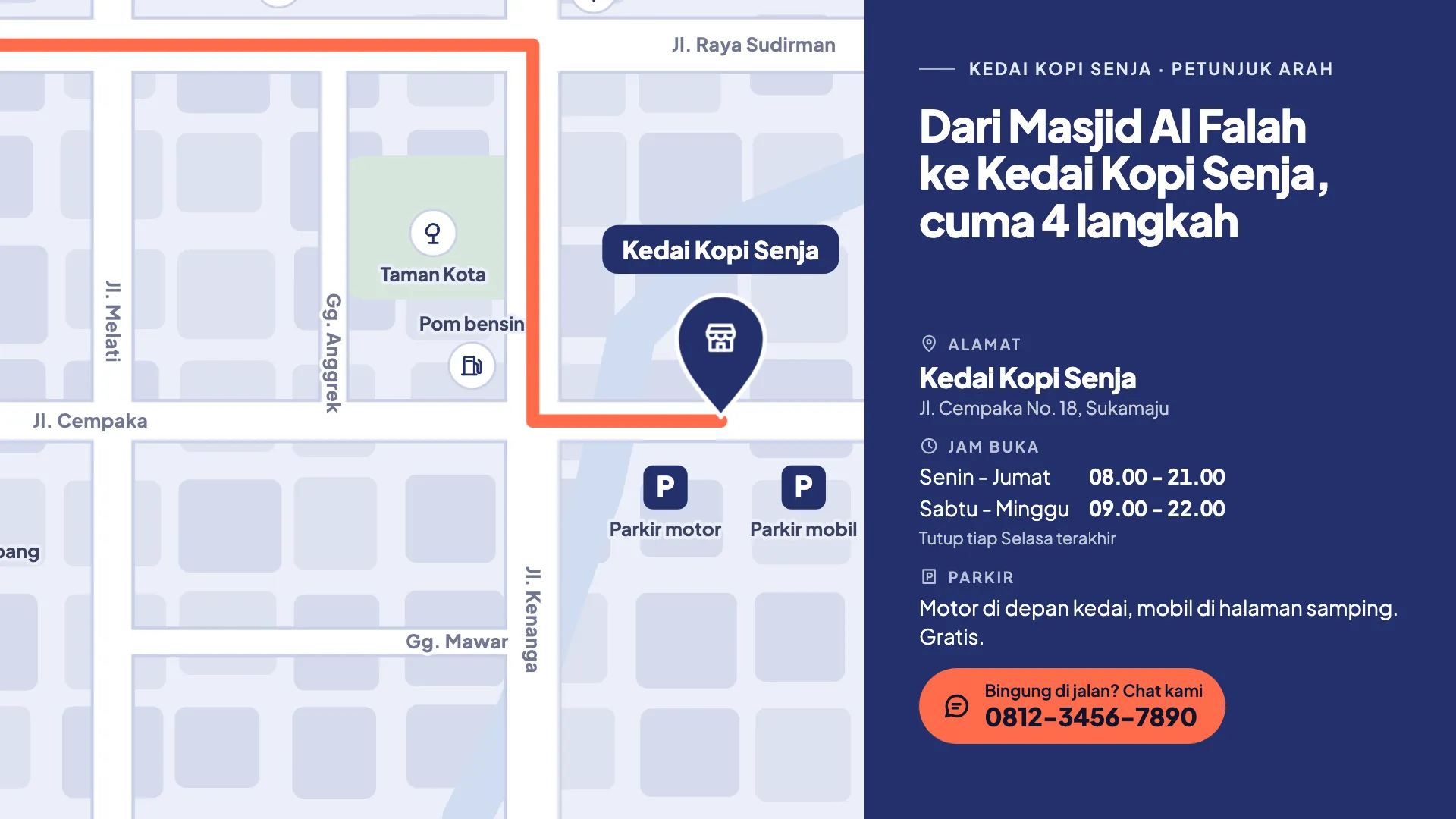
A directions clip for a shop, cafe, or event venue: a street map drawn from a simple list of roads, the nearest landmarks (mosque, school, petrol station, traffic lights), then a route that draws itself while a marker travels from the landmark to the front door and turn-by-turn step cards light up one after another. It ends with the shop pin, parking spots, address, opening hours, and a WhatsApp number for anyone still lost. 16:9 and 9:16, driven by one config object, rendered to MP4 with one command.
Verified by SkillFlow
We checked every file in this skill automatically: no command that downloads and runs a program, no hidden code, no instruction telling your AI to ignore you.
- Loads from outside
- Fonts: Google Fonts
See the 5 files inside
skill.json9 KBSKILL.md8 KBprompt.md6 KBprompt.en.md6 KBfiles/scene.html31 KB
Checked 14 Nov 2026
Part of SkillFlow Pro
Pro opens every skill in every category: copy, ZIP, Send to AI, install, save, and request new skills.
Get Pro Already subscribed? Sign inWhat you get
- A directions script: starting landmark, 3-5 turns with a distance or a visible clue
- An animated HTML scene with a self-drawn SVG street map built from a list of roads and route points
- A camera that follows the marker along the route, then pulls back to show the shop and parking
- Closing: address, opening hours, parking notes, and a WhatsApp number
- MP4 1920x1080 (16:9) or 1080x1920 (9:16), 30 fps, 14-18 seconds
- 3 palettes: indigo (default), night, leaf
Good fit
- Shops, stalls, garages, clinics, boarding houses, or offices often asked how to get there
- Hidden spots down a lane, behind a market, or upstairs in a shophouse
- Businesses opening a new branch or moving address
- Event organisers pinning directions in a customer group
Not for
- The map is drawn schematically from your description, not a real map or map app data
- Not for precise navigation; share a location pin by chat for the exact spot
- Not a map of where buyers are
- At most 5 turn steps
About this skill
/petunjuk-arah-ke-lokasi Make a directions video from the local mosque to our coffee stall in the lane behind the market, 4 turns with landmarks, motorbike parking out front, opening hours, and WhatsApp, in 9:16
Show more
A directions clip for a shop, cafe, or event venue: a street map drawn from a simple list of roads, the nearest landmarks (mosque, school, petrol station, traffic lights), then a route that draws itself while a marker travels from the landmark to the front door and turn-by-turn step cards light up one after another. It ends with the shop pin, parking spots, address, opening hours, and a WhatsApp number for anyone still lost. 16:9 and 9:16, driven by one config object, rendered to MP4 with one command.
User reviews
FAQ
How should I describe the route?
Describe it as you would to a friend, like from the mosque head east then turn right at the traffic light. A photo of a paper sketch works too. Left and right are from the point of view of someone driving the route.
Which landmarks can be shown?
3 to 6 landmarks with icons for mosque, place of worship, school, petrol station, market, traffic light, bank, park, shop, or clinic. A river and up to 2 parking spots can be added too.
What goes in the last step?
Always how to recognise the place: which side of the road it is on and what the building looks like, such as a green gate or next to a pharmacy.
Which AI can I use it with?
Copy the prompt into a chat AI (ChatGPT, Claude, Gemini, DeepSeek): you get an HTML file; open it in Chrome and press Download MP4 (silent video, a minute or two to render); or download the ZIP and install it in an AI agent (Claude Code, Codex, Antigravity, Hermes Agent, Cursor, GitHub Copilot, Gemini CLI, OpenCode, Kimi Code, Trae), which then builds the files for you.
What is in the ZIP?
One folder named petunjuk-arah-ke-lokasi with SKILL.md (the instructions an AI agent reads) and the prompt, 5 files in all. Extract it into your agent's skills folder, or install it with npx skillflow-ai add petunjuk-arah-ke-lokasi. Pro only.
Is there a per-use fee or credits?
Not from SkillFlow. The skill runs on the AI you already use, so any cost follows that plan.
Which plan includes it?
SkillFlow Pro. It opens every skill in every category.
Can I use my own colours and brand?
Yes. Pick a colour theme on this page, or fill in your brand profile once; both go into the prompt you copy and into the ZIP.
Can I share what I made?
Pro members can upload the result and get a page at share.skillflow.ai.id to send to anyone. The page carries a small "Made with SkillFlow AI" mark.
Is there a download limit?
Yes, per day: 50 skills on Pro, 10 on other plans. Downloading a skill again on the same day does not count.



