

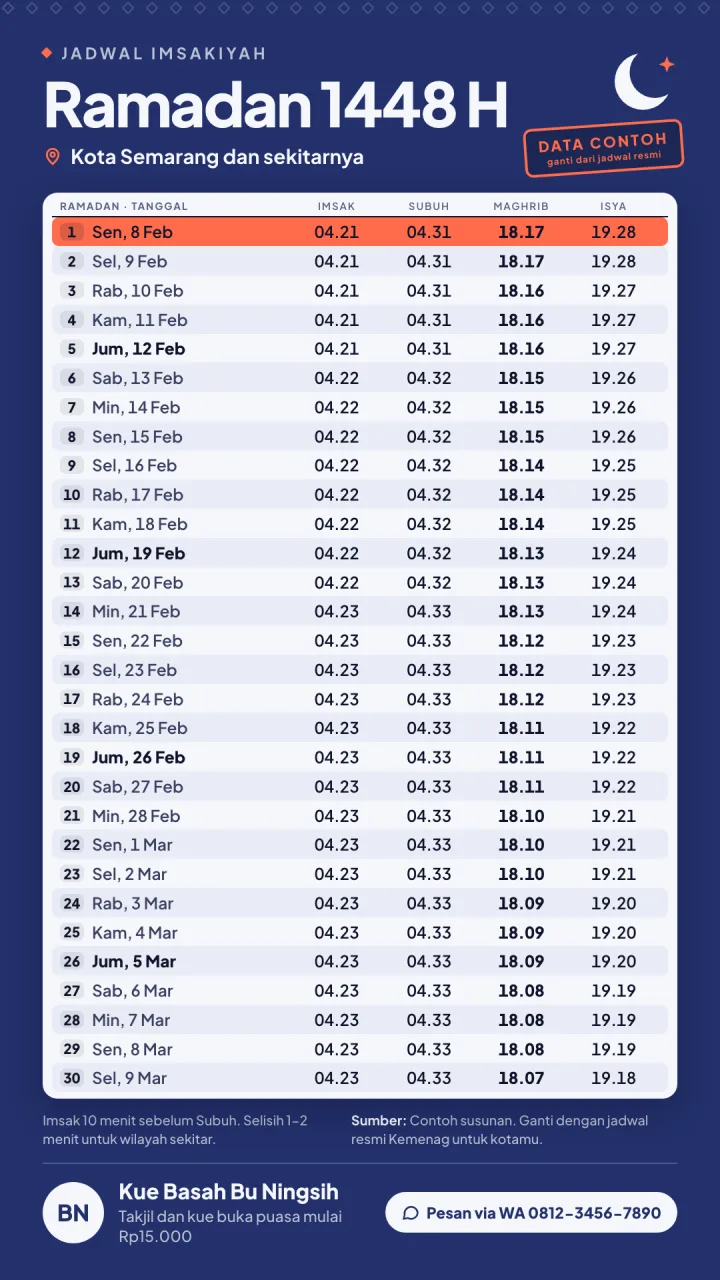
9:16 story, one column, first day highlighted (times are sample data)
SKILL.md contents
Premium subscribers can read, copy, and install this skill.
Unlock with Premium Sign inImsakiyah Schedule Poster
Description
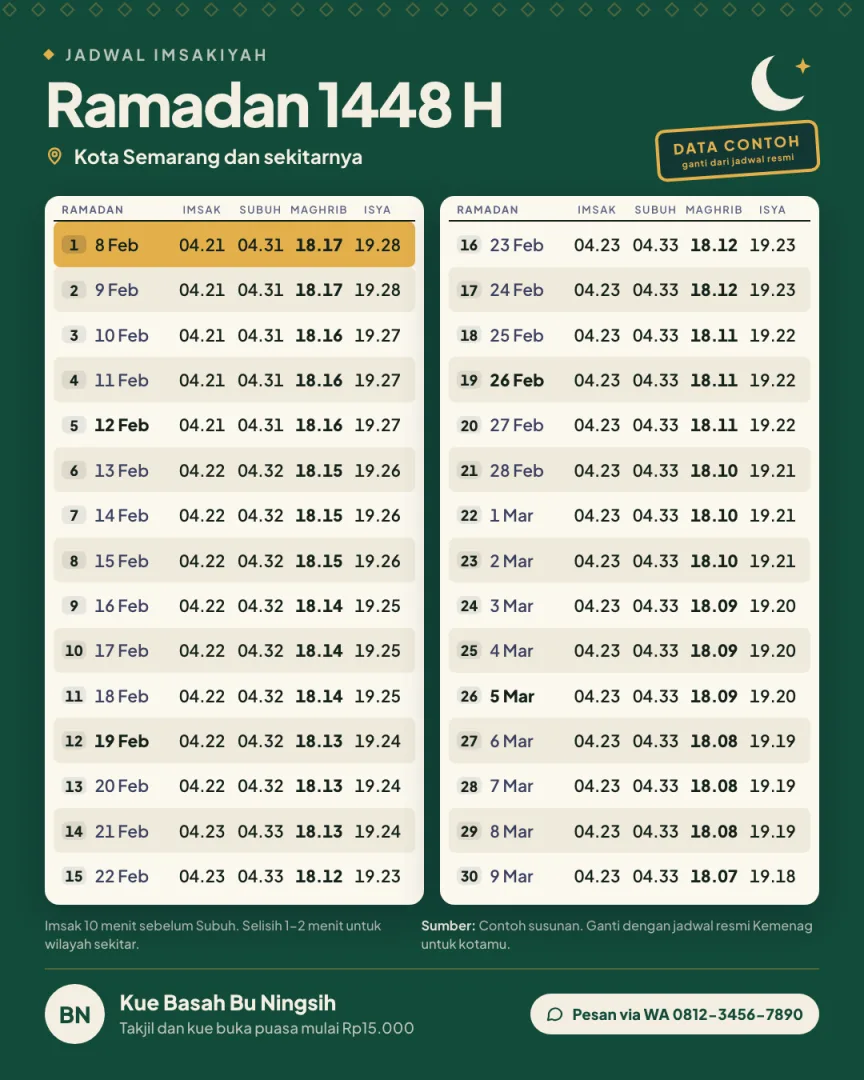
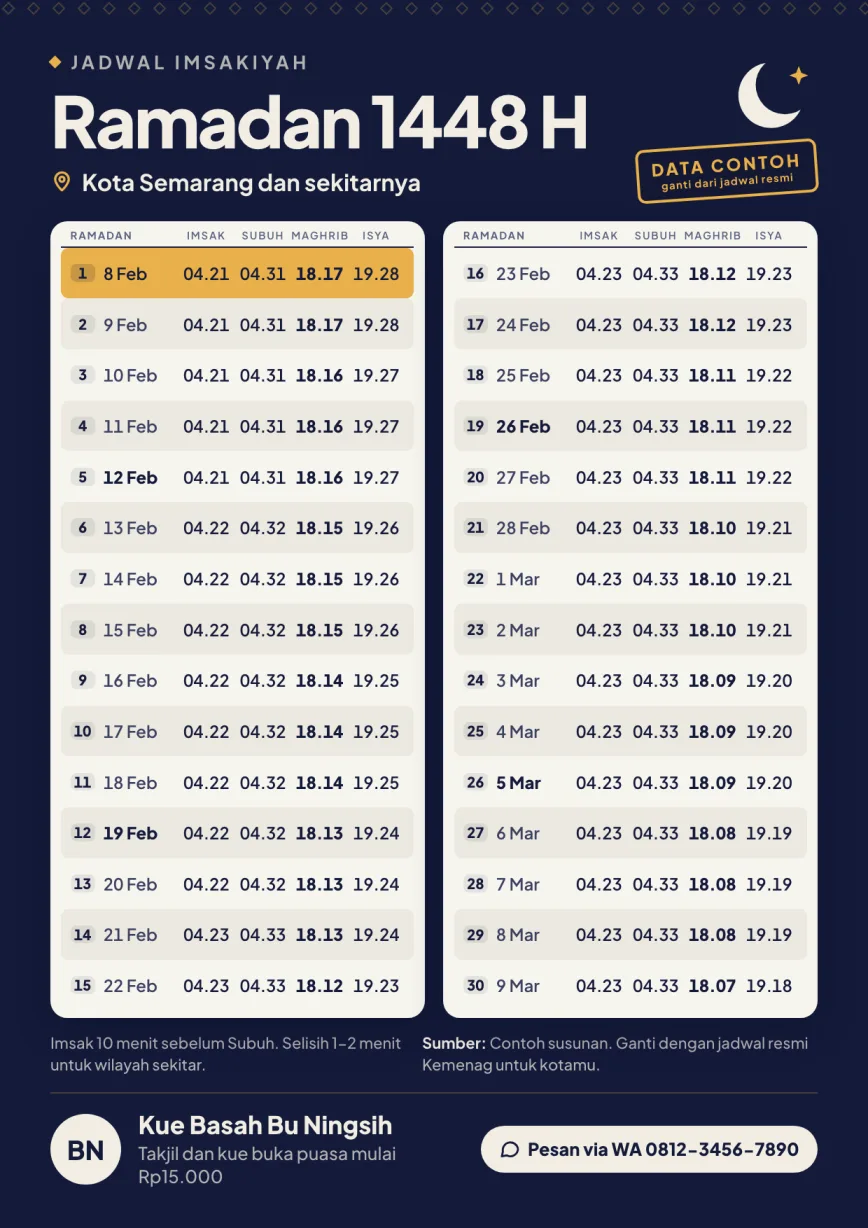
A month-long Ramadan imsak and iftar schedule poster for one city, shared by a shop or mosque with customers and congregants on Status, the feed, or in print: a 29-30 day table with weekdays and Gregorian dates worked out automatically, the iftar column in bold, one day highlighted, Fridays marked, the Hijri year filled in, plus the shop's logo, message, and WhatsApp contact. Times come from your city's official schedule; the built-in sample is stamped SAMPLE DATA so it never gets shared by mistake.
Verified by SkillFlow
We checked every file in this skill automatically: no command that downloads and runs a program, no hidden code, no instruction telling your AI to ignore you.
- Loads from outside
- Fonts: Google Fonts
See the 5 files inside
skill.json8 KBSKILL.md7 KBprompt.md4 KBprompt.en.md4 KBfiles/poster.html17 KB
Checked 14 Nov 2026
Included in Basic and Pro
Basic copies the prompt. Pro also downloads the ZIP, sends to AI, installs into agents, and opens every category.
Get Pro Get Basic Already subscribed? Sign inWhat you get
- PNG in 3 sizes from one set of content: story 1080x1920 (one column), feed 1080x1350 and A4 print (two columns)
- A 29-30 day table, weekdays and Gregorian dates worked out from the first day of Ramadan
- Any time columns you need (Imsak, Fajr, Dhuhr, Asr, Maghrib, Isha), the iftar column in bold
- One highlighted day in the accent color, Fridays in bold, the Hijri year filled in
- Shop block: logo or initials, a short promo line, and a WhatsApp contact button
- A SAMPLE DATA stamp and a required schedule source line, 3 palettes (indigo-coral, emerald, night)
Good fit
- Shops and businesses wanting customers to see them every evening in Ramadan
- Mosques and community organisers sharing the schedule in groups
- Sellers of iftar snacks, dates, and hampers wanting a useful poster that also promotes
Not for
- It does not calculate imsak or prayer times; you must enter them from your city's official schedule
- Built-in samples carry a SAMPLE DATA stamp and must not be shared as a real schedule
- One poster per city
About this skill
/poster-jadwal-imsakiyah Make a Ramadan imsakiyah schedule poster for Bogor from Al Barokah Dates Shop, with iftar times in bold, the shop logo, a promo message, and WhatsApp 0813...
Show more
A month-long Ramadan imsak and iftar schedule poster for one city, shared by a shop or mosque with customers and congregants on Status, the feed, or in print: a 29-30 day table with weekdays and Gregorian dates worked out automatically, the iftar column in bold, one day highlighted, Fridays marked, the Hijri year filled in, plus the shop's logo, message, and WhatsApp contact. Times come from your city's official schedule; the built-in sample is stamped SAMPLE DATA so it never gets shared by mistake.
User reviews
FAQ
Why aren't times calculated automatically?
Even a one-minute error can make people break or start the fast at the wrong time. So times are always copied from the official schedule, and the source line is required.
Do I enter Gregorian dates by hand?
No. Enter the date of 1 Ramadan and the days and dates for 29 or 30 days are calculated automatically, including Friday markers.
Which AI can I use it with?
Copy the prompt into a chat AI (ChatGPT, Claude, Gemini, DeepSeek); or download the ZIP and install it in an AI agent (Claude Code, Codex, Antigravity, Hermes Agent, Cursor, GitHub Copilot, Gemini CLI, OpenCode, Kimi Code, Trae), which then builds the files for you.
What is in the ZIP?
One folder named poster-jadwal-imsakiyah with SKILL.md (the instructions an AI agent reads) and the prompt, 5 files in all. Extract it into your agent's skills folder, or install it with npx skillflow-ai add poster-jadwal-imsakiyah. Pro only.
Is there a per-use fee or credits?
Not from SkillFlow. The skill runs on the AI you already use (and, for image prompts, the image AI you pick), so any cost follows that plan.
Which plan includes it?
Basic and Pro. Basic copies the prompt; Pro also downloads the ZIP, sends to AI, installs into agents and shares results by link.
Can I use my own colours and brand?
Yes. Pick a colour theme on this page, or fill in your brand profile once; both go into the prompt you copy and into the ZIP.
Can I share what I made?
Pro members can upload the result and get a page at share.skillflow.ai.id to send to anyone. The page carries a small "Made with SkillFlow AI" mark.
Is there a download limit?
Yes, per day: 50 skills on Pro, 10 on other plans. Downloading a skill again on the same day does not count.



