

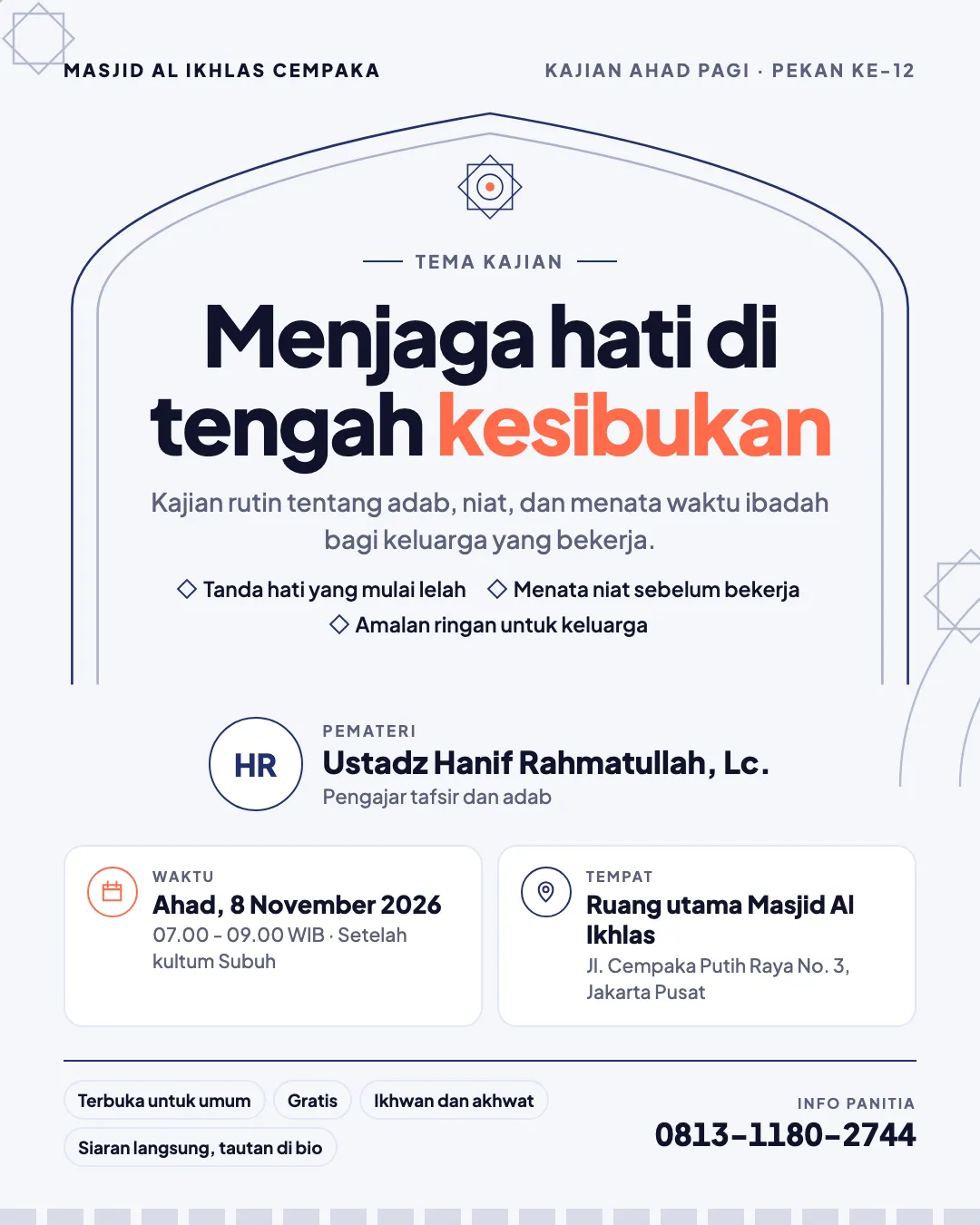
4:5 feed, arch style, indigo palette
SKILL.md contents
Premium subscribers can read, copy, and install this skill.
Unlock with Premium Sign inStudy Session Poster
Description
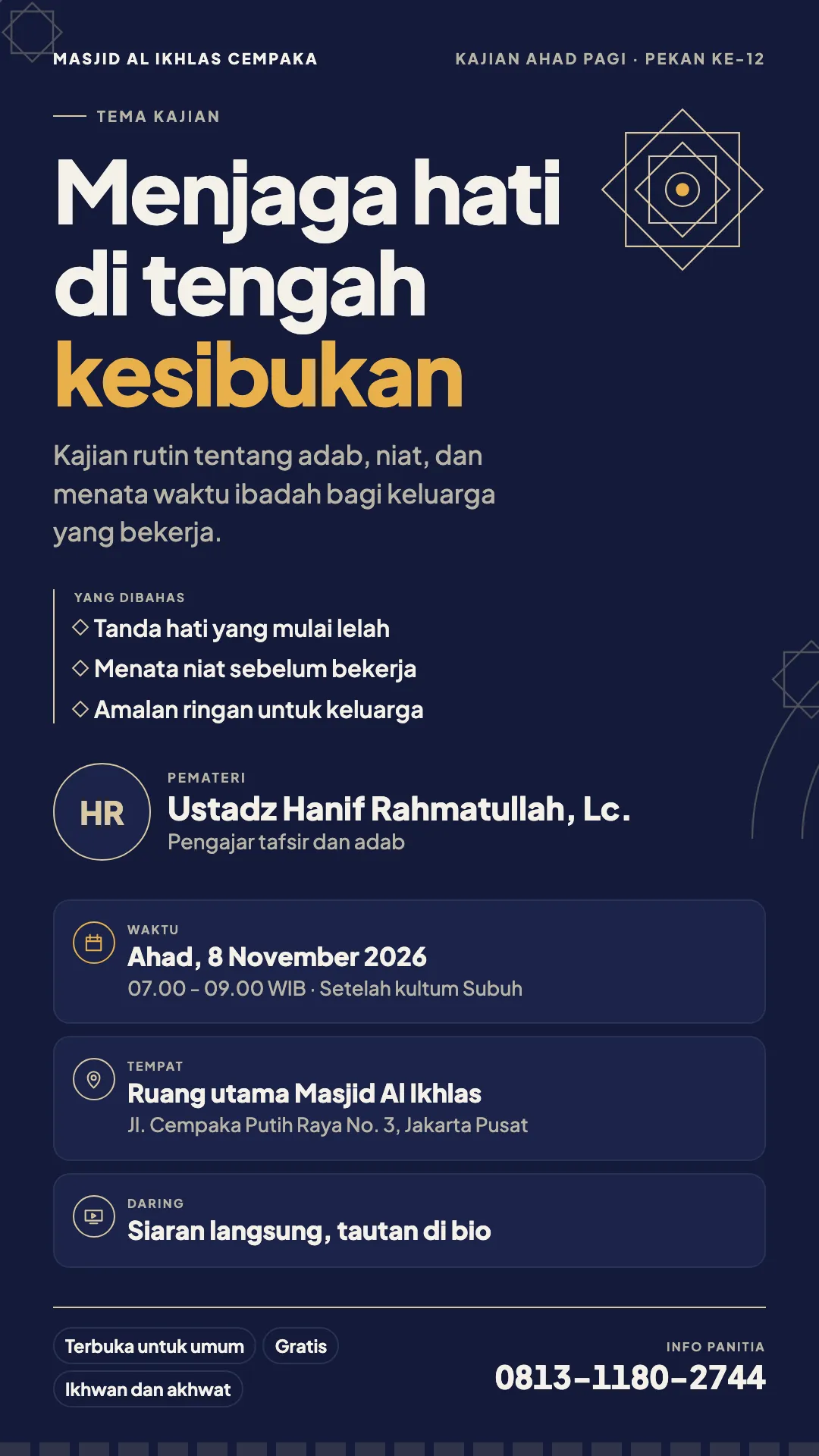
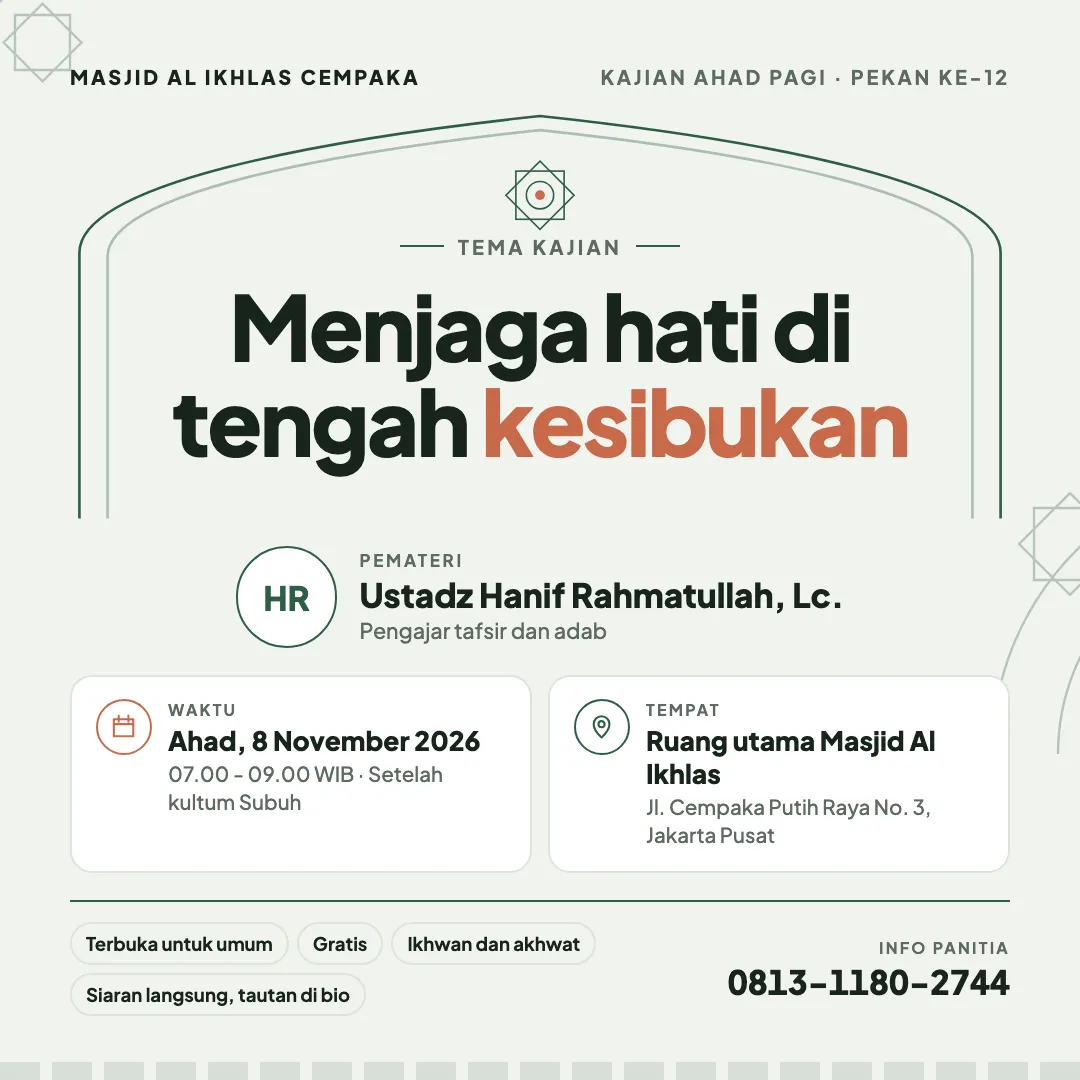
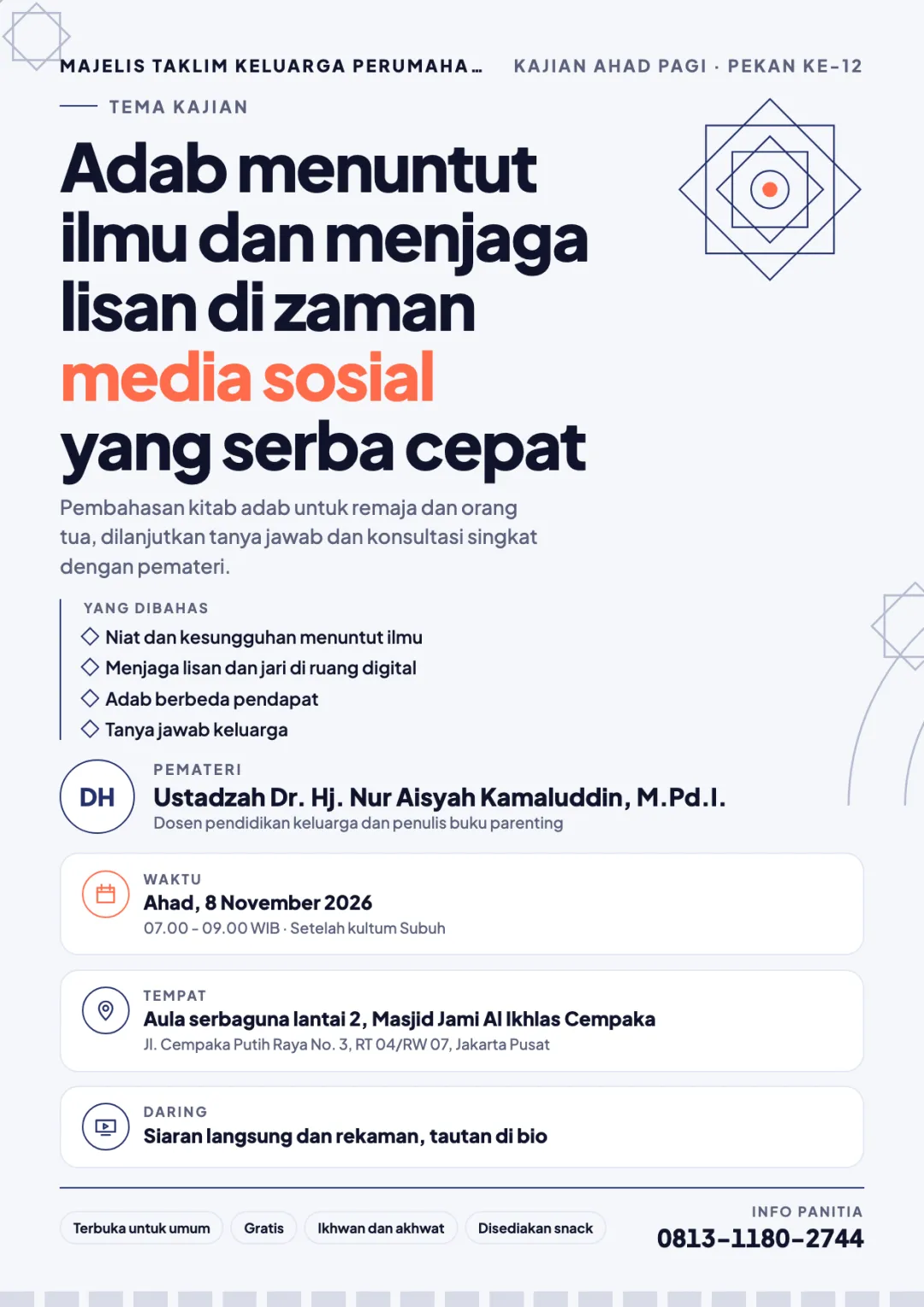
A calm poster for regular study sessions at mosques, study circles, office gatherings, and communities: single-weight lines, one accent colour, and eight-point star geometry. It holds the organiser and series, a large theme with one highlighted word, the points to be covered, the speaker with initials or a photo, time and place cards, an online stream, chips such as open to all or free, and the committee contact number. Two styles (a centred arch or left-aligned cards), three palettes, four sizes including A4 print.
Verified by SkillFlow
We checked every file in this skill automatically: no command that downloads and runs a program, no hidden code, no instruction telling your AI to ignore you.
- Loads from outside
- Fonts: Google Fonts
See the 5 files inside
skill.json8 KBSKILL.md5 KBprompt.md3 KBprompt.en.md3 KBfiles/poster.html20 KB
Checked 14 Nov 2026
Included in Basic and Pro
Basic copies the prompt. Pro also downloads the ZIP, sends to AI, installs into agents, and opens every category.
Get Pro Get Basic Already subscribed? Sign inWhat you get
- Poster copy: a theme of max 9 words, one intro line, 0-4 points covered, chips, contact
- Two styles: arch (a thin-line arch with a star, centred) or cards (left-aligned, details in cards)
- 4 sizes from one entry: feed 1080x1350, story 1080x1920, square 1080x1080, A4 print
- A speaker card with automatic initials (titles skipped) or a photo, time, place, and online stream cards
- 3 palettes: indigo, night (dark with a gold accent), sage; type shrinks on its own so everything fits
- PNG from an HTML template you can edit every week, plus a short announcement caption
Good fit
- Mosque and study circle committees announcing a weekly session
- Office, campus, or community gatherings wanting a tidy poster without busy ornament
- Admins who want one template with a new theme and date each week
Not for
- It does not include Arabic text or scripture; the session material belongs in a separate deck
- Not a fasting timetable or a monthly schedule; one poster per session
- Speaker photos only come from you; without one the poster uses initials in a circle
About this skill
/poster-kajian Make a poster for our Sunday morning study session: the theme is keeping the heart calm in a busy life, one speaker, 8 November at 07.00, open to all with a live stream
Show more
A calm poster for regular study sessions at mosques, study circles, office gatherings, and communities: single-weight lines, one accent colour, and eight-point star geometry. It holds the organiser and series, a large theme with one highlighted word, the points to be covered, the speaker with initials or a photo, time and place cards, an online stream, chips such as open to all or free, and the committee contact number. Two styles (a centred arch or left-aligned cards), three palettes, four sizes including A4 print.
User reviews
FAQ
What is the difference between the arch and card styles?
Arch puts the theme in the middle of a thin-line arch with an eight-point star at its top, suited to the feed. Cards align left with the list of points and stacked time, place, and stream cards, suited to stories and longer content.
Do the speaker's titles become part of the initials?
No. Honorifics and academic titles are skipped, so a name with a title in front and degrees after becomes two clean initials. You can also use your own speaker photo.
Which AI can I use it with?
Copy the prompt into a chat AI (ChatGPT, Claude, Gemini, DeepSeek); or download the ZIP and install it in an AI agent (Claude Code, Codex, Antigravity, Hermes Agent, Cursor, GitHub Copilot, Gemini CLI, OpenCode, Kimi Code, Trae), which then builds the files for you.
What is in the ZIP?
One folder named poster-kajian with SKILL.md (the instructions an AI agent reads) and the prompt, 5 files in all. Extract it into your agent's skills folder, or install it with npx skillflow-ai add poster-kajian. Pro only.
Is there a per-use fee or credits?
Not from SkillFlow. The skill runs on the AI you already use (and, for image prompts, the image AI you pick), so any cost follows that plan.
Which plan includes it?
Basic and Pro. Basic copies the prompt; Pro also downloads the ZIP, sends to AI, installs into agents and shares results by link.
Can I use my own colours and brand?
Yes. Pick a colour theme on this page, or fill in your brand profile once; both go into the prompt you copy and into the ZIP.
Can I share what I made?
Pro members can upload the result and get a page at share.skillflow.ai.id to send to anyone. The page carries a small "Made with SkillFlow AI" mark.
Is there a download limit?
Yes, per day: 50 skills on Pro, 10 on other plans. Downloading a skill again on the same day does not count.



