

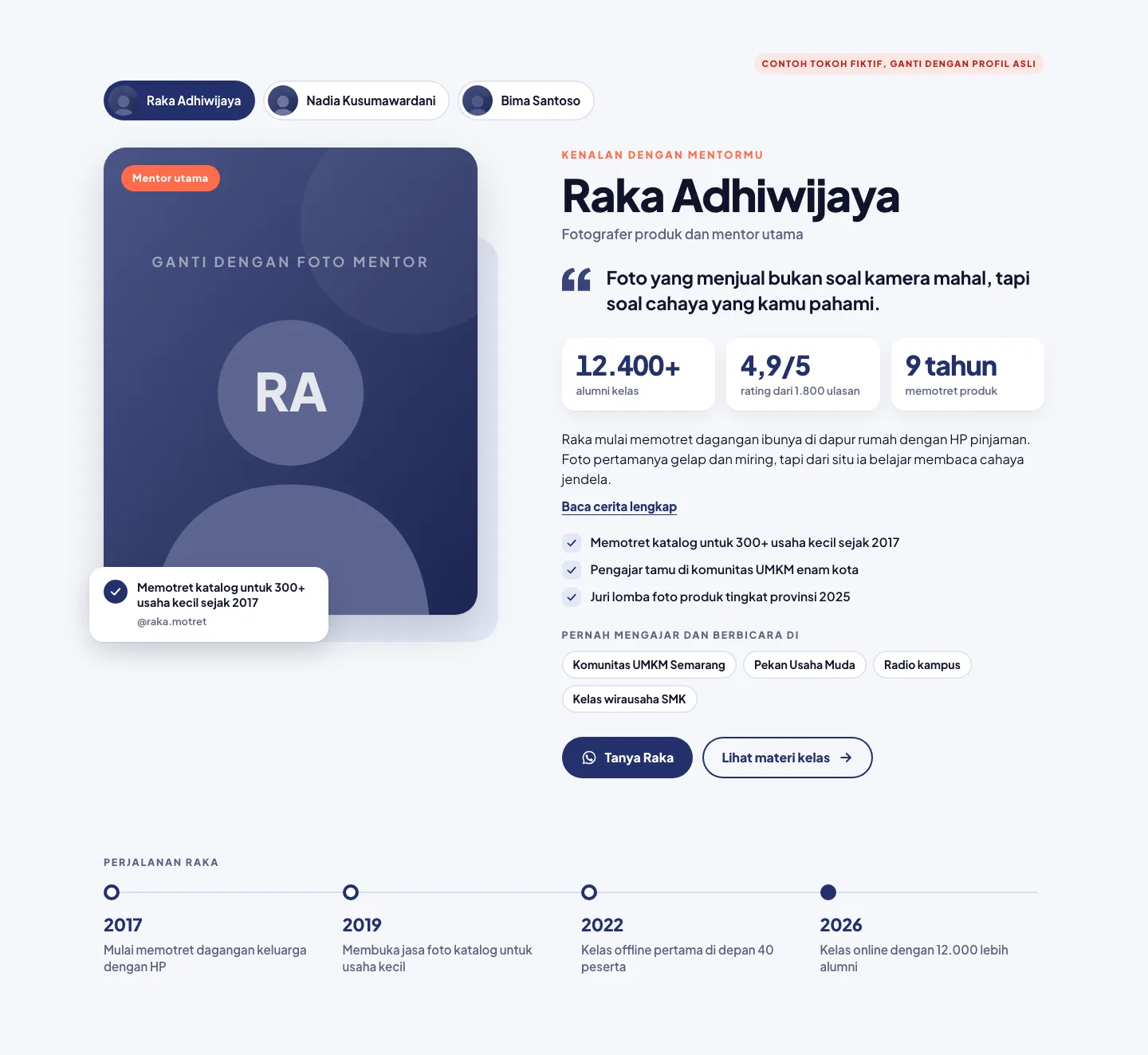
Split layout: portrait, floating credential, numbers, story, and year-by-year journey
SKILL.md contents
Premium subscribers can read, copy, and install this skill.
Unlock with Premium Sign inMentor Profile (Section)
Description
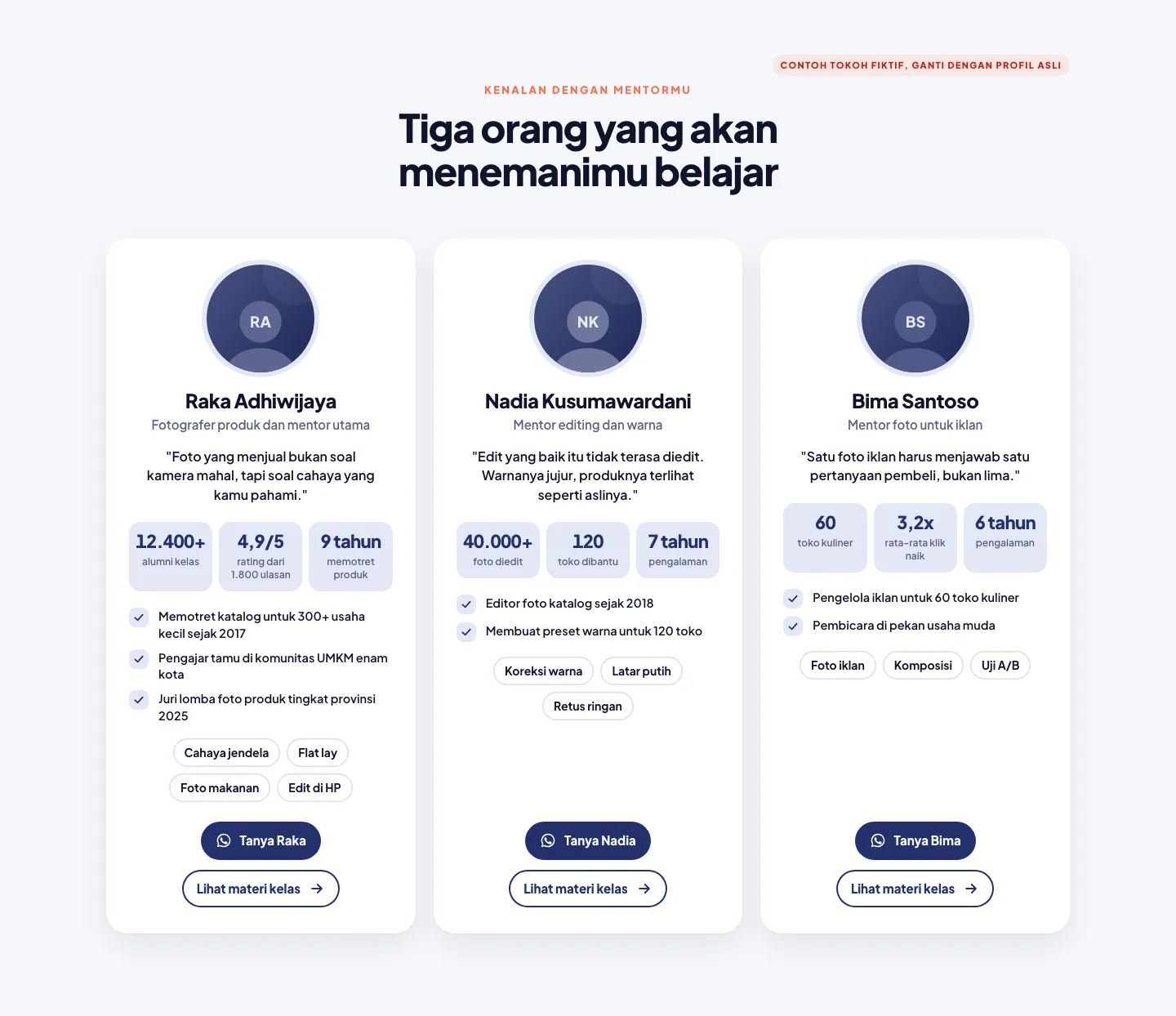
A mentor profile section for online class and coaching pages: a portrait with a role label and a floating credential card, a large name, a quote, achievement numbers that count up when seen, a short story that expands, ticked credentials, places they have taught as plain text without logos, a year-by-year journey, and an ask-the-mentor WhatsApp button. One to three mentors: switched with tabs in the split layout, or side by side in the card layout. One HTML file with scoped CSS, safe to paste into any page.
Verified by SkillFlow
We checked every file in this skill automatically: no command that downloads and runs a program, no hidden code, no instruction telling your AI to ignore you.
- Loads from outside
- Fonts: Google Fonts
See the 5 files inside
skill.json10 KBSKILL.md6 KBprompt.md3 KBprompt.en.md3 KBfiles/profil-mentor.html25 KB
Checked 14 Nov 2026
Part of SkillFlow Pro
Pro opens every skill in every category: copy, ZIP, Send to AI, install, save, and request new skills.
Get Pro Already subscribed? Sign inWhat you get
- A one-file HTML section, CSS scoped to .sfpm so it is safe to paste into other pages
- Split layout: large portrait, role label, floating credential card, quote, numbers, story, year-by-year journey
- Card layout: 1-3 mentors side by side with round photo, quote, numbers, credentials, and skills
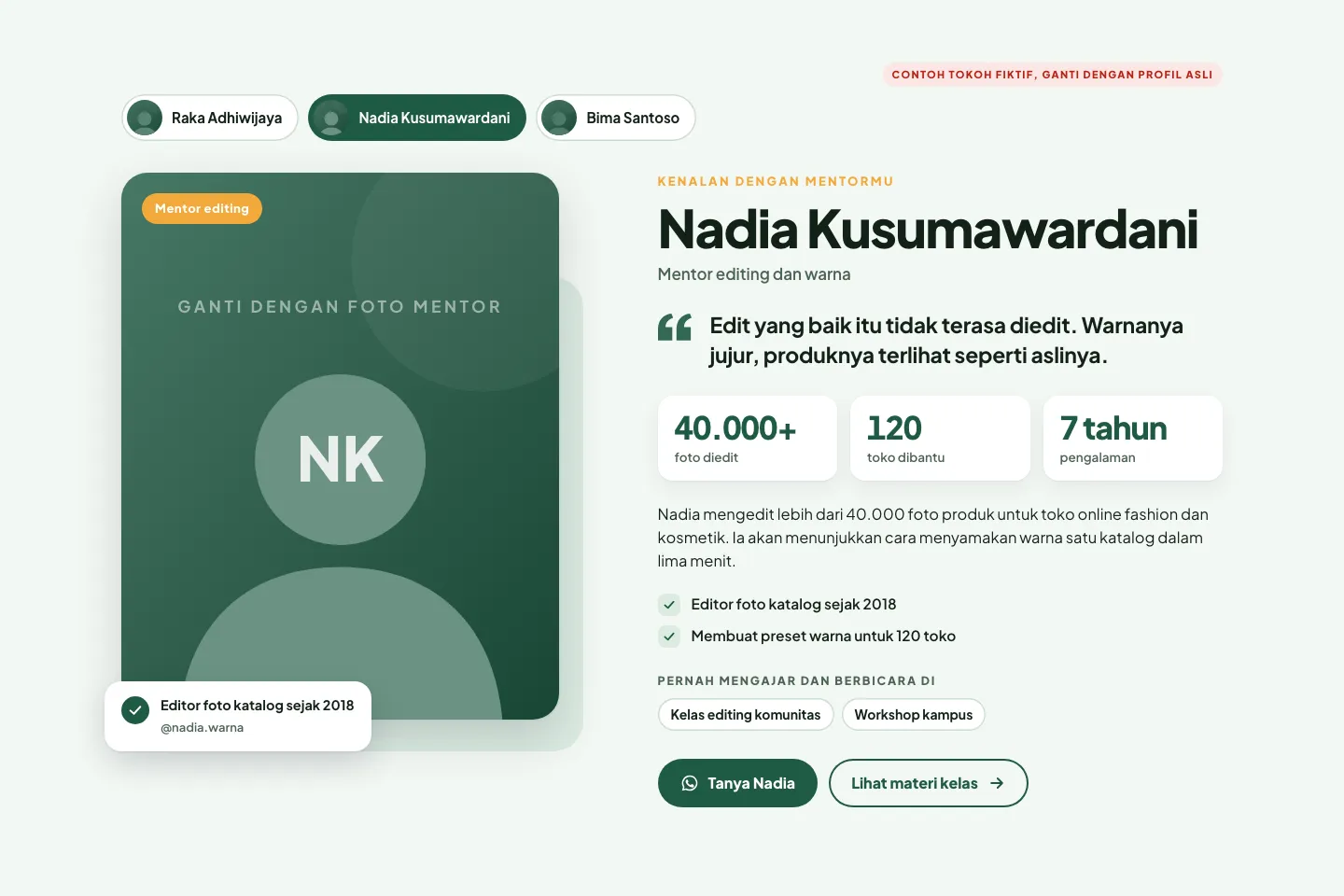
- Tabs to switch mentors, an expandable story, numbers that count up when seen and shrink automatically when long
- An ask-the-mentor WhatsApp button with the mentor's name in the message and a button to the class outline
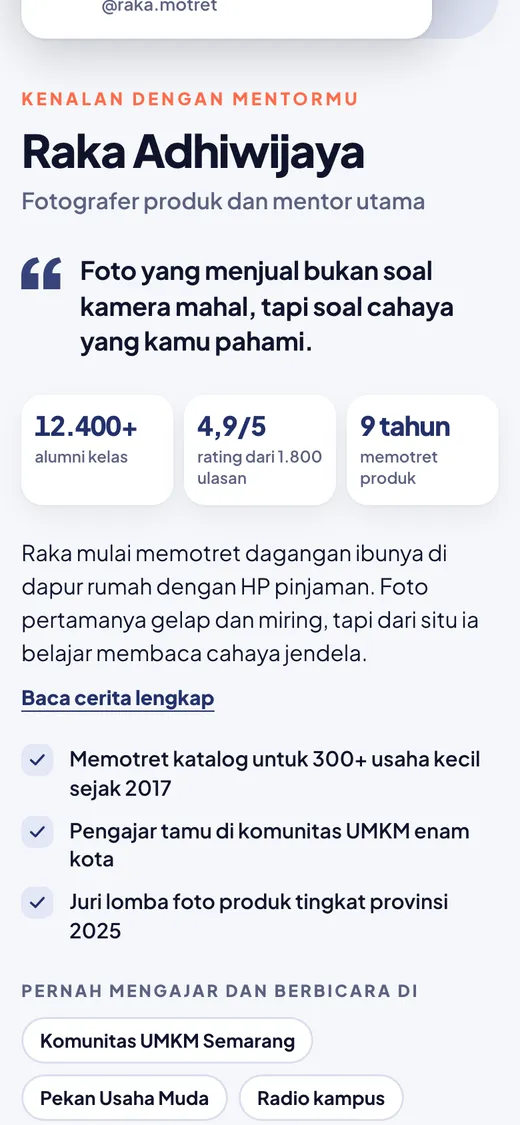
- 3 palettes (indigo, sand, forest), a placeholder portrait that follows the palette, a tidy phone view
Good fit
- Sales pages for courses, paid webinars, coaching, business mentoring, or bootcamps
- Teaching teams of 2 to 3 people shown as equals
- One lead mentor with assistants shown in tabs
- Pages replacing a long about me paragraph
Not for
- Not a full personal brand page, a complete course sales page, or a CV
- It does not invent numbers, certificates, degrees, or teaching venues
- Places taught are written as text, not institution logos
- Sample portrait images must be replaced with real mentor photos
About this skill
/profil-mentor-section Build a mentor profile section for our product photography course, the lead mentor with 3 proof numbers, credentials, a yearly journey, plus 2 assistants in tabs, and an ask the mentor WhatsApp button
Show more
A mentor profile section for online class and coaching pages: a portrait with a role label and a floating credential card, a large name, a quote, achievement numbers that count up when seen, a short story that expands, ticked credentials, places they have taught as plain text without logos, a year-by-year journey, and an ask-the-mentor WhatsApp button. One to three mentors: switched with tabs in the split layout, or side by side in the card layout. One HTML file with scoped CSS, safe to paste into any page.
User reviews
FAQ
What is the difference between split and card layouts?
Split shows one mentor with a large portrait, floating credential card, quote, numbers, story, and yearly journey, with tabs if there are more mentors. Card shows 1 to 3 mentors side by side with round photos and skills.
How do I write proof numbers?
3 to 4 checkable numbers with a value, a suffix like +, /5, or years, and a short label. Ratings go with their review count, and numbers count up when seen and shrink automatically if long.
Can it be pasted more than once on a page?
Yes. Each copy has its own mentor settings. The ask the mentor button opens WhatsApp with the name of the mentor being viewed in the message.
Which AI can I use it with?
Copy the prompt into a chat AI (ChatGPT, Claude, Gemini, DeepSeek); or download the ZIP and install it in an AI agent (Claude Code, Codex, Antigravity, Hermes Agent, Cursor, GitHub Copilot, Gemini CLI, OpenCode, Kimi Code, Trae), which then builds the files for you.
What is in the ZIP?
One folder named profil-mentor-section with SKILL.md (the instructions an AI agent reads) and the prompt, 5 files in all. Extract it into your agent's skills folder, or install it with npx skillflow-ai add profil-mentor-section. Pro only.
Is there a per-use fee or credits?
Not from SkillFlow. The skill runs on the AI you already use, so any cost follows that plan.
Which plan includes it?
SkillFlow Pro. It opens every skill in every category.
Can I use my own colours and brand?
Yes. Pick a colour theme on this page, or fill in your brand profile once; both go into the prompt you copy and into the ZIP.
Can I share what I made?
Pro members can upload the result and get a page at share.skillflow.ai.id to send to anyone. The page carries a small "Made with SkillFlow AI" mark.
Is there a download limit?
Yes, per day: 50 skills on Pro, 10 on other plans. Downloading a skill again on the same day does not count.



