

Rendered sample video
SKILL.md contents
Premium subscribers can read, copy, and install this skill.
Unlock with Premium Sign in1,000 Buyers Milestone
Description
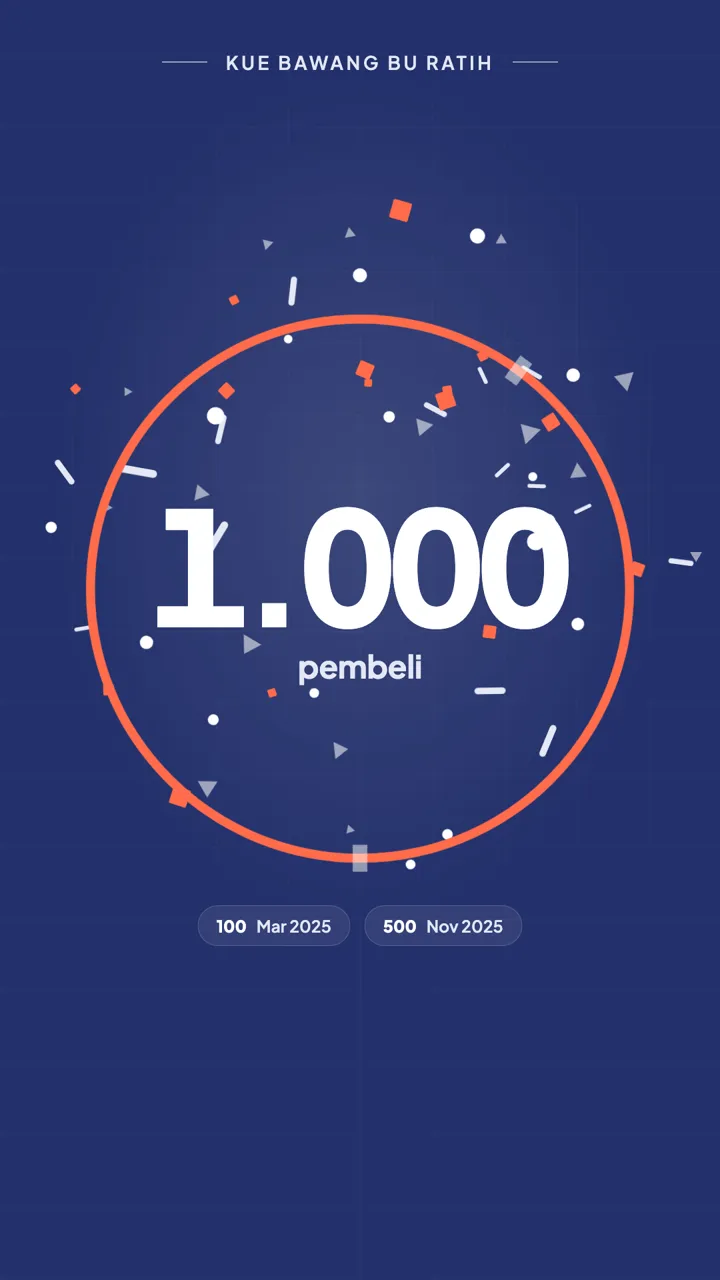
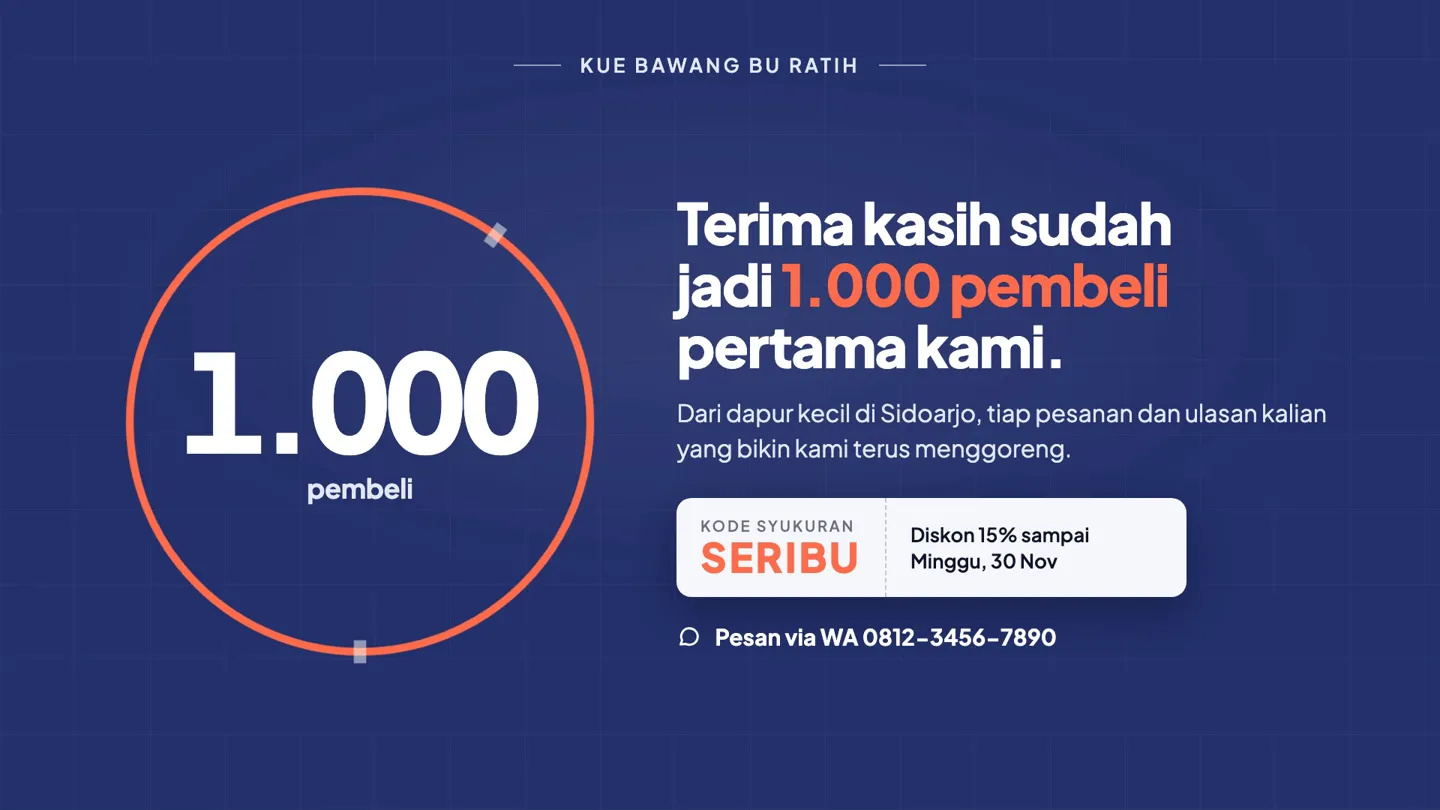
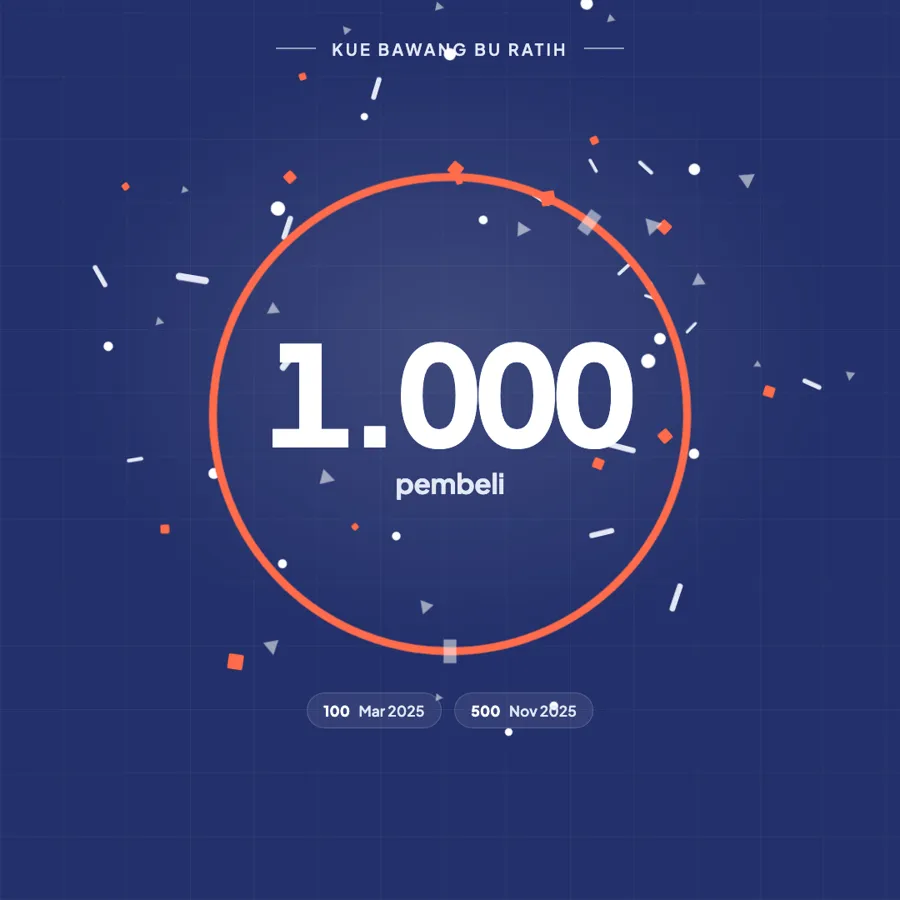
A 10 to 14 second milestone celebration for a shop: a big counter climbs from zero to the milestone while an accent ring fills and journey markers pop up one by one, then geometric confetti bursts the moment the number is reached. The number then slides aside, a thank-you message to customers appears, and a celebration code card with a WhatsApp CTA closes the video. The number, unit, markers, and gift come from one config object. 9:16, 1:1, and 16:9, rendered to MP4 with one command.
Verified by SkillFlow
We checked every file in this skill automatically: no command that downloads and runs a program, no hidden code, no instruction telling your AI to ignore you.
- Loads from outside
- Fonts: Google Fonts
See the 5 files inside
skill.json7 KBSKILL.md6 KBprompt.md5 KBprompt.en.md5 KBfiles/scene.html19 KB
Checked 14 Nov 2026
Part of SkillFlow Pro
Pro opens every skill in every category: copy, ZIP, Send to AI, install, save, and request new skills.
Get Pro Already subscribed? Sign inWhat you get
- A celebration script: the milestone number, unit, 0-3 markers, thank-you message, gift code, CTA
- An animated HTML scene driven by one config object
- A counter that eases into the real number, an accent ring, and geometric confetti that is identical every render
- MP4 1080x1920 (9:16), 1080x1080 (1:1), or 1920x1080 (16:9), 30 fps, 10.5 seconds
- 3 ready palettes, plus your own brand colours
Good fit
- Shops reaching 1,000 buyers, 10,000 orders, or a units sold milestone
- Online classes celebrating a participant count
- Sellers wanting a thank you post with a limited discount code
- Shop anniversaries highlighting one number from the journey
Not for
- It does not round numbers up; celebrate the real figure as it is
- One video for one milestone number
- Not a revenue report with charts or a commission recap
- It does not create the discount code in your shop system; you set it up yourself
About this skill
/rayakan-1000-pembeli Make a celebration video for our first 1,000 buyers, 3 milestones with their months, a thank you note, a 10% thank you code valid to month end, in 9:16
Show more
A 10 to 14 second milestone celebration for a shop: a big counter climbs from zero to the milestone while an accent ring fills and journey markers pop up one by one, then geometric confetti bursts the moment the number is reached. The number then slides aside, a thank-you message to customers appears, and a celebration code card with a WhatsApp CTA closes the video. The number, unit, markers, and gift come from one config object. 9:16, 1:1, and 16:9, rendered to MP4 with one command.

User reviews
FAQ
What is the difference between buyers and orders?
Buyers are different people, orders are transactions. Choose the unit that matches your data, such as buyers, orders, students, or jars sold.
Can the last frame be held longer?
Yes, add 0 to 4 seconds at the end so viewers have time to screenshot the gift code.
What are the milestones in the video?
0 to 3 numbers below the target with their month, such as 100 in March 2025. Each appears as the counter passes it, and all must come from real data.
Which AI can I use it with?
Copy the prompt into a chat AI (ChatGPT, Claude, Gemini, DeepSeek): you get an HTML file; open it in Chrome and press Download MP4 (silent video, a minute or two to render); or download the ZIP and install it in an AI agent (Claude Code, Codex, Antigravity, Hermes Agent, Cursor, GitHub Copilot, Gemini CLI, OpenCode, Kimi Code, Trae), which then builds the files for you.
What is in the ZIP?
One folder named rayakan-1000-pembeli with SKILL.md (the instructions an AI agent reads) and the prompt, 5 files in all. Extract it into your agent's skills folder, or install it with npx skillflow-ai add rayakan-1000-pembeli. Pro only.
Is there a per-use fee or credits?
Not from SkillFlow. The skill runs on the AI you already use, so any cost follows that plan.
Which plan includes it?
SkillFlow Pro. It opens every skill in every category.
Can I use my own colours and brand?
Yes. Pick a colour theme on this page, or fill in your brand profile once; both go into the prompt you copy and into the ZIP.
Can I share what I made?
Pro members can upload the result and get a page at share.skillflow.ai.id to send to anyone. The page carries a small "Made with SkillFlow AI" mark.
Is there a download limit?
Yes, per day: 50 skills on Pro, 10 on other plans. Downloading a skill again on the same day does not count.



