

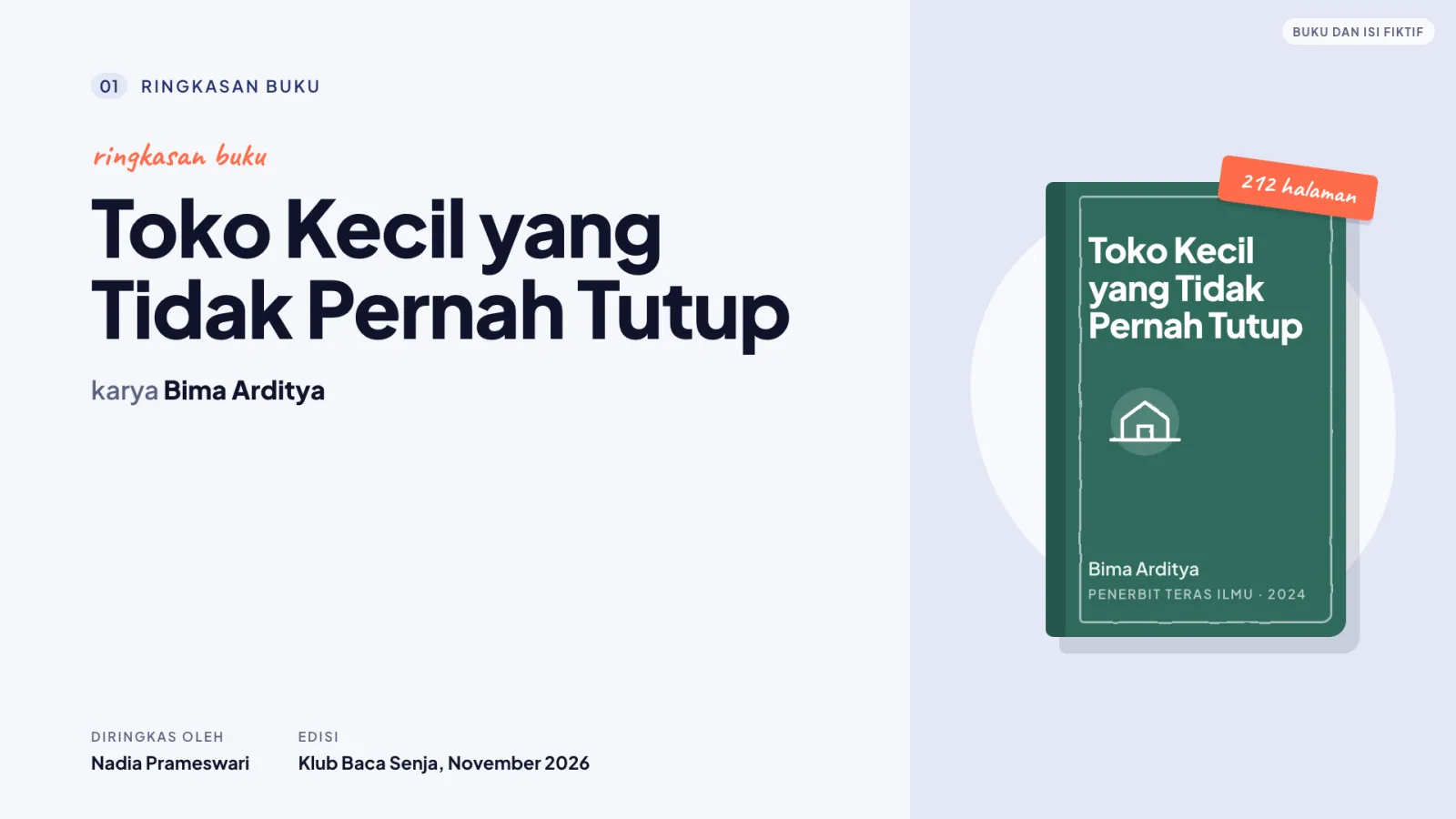
Cover: book title, author, summariser, and a flat book illustration with a page-count tag
SKILL.md contents
Premium subscribers can read, copy, and install this skill.
Unlock with Premium Sign inBook Summary Deck
Description
A 16:9 deck of about 10 slides for presenting one book at a book club, class, or team meeting: the book's core idea in one sentence, 3 to 5 main ideas in your own words (one slide each), short quotes copied exactly with their page numbers, practical lessons to try this week, a critical note with a star rating, and a read-or-skip closing. Hand-drawn and flat illustration style from one data object, saved as PDF, PPTX, or images.
Verified by SkillFlow
We checked every file in this skill automatically: no command that downloads and runs a program, no hidden code, no instruction telling your AI to ignore you.
- Loads from outside
- Fonts: Google Fonts SkillFlow: directory.skillflow.ai.id
See the 5 files inside
skill.json10 KBSKILL.md6 KBprompt.md6 KBprompt.en.md6 KBfiles/deck.html31 KB
Checked 14 Nov 2026
Included in Basic and Pro
Basic copies the prompt. Pro also downloads the ZIP, sends to AI, installs into agents, and opens every category.
Get Pro Get Basic Already subscribed? Sign inWhat you get
- A cover with a flat book illustration in the cover colour, the author, the summariser, and a page-count tag
- The core idea in one sentence and a card on who the book is for
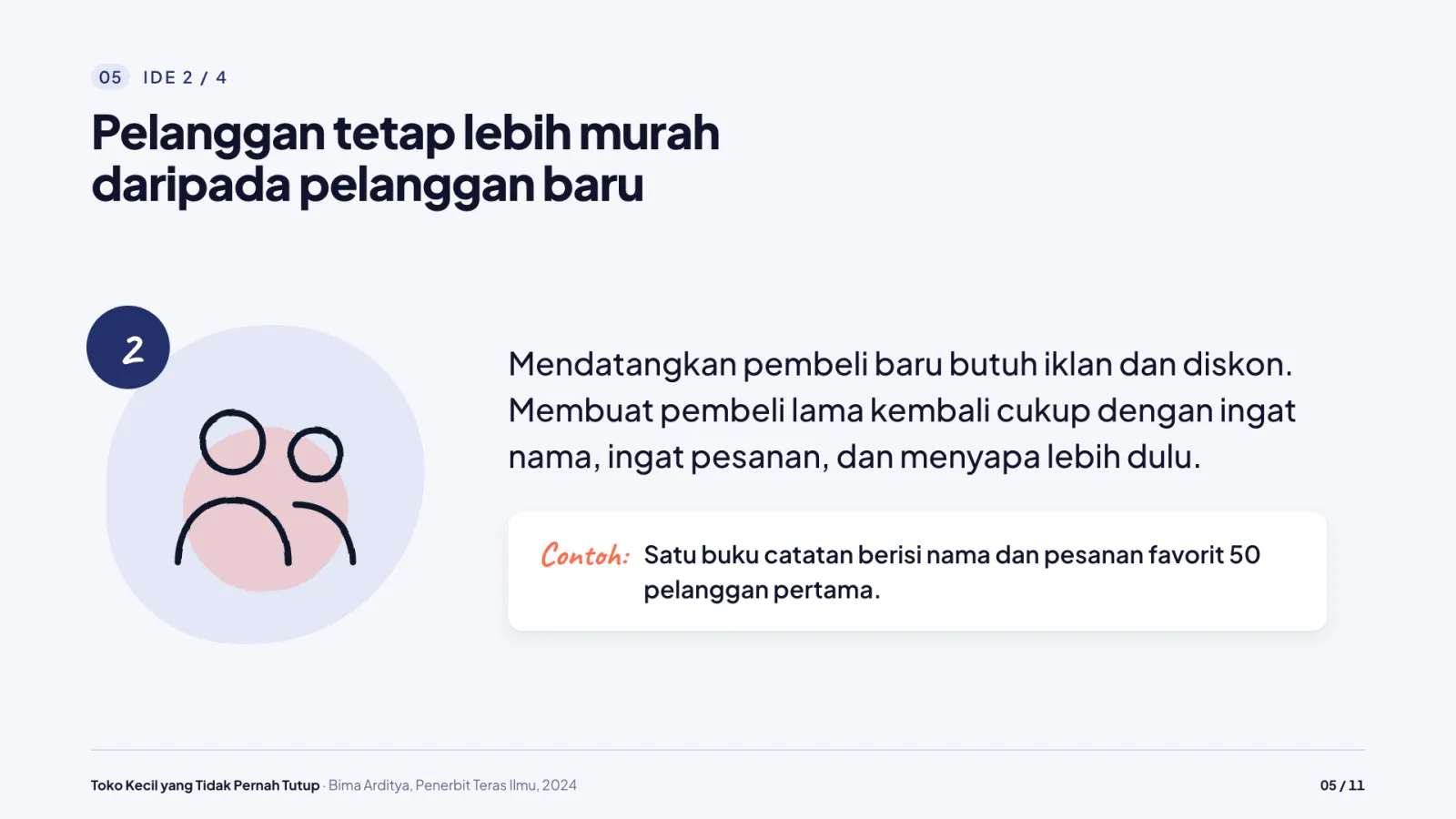
- A contents map plus one slide per main idea with an ink line icon, explanation, and example
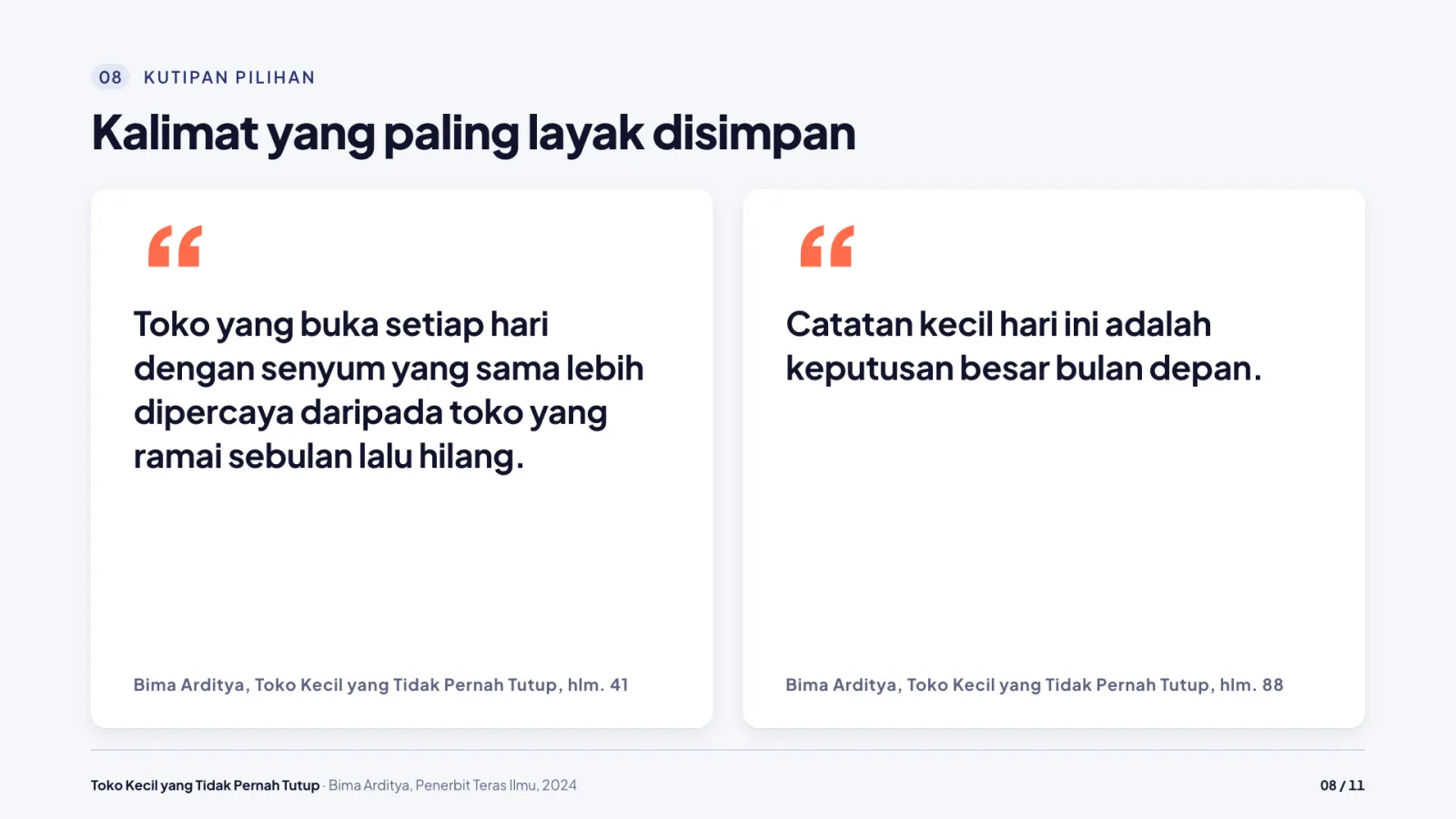
- A short quotes slide with page numbers, checked for length and page
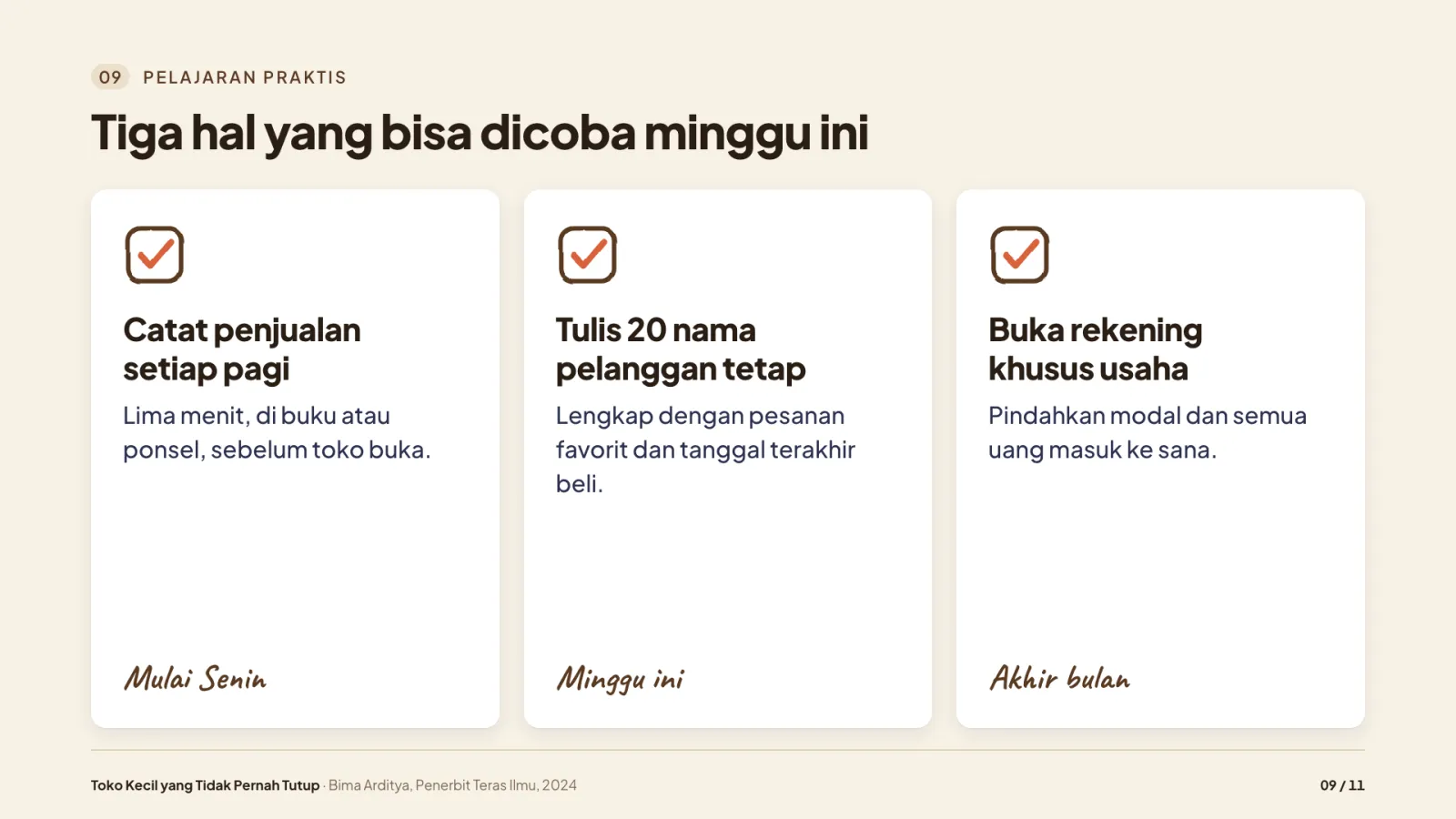
- Three practical lessons with checkmarks and a start time
- The summariser's critical note with a star rating and a read-or-skip closing
- A single-file 1920x1080 HTML deck with arrow navigation, PDF, PPTX, and image download buttons, 3 palettes
Good fit
- Book clubs that take turns presenting one book each meeting
- Teachers and lecturers asking students to present a book in class
- Office teams sharing takeaways from a business or self-development book
- Creators who discuss books in live streams or videos
Not for
- The content comes from your reading notes; this skill does not read the book for you
- It does not copy chapter content, long quotes, or the original cover
- It is not a social media carousel; use the Book Summary Carousel for that
- Fiction works, but the structure is built for non-fiction with ideas and lessons
About this skill
/ringkasan-buku Make a book summary deck for the Monday Porch Book Club from my reading notes, with 4 main ideas, 2 quotes with their pages, and practical lessons for small business owners
Show more
A 16:9 deck of about 10 slides for presenting one book at a book club, class, or team meeting: the book's core idea in one sentence, 3 to 5 main ideas in your own words (one slide each), short quotes copied exactly with their page numbers, practical lessons to try this week, a critical note with a star rating, and a read-or-skip closing. Hand-drawn and flat illustration style from one data object, saved as PDF, PPTX, or images.
User reviews
FAQ
Can I summarise a copyrighted book?
A summary in your own words with short, credited quotes is generally fine for discussion and study. This skill limits quotes to three, each at most 30 words with a page number, and never copies chapter content.
What if I have no quotes?
The quotes slide is skipped. This skill never writes quotes itself or guesses page numbers.
How many main ideas fit?
Three to five. Each idea becomes its own slide automatically, so the deck has 10 to 12 slides.
Which AI can I use it with?
Copy the prompt into a chat AI (ChatGPT, Claude, Gemini, DeepSeek); or download the ZIP and install it in an AI agent (Claude Code, Codex, Antigravity, Hermes Agent, Cursor, GitHub Copilot, Gemini CLI, OpenCode, Kimi Code, Trae), which then builds the files for you.
What is in the ZIP?
One folder named ringkasan-buku with SKILL.md (the instructions an AI agent reads) and the prompt, 5 files in all. Extract it into your agent's skills folder, or install it with npx skillflow-ai add ringkasan-buku. Pro only.
Is there a per-use fee or credits?
Not from SkillFlow. The skill runs on the AI you already use, so any cost follows that plan.
Which plan includes it?
Basic and Pro. Basic copies the prompt; Pro also downloads the ZIP, sends to AI, installs into agents and shares results by link.
Can I use my own colours and brand?
Yes. Pick a colour theme on this page, or fill in your brand profile once; both go into the prompt you copy and into the ZIP.
Can I share what I made?
Pro members can upload the result and get a page at share.skillflow.ai.id to send to anyone. The page carries a small "Made with SkillFlow AI" mark.
Is there a download limit?
Yes, per day: 50 skills on Pro, 10 on other plans. Downloading a skill again on the same day does not count.



